The Retail Planogram PowerPoint Template is a creative presentation template for discussing the product’s display plan for your retail shop. A planogram is a visual representation of the plan for placing various products in a retail store. This diagram of shelves with placeholder products is created to make the store arrangement more programmed and easier. The most significant objective of making such a highly organized retail planogram is improving the customer experience and boosting sales. Further, it also helps manage and keep track of the products when everything is placed according to this generalized plan. It is also vital to prevent the over-stocking or under-stocking of the products and for efficient sales analysis.
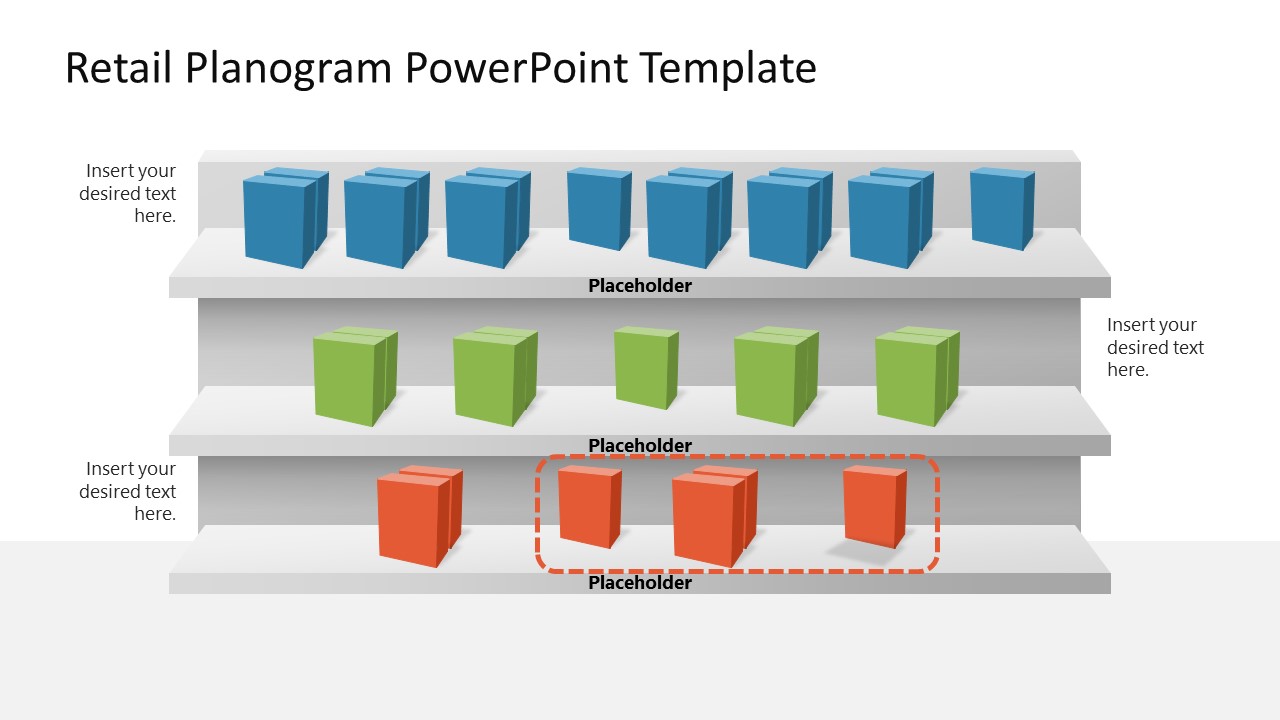
In this Retail Planogram PowerPoint Template, we have provided multiple slides to discuss various types of planograms, such as one-shelf, two-shelf, and three-shelf plans. Using PowerPoint shapes, we created the shelves in grey with products represented in different colors, i.e., green, blue, and orange. Professionals can indicate the specific type of products with these colors. The first slide of this PPT template shows a three-shelf planogram with blue-colored products displayed on the top shelf, the second one with green products, and the third with orange-colored products. Likewise, the following slide has a two-shelf plan with a dotted line highlighting the specific products, which can indicate the grouping or category of products.
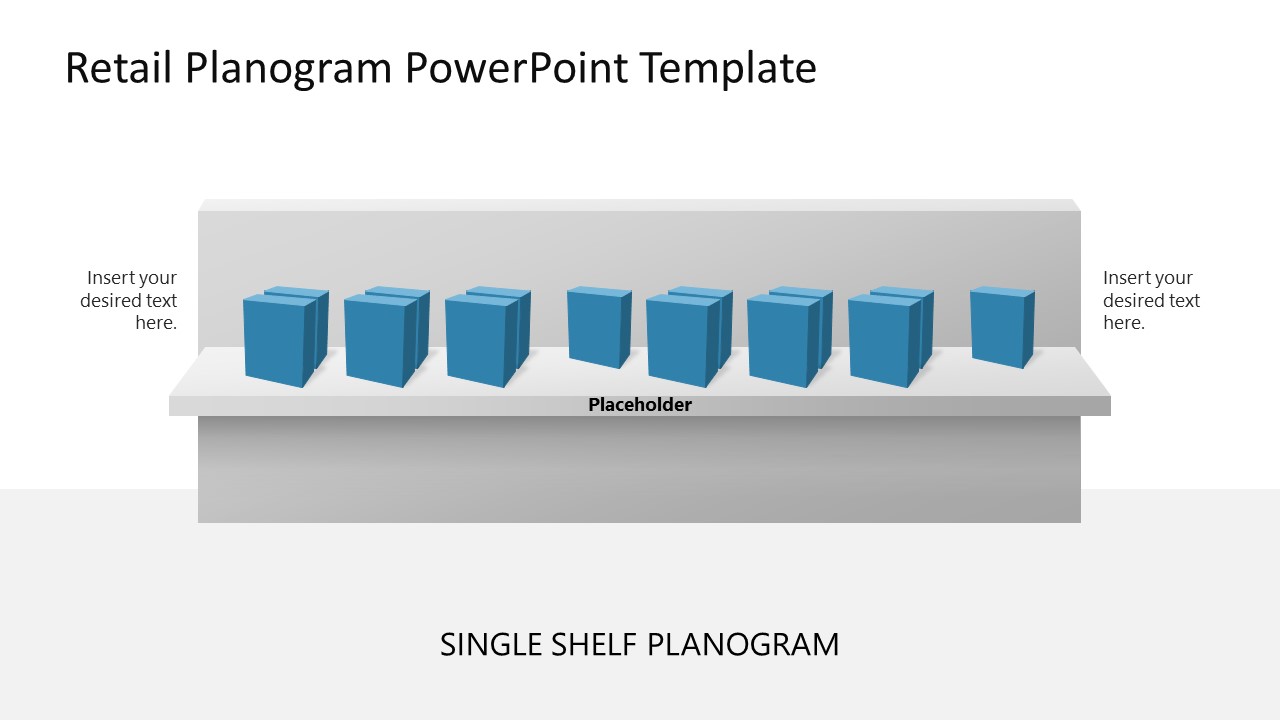
The following slide has a single-shelf plan with all products in one color. Professionals can also use the other slides with highlights on specific parts. This retail planogram presentation template can be used to present a detailed retail planogram with products in multiple categories. Download and try it now! Also, check our collection of diagram templates and marketing plan PPT templates.
What’s inside this template
Example presentation scenarios
- A category manager can use the 3-shelf planogram to present how product families should be separated across top, middle, and bottom shelf positions during a merchandising review.
- A retail marketing team can use the 2-shelf layout with the dashed highlight to explain which product group supports a seasonal promotion or product launch display.
- A store planner can use the single-shelf planogram to brief field teams on a simple shelf reset where product order and spacing must be easy to understand.
- A product manager can use the highlighted bottom-shelf planogram to discuss placement options for a new SKU and show how it fits beside related items.
Features
- 100% editable presentation template
- Compatible with Microsoft PowerPoint
- 16:9 aspect ratio slides
- Scalable vector shapes, icons and illustrations
- AI-Ready for Microsoft Copilot and Claude
- Instant access and download
Frequently asked questions
Q: How should a presenter explain the shelf plan without overwhelming the audience?
A: Start with the 3-shelf planogram to show the complete arrangement, then move to the 2-shelf or single-shelf view for the decision point. Use the colored product blocks as category cues and reserve the side callouts for the reason behind the placement, such as visibility, promotion, or product family.
Q: Who is this planogram template best suited for?
A: This template fits retail merchandisers, category managers, store planners, and product teams who need to align others on shelf placement. It is most useful before a store reset, product launch, seasonal display, or category review where the audience must quickly understand where products should appear.
Q: Why do the shelf diagrams use color blocks and dashed highlights?
A: The colored blocks turn product categories into simple visual groups, so the audience does not need detailed SKU imagery to follow the plan. The dashed highlights act like a visual spotlight, directing attention to the product cluster that needs discussion, approval, or execution.





Retail Planogram PowerPoint Template
5-slide PowerPoint presentation template for retail planograms, shelf layouts, and product grouping
The Retail Planogram PowerPoint Template is a 5-slide Microsoft PowerPoint deck for showing retail shelf placement. It includes a 3-shelf planogram, a 2-shelf planogram with dashed product grouping, a single-shelf layout, and highlighted shelf sections for category planning by retail, marketing, and merchandising teams.
- Category
- Diagrams
- Rating

 Loading...
- Aspect ratio
- 16:9
- Item ID
- 22722-01
- Colors
 Microsoft PowerPoint
 Microsoft Copilot
 Claude for PowerPoint
Other formats supported
Subscribe today and get immediate
access to download our PowerPoint templates.