Slide 3 of 6 from Raising Arrow for PowerPoint
6205-02-blue-raising-arrow-powerpoint-3
Raising Arrow Diagram for Presentations
- Diagram
- Arrow Sequence
- Process Slide
- 16:9
- 100% Editable
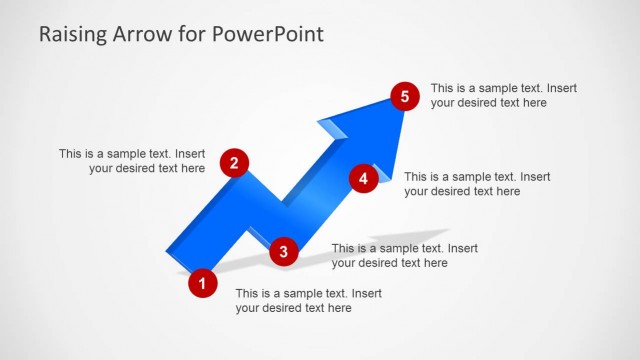
The Raising Arrow Diagram with Labels slide from the Raising Arrow for PowerPoint template provides a clear visual for illustrating process steps or project milestones. This slide layout uses editable shapes and vector icons to highlight upward growth trends, making it suitable for business presentations and training phases. Its design supports effective communication of progress within corporate presentation slide decks and pitch deck templates.
What’s on This Slide
The slide features a large upward arrow, symbolizing growth, positioned centrally. The arrow consists of a gray outline with a blue segment on the left and two red circular markers labeled '1' and '2'. The first marker is at the base of the blue segment, while the second is at the top of the arrow. To the right, there is a rectangular text box with a blue header labeled 'Sample Text' and a body area for additional text. The overall layout emphasizes the upward movement, with a light background enhancing visibility.
How to Use It
This layout serves as a process diagram, ideal for illustrating steps or milestones in a growth strategy. It fits well in a presentation sequence following problem identification and preceding detailed analysis. Suitable for business contexts, it can effectively communicate project phases, training progress, or academic concepts related to upward trends and goals.
Text Placeholders & Capacity
Keep your copy within these limits so it fits without resizing. Text slots can accommodate brief labels and a short description.
| Placeholder | Count | Max characters (approx.) |
|---|---|---|
| Slide title | 1 | 30 |
| Item heading | 2 | 1 |
| Item body | 1 | 100 |