Slide 5 of 6 from Raising Arrow for PowerPoint
6205-02-blue-raising-arrow-powerpoint-5
Raising Arrow Diagram for Presentations
- Diagram
- Arrow Sequence
- Process Slide
- 16:9
- 100% Editable
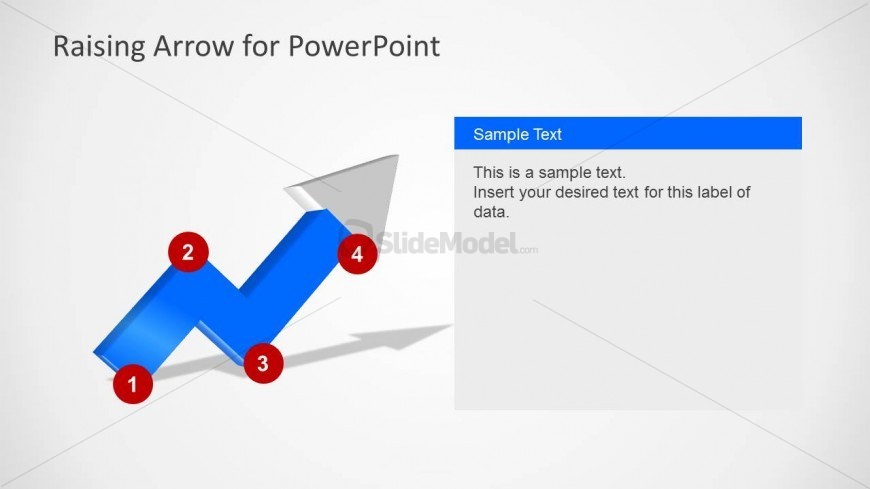
The Raising Arrow Diagram slide from the Raising Arrow for PowerPoint template offers a clear visual of project milestones and growth strategies using editable shapes and vector icons. Its upward-pointing arrow with numbered nodes supports business presentations and training processes, making it a practical choice for slide decks that require a professional process flow illustration.
What’s on This Slide
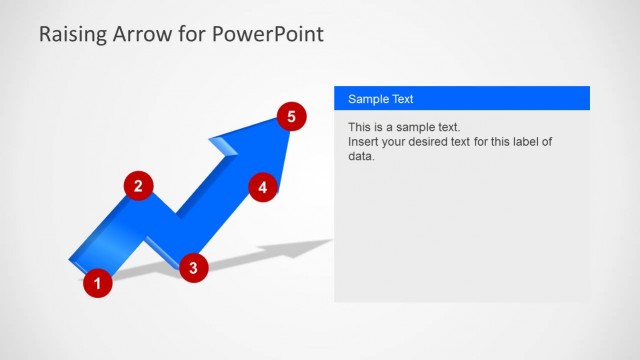
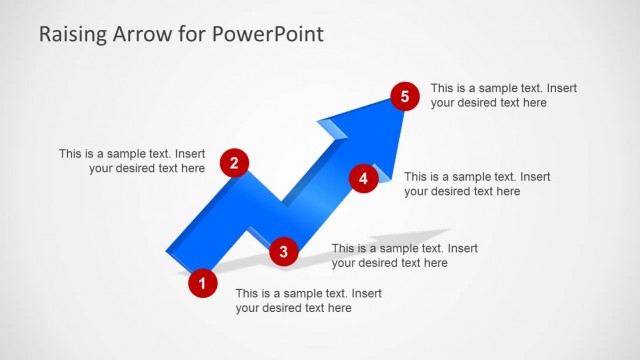
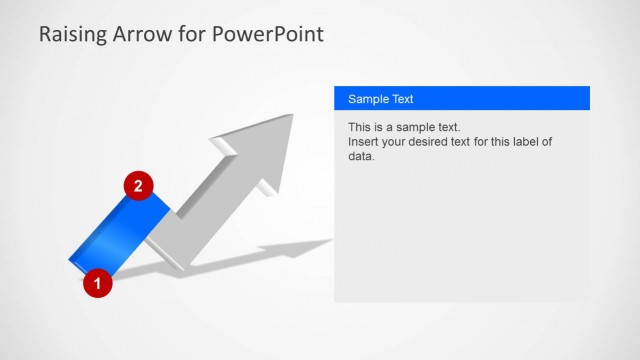
The slide features a rising arrow diagram positioned centrally, with four red circular nodes labeled 1 through 4 along the arrow. The arrow is colored blue and has a three-dimensional appearance, pointing upward to signify growth. To the right, there is a rectangular text placeholder with a blue background, aligned vertically. This placeholder contains sample text, indicating where custom content can be inserted. The overall layout emphasizes the upward trajectory, with a light gray background providing contrast to the elements.
How to Use It
This layout serves as a process flow diagram, illustrating steps or milestones in a project or strategy. It is suitable for presentations that require a visual representation of progress or growth, fitting well after problem identification slides. This structure can be effectively used in business meetings, training sessions, or academic discussions to convey a clear upward trend or development path.
Text Placeholders & Capacity
Keep your copy within these limits so it fits without resizing. Body slots can accommodate roughly 25-30 words each.
| Placeholder | Count | Max characters (approx.) |
|---|---|---|
| Slide title | 1 | 30 |
| Item heading | 4 | 10 |
| Body paragraph | 1 | 150 |