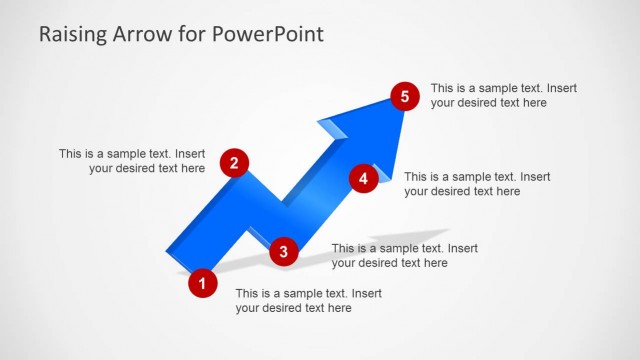
Slide 6 of 6 from Raising Arrow for PowerPoint
6205-02-blue-raising-arrow-powerpoint-6
Raising Arrow Diagram for Presentations
- Diagram
- Arrow Sequence
- Process Slide
- 16:9
- 100% Editable
The Raising Arrow Diagram with Labels slide from the Raising Arrow for PowerPoint template offers a clear visual process flow using editable shapes and vector icons. Ideal for business presentations and project milestone tracking, this slide features a prominent upward arrow with numbered markers to highlight sequential steps, complemented by a text box for detailed explanations. It supports effective communication in corporate presentations and training session outlines within a professional slide deck.
What’s on This Slide
The slide features a large upward arrow positioned centrally, composed of a blue gradient with a 3D effect. Five red circular markers are placed along the arrow, labeled with numbers 1 to 5, indicating sequential steps. On the right side, a rectangular text box is present, aligned vertically, with a blue header and placeholder text below. The background is a light gray, providing contrast to the arrow and markers. The overall layout emphasizes the upward movement, with clear visual hierarchy among the elements.
How to Use It
This layout serves as a process flow diagram, illustrating steps in a progression toward a goal. It is suitable for business presentations, project milestones, or training sessions where sequential phases need to be highlighted. Positioned at the end of a presentation, it can summarize key points or outline future actions. The right-side text box allows for detailed explanations of each step, enhancing audience understanding and engagement.
Text Placeholders & Capacity
Keep your copy within these limits so it fits without resizing. Body slots can hold around 25-30 words each.
| Placeholder | Count | Max characters (approx.) |
|---|---|---|
| Item heading | 5 | 1 |
| Chart title | 1 | 30 |
| Body paragraph | 1 | 150 |