Slide 2 of 6 from Raising Arrow for PowerPoint
6205-02-blue-raising-arrow-powerpoint-2
Raising Arrow Diagram for Presentations
- Diagram
- Process Flow
- Process Slide
- 16:9
- 100% Editable
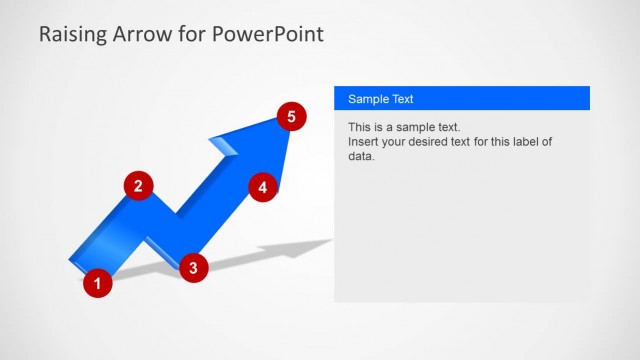
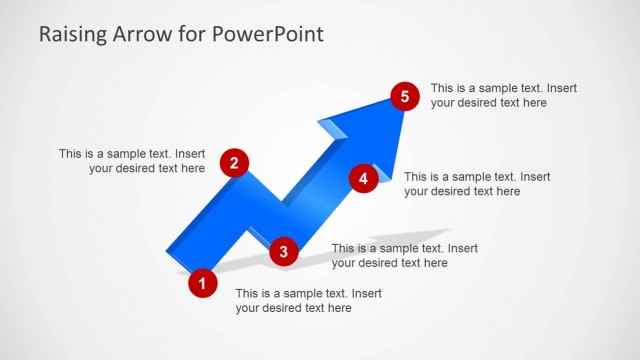
The Raising Arrow Diagram slide from the Raising Arrow for PowerPoint template visually represents process flows and project milestones using an upward arrow. This slide layout is ideal for business presentations and pitch decks that require clear tracking of growth or training steps, featuring editable shapes and text boxes to customize your message effectively within professional slide templates.
What’s on This Slide
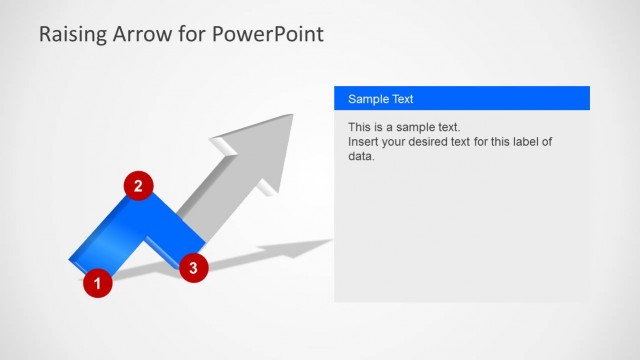
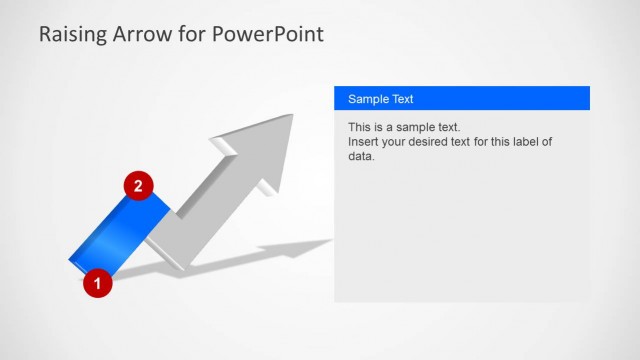
The layout features a prominent upward arrow positioned diagonally from the bottom left to the top right. A red circular marker labeled '1' is placed at the base of the arrow. To the right, a rectangular text box is present, aligned vertically, containing a blue header labeled 'Sample Text' and a body paragraph with placeholder text. The background is light gray, providing contrast to the arrow and text elements. The overall composition emphasizes the upward movement, with the arrow being the focal point.
How to Use It
This layout serves as a process flow diagram, illustrating steps or milestones in a project. It is suitable for presentations that require a visual representation of progress, such as business growth or project phases. This slide fits well after an introductory problem slide and can be used in various contexts, including training sessions, project updates, or strategic planning discussions.
Text Placeholders & Capacity
Keep your copy within these limits so it fits without resizing. Text slots can accommodate a moderate amount of content, roughly 20-30 words each.
| Placeholder | Count | Max characters (approx.) |
|---|---|---|
| Slide title | 1 | 30 |
| Item heading | 1 | 1 |
| Item body | 1 | 150 |