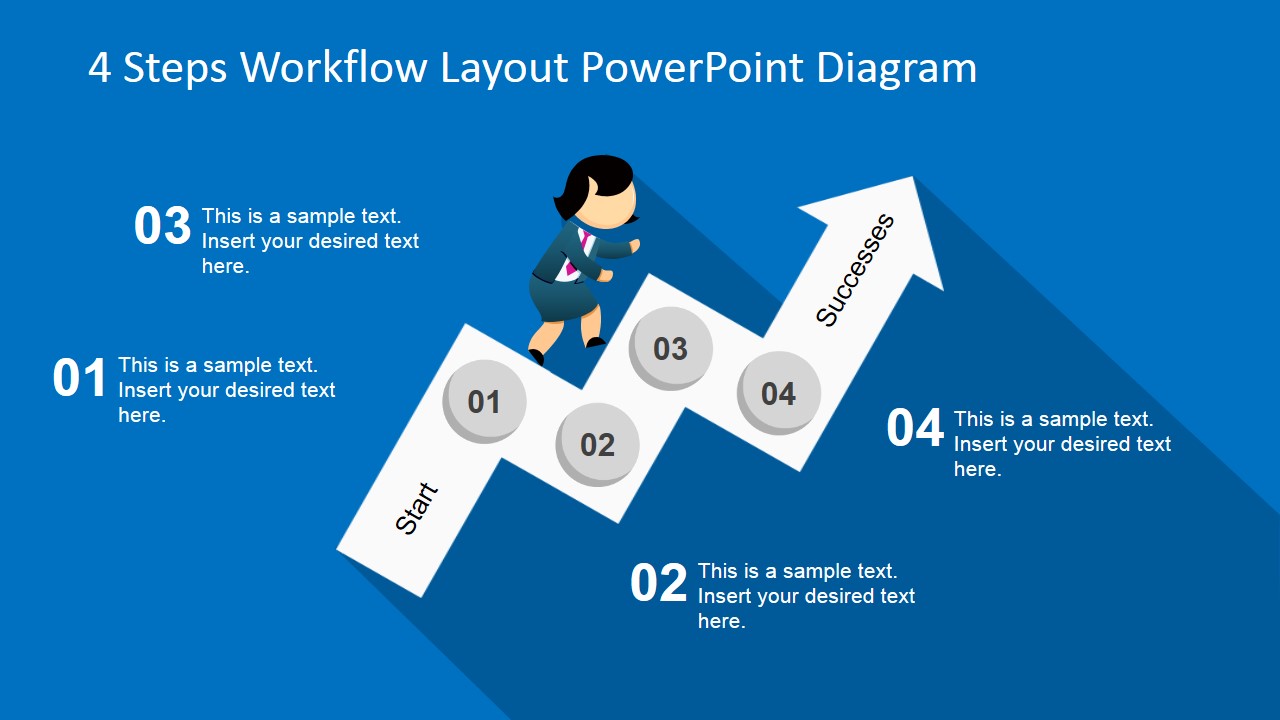
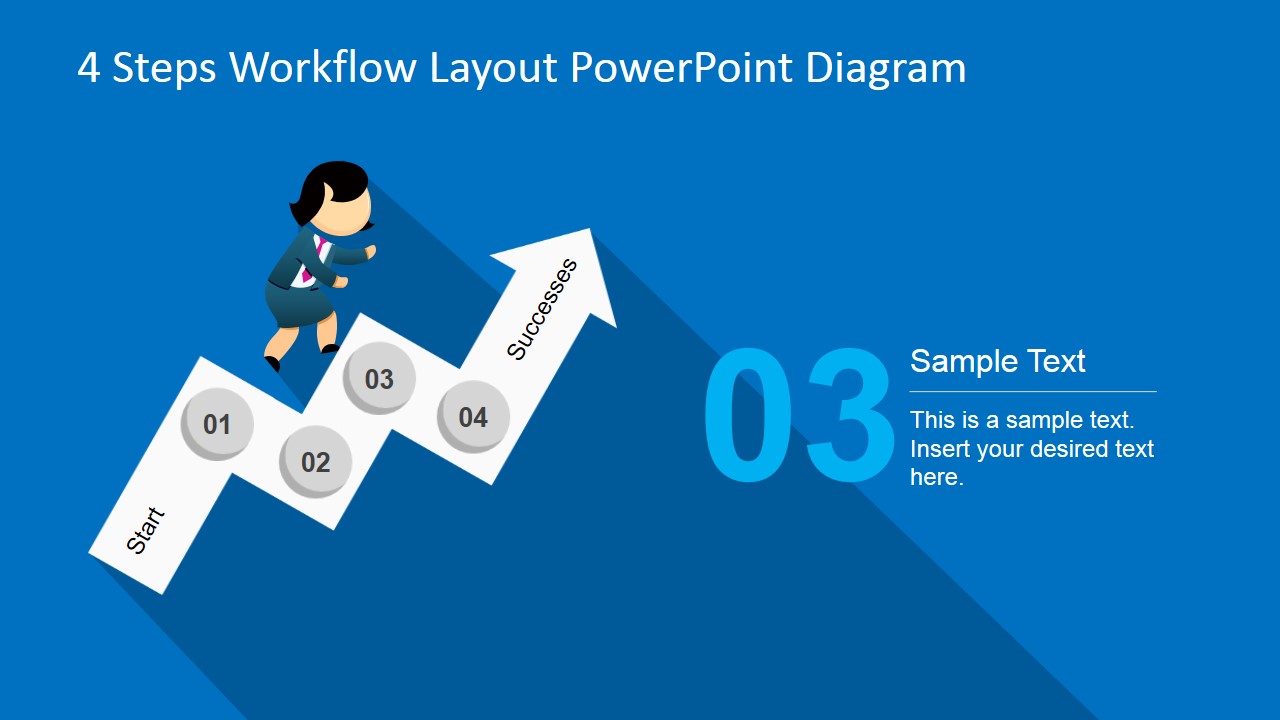
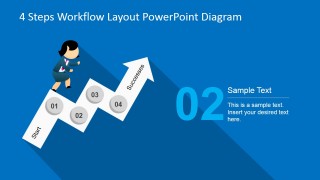
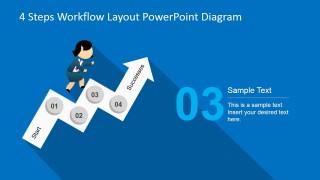
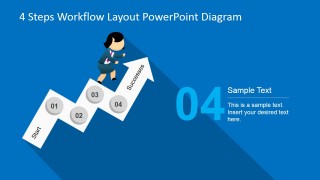
The 4 Steps Workflow Layout PowerPoint Diagram is a professionally designed PowerPoint template that offers presenters and lectures with the ideal tools that they require producing simple, modern and eye-catching PowerPoint presentation designs. In this template fully customizable clip art vectors and shapes have been combined with the instantly recognisable Jane cartoon character to produce a template that feels light and enjoyable. With this character in this professional template you can inject a little bit of interest and comedy to even the most routine presentation.
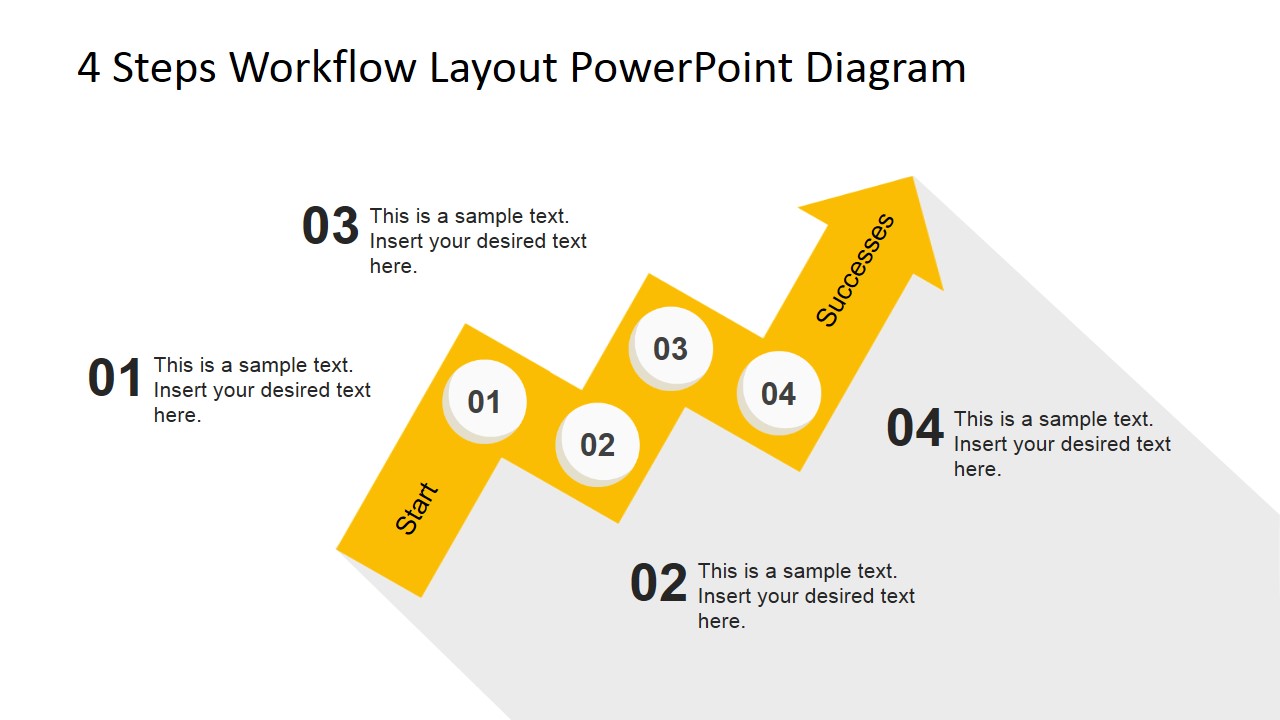
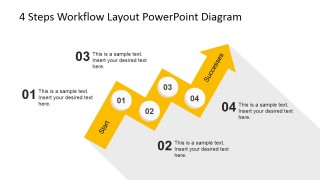
This PowerPoint template has been professionally designed for use in a wide range of fields. The zig-zagging arrow that forms the staircase that the novelty cartoon character, Jane, is climbing up, means that this template diagram could be used to illustrate anything from step by step instructions, to forecasted growth within a business environment. If you’re experiencing a growth in sales and are looking for a light-hearted way to illustrate this to your sales staff, this is the PowerPoint template for you. Similarly, if you’re looking for a way to reliably explain to your workforce a brand new four step marketing scheme that you’ve planned, this is ideal. The 4 Steps Workflow Layout PowerPoint Diagram could even be used in schools to show exam students a fool proof four step recipe for essay success. This presentation template is the pinnacle of flexibility, it’s bound to suit all of your needs.
This fresh and interesting, very modern PowerPoint template is fully customisable. From the color of the background to the shape and size of the workflow template – even Jane herself – can be edited to achieve the affect that you require. If you need something with a bit more novelty, there’s a color palate for that; if you are looking for something more austere, there’s a palate for that as well.
What’s inside this template
Example presentation scenarios
- A sales manager can present a new four-stage sales routine by opening with the full workflow overview and then using the step highlight slides to explain each action.
- A corporate trainer can teach a short procedure by using the numbered circles and editable callouts to separate instructions into four memorable stages.
- A marketing lead can introduce a campaign rollout plan by mapping each phase to one arrow segment and using the final arrow point to represent the intended outcome.
- An educator can explain a simple learning method or assignment process with the cartoon character and staircase metaphor to make the sequence less abstract.
Features
- 100% editable presentation template
- Compatible with Microsoft PowerPoint and Google Slides
- 16:9 aspect ratio slides
- Scalable vector shapes, icons and illustrations
- AI-Ready for Microsoft Copilot and Claude
- Instant access and download
Frequently asked questions
Q: How should I present a four-step process with this diagram?
A: Start with the overview slide so the audience sees the whole path before the details. Then move through slides 2 to 5, giving each step one clear action, owner, or decision. Keep the callout text short because the staircase arrow already communicates order and progress.
Q: Who is this template best suited for?
A: This template is best for presenters who need to explain a simple sequence without turning it into a dense process map. Managers, trainers, consultants, sales leaders, and educators can use it when the key message is what happens first, second, third, and fourth, not how many exceptions or substeps exist.
Q: Why does the staircase arrow metaphor work for this message?
A: The ascending arrow turns the workflow into a visual path, so the audience reads the process as forward movement rather than separate bullets. The cartoon business character adds a human guide, while the numbered circles anchor each stage. This makes the sequence easier to follow in short instructional presentations.

4 Steps Workflow Layout PowerPoint Diagram
6-slide presentation template for four-step workflow diagrams with arrow staircase and cartoon business character
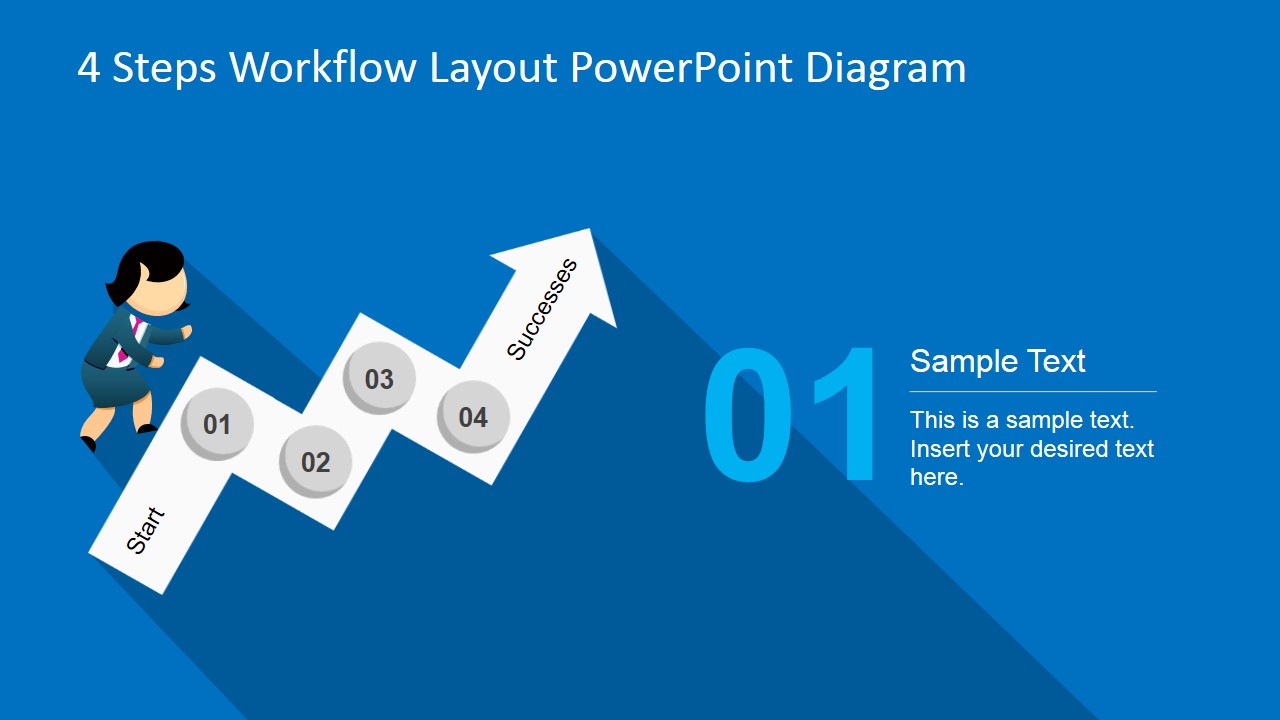
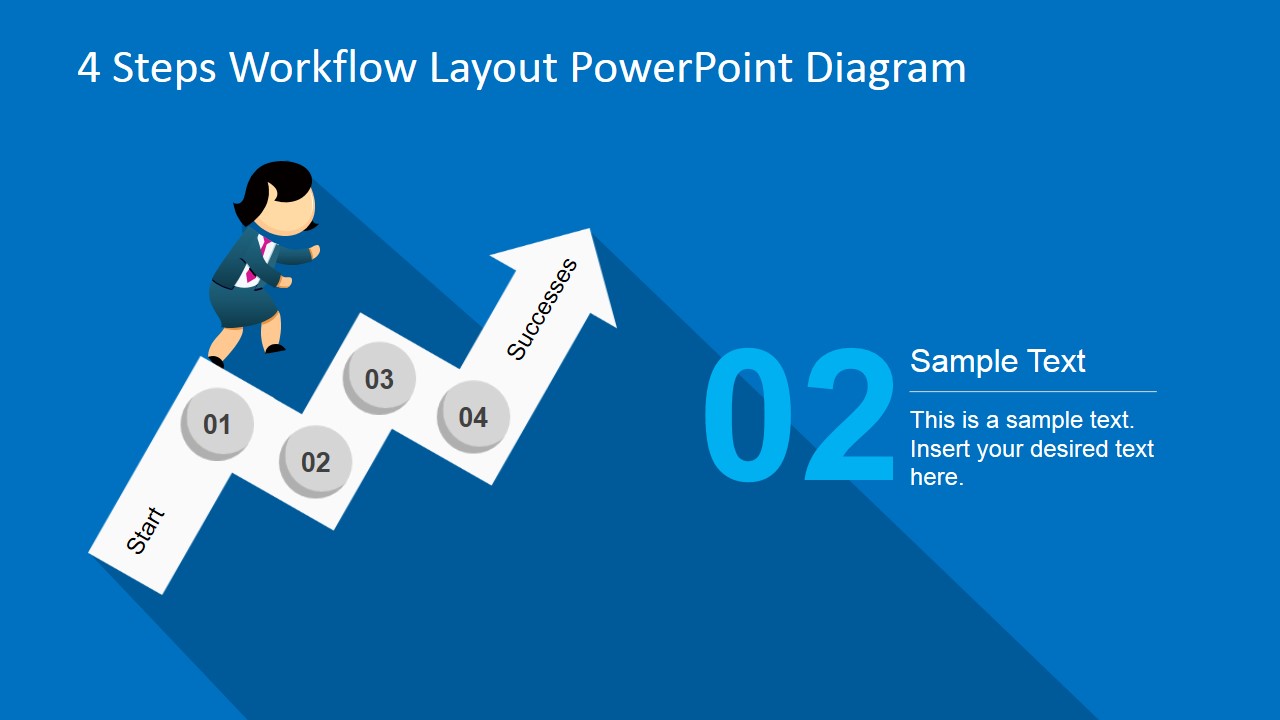
The 4 Steps Workflow Layout PowerPoint Diagram is a 6-slide diagram template for explaining a four-part process with a zigzag arrow staircase and cartoon business character. It includes an overview workflow, individual step highlight slides, numbered milestones, and a white-background variation for trainers, managers, and consultants using PowerPoint or Google Slides.
- Category
- Diagrams
- Rating


 Loading...
- Aspect ratio
- 16:9, 4:3
- Item ID
- 6729-01
- Colors
 Microsoft PowerPoint
  Microsoft Copilot
  Claude for PowerPoint
 Other formats supported
Subscribe today and get immediate
access to download our PowerPoint templates.