Quick Wins PowerPoint Template
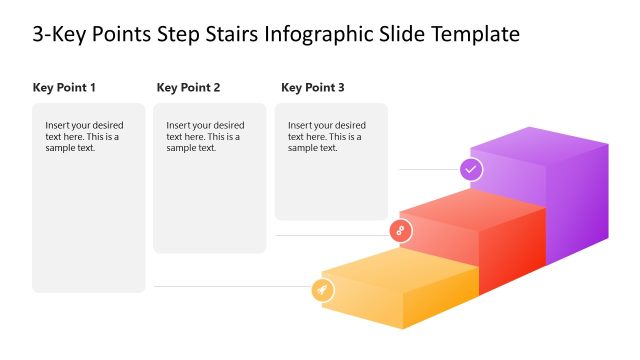
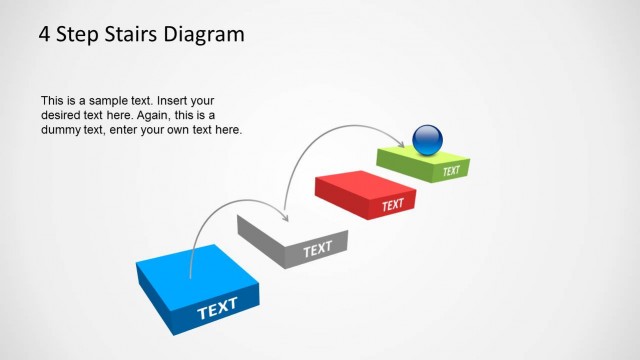
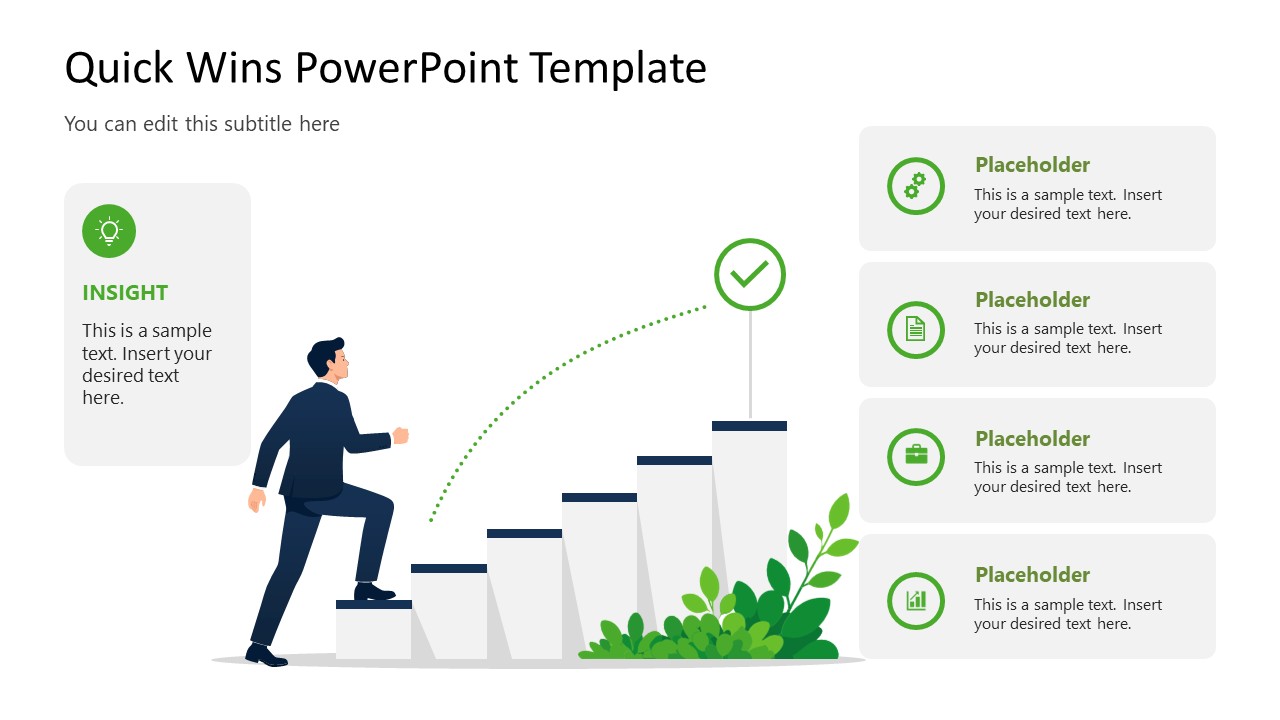
Visualize short-term improvements and milestones as a clear upward progression in your team presentations with the Quick Wins PowerPoint Template. The layout uses a staircase metaphor to connect small, consistent actions with a defined outcome. The staircase connects quick wins with the overall objective and provides a visual sequence for covering next steps in project presentations. For workflow improvement discussions, the layout helps operational leaders organize small operational changes as successive steps toward resolving a disruption. During product development presentations, the staircase represents successive milestones leading toward a defined outcome or specialized product feature. Change management consultants use this diagram to show the upward steps that represent incremental changes introduced during a transition.
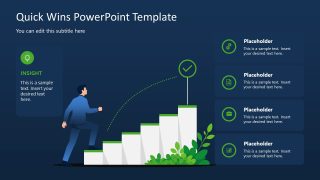
The template features two slides with the same staircase-metaphor illustration but different background colors. The first slide uses a white background, while the second uses a dark background. A staircase illustration shows a person moving upward, and a dotted green path leads to a checkmark. This visual structure represents progression and achievement in a way a conventional list can’t. The surrounding callout cards are useful for sharing insights or actions related to each step. The checkmark marks the journey’s endpoint, while the staircase shows the continuous upward movement toward that objective.
The Quick Wins PowerPoint Template is fully compatible with Google Slides and other versions of Microsoft PowerPoint. Users can adjust the design to match their theme or preferences. Download our quick wins PPT template and use the staircase layout, which offers a structured way to present quick-win initiatives and show how each contributes to the intended business outcome. Alternatively, explore our collection of metaphor templates and choose the suitable concept diagram template for your presentation.

You must be logged in to download this file.
DOWNLOAD- Category
- Diagrams
- Rating

 Loading...
- Size
- 16x9
- Item ID
- 23808-01
- Colors
Subscribe today and get immediate
access to download our PowerPoint templates.