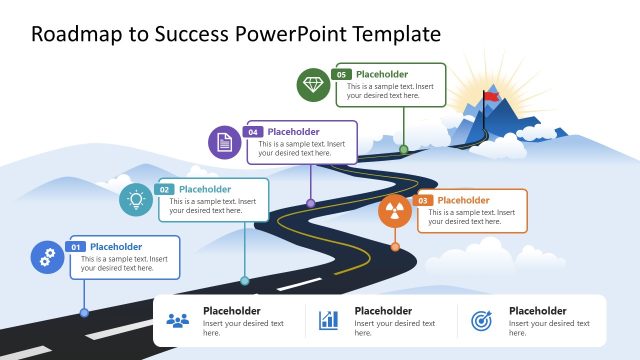
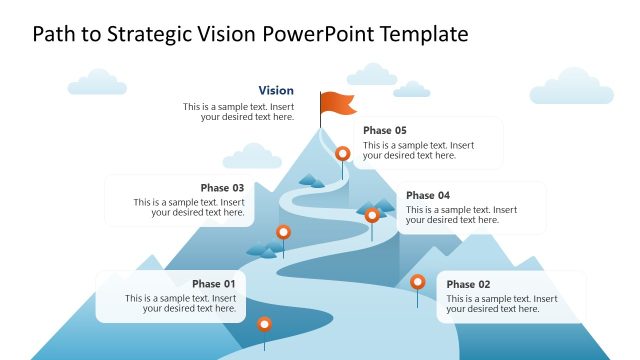
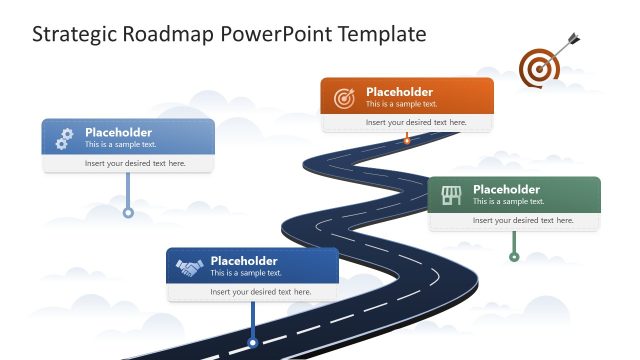
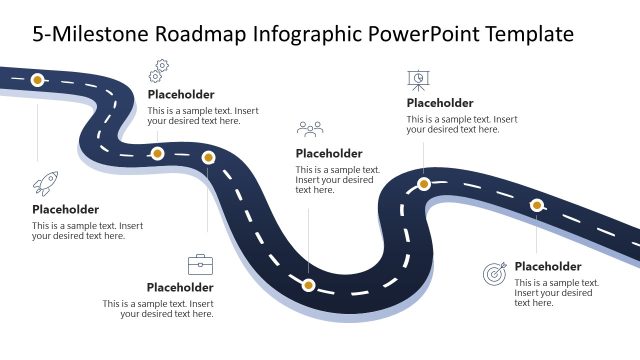
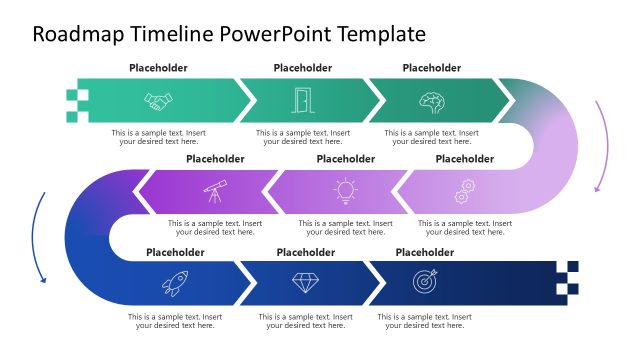
Visualize a strategic business growth plan in executive presentations with our editable Path to Success Roadmap PowerPoint Template. Project managers use this template to showcase the project timeline and the sequence of milestones in sprint meetings, and to edit the human illustration to track progress. In personal resume presentations, individuals use the path-to-success roadmap diagram template to share their work history or success trajectory with their teams. Business development leads share their client acquisition strategies in stakeholder presentations, aiming to achieve a specific revenue score using the end-goal flag and the path-to-success illustration diagram. This PPT layout is also compatible with Google Slides and other versions of Microsoft PowerPoint.
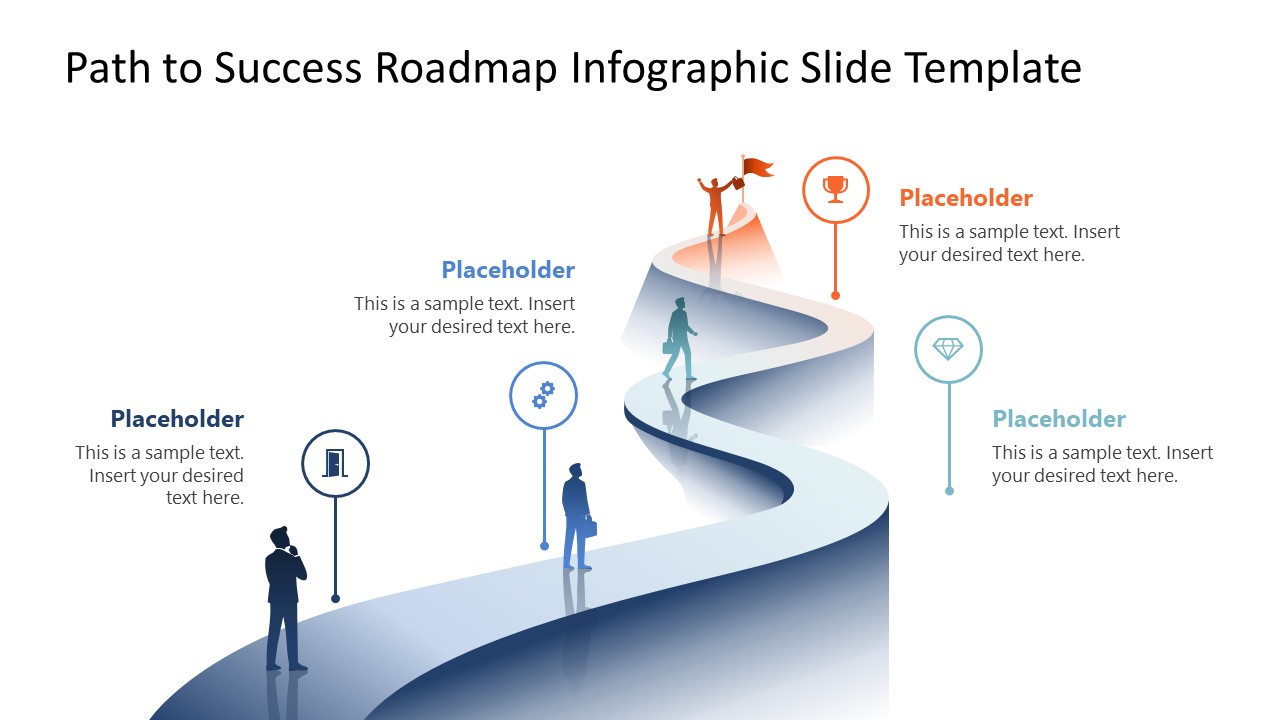
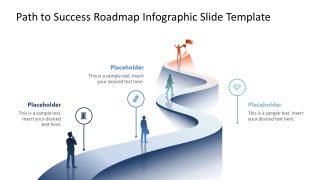
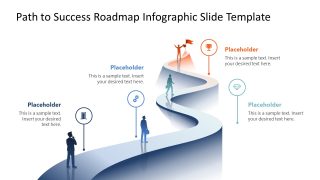
The Path to Success Roadmap PowerPoint Template features a winding path design with an infographic passing through multiple stages or milestones. In investor pitch decks, entrepreneurs share their vision to achieve a specific market share and product audience using the roadmap diagram template. The path has four stages or milestones, marked with a corporate guy illustration and infographics. The guy moves across the four steps until he jumps happily at the objective achievement position. There are four slides with the same winding road diagram, but you can showcase one milestone at a time using the focus effect.
We allow our users to change the modern design, arrangement, 3D shapes, or alignment of the icons to match their presentation needs with accuracy. Download the path to success infographic PPT layout for executive presentations and share your plans to achieve business success with clarity. Additionally, use other versions of roadmap infographic templates in your presentations and communicate ideas effectively.
What’s inside this template
Example presentation scenarios
- A project manager can present a delivery plan to stakeholders by assigning each visible milestone callout to a phase, decision point, or sprint objective.
- A product manager can explain a launch roadmap to executives by using the winding path to show progress from initial development to market success.
- A business development lead can outline a client acquisition path by mapping prospecting, conversion, retention, and target achievement onto the icon markers.
- A career presenter can describe professional growth to a hiring panel by replacing the milestone text with roles, skills, achievements, and the desired next goal.
Features
- 100% editable presentation template
- Compatible with Microsoft PowerPoint and Google Slides
- 16:9 aspect ratio slides
- Scalable vector shapes, icons and illustrations
- AI-Ready for Microsoft Copilot and Claude
- Instant access and download
Frequently asked questions
Q: How should a presenter turn the winding path into a clear business message?
A: Assign one concrete decision, milestone, or outcome to each callout instead of treating the path as decoration. Start with the current position, explain what must be completed at each marker, and reserve the flag for the final business result. This keeps the audience focused on progress, not just the visual route.
Q: Who is this roadmap best suited for?
A: This template fits presenters who need to explain progress toward a goal without showing a dense project plan. Project managers, product leads, consultants, and business development teams can use the road, icon pins, and success flag to frame a high-level journey for executives, clients, or internal teams.
Q: Why does the road metaphor work for milestone communication?
A: The curved road gives the audience an intuitive direction of travel from start to finish, while the standing figures create a sense of human progress. The flag acts as a clear destination, so the design supports a simple story: where the team is, what comes next, and what success looks like.



Path to Success Roadmap PowerPoint Template
5-slide 16:9 presentation template for roadmap milestones, path planning, and success goal communication
The Path to Success Roadmap PowerPoint Template is a 5-slide roadmap infographic for Microsoft PowerPoint and Google Slides. It uses a winding path illustration, milestone callouts, human figures, icon markers, and an end-goal flag to show progress toward a business, project, career, or product objective.
- Category
- Timelines & Planning
- Rating

 Loading...
- Aspect ratio
- 16:9
- Item ID
- 23783-01
- Colors
 Microsoft PowerPoint
  Microsoft Copilot
  Claude for PowerPoint
 Other formats supported
Subscribe today and get immediate
access to download our PowerPoint templates.