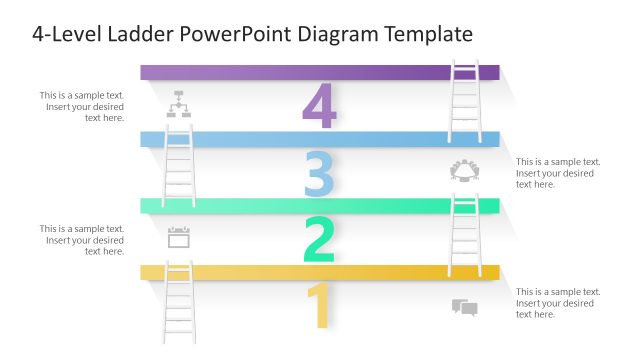
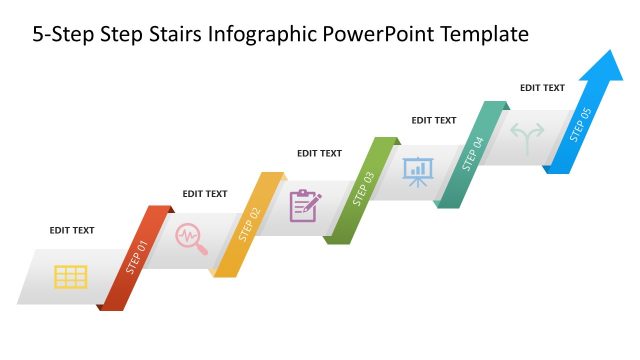
4 Step Stairs Diagram Template for PowerPoint – a leveling PowerPoint design to signify progress and success journey. The steps, taken one at a time, represent moving forward and upward towards a higher goal. It can perfectly illustrate growth at any point of view.
The stairs in the PowerPoint template can be symbolic. They can demonstrate hierarchy, planning, and even problem-solving. This slide design is ideal for presentations that require a checklist or guideline. The 4-step infographic slide template can be used to highlight a process, create explainers or how-tos, or step by step slides.
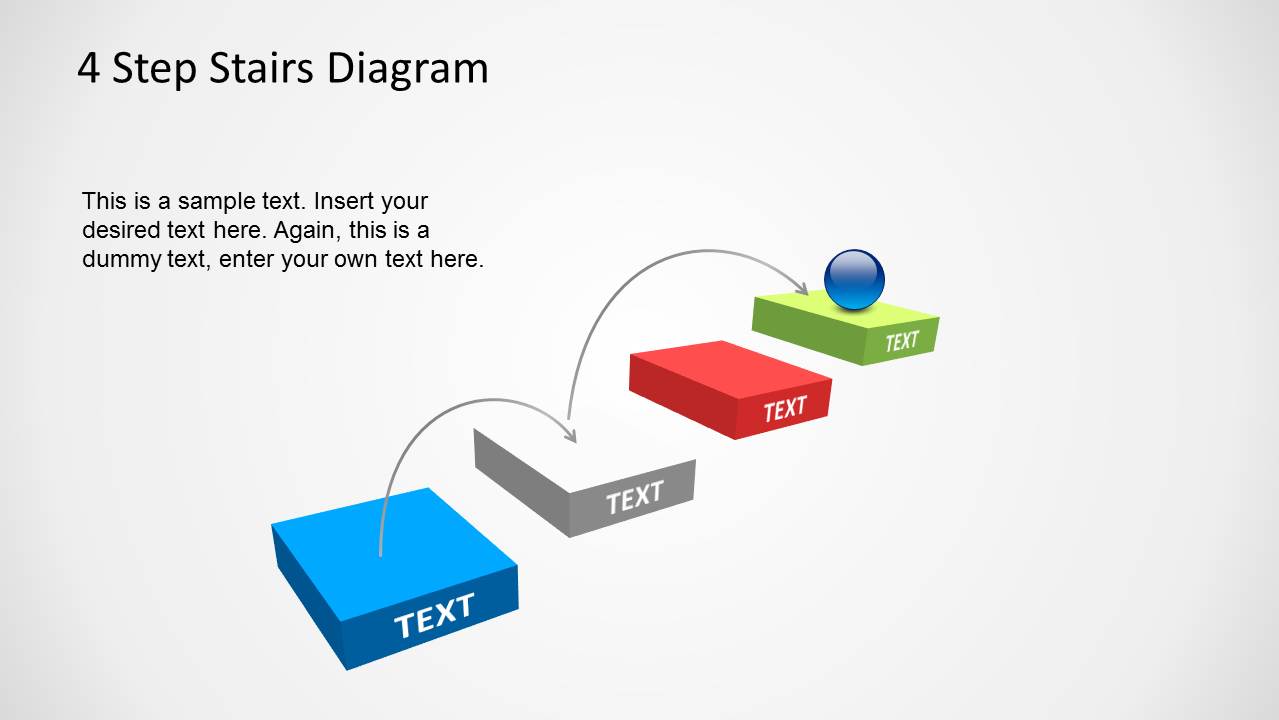
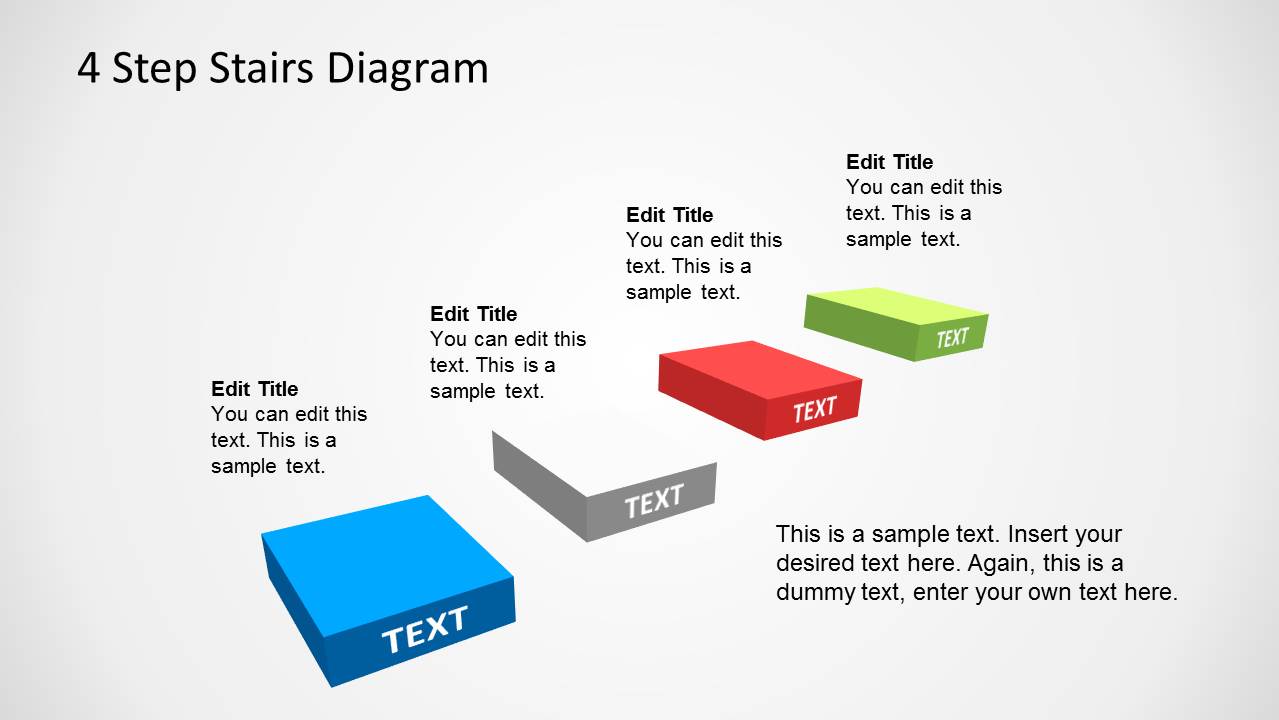
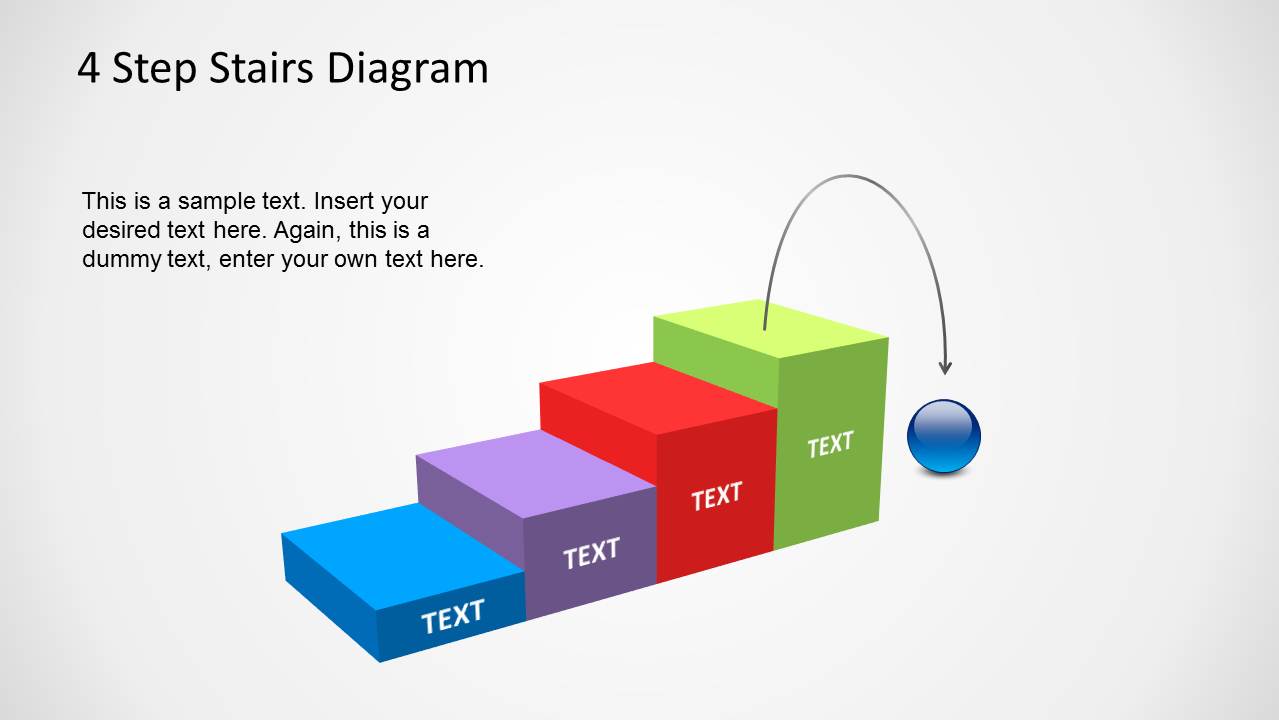
Created to function highly, the design includes 4 colorful blocks that portray a ladder in the last two slides. The audience can effortlessly distinguish every step with these colors. The slide designs also have a spherical ball filled with a color gradient. The ball symbolizes the development of an entity. A base-to-top arrangement shows the ascending order. The user can perfectly capture the ending of a process and how the progress can start off from another level. The entity can only step up when the previous step has been resolved and not otherwise. This motivates the person or group to strive for success at every part. Reaching the 4th and highest block means that the problem was resolved or the objective was achieved.
The design layout is flexible, with modifications allowed. The user can change the background color and scheme to set a mood. The text holders provided are fully adjustable, and the objects in the layout are customizable as well. These options only allow the presenter to set specifics on the report. Thus, the scope of topics that can utilize this particular PowerPoint template is very wide.
Other powerful stairs PowerPoint templates like 5 Steps Ladder PowerPoint Design are downloadable from the SlideModel gallery, as well as the slides with multiple stages. Impress global audiences with the 4 Step Stairs Diagram Template for PowerPoint.
What’s inside this template
Example presentation scenarios
- A project manager can use the ascending 4-step stairs diagram to explain how a team moves from kickoff through successive milestones toward a final objective.
- A consultant can use the milestone callout slide to compare four maturity levels and describe the actions required at each stage.
- A trainer can use the compact block stair ladder to present a learning path where each skill must be completed before the next one begins.
- A sales leader can use the sphere and arrow layouts to show a customer journey moving through four adoption or decision stages.
Features
- 100% editable presentation template
- Compatible with Microsoft PowerPoint and Google Slides
- 16:9 aspect ratio slides
- Scalable vector shapes, icons and illustrations
- AI-Ready for Microsoft Copilot and Claude
- Instant access and download
Frequently asked questions
Q: How should a presenter explain a four-step process with this stairs diagram?
A: Use each stair block as one required stage, not as four unrelated points. Start with the lowest step as the current state, then describe the action, decision, or capability needed to move upward. The sphere and curved arrows work best when they represent momentum, ownership, or movement toward the final goal.
Q: Who is this template best suited for?
A: This template fits presenters who need to make a staged path easy to follow, such as consultants explaining maturity levels, project managers outlining milestones, or trainers introducing a learning sequence. The four-step limit keeps the message focused and works well when the audience must remember a simple progression.
Q: Why use stairs instead of a standard list or process flow?
A: The staircase metaphor makes hierarchy and progress visible at a glance. A list says the steps are ordered, but the stairs show movement upward and imply that each level depends on the one below it. The sphere adds a visual actor, helping the audience read the process as a journey toward completion.








4 Step Stairs Diagram Template for PowerPoint
6-slide presentation template with 4-step stairs diagrams for process milestones and growth paths
The 4 Step Stairs Diagram Template for PowerPoint is a 6-slide diagram deck for showing upward progress, staged growth, or sequential goals. Visible layouts include an ascending 4-step stairs diagram, milestone callouts, curved arrow motion paths, and block stair variants. It is built for business presenters in Microsoft PowerPoint and Google Slides.
- Category
- Diagrams
- Rating


 Loading...
- Aspect ratio
- 16:9
- Item ID
- 8085-04
- Colors
 Microsoft PowerPoint
  Microsoft Copilot
  Claude for PowerPoint
 Other formats supported
Subscribe today and get immediate
access to download our PowerPoint templates.