Slide 1 of 2 from Quick Wins PowerPoint Template
Quick Wins PPT Slide Template
Insight with Steps Diagram for Presentations
- Diagram
- Process Flow
- Strategic Analysis Slide
- 16:9
- 100% Editable
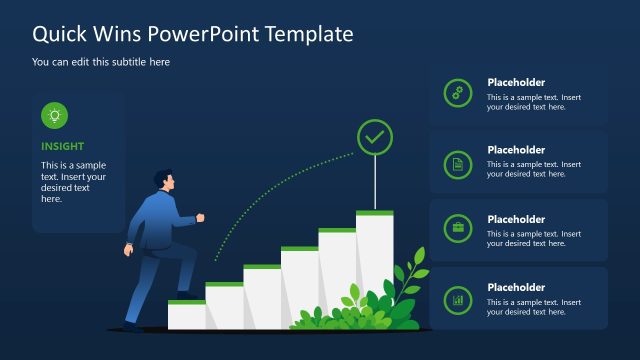
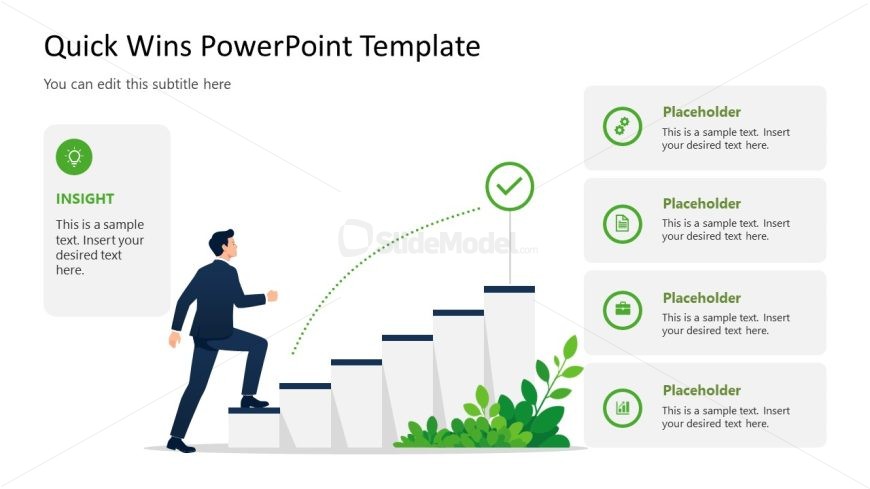
The Insight with Steps Diagram slide from the Quick Wins PowerPoint Template offers a clear visual of progress through a stepwise process, ideal for business presentations. This slide layout uses editable shapes and vector icons to highlight key insights and milestones, making it suitable for strategic analysis and showcasing project achievements within a corporate presentation or pitch deck template.
What’s on This Slide
The layout features a left-aligned graphic of a person ascending a series of steps, symbolizing progress. To the right, there are four vertically stacked rectangular placeholders for text, each with an icon above. The top left has a circular icon with a light bulb, labeled 'INSIGHT,' and a text placeholder below it. The steps are depicted as white rectangles with a green checkmark at the top. The overall composition is balanced, with a light background and green accents throughout.
How to Use It
This layout serves as a process diagram, illustrating steps toward achieving insights. It fits well in a presentation sequence following a problem statement or introduction. Ideal for business contexts, it can be used to showcase customer success stories, project milestones, or strategic achievements, emphasizing actionable insights and progress.
Text Placeholders & Capacity
Keep your copy within these limits so it fits without resizing. Node slots can hold concise text, roughly 10 words each.
| Placeholder | Count | Max characters (approx.) |
|---|---|---|
| Slide title | 1 | 40 |
| Subtitle | 1 | 60 |
| Item body | 4 | 50 |
Slide Keywords
Download unlimited PowerPoint templates, charts and graphics for your presentations with our annual plan.
DOWNLOADReturn to Quick Wins PowerPoint Template.