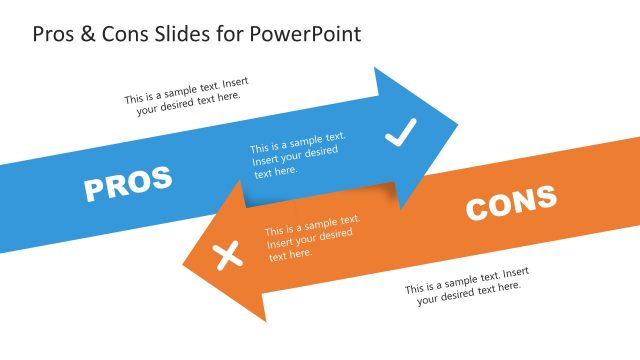
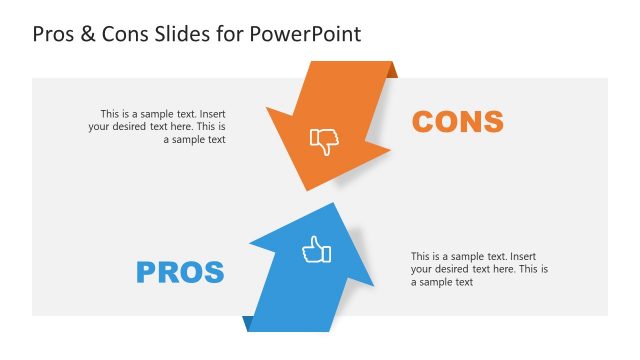
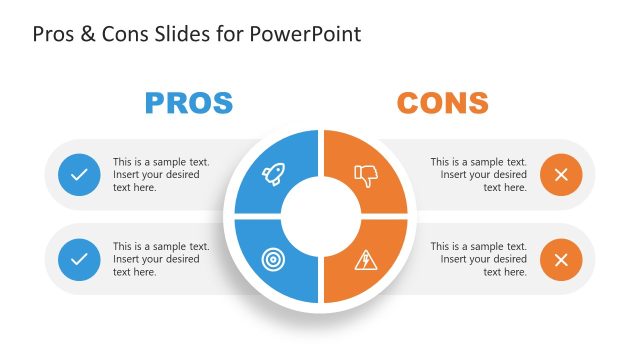
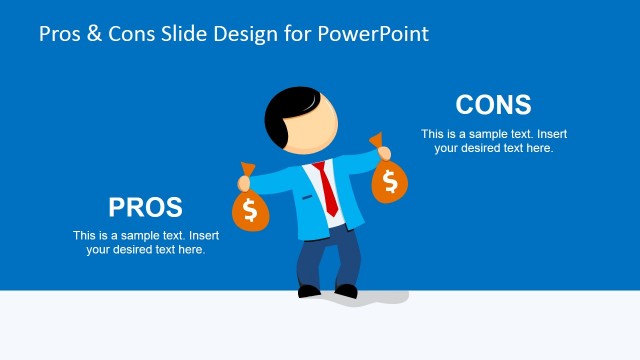
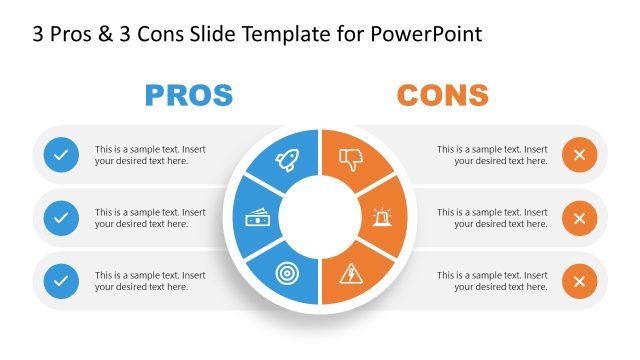
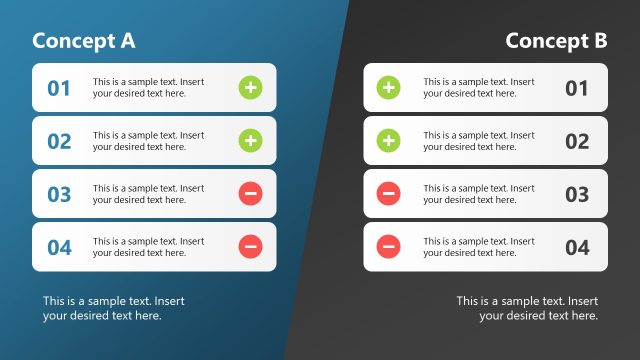
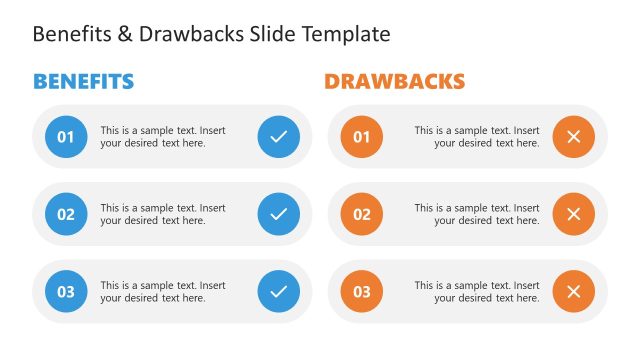
Pros & Cons Slide Diagrams for PowerPoint that you can use to make slides showing advantages and disadvantages for any given topic that need to present in PowerPoint. The pros & cons template for PowerPoint comes with some very creative comparison diagrams.
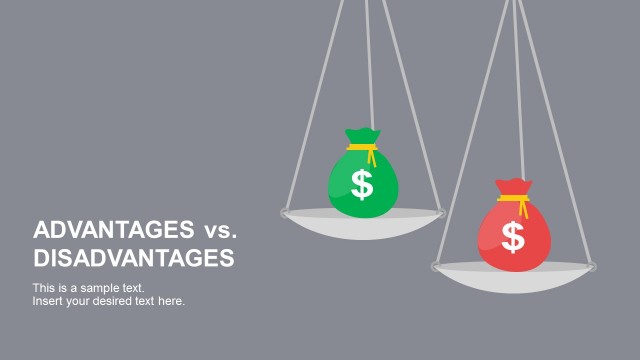
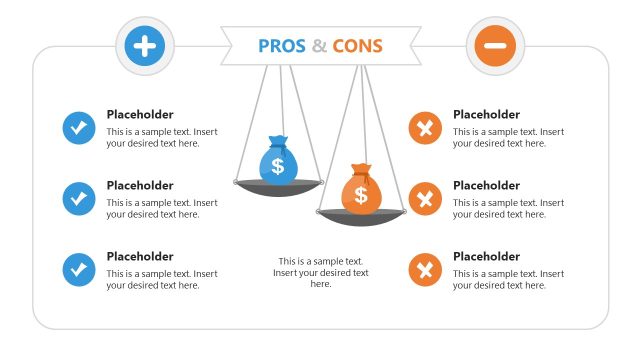
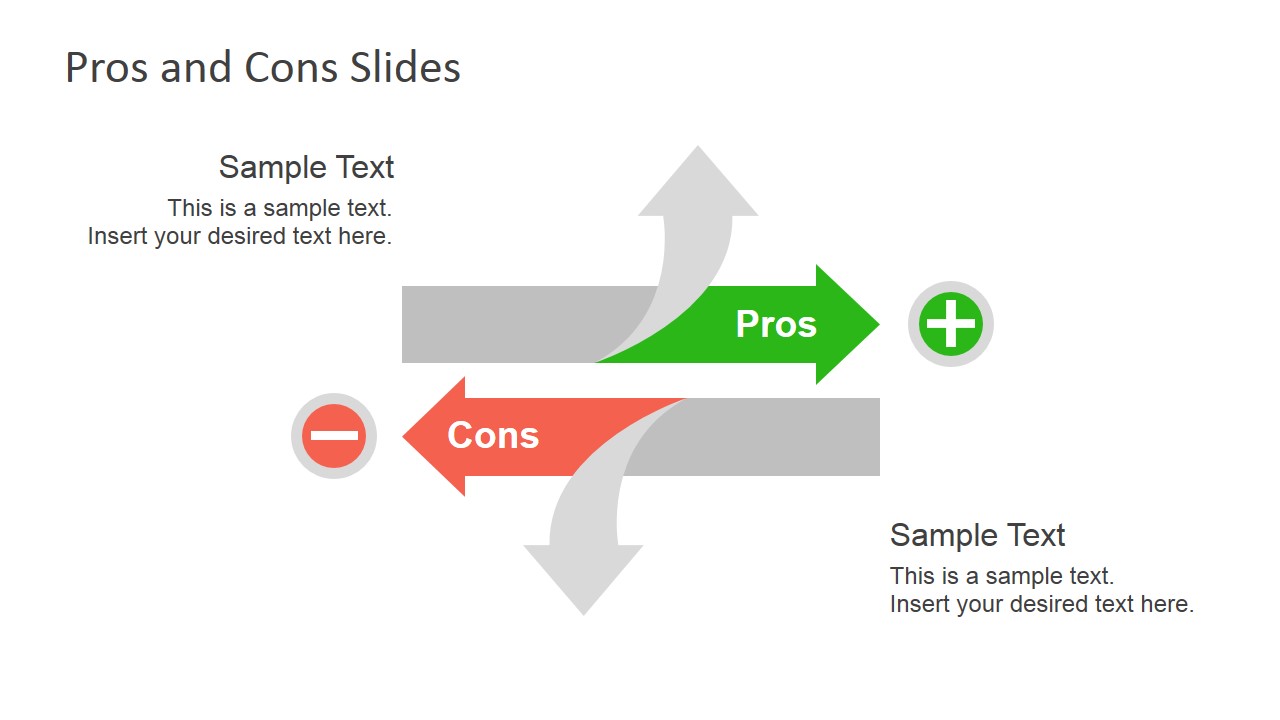
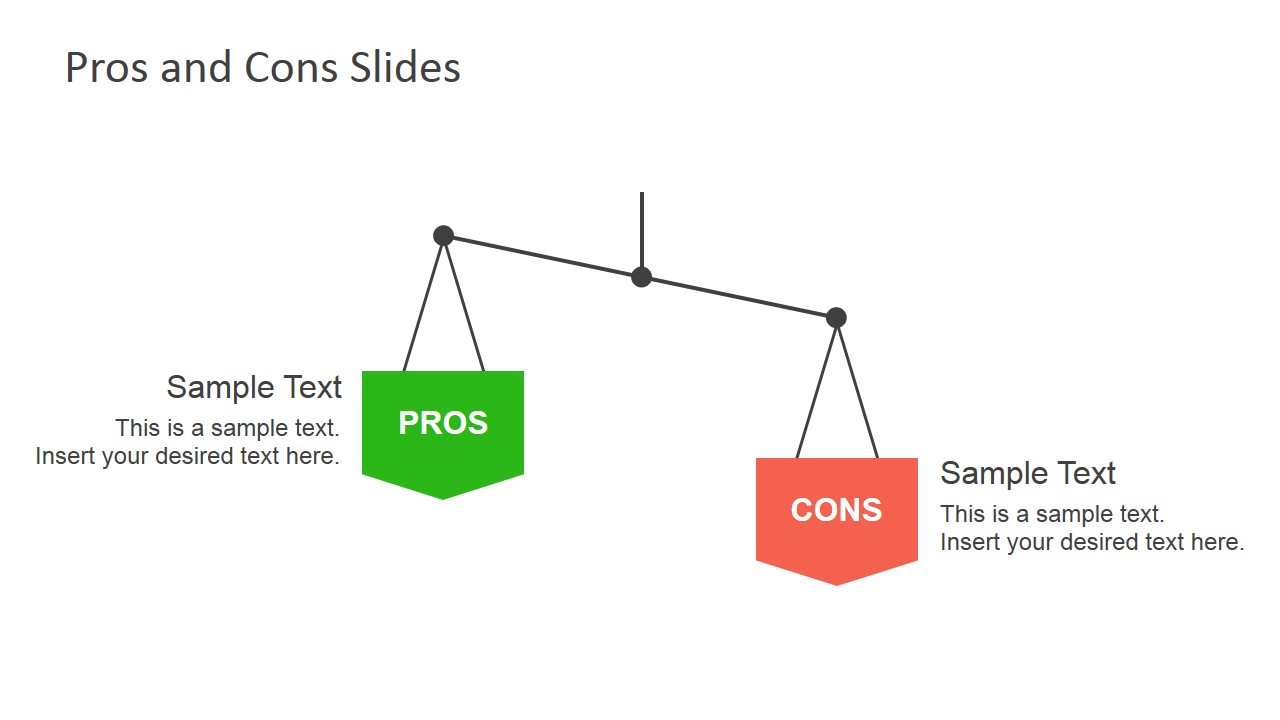
You can use the pros & cons PowerPoint slide designs to prepare presentations showing Advantages and Potential Pitfalls and it can also be very helpful if you need to present pros and cons of any particular topic or concept and help the audience to analyze the advantages and disadvantages while presenting. Using opposite arrow concept and scales analogy, you can engage and delight your audience while you help to convey the message.
The template can also be used to describe the benefits and drawbacks of a product or project. For example, project managers might use this slide to prepare a presentation with the project benefits vs drawbacks.
What’s inside this template
Example presentation scenarios
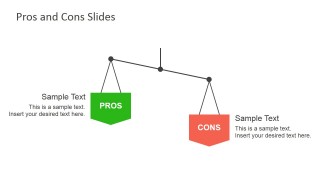
- A project manager can use the balance scale slide to present project benefits and drawbacks before asking stakeholders to approve a plan.
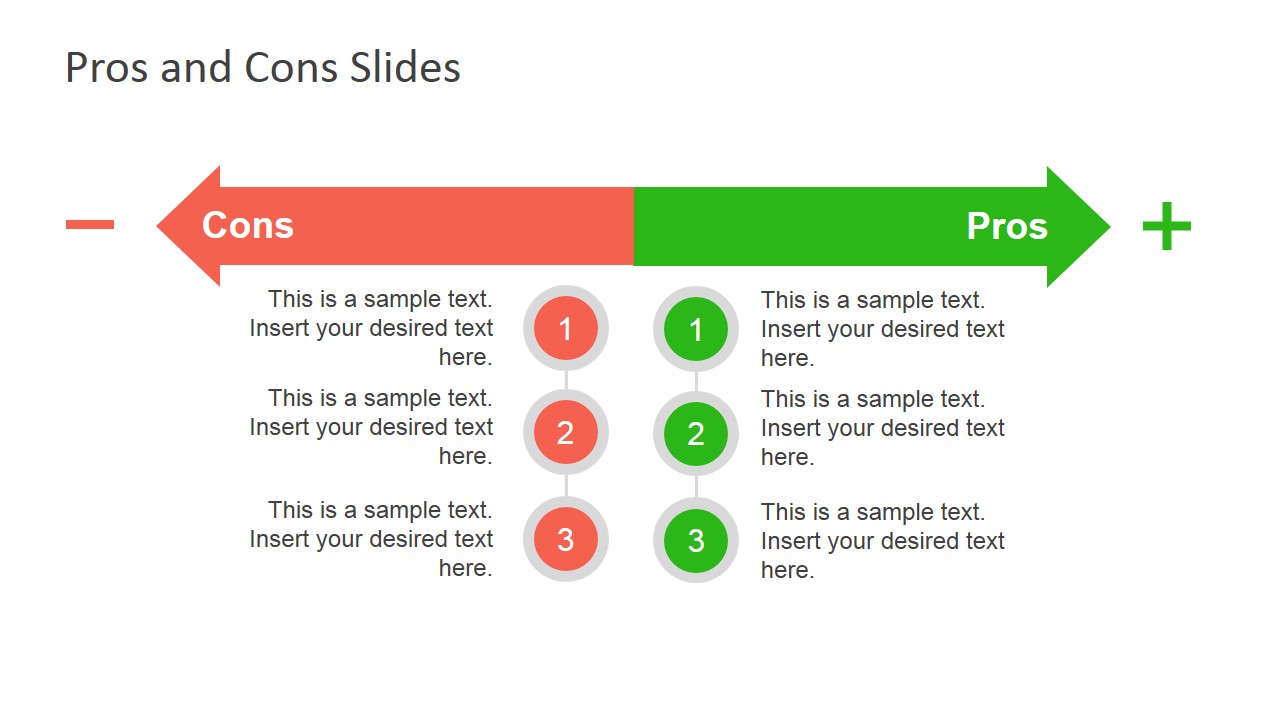
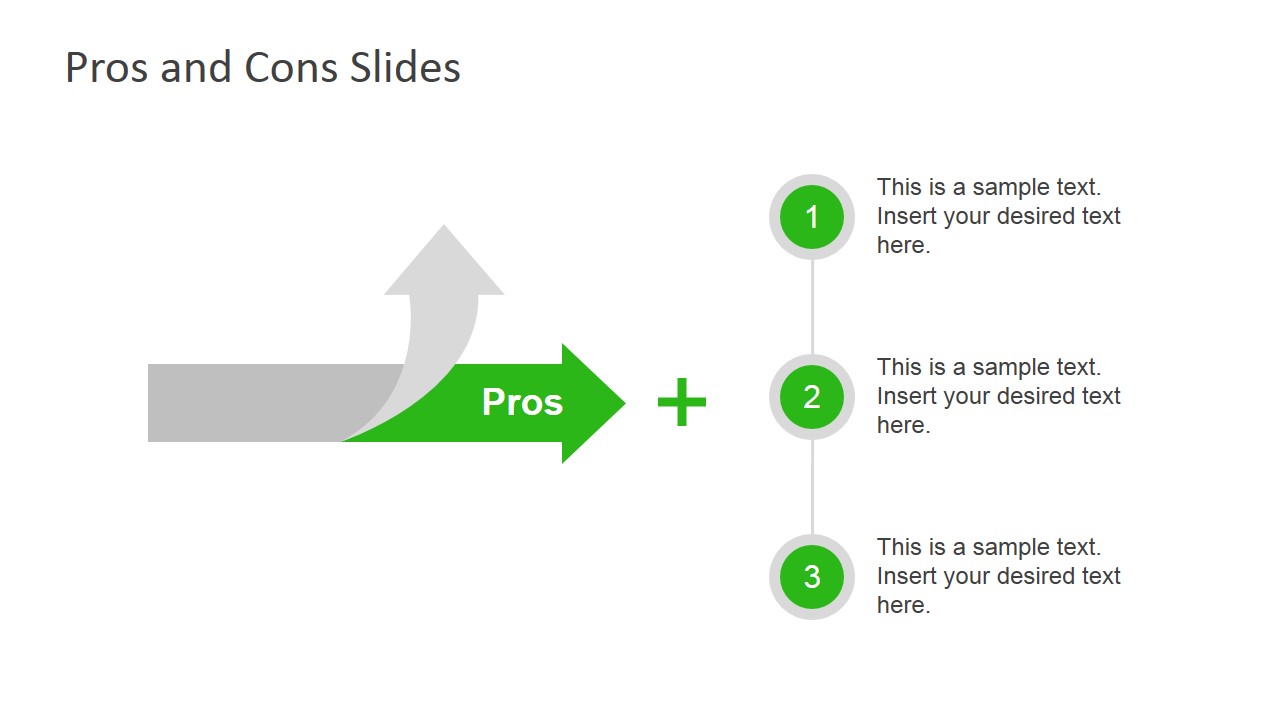
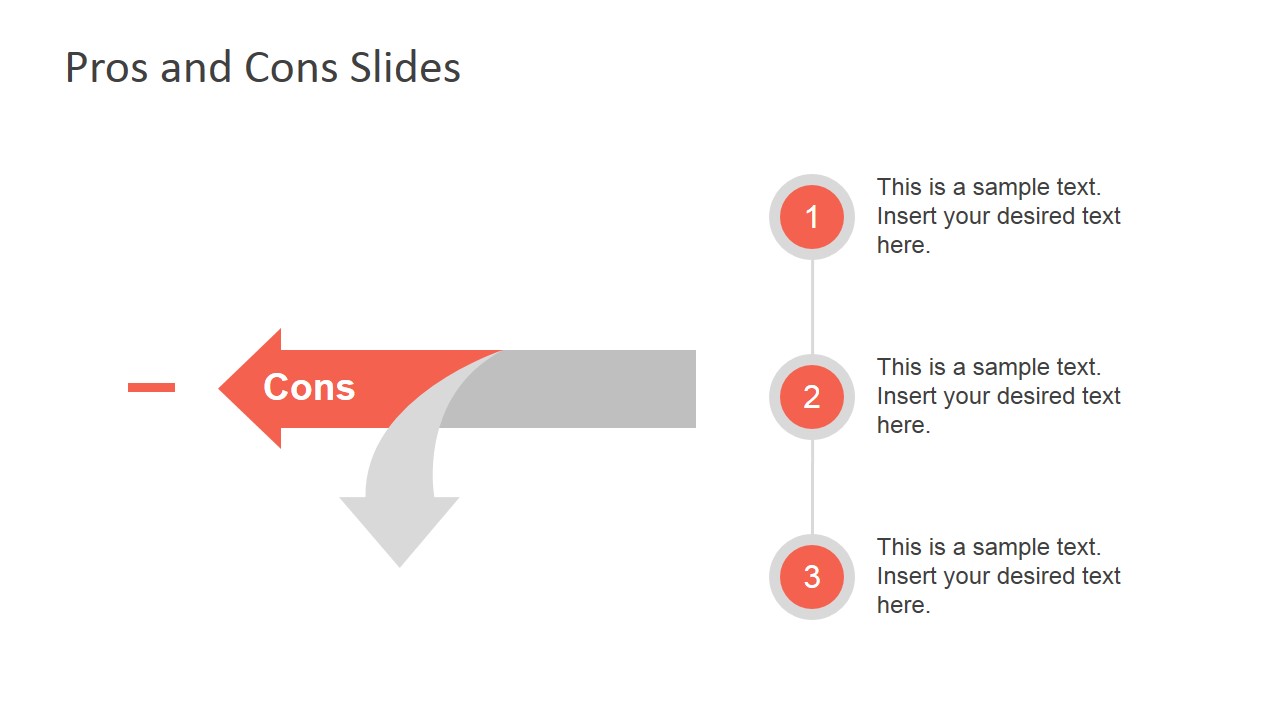
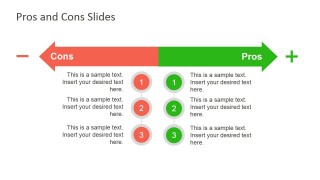
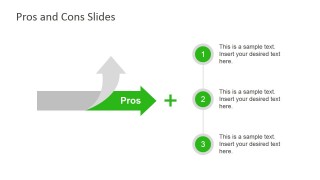
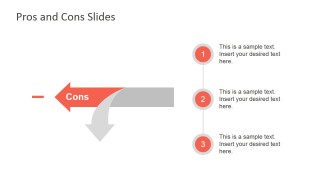
- A product manager can use the numbered pros and cons arrow slide to compare feature advantages and risks during a roadmap discussion.
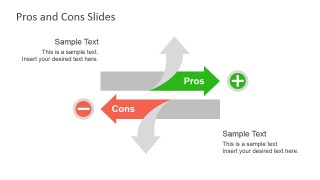
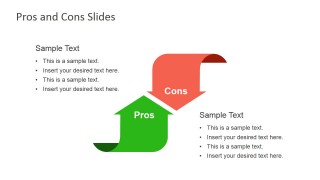
- A consultant can use the opposing arrow diagrams to frame a recommendation while keeping positive and negative factors visually separate.
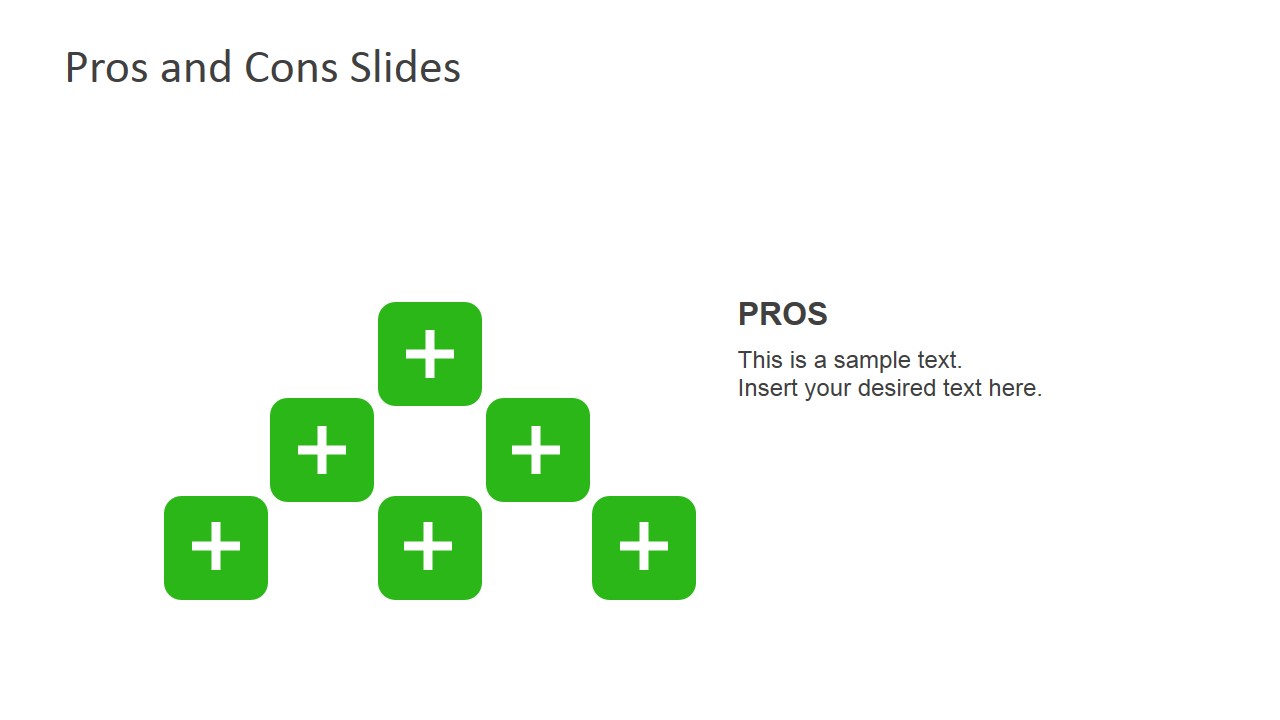
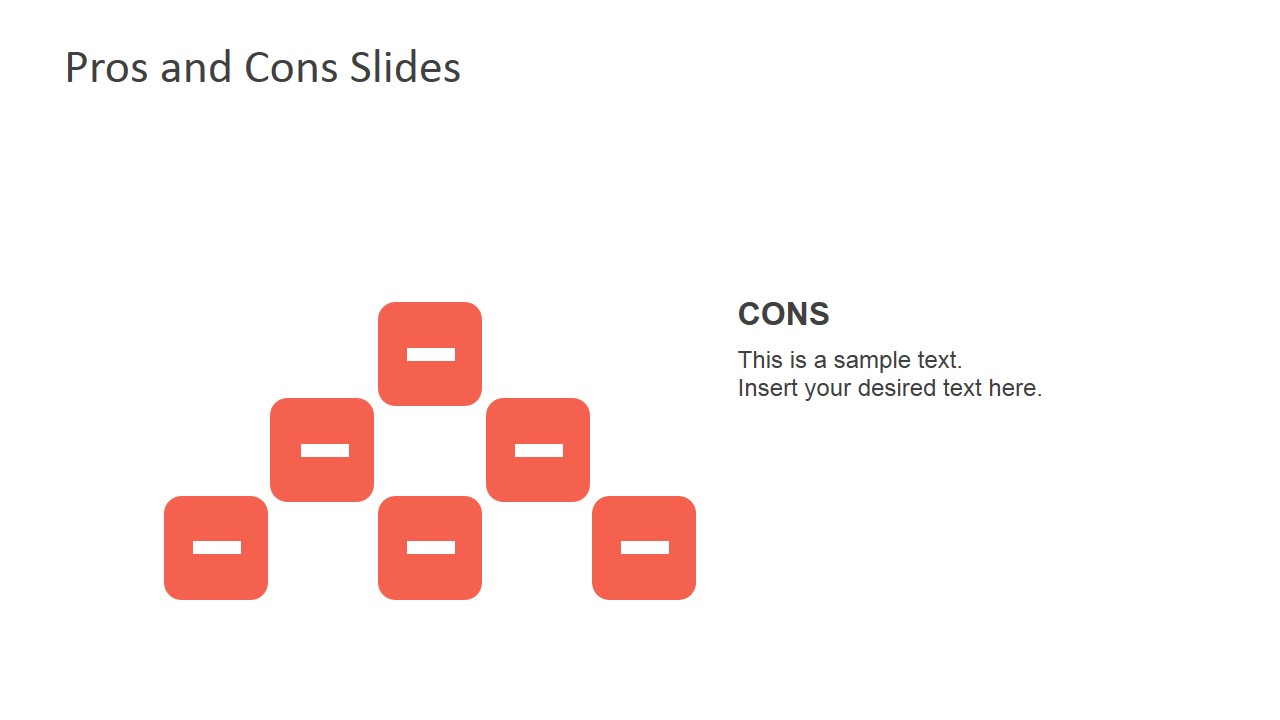
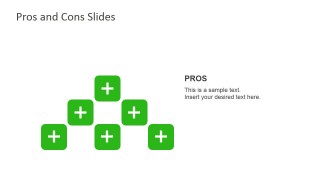
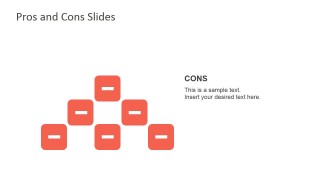
- A marketing team can use the pros-only and cons-only slides to isolate strengths, limitations, or campaign tradeoffs before showing a final decision.
Features
- 100% editable presentation template
- Compatible with Microsoft PowerPoint and Google Slides
- 16:9 aspect ratio slides
- Scalable vector shapes, icons and illustrations
- AI-Ready for Microsoft Copilot and Claude
- Instant access and download
Frequently asked questions
Q: How should a presenter structure a pros and cons discussion with this template?
A: Start with the combined arrow or scale slide to introduce the decision as a balanced comparison. Then use the pros-only and cons-only slides to explain each side in more detail. Keep each numbered item short, group similar ideas together, and end with the implication for the decision rather than only listing observations.
Q: Who is this template best suited for in a business setting?
A: This template fits presenters who must explain tradeoffs without overcomplicating the discussion. Project managers, product leads, consultants, and analysts can use the numbered lists, opposing arrows, and scale metaphor to compare options, features, risks, or project paths for stakeholders who need a quick decision frame.
Q: Why do the arrow, plus-minus, and scale metaphors help the message?
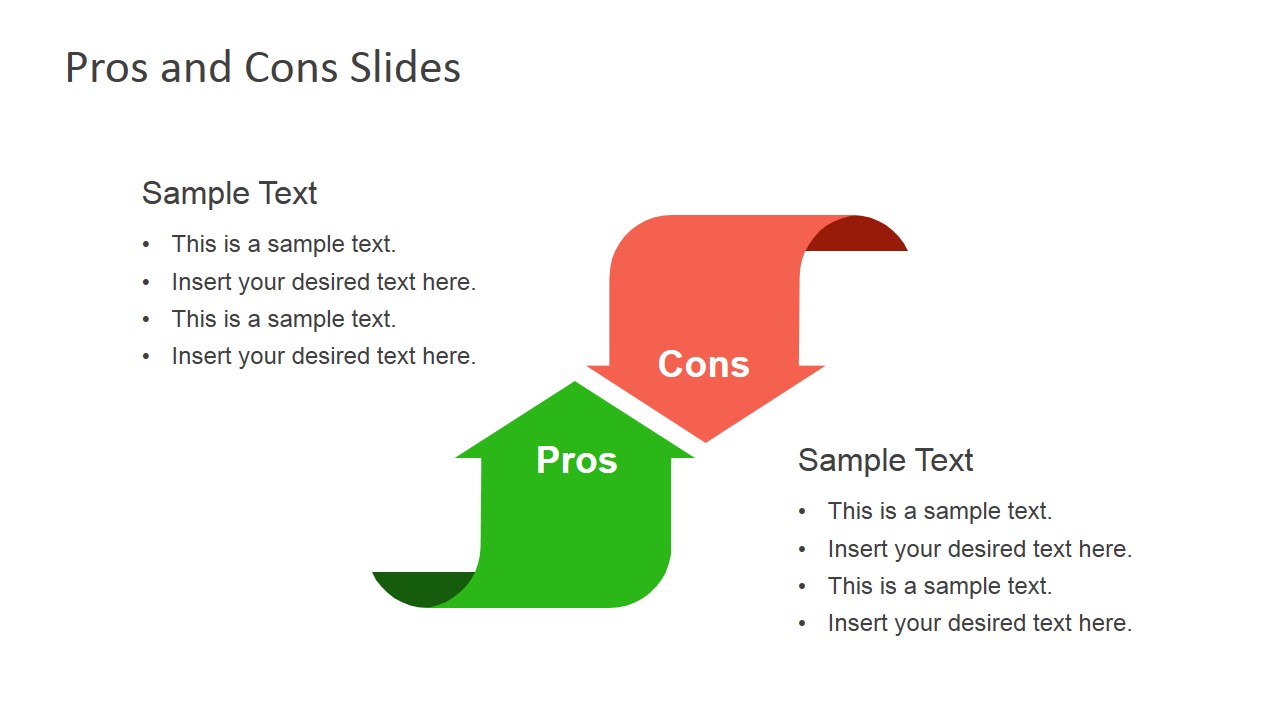
A: The red and green arrows create instant contrast between negative and positive points, while the scale slide suggests weighing the decision rather than picking a side too early. Plus and minus icon clusters work well for summary slides because they reduce cognitive load and let the audience read the stance before the details.
Pros & Cons Slide Diagrams for PowerPoint
8-slide presentation template for pros and cons diagrams, arrows, plus-minus icons, and comparison scales.
Pros & Cons Slide Diagrams for PowerPoint is an 8-slide diagram template for comparing advantages and disadvantages. It includes opposing arrow layouts, numbered pros and cons lists, curved arrow metaphors, a balance scale, and plus-minus icon clusters for business decisions, project tradeoffs, and product evaluations in PowerPoint and Google Slides.
- Category
- Diagrams
- Rating


 Loading...
- Aspect ratio
- 16:9
- Item ID
- 6961-01
- Colors
 Microsoft PowerPoint
  Microsoft Copilot
  Claude for PowerPoint
 Other formats supported
Subscribe today and get immediate
access to download our PowerPoint templates.