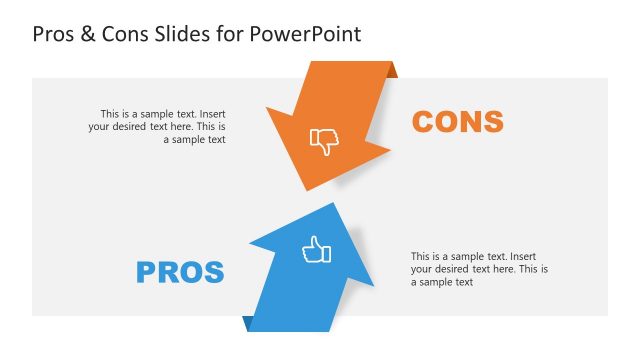
Present the positive and negative critical points of a product or procedure using our Benefits & Drawbacks Slide Template for PowerPoint. Discussing the benefits and drawbacks of a specific product or business process before its launch is crucial. Otherwise, companies can suffer from bad decisions and losses. So, we have created this benefits and drawbacks slide template for executive presentations. Professionals can demonstrate the advantages and disadvantages of the product with their stakeholders. This way, marketers or managers can make informed decisions based on accurate information. Operations managers can use this template to showcase the risks or potential benefits of implementing new operations within the organization.
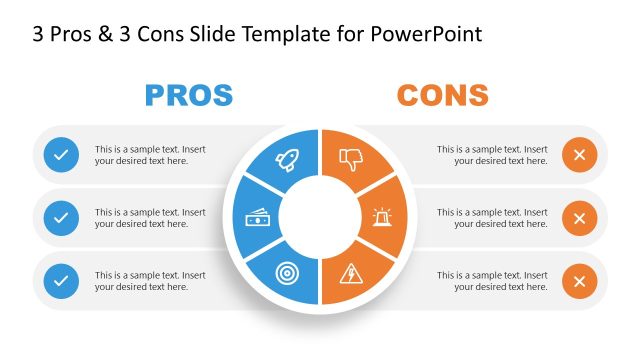
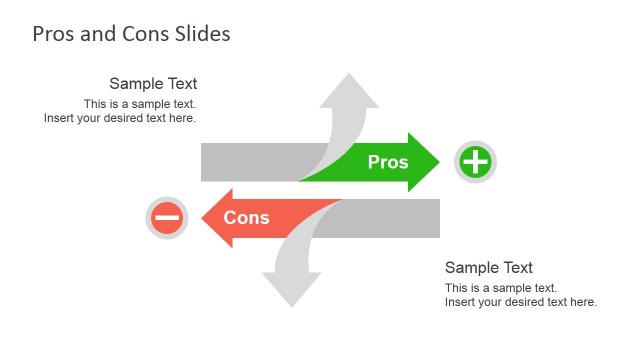
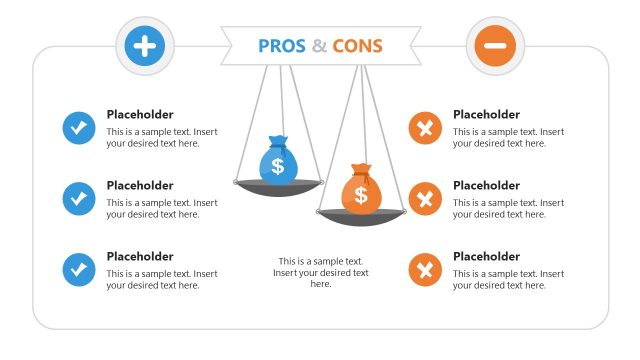
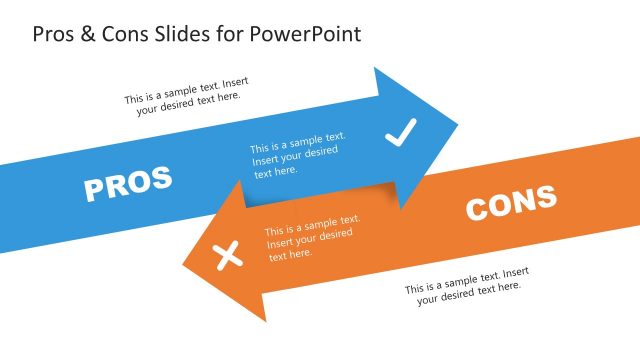
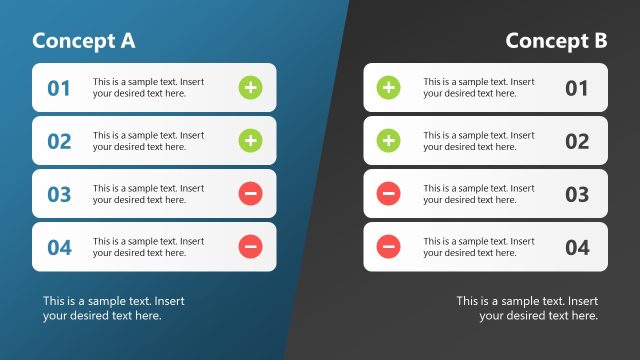
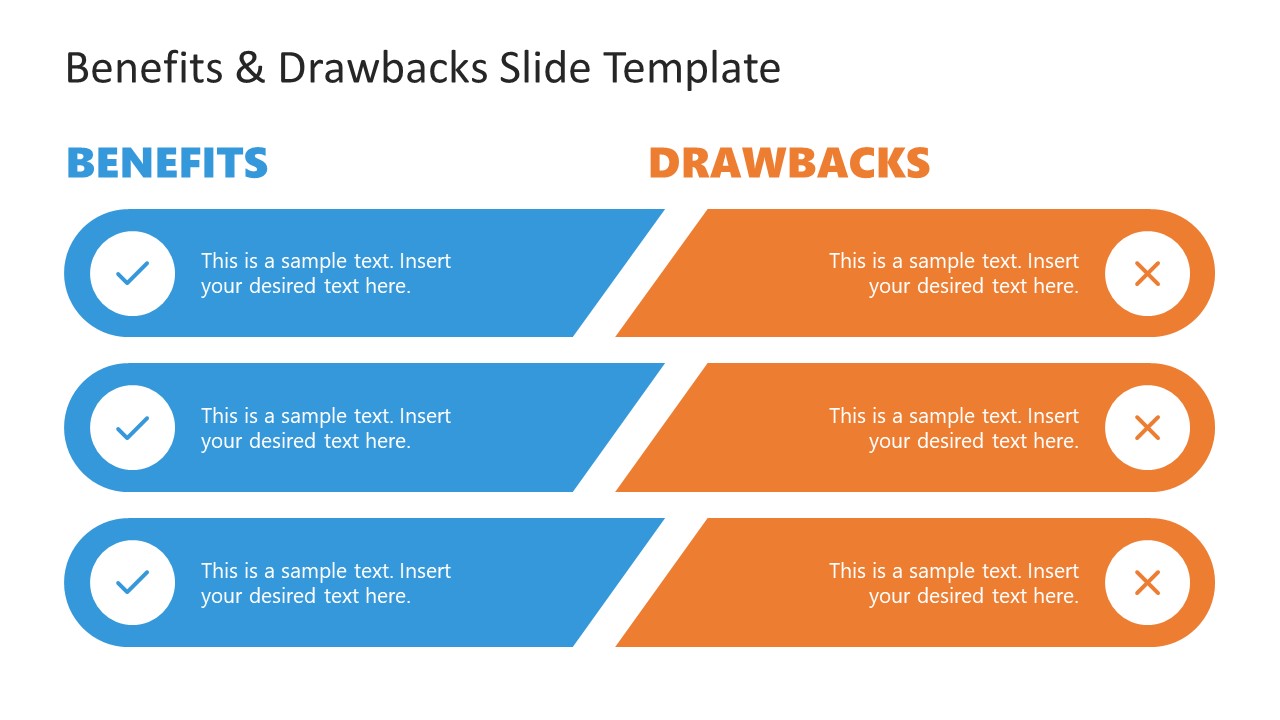
This Benefits & Drawbacks Slide Template for PowerPoint consists of two slides with slightly varying layouts. The first design divides the slide into two columns, one for benefits and the other for risks. Each column has three horizontal text boxes, each displaying the number of key points. The text boxes contain a tick mark for the benefits points and a cross mark for the drawbacks. The slide’s blue and orange color scheme makes the content understandable for the audience and captures their attention. In the second layout, other elements are similar to the first slide design except that the textboxes are colored while the tick and cross marks are transparent. Users can display the relevant key points in the bullet points format and change the colors and other PPT features of the template according to their preferences. They can also repurpose the template for their business presentations on different topics. So, download this engaging presentation template and customize it with Google Slides and Keynote!
Alternatively, you can download other benefits slide templates for PowerPoint presentations, or pros and cons slide template.
What’s inside this template
Example presentation scenarios
- A product manager can present a launch decision to executives by listing three expected benefits and three drawbacks in the side-by-side comparison layout.
- An operations manager can explain a process change to department leads by using the numbered rows to show gains, disruptions, and implementation concerns.
- A consultant can guide a client workshop by mapping positive and negative implications in the ribbon-style comparison slide before moving into recommendations.
- A project manager can support a steering committee discussion by using the check and cross icons to separate value drivers from risks.
Features
- 100% editable presentation template
- Compatible with Microsoft PowerPoint and Google Slides
- 16:9 aspect ratio slides
- Scalable vector shapes, icons and illustrations
- AI-Ready for Microsoft Copilot and Claude
- Instant access and download
Frequently asked questions
Q: How should a presenter structure the comparison so the slide does not feel like a list?
A: Start with the decision or option being evaluated, then limit each side to the three points that change stakeholder judgment. Put the strongest benefit and most serious drawback in the top row. The paired structure helps the audience compare tradeoffs one level at a time instead of scanning unrelated bullets.
Q: For what type of meeting is this template the best fit?
A: This template fits short decision reviews where leaders need a balanced view before approving a product, process, policy, or project direction. Product managers, operations leads, and consultants can use it to show upside and downside without building a full business case deck.
Q: Why do the check and cross symbols help the message land faster?
A: The check and cross symbols act as familiar approval and rejection cues, so viewers understand the comparison before reading the details. The blue and orange split creates a visual boundary between positive and negative points, while the numbered rows make the argument feel organized and easy to reference during discussion.



Benefits & Drawbacks Slide Template for PowerPoint
2-slide presentation template for benefits, drawbacks, product planning, and risk comparison diagrams
The Benefits & Drawbacks Slide Template for PowerPoint is a 2-slide decision comparison template for Microsoft PowerPoint and Google Slides. It includes a two-column benefits versus drawbacks layout, numbered item rows, check icons, cross icons, and ribbon-style paired statements for product planning, project review, and operational tradeoff discussions.
- Category
- Diagrams
- Rating

 Loading...
- Aspect ratio
- 16:9
- Item ID
- 22264-01
- Colors
 Microsoft PowerPoint
 Microsoft Copilot
 Claude for PowerPoint
Other formats supported
Subscribe today and get immediate
access to download our PowerPoint templates.