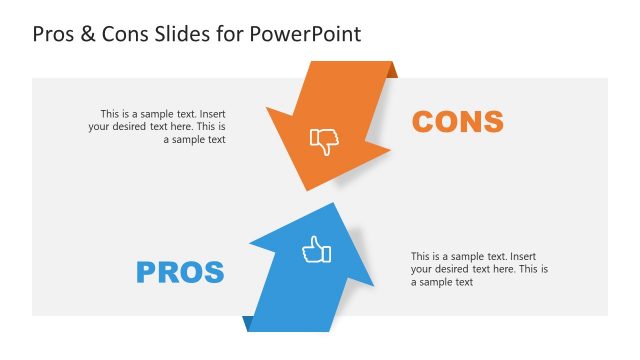
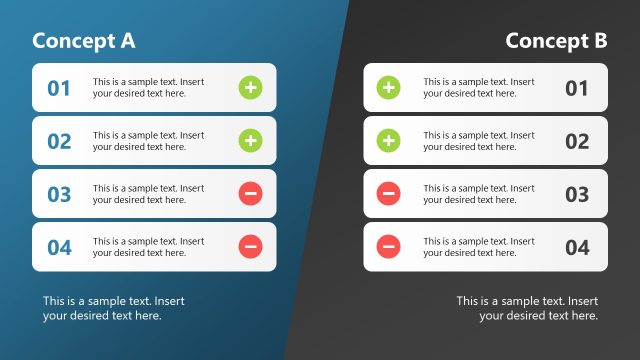
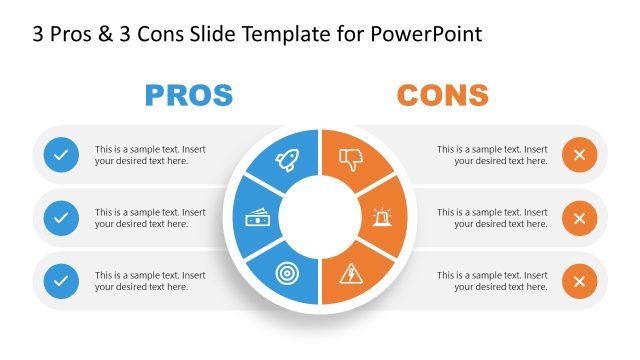
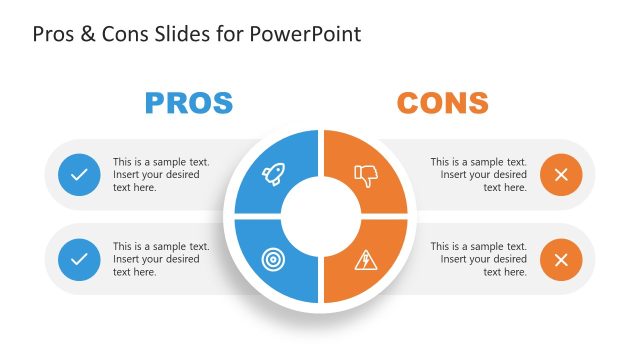
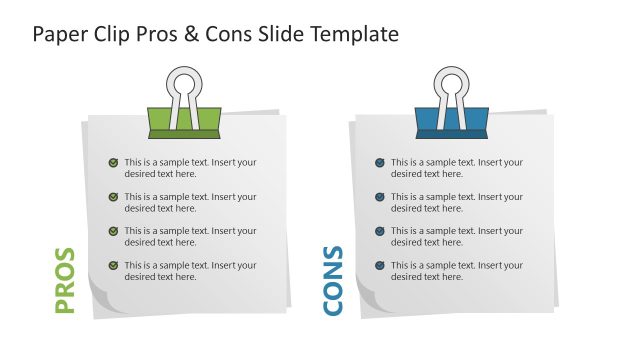
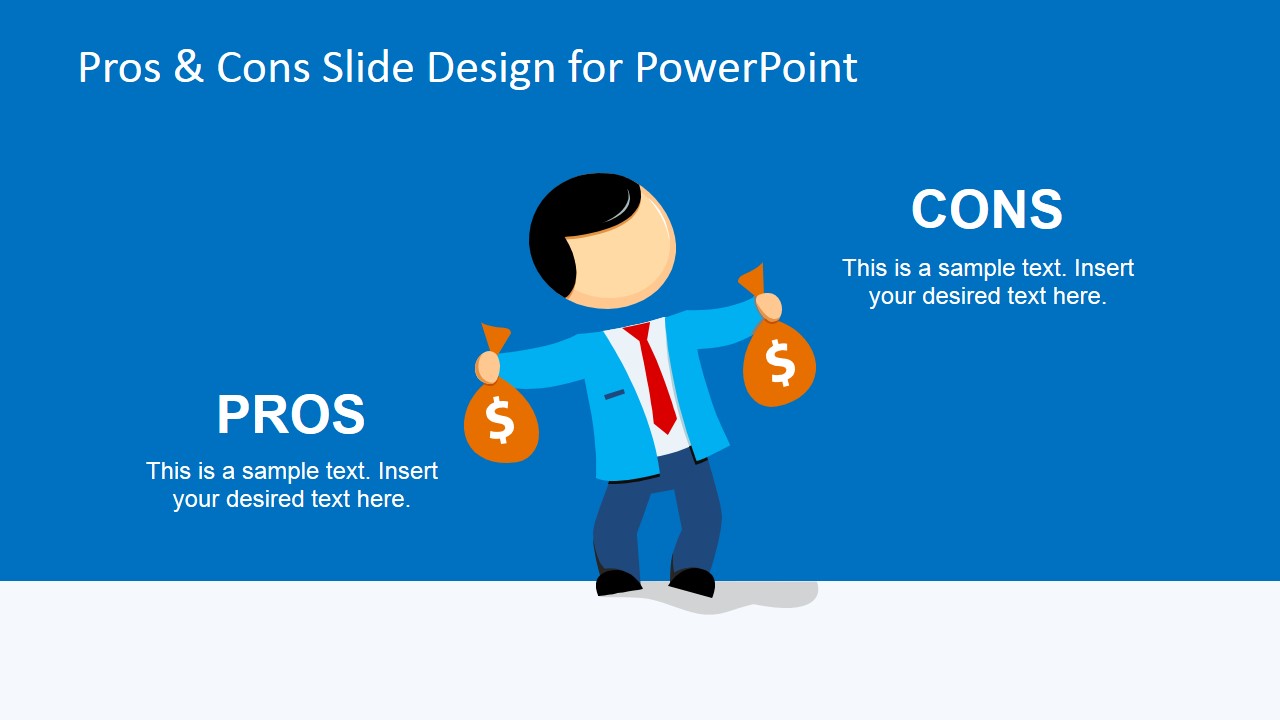
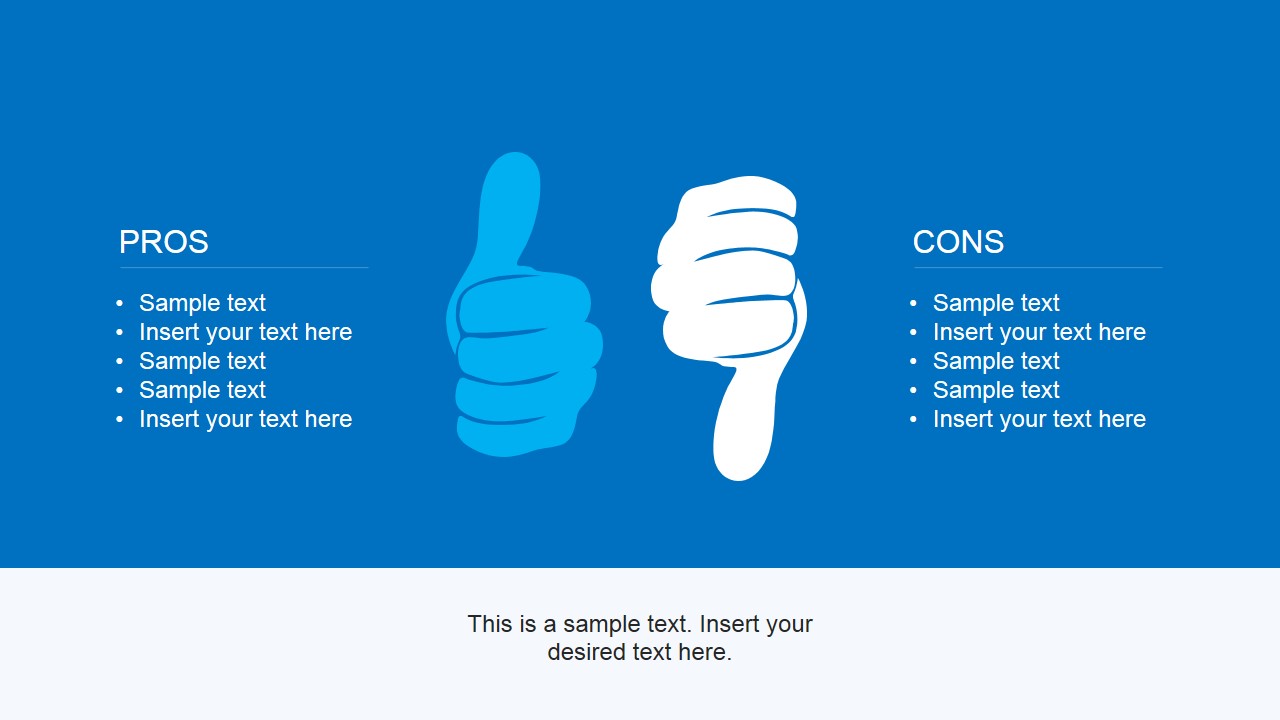
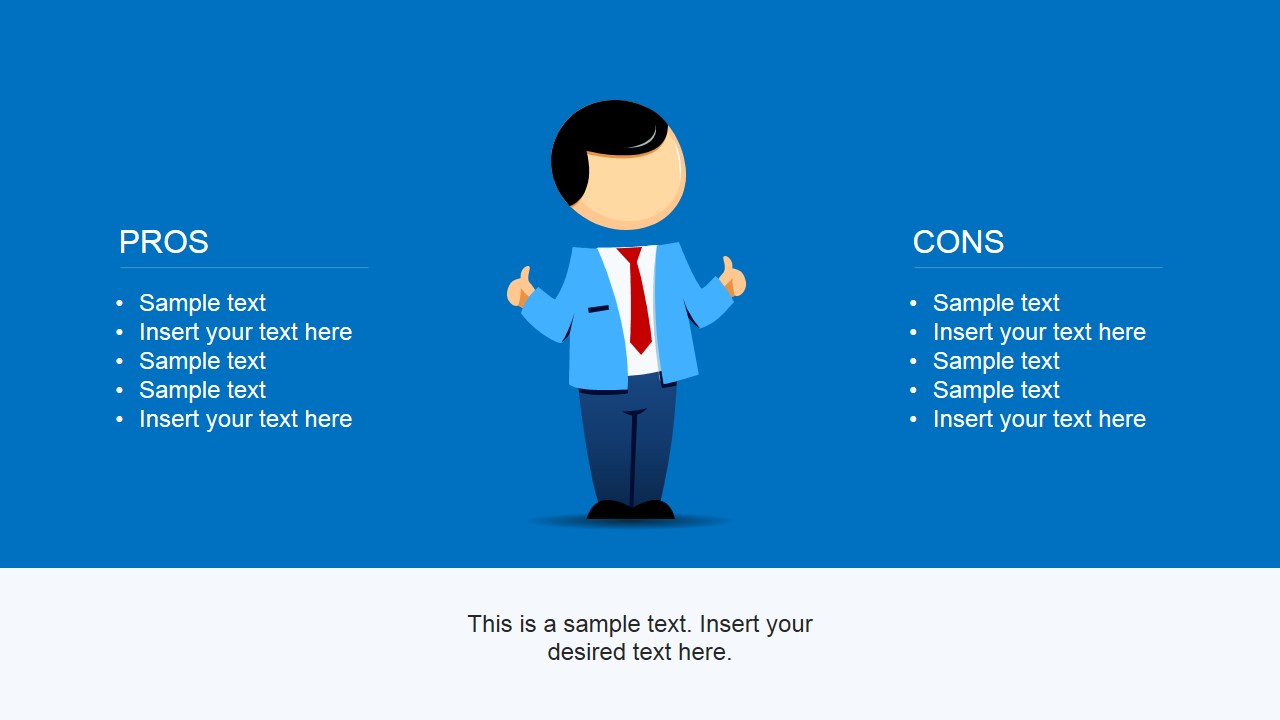
Pros & Cons PowerPoint Template is a presentation template design containing creative tables in PowerPoint that you can use to compare Pros & Cons. You can download this presentation template for PowerPoint if you need to design slides for your presentation and compare pros and cons with male cartoon illustration and thumbs up and down.
What’s inside this template
Example presentation scenarios
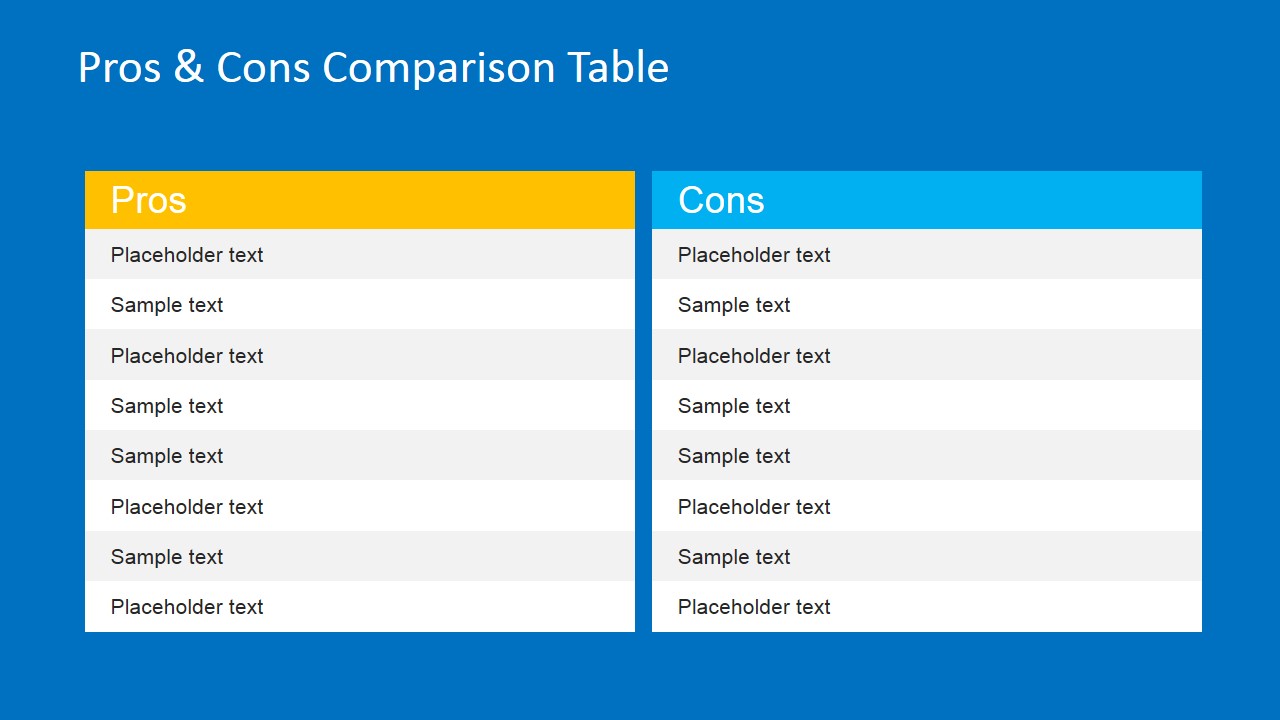
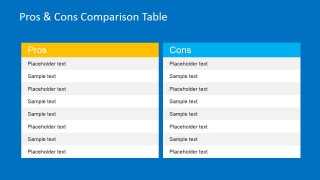
- A project manager can use the two-column comparison table to brief executives on the advantages and disadvantages of approving a project change.
- A consultant can use the thumbs up and thumbs down bullet layout to compare strategic options for a client workshop and keep the discussion balanced.
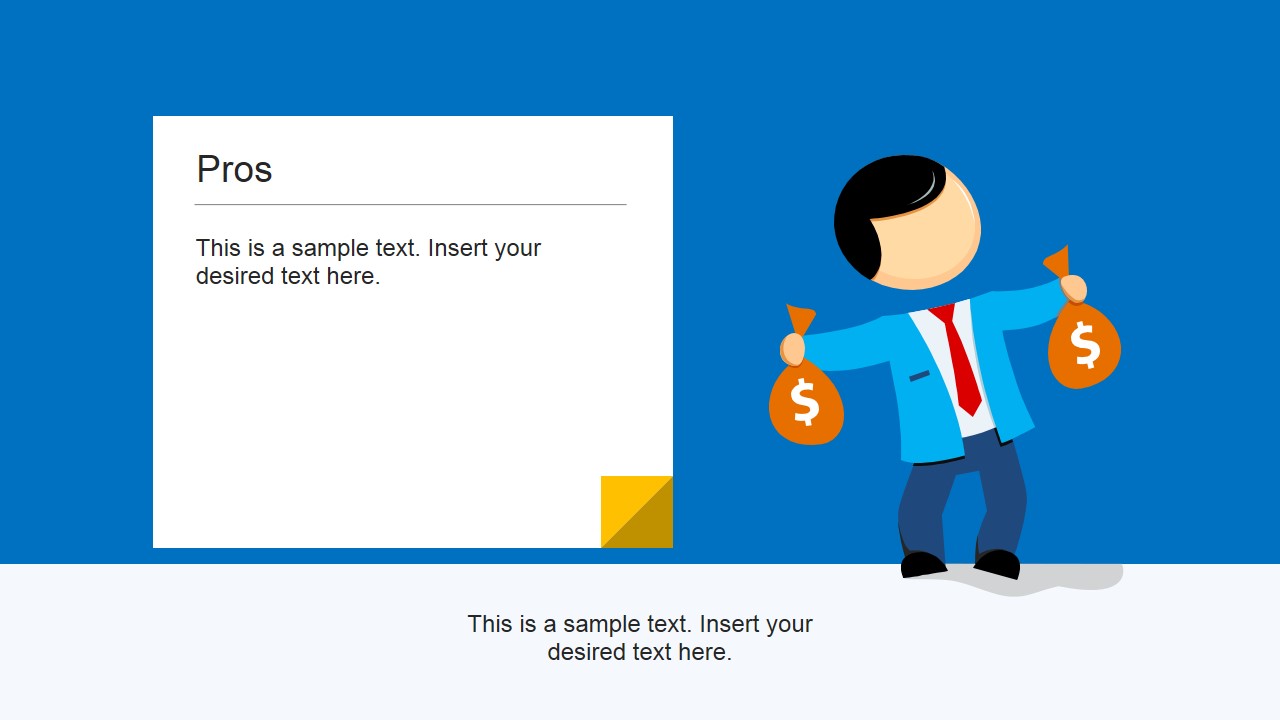
- A sales leader can use the pros text card and cons text card to explain benefits and objections around a product, service, or competitive position.
- An educator or trainer can use the cartoon character comparison slides to introduce trade-off analysis and ask learners to complete the editable bullet lists.
Features
- 100% editable presentation template
- Compatible with Microsoft PowerPoint and Google Slides
- 16:9 aspect ratio slides
- Scalable vector shapes, icons and illustrations
- AI-Ready for Microsoft Copilot and Claude
- Instant access and download
Frequently asked questions
Q: How should a presenter structure a clear pros and cons message with this template?
A: Start with the balanced overview slide, then move to the two-column comparison table for the full list of points. Use the single Pros and Cons card slides to expand the most important argument on each side. Close with the bullet comparison slide so the audience can see the final trade-offs before discussion.
Q: Who is this template best suited for?
A: This template fits presenters who need to explain a decision without turning the meeting into a spreadsheet review. Managers, consultants, trainers, and sales teams can use the tables, note cards, and thumb icons to frame a topic as a clear set of benefits, drawbacks, and discussion points.
Q: Why do the thumbs up, thumbs down, and cartoon character visuals help the comparison?
A: The hand icons create an immediate positive-versus-negative metaphor, while the business character adds a human decision-making cue. This reduces cognitive load because the audience can identify which side of the argument they are viewing before reading the bullets or text card details.


Pros & Cons PowerPoint Template
8-slide presentation template for pros and cons comparisons with tables and thumbs up/down icons
Pros & Cons PowerPoint Template is an 8-slide comparison deck for showing advantages and disadvantages. It includes a two-column comparison table, pros and cons text cards, thumbs up and thumbs down icon layouts, and cartoon business character slides for Microsoft PowerPoint and Google Slides.
- Category
- Text & Tables
- Rating


 Loading...
- Aspect ratio
- 16:9
- Item ID
- 6692-01
- Colors
 Microsoft PowerPoint
  Microsoft Copilot
  Claude for PowerPoint
 Other formats supported
Subscribe today and get immediate
access to download our PowerPoint templates.