Slide 2 of 7 from Project Status Timeline Template for PowerPoint
6093-01-project-status-powerpoint-template-2
Project Status Timeline for PowerPoint
- Diagram
- Timeline Horizontal
- Project Plan Slide
- 16:9
- 100% Editable
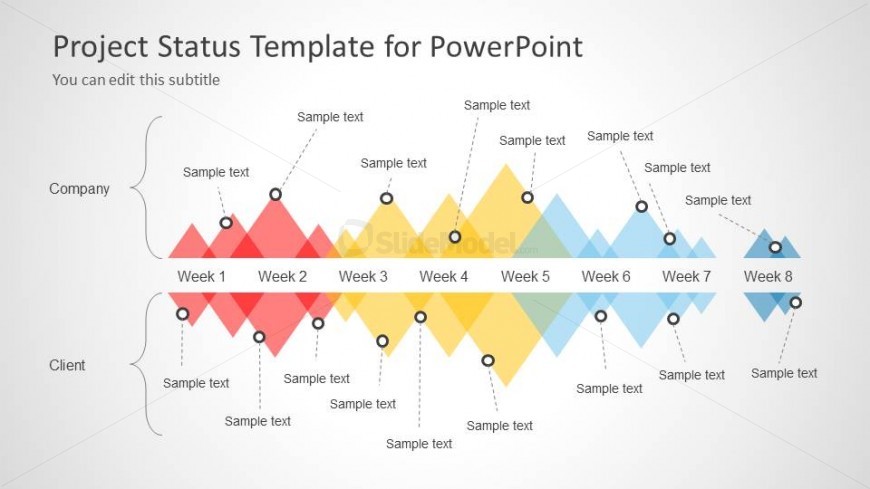
The Project Status Timeline slide from the Project Status Timeline Template for PowerPoint offers a clear horizontal timeline layout ideal for corporate presentations and project updates. Featuring editable shapes and color-coded milestones, this slide template supports effective communication of project phases over eight weeks, making it suitable for business presentations and status meetings using PowerPoint slides or Google Slides templates.
What’s on This Slide
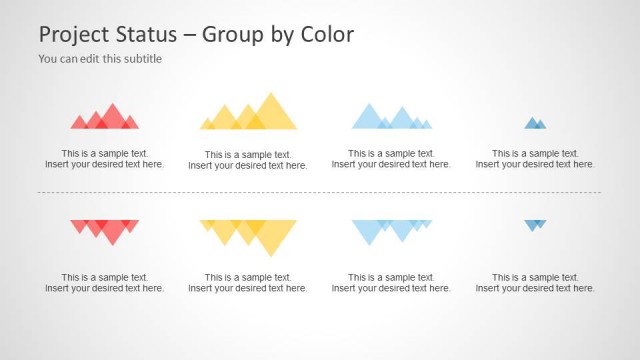
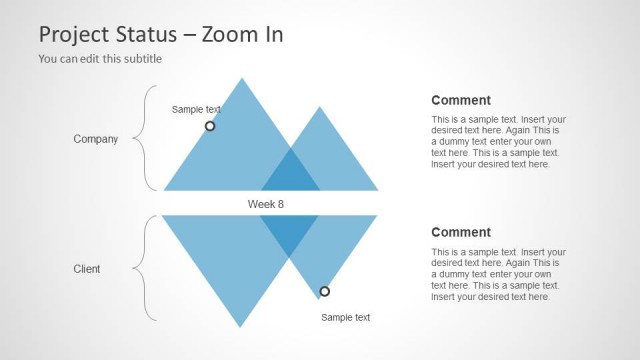
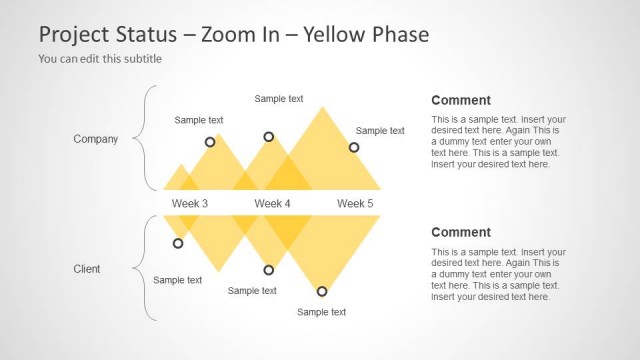
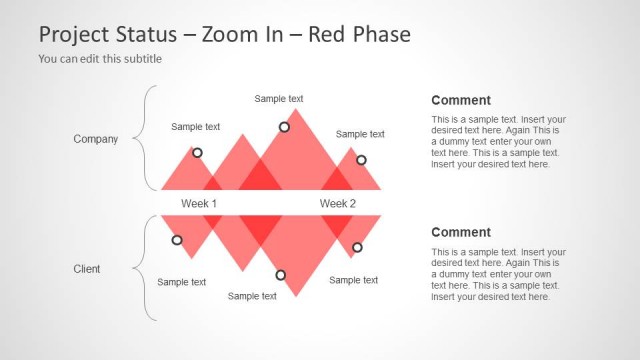
The layout features a horizontal timeline divided into eight weeks, with diamond shapes representing each week. The top section is labeled 'Company' and the bottom 'Client,' with text placeholders aligned vertically beside each week. Each week has a corresponding circle node positioned above the diamond shapes, indicating key points. The color scheme alternates between red, yellow, and blue diamonds, creating a visual distinction for each week. Text placeholders are present for titles and subtitles, with a clean background enhancing readability.
How to Use It
This layout serves as a project status timeline, ideal for tracking progress over eight weeks. It fits into a presentation sequence after an introduction or problem statement, providing a clear visual of project milestones. This structure is useful for project managers to present updates to stakeholders, illustrating timelines and responsibilities. It can also be adapted for team meetings to discuss project phases and deliverables, ensuring clarity in communication regarding project timelines and tasks.
Text Placeholders & Capacity
Keep your copy within these limits so it fits without resizing. Node body slots can hold about 8-10 words each.
| Placeholder | Count | Max characters (approx.) |
|---|---|---|
| Slide title | 1 | 30 |
| Subtitle | 1 | 30 |
| Item heading | 8 | 10 |
| Item body | 8 | 50 |
Slide Keywords
Download unlimited PowerPoint templates, charts and graphics for your presentations with our annual plan.
DOWNLOAD