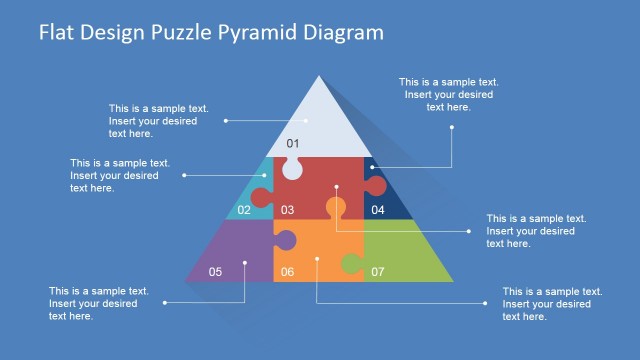
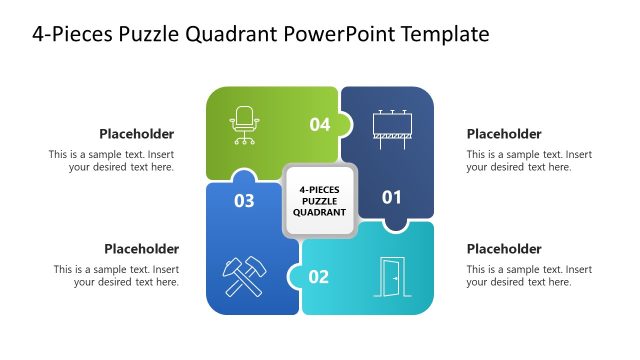
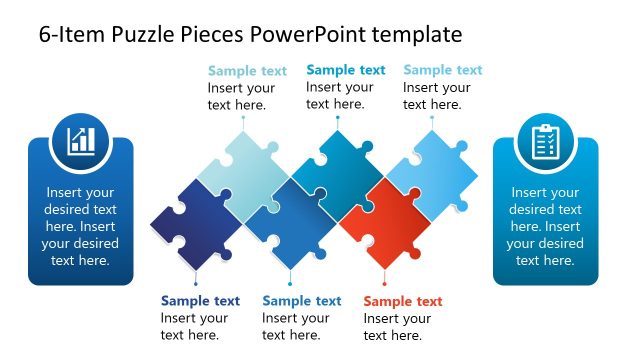
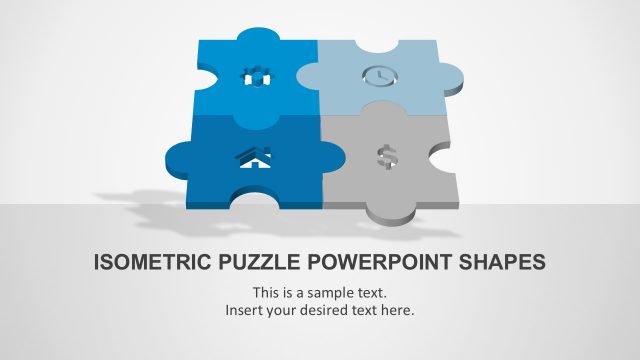
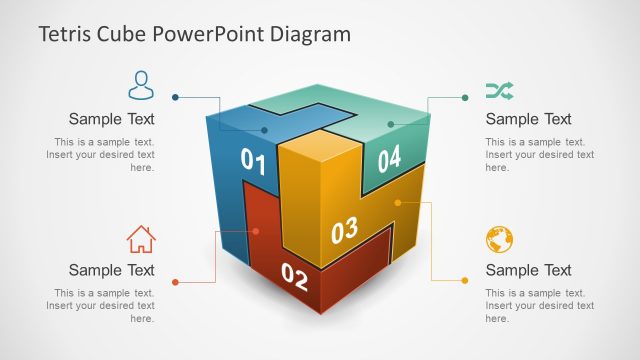
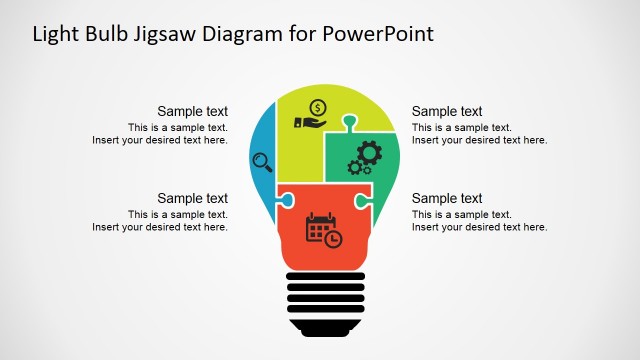
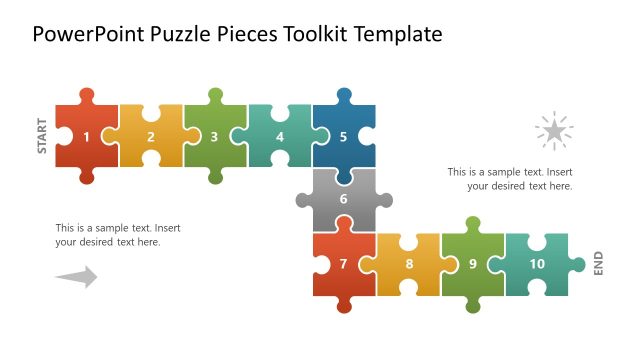
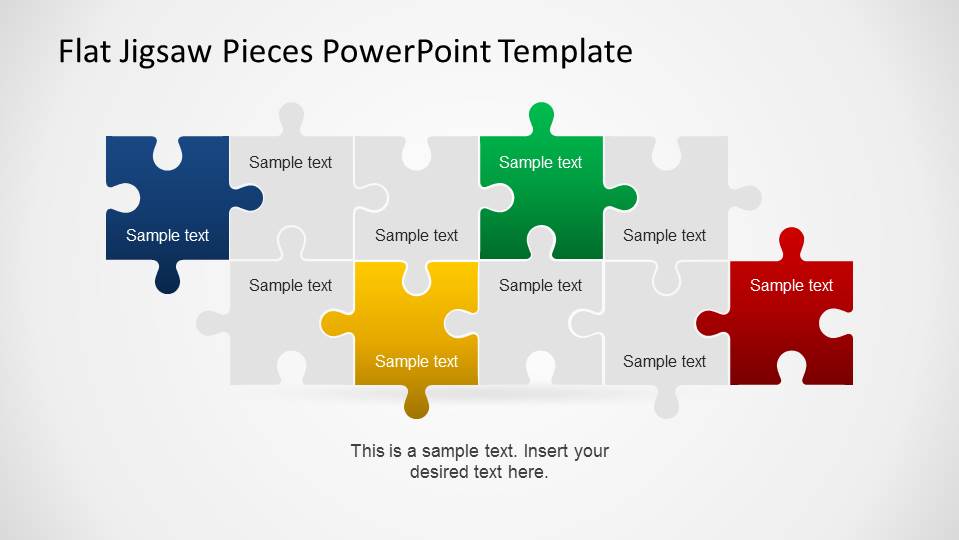
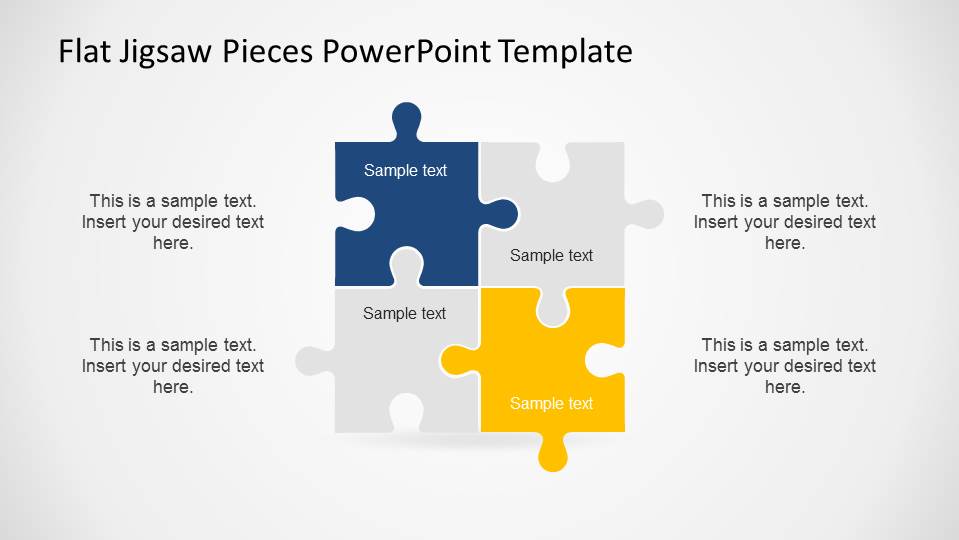
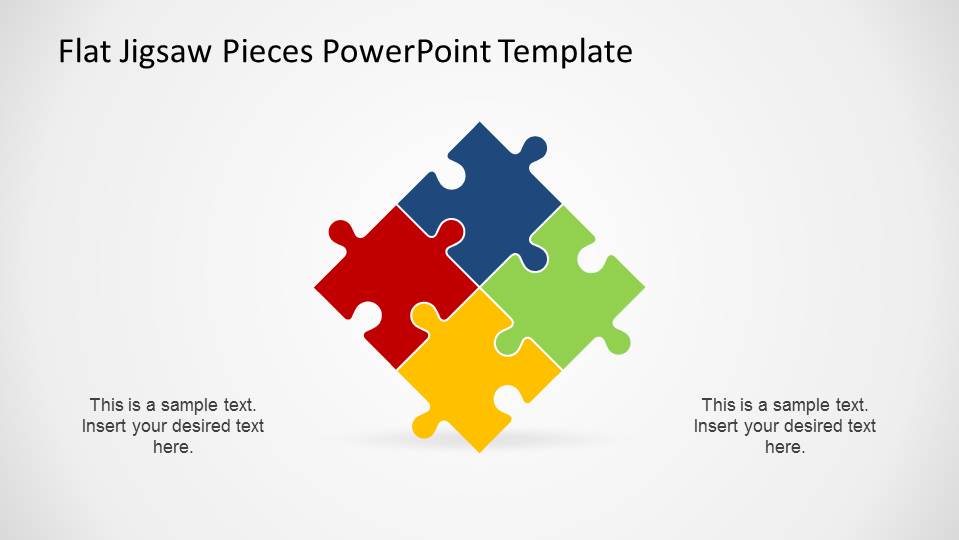
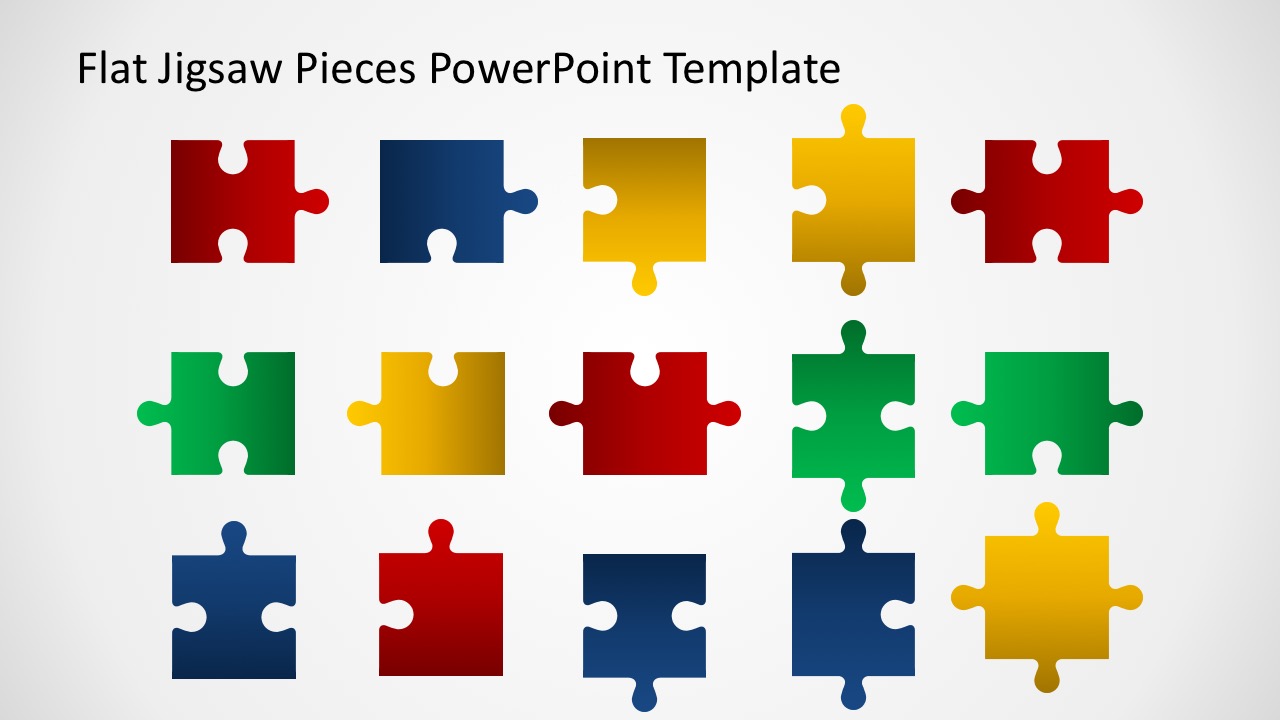
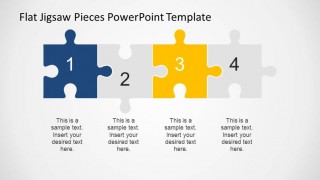
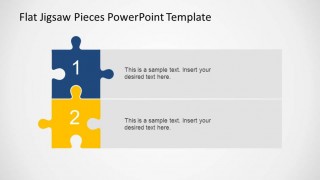
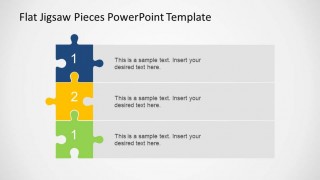
Editable Flat Jigsaw Pieces PowerPoint Template is a professional presentation with different shapes of jigsaw pieces. Connected in different ways, the puzzle pieces theme the presentation. The user can use jigsaw pieces as topics, or relevant markers. Also, creative designs of one, two, three and four steps diagrams are provided, to cover each jigsaw pieces topic.
Each puzzle piece is created as a PowerPoint shape. The user can change, color, size, aspect ratio, 3D effects, shadows and glow. The interlocking editable flat jigsaw pieces PowerPoint Template is ideal for combining with different presentations. The quality of the shapes and the generic theme are usually flexible to complement existing presentations. Play with your imagination, use this joigsaw pieces in your presentation and impress tour audience.
What’s inside this template
Example presentation scenarios
- A project manager can explain workstream dependencies by using the interconnected puzzle diagram to show how separate responsibilities connect to one delivery goal.
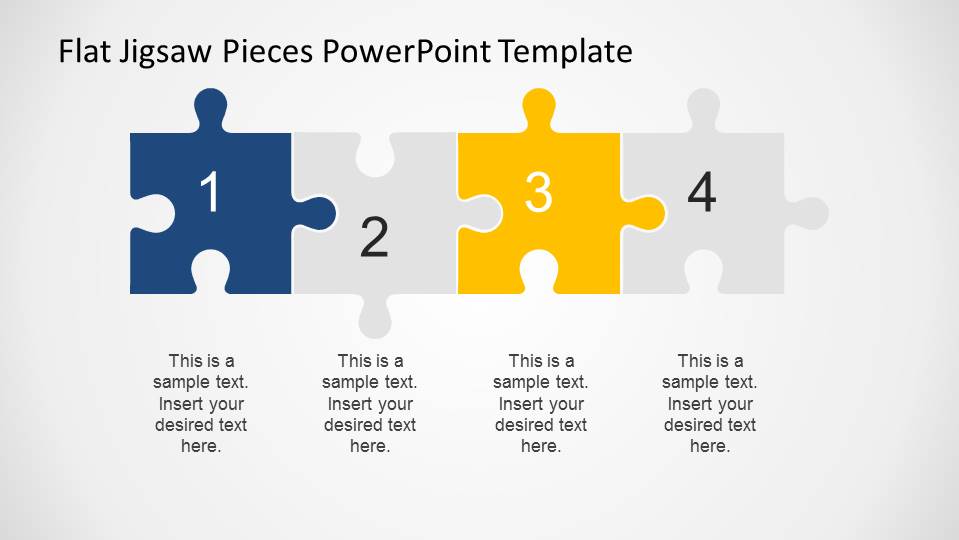
- A consultant can present a four-part strategy by assigning each pillar to the numbered four-step puzzle row and adding concise notes under each piece.
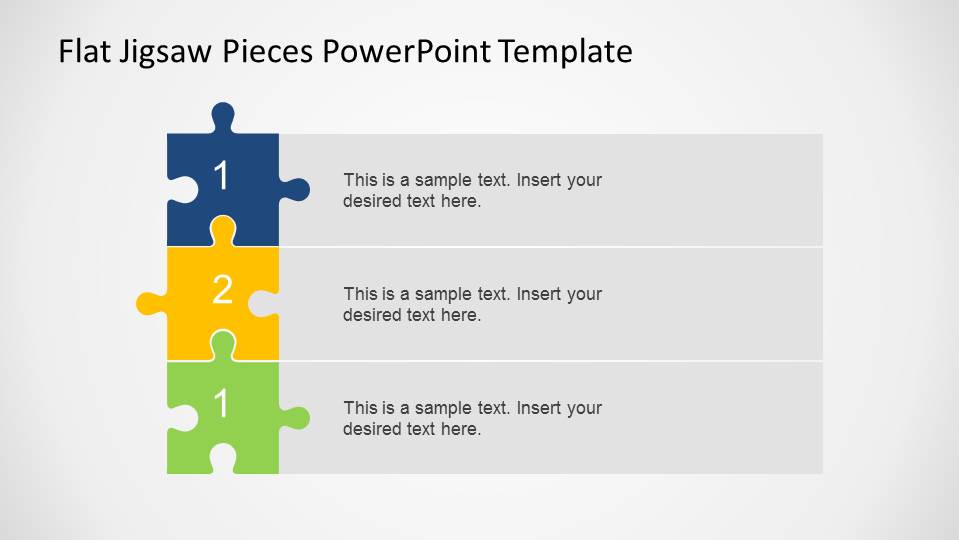
- A trainer can introduce a process lesson with the two-step or three-step stacked list layouts, using each puzzle piece as a module marker.
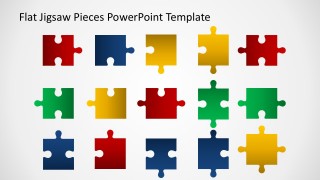
- A workshop facilitator can use the individual puzzle shape gallery to build a custom activity slide where participants map ideas into related groups.
Features
- 100% editable presentation template
- Compatible with Microsoft PowerPoint
- 16:9 aspect ratio slides
- Scalable vector shapes, icons and illustrations
- AI-Ready for Microsoft Copilot and Claude
- Instant access and download
Frequently asked questions
Q: How should a presenter use the puzzle metaphor without making the message feel generic?
A: Assign each puzzle piece a specific role, such as team, dependency, capability, risk, or project phase. Start with the larger interconnected puzzle slide to show the whole system, then move to the numbered row or stacked list layouts to explain the parts in order. Keep labels short so the audience focuses on the relationship between pieces.
Q: Who is this template best suited for in a business presentation?
A: This template works best for presenters who need to explain fit, alignment, or dependency rather than raw performance data. Project managers, consultants, trainers, and facilitators can use the connected puzzle diagrams to show how separate tasks, departments, skills, or decisions combine into a shared plan or outcome.
Q: Why use jigsaw pieces instead of a standard process diagram?
A: Jigsaw pieces make the idea of interdependence visible. A normal process diagram can imply a simple sequence, while these layouts show that each part has a place and affects the whole. The four-step row supports order, and the clustered diagrams support fit, collaboration, and completeness.

Editable Flat Jigsaw Pieces PowerPoint Template
6-slide presentation template with editable jigsaw puzzle pieces, step diagrams, and list layouts
Editable Flat Jigsaw Pieces PowerPoint Template is a 6-slide Microsoft PowerPoint shape template for explaining connected ideas. It includes an interconnected puzzle diagram, a four-step puzzle row, two-piece and three-piece list layouts, and a gallery of individual puzzle shapes for business, training, or workshop presentations.
- Category
- Shapes
- Rating


 Loading...
- Aspect ratio
- 16:9
- Item ID
- 6428-01
- Colors
 Microsoft PowerPoint
  Microsoft Copilot
  Claude for PowerPoint
 Other formats supported
Subscribe today and get immediate
access to download our PowerPoint templates.