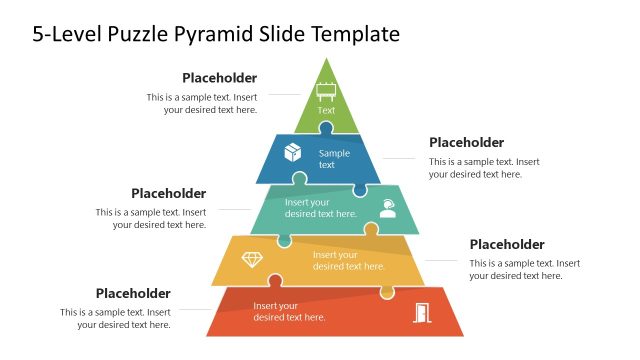
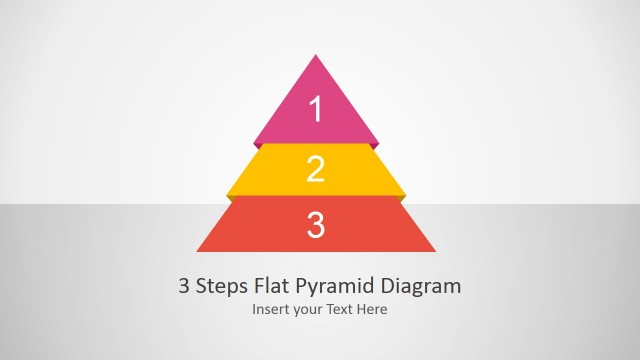
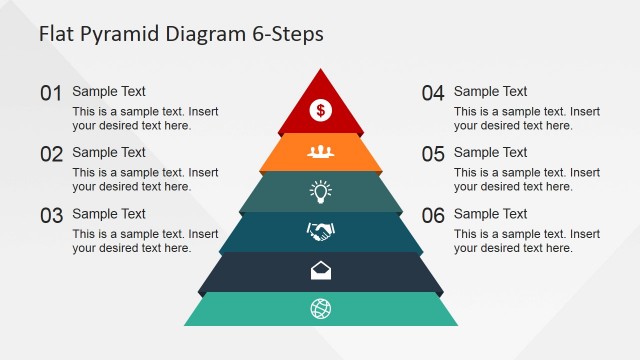
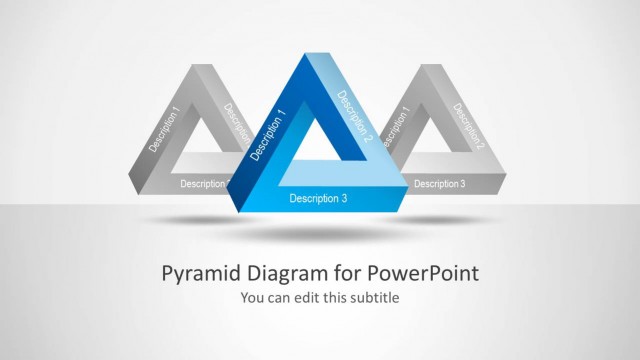
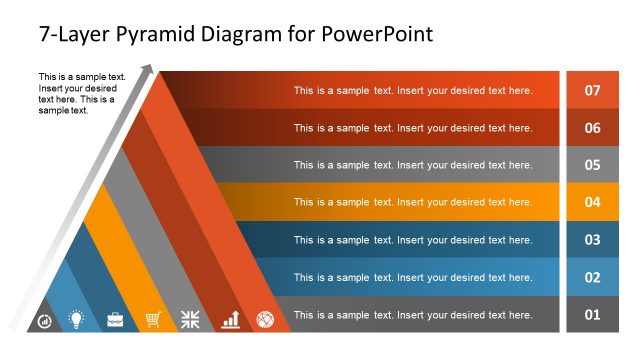
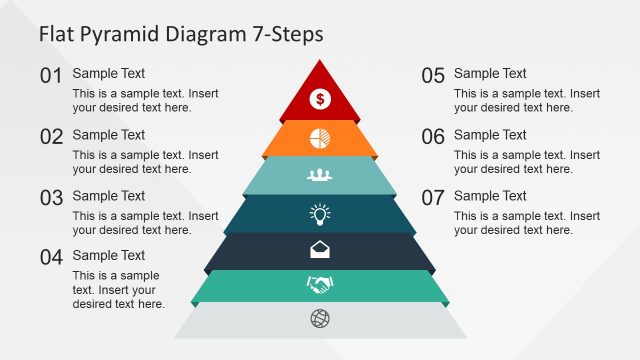
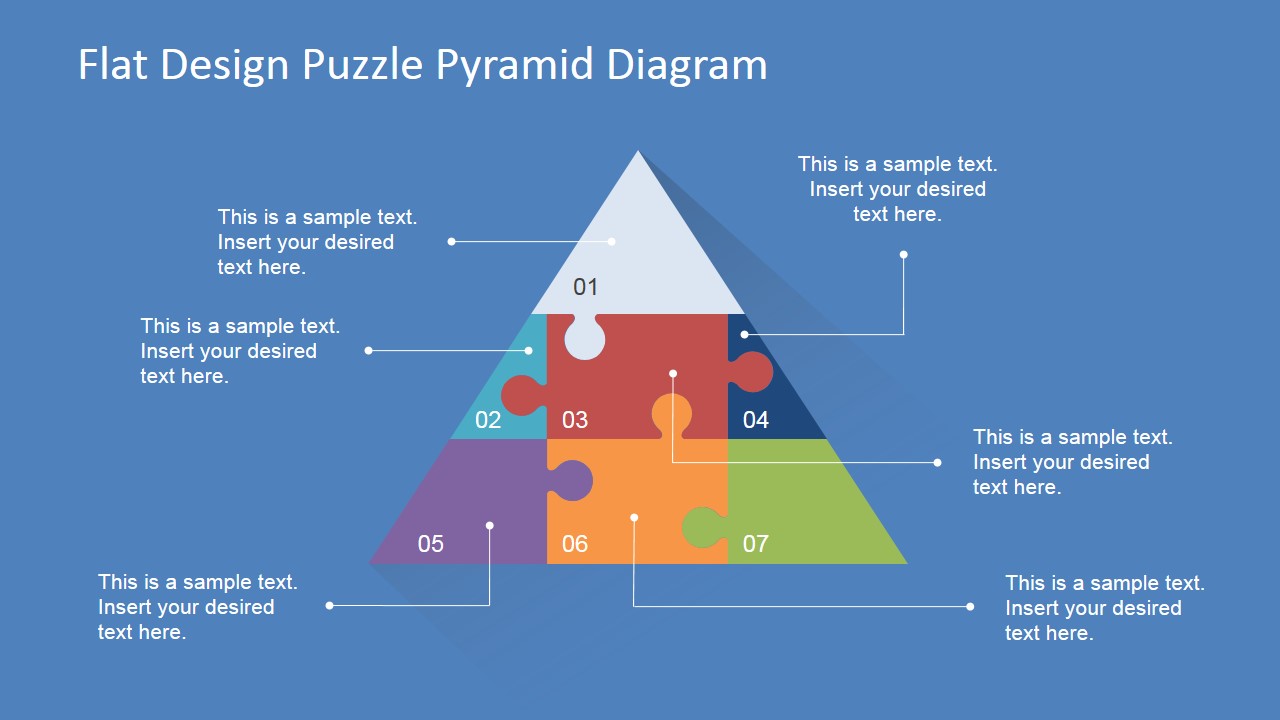
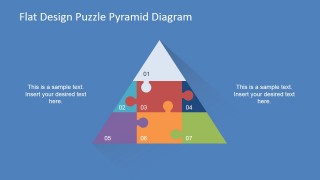
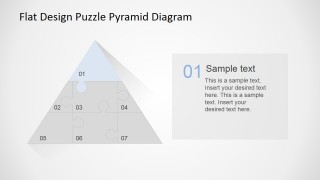
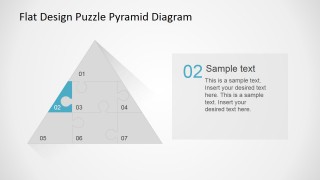
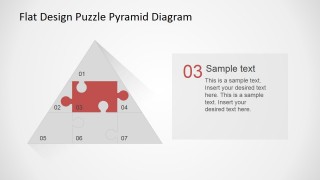
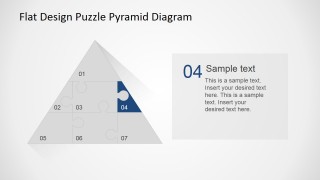
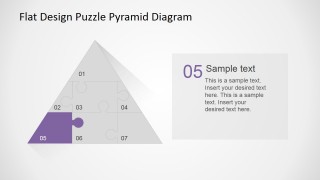
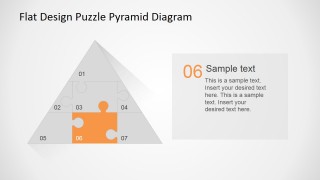
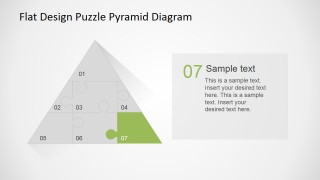
Flat Design Puzzle Pyramid Diagram is professional PowerPoint presentation that contains a creative Flat Pyramid diagram composed of Jigsaw puzzle pieces. Each piece is numbered and later a slide highlights the piece for a description. Ideal for Process presentations or Step by Step Instructions.
The diagram is created with a modern flat design with shadows and effects that emulated physical objects but without the use of 3D effects. The color palette is warm, and can be configured just updating the color theme. Each jigsaw puzzle piece is created as an individual PowerPoint Shape, allowing the user to fully customize its appearance and effects. The diagram and its components can be used in the template or in existing presentations. The user can take advantage of this modern and appealing PowerPoint Pyramid diagram in presentations previously created.
Engage your audience with this professional Pyramid Jigsaw Puzzle PowerPoint Diagram that appeals to professional audiences.
What’s inside this template
Example presentation scenarios
- A consultant can use the full callout pyramid to introduce the seven elements of a client framework before discussing each highlighted puzzle piece in detail.
- A training facilitator can present the numbered overview slide to explain a step-by-step method, then use the individual focus slides as lesson checkpoints.
- A project manager can show dependencies across workstreams by mapping each stream to a jigsaw segment and using the description cards for ownership or scope notes.
- A strategy lead can use the pyramid metaphor to show how foundational priorities support upper-level goals, with the color-coded pieces separating each priority.
Features
- 100% editable presentation template
- Compatible with Microsoft PowerPoint and Google Slides
- Scalable vector shapes, icons and illustrations
- AI-Ready for Microsoft Copilot and Claude
- Instant access and download
Frequently asked questions
Q: How should a presenter explain the seven puzzle pieces without making the pyramid feel like decoration?
A: Start with the full pyramid overview and assign a clear meaning to each numbered piece. Then move through the focus slides in the same order, using the highlighted segment and description card to explain one idea at a time. Keep each card to the decision, behavior, or requirement that belongs to that piece.
Q: Who is this diagram best suited for, and what kind of message does it communicate well?
A: This template works best for consultants, trainers, project managers, and analysts who need to present a seven-part process, framework, or set of interdependent priorities. The jigsaw pyramid communicates that the parts connect, while the pyramid shape suggests structure, support, and progression from base elements to a top-level outcome.
Q: Why use a puzzle pyramid instead of a standard numbered list?
A: A standard list shows sequence, but the puzzle pyramid adds two useful meanings: fit and hierarchy. The interlocking jigsaw pieces imply that each element depends on the others, while the pyramid shape helps the audience see levels of support. The individual highlight slides reduce visual noise when explaining each part.


Flat Design Puzzle Pyramid Diagram
10-slide PowerPoint presentation template for a seven-step puzzle pyramid diagram and process hierarchy.
Flat Design Puzzle Pyramid Diagram is a 10-slide PowerPoint diagram template built around a seven-piece jigsaw pyramid. It includes a full callout pyramid, a numbered overview, side text layouts, and individual highlighted piece slides for explaining process steps, priorities, frameworks, or layered requirements.


 Loading...
 Microsoft PowerPoint
  Microsoft Copilot
  Claude for PowerPoint
 Other formats supported
Subscribe today and get immediate
access to download our PowerPoint templates.