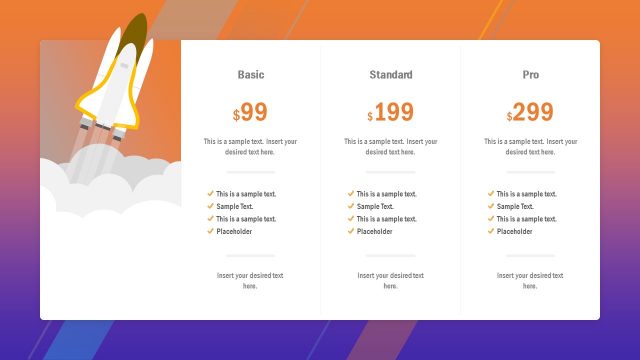
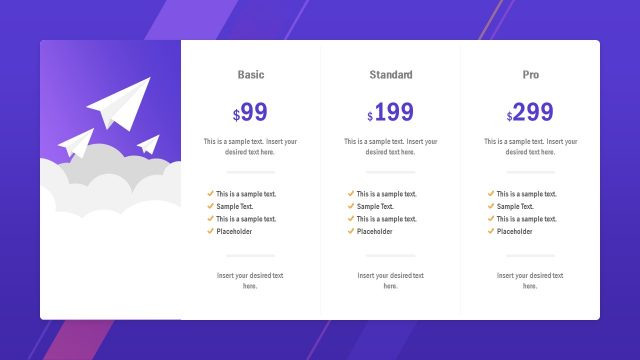
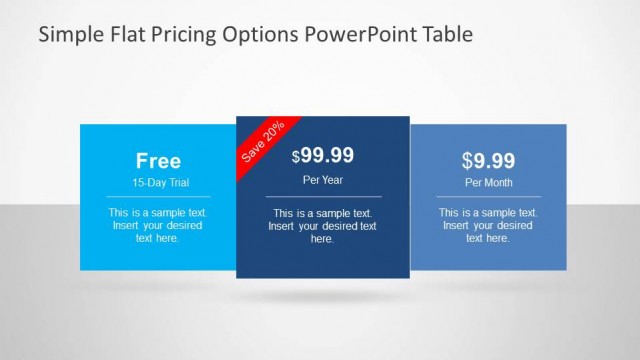
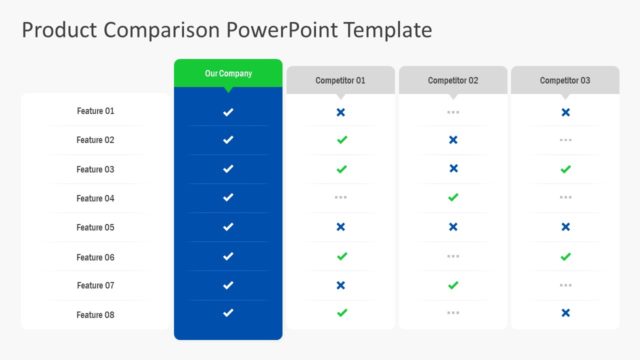
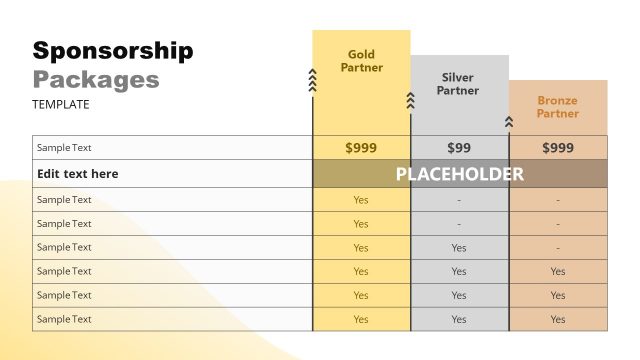
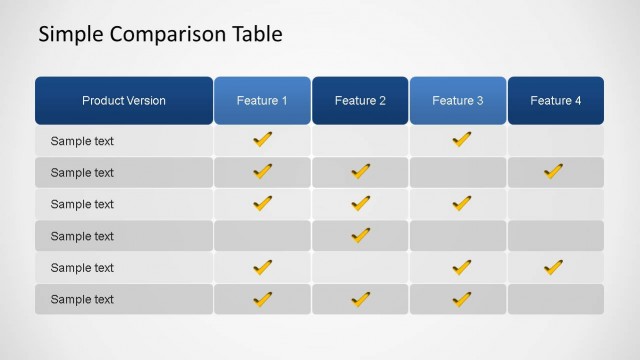
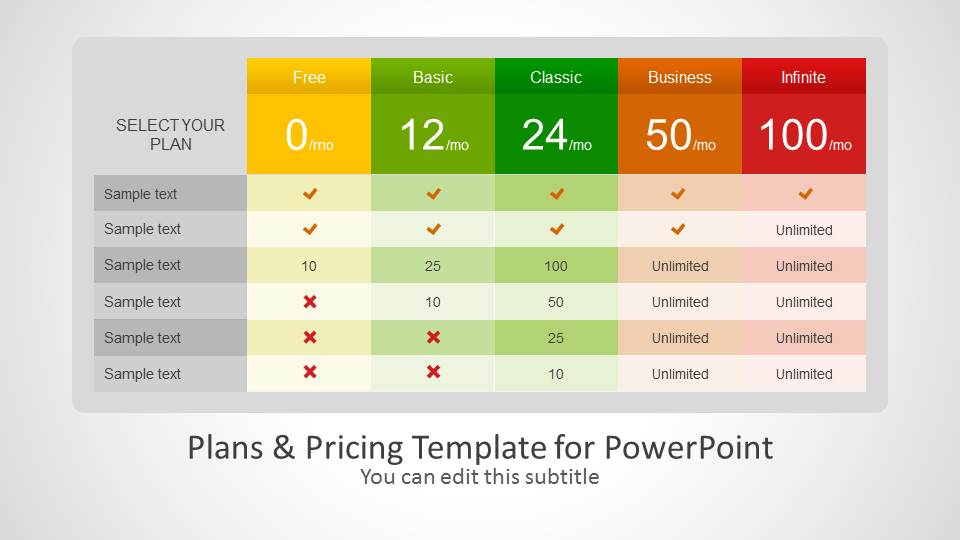
Create price plans with customizable price tables using the Plans & Pricing Template for PowerPoint.
Whether you require showing a price table to a potential customer or wish to use a readymade design to upload prices for your packages to a website, this template can help you craft attractive plans and pricing tables in no time.
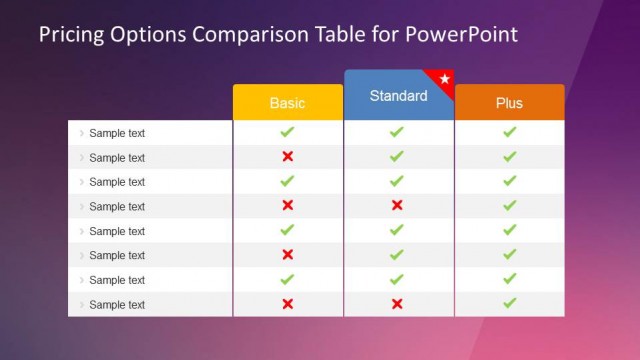
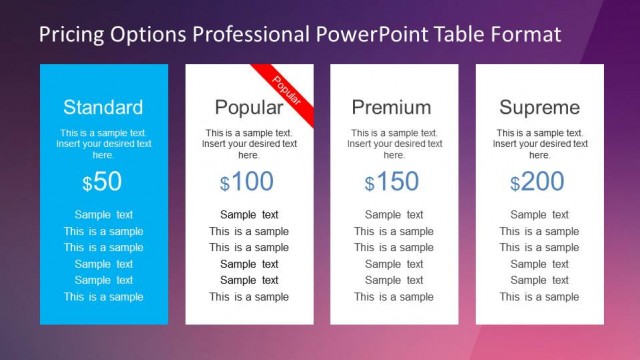
The pricing table template for Microsoft PowerPoint provides different sample slides with diverse price tables which can be customized easily within PowerPoint. This price comparison template is also compatible with Google Slides. You can also add new rows and columns and change the color of cells to suit your needs. The price comparison template is 100% editable and colors and shape properties can be adjusted.
What’s inside this template
Example presentation scenarios
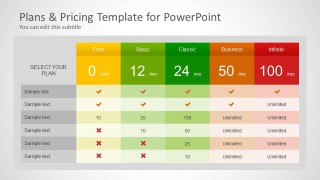
- A SaaS founder can use the five-tier pricing matrix to show investors or early customers how Free, Basic, Classic, Business, and Infinite packages differ by feature access and price.
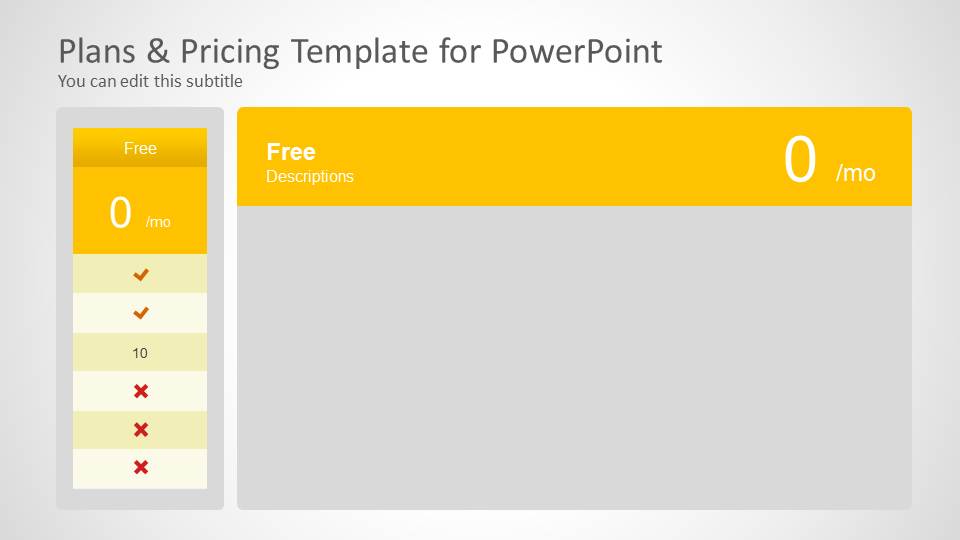
- A sales presenter can open with the comparison table, then move to the matching plan detail slide that fits the prospect's budget and explain included limits or unlimited items.
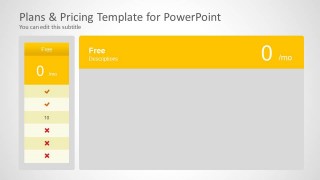
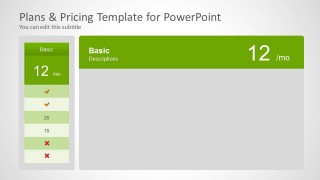
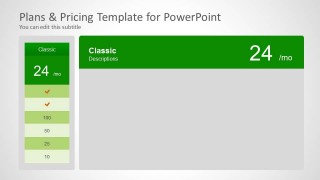
- A product marketing manager can use the individual plan cards to prepare a pricing page concept before handing copy and tier names to a website or design team.
- A consultant can replace the sample rows with service inclusions and use the check and cross icons to compare retainer packages during a client proposal.
Features
- 100% editable presentation template
- Compatible with Microsoft PowerPoint and Google Slides
- 16:9 aspect ratio slides
- Scalable vector shapes, icons and illustrations
- AI-Ready for Microsoft Copilot and Claude
- Instant access and download
Frequently asked questions
Q: How should a presenter explain several pricing tiers without making the audience compare every cell?
A: Start with the full pricing matrix and call out only the decision criteria that matter most, such as price, key inclusions, and limits. Then move to the relevant plan detail slide to discuss fit. This prevents the audience from reading every row and turns the table into a guided buying conversation.
Q: Who is this pricing deck best suited for in a business presentation?
A: It is best for SaaS, subscription, or packaged service teams that need to explain offer structure quickly. Founders, sales leads, product marketers, and consultants can use the matrix to compare options, then use the individual plan cards to present the recommended tier with more context and fewer distractions.
Q: Why does the design combine a comparison table with separate plan detail slides?
A: The table supports side-by-side evaluation, while the single-plan slides shift attention to one purchase choice. The color progression from Free through Infinite creates a tier metaphor, and the repeated card-and-panel structure makes each plan feel comparable while leaving room for tailored benefits, terms, or next-step messaging.



Plans & Pricing Template for PowerPoint
7-slide presentation template for SaaS pricing tables, plan cards, and feature comparisons
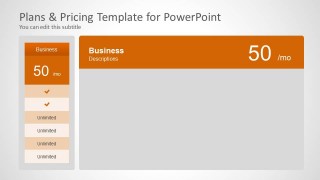
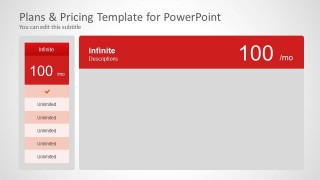
This 7-slide presentation template provides pricing comparison layouts for product or SaaS offers in Microsoft PowerPoint and Google Slides. It includes a five-tier pricing matrix, feature availability rows with check and cross icons, and individual plan detail slides for Free, Basic, Classic, Business, and Infinite tiers.
- Category
- Text & Tables
- Rating


 Loading...
- Aspect ratio
- 16:9
- Item ID
- 6072-02
- Colors
 Microsoft PowerPoint
  Microsoft Copilot
  Claude for PowerPoint
 Other formats supported
Subscribe today and get immediate
access to download our PowerPoint templates.