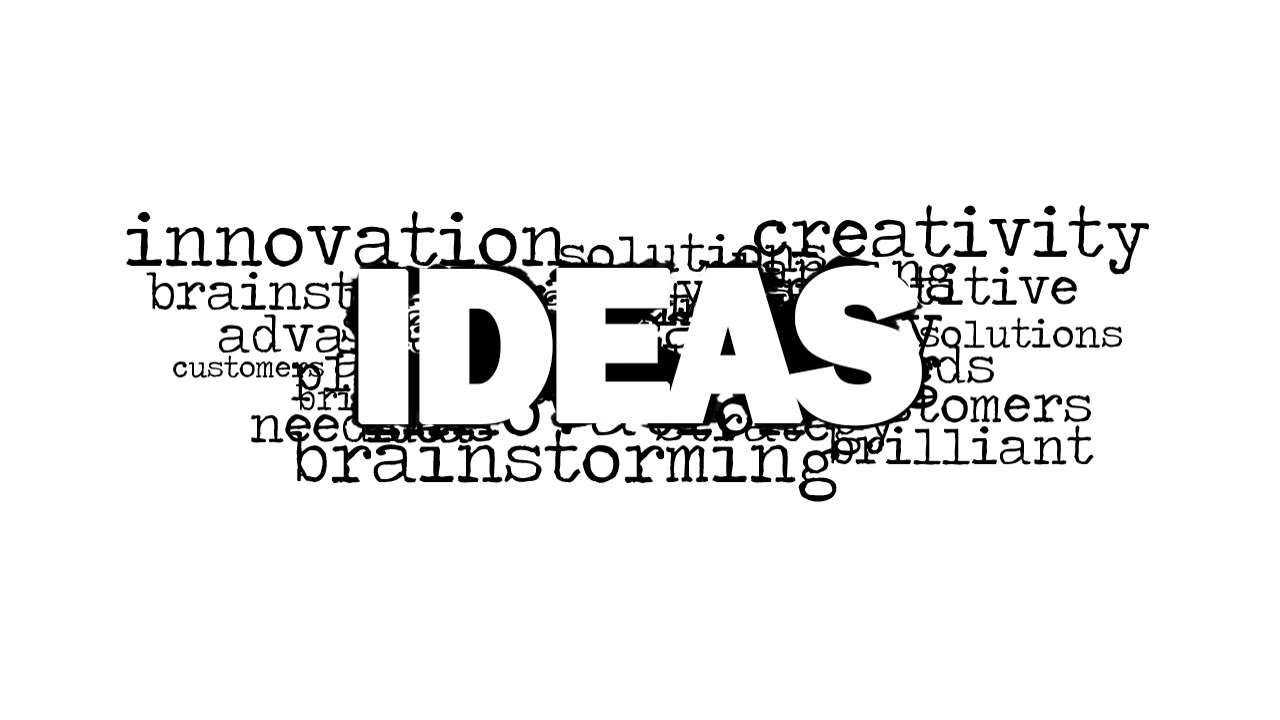
Ideas Word Cloud Picture for PowerPoint is a creative tag cloud design for presentations containing the main word Idea. You can use this idea picture for PowerPoint to decorate your business slides and presentations on business plans, entrepreneurship and new ventures. If you have a bright idea that you want to present in a PowerPoint presentation then this ideas word cloud design and graphic can be helpful to give an idea to the audience.
Behind the main word Ideas you can find relevant words in this word cloud design including: Innovation, Brainstorming, Needs, Advantages, Competitive Advantages and more.
Alternatively you can download other word cloud pictures and PowerPoint backgrounds for presentations.
What’s inside this template
Example presentation scenarios
- A startup founder can open a business plan presentation by using the IDEAS word cloud graphic to introduce the core venture concept before showing the market or product details.
- An innovation workshop facilitator can use the blank gradient background as a discussion prompt slide before asking participants to define needs, advantages, and possible solutions.
- A consultant can place the white-background word cloud variant between strategy sections to reset attention around brainstorming, customers, and competitive advantages.
- A product team lead can use the centered word cloud picture to frame an internal idea review and then move into prioritization or next-step slides.
Features
- 100% editable presentation template
- Compatible with Microsoft PowerPoint and Google Slides
- 16:9 aspect ratio slides
- Scalable vector shapes, icons and illustrations
- AI-Ready for Microsoft Copilot and Claude
- Instant access and download
Frequently asked questions
Q: How should a presenter build a message around this word cloud?
A: Open with the large IDEAS word as the organizing theme, then select three or four surrounding terms to frame the discussion, such as brainstorming, needs, advantages, and creativity. Do not read the whole cloud aloud. Use it as a prompt, then move to the evidence, plan, or decision slide that follows.
Q: When is this template a better fit than a plain title slide?
A: It fits early moments of a business plan, startup pitch, workshop, or internal ideation session where the presenter wants attention on the concept before details. The word cloud signals that the session is about idea generation and value, while the blank background variant gives room for a short setup line or agenda cue.
Q: Why does the word cloud metaphor help explain an idea topic?
A: The word cloud shows one central concept surrounded by related business terms, which mirrors how brainstorming works: one theme branches into needs, customers, solutions, and advantages. The oversized IDEAS text creates immediate hierarchy, while the monochrome typewriter style keeps the metaphor simple enough to support, rather than replace, the spoken story.



Ideas Word Cloud Picture for PowerPoint
2-slide presentation template with ideas word cloud graphics for brainstorming and innovation topics
Ideas Word Cloud Picture for PowerPoint is a 2-slide presentation template built around a large IDEAS word cloud graphic. Visible layouts include a centered word cloud picture, a light gradient background, and a white-background word cloud variant. It suits entrepreneurs, consultants, and business teams introducing brainstorming, innovation, needs, or advantages in Microsoft PowerPoint and Google Slides.
- Category
- Pictures
- Rating


 Loading...
- Aspect ratio
- 16:9
- Item ID
- 8160-01
- Colors
 Microsoft PowerPoint
  Microsoft Copilot
  Claude for PowerPoint
 Other formats supported
Subscribe today and get immediate
access to download our PowerPoint templates.