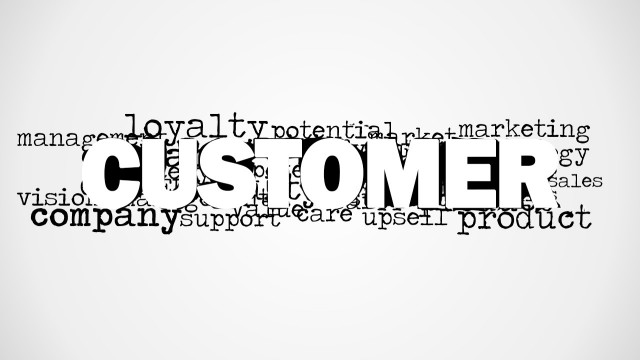
Vision Word Cloud Picture for PowerPoint is a tag cloud picture for business presentations in Microsoft PowerPoint containing the main word Vision and other relevant words to business vision statements. You can use this illustration for PowerPoint to decorate your business slides with creative business tag clouds and present the corporate vision & mission statements to an audience.
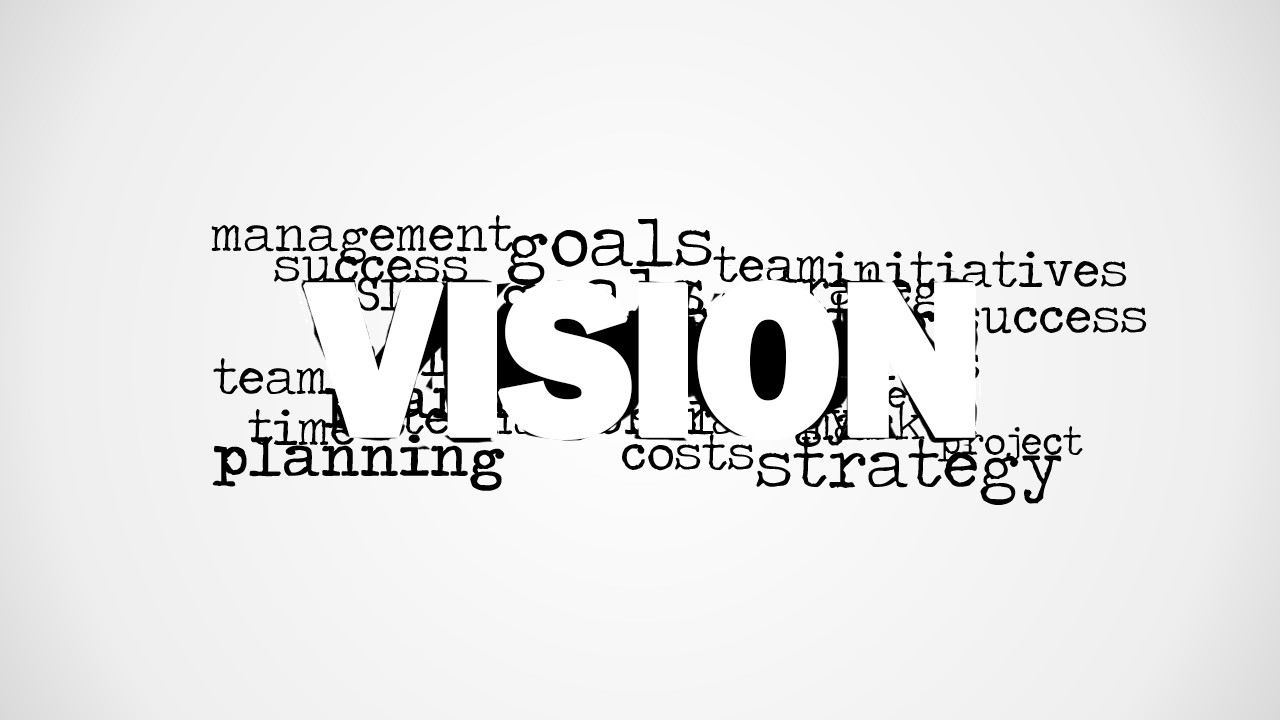
Additionally to the vision word as the most prominent word in this illustration you can find other secondary keywords such as Management, Goals, Timeline, Process, etc. Alternatively you can download other creative business illustrations for presentations in Microsoft Office or download our free Power Point templates.
What’s inside this template
Example presentation scenarios
- An executive can open a strategy meeting by showing the VISION word cloud, then connect the surrounding terms such as goals, team, planning, and strategy to the discussion agenda.
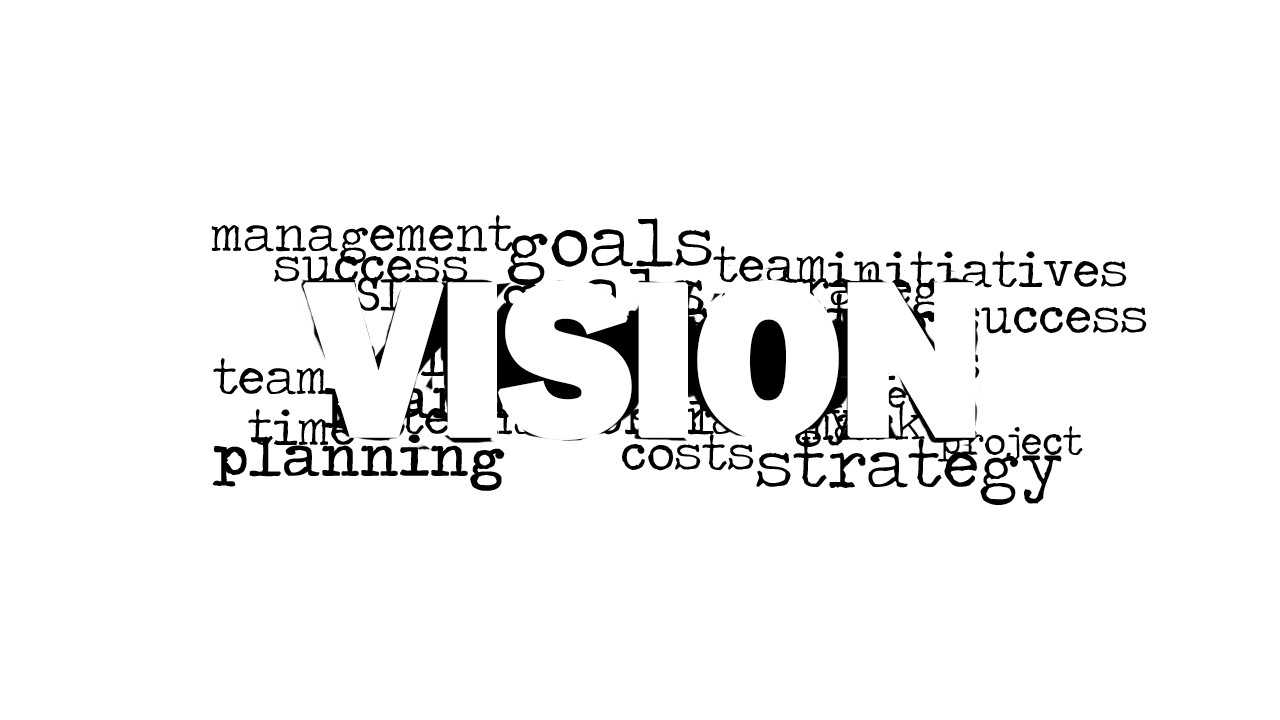
- A consultant can use the white-background word cloud variant to frame a client workshop about mission alignment before moving into interviews, priorities, or action planning.
- A project manager can place the grayscale vignette picture layout before a roadmap section to remind stakeholders how timelines, process, costs, and success criteria relate to the shared vision.
- An organizational development presenter can use the blank canvas cell as a simple insert point for adding a mission statement, discussion prompt, or reflection question after the word cloud visual.
Features
- 100% editable presentation template
- Compatible with Microsoft PowerPoint and Google Slides
- Scalable vector shapes, icons and illustrations
- AI-Ready for Microsoft Copilot and Claude
- Instant access and download
Frequently asked questions
Q: How should a presenter use the word cloud so it supports the message instead of acting as decoration?
A: Start with the main word VISION, then select three or four surrounding terms to explain the meeting focus. For example, connect goals to outcomes, team to ownership, planning to next steps, and strategy to direction. This turns the image into a verbal outline instead of a background graphic.
Q: Who is this template best suited for in a business presentation?
A: It fits leaders, consultants, and managers who need a quick visual opener for mission, vision, or planning conversations. The template is not built for detailed analysis. It works best before a strategy discussion, workshop activity, leadership update, or organizational alignment session where the audience needs a shared theme.
Q: Why does the word cloud metaphor work for a vision message?
A: A word cloud shows that vision is not a single isolated slogan. The dominant VISION word creates hierarchy, while surrounding terms such as management, goals, team, process, and strategy suggest the supporting ideas that make the vision actionable. The metaphor helps the audience see connection and emphasis at a glance.

Vision Word Cloud Picture for PowerPoint
2-slide presentation template with vision word cloud picture for mission statements and planning themes
Vision Word Cloud Picture for PowerPoint is a 2-slide presentation template for Microsoft PowerPoint and Google Slides. It contains a large central VISION word cloud, a grayscale vignette picture layout, and a white-background word cloud variant for management, mission, planning, and strategy messages.


 Loading...
 Microsoft PowerPoint
  Microsoft Copilot
  Claude for PowerPoint
 Other formats supported
Subscribe today and get immediate
access to download our PowerPoint templates.