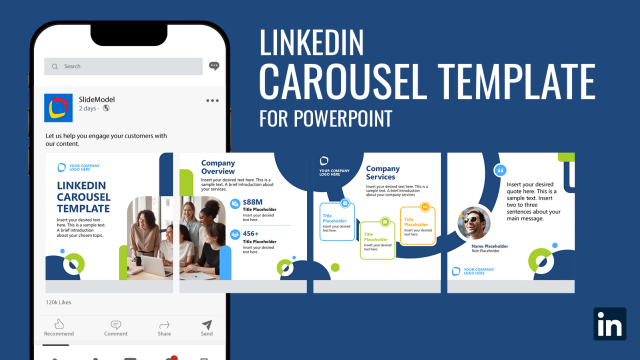
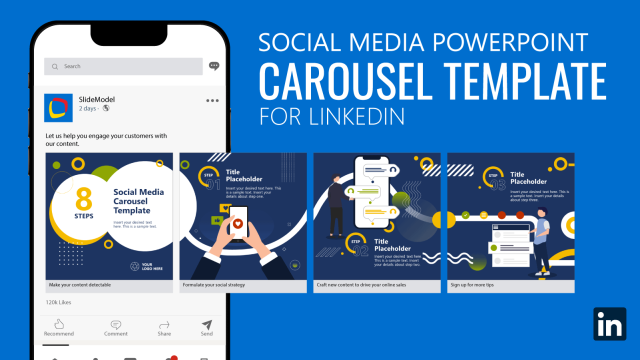
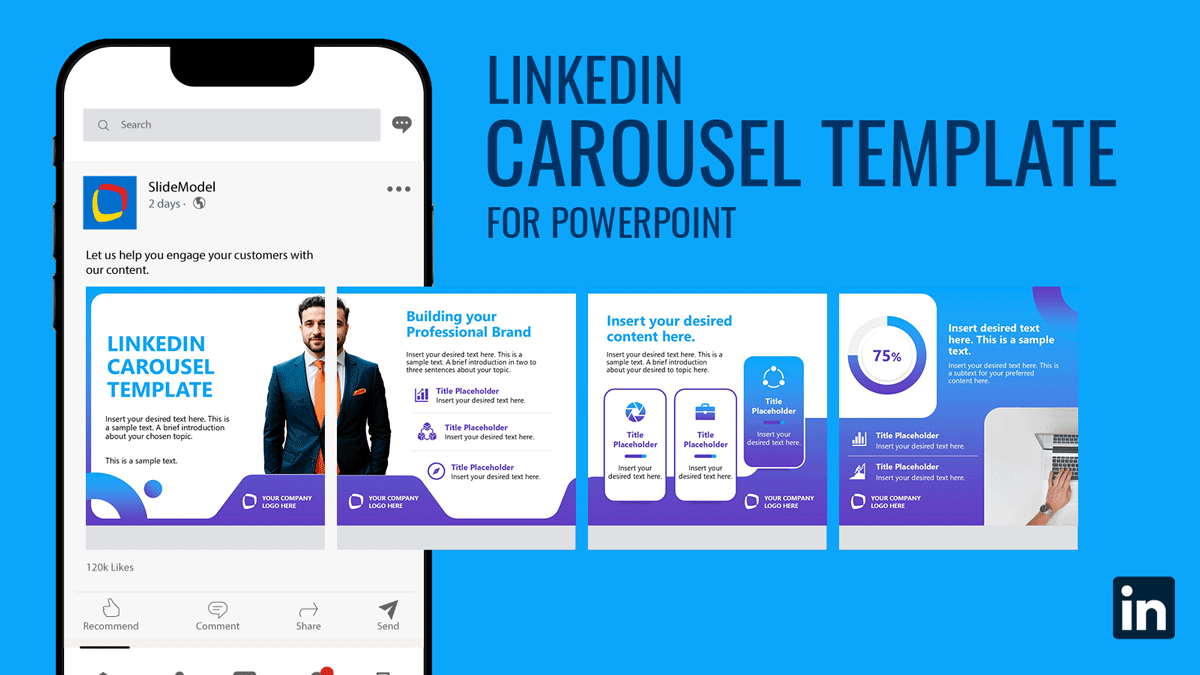
Download our Personal Branding LinkedIn Carousel PowerPoint Template to create professional posts for your branding on social media. Personal branding is a unique approach to sharing your values and establishing your visibility as a skilled individual and leader in the industry. We have created this template for professionals to design amazing carousel posts for LinkedIn. The template features a 1:1 graphical layout that precisely meets LinkedIn’s requirements. LinkedIn is the largest professional networking platform. In these modern times, people are increasingly focused on personal branding, promoting leadership content on social media and other relevant platforms to build their audience and generate revenue by monetizing it. Professionals can utilize our visually appealing template for personal branding to engage with their audience and share insightful thoughts on industry trends.
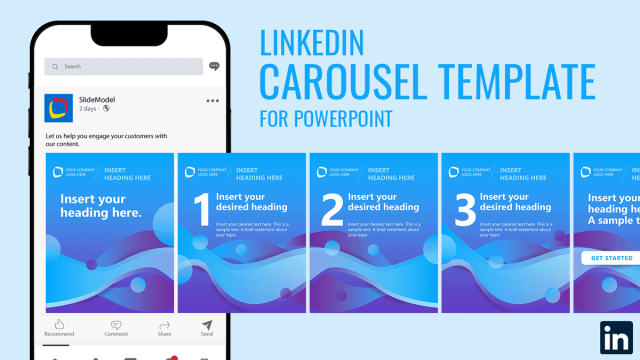
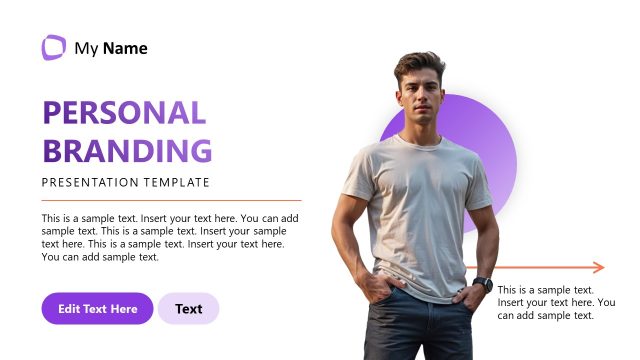
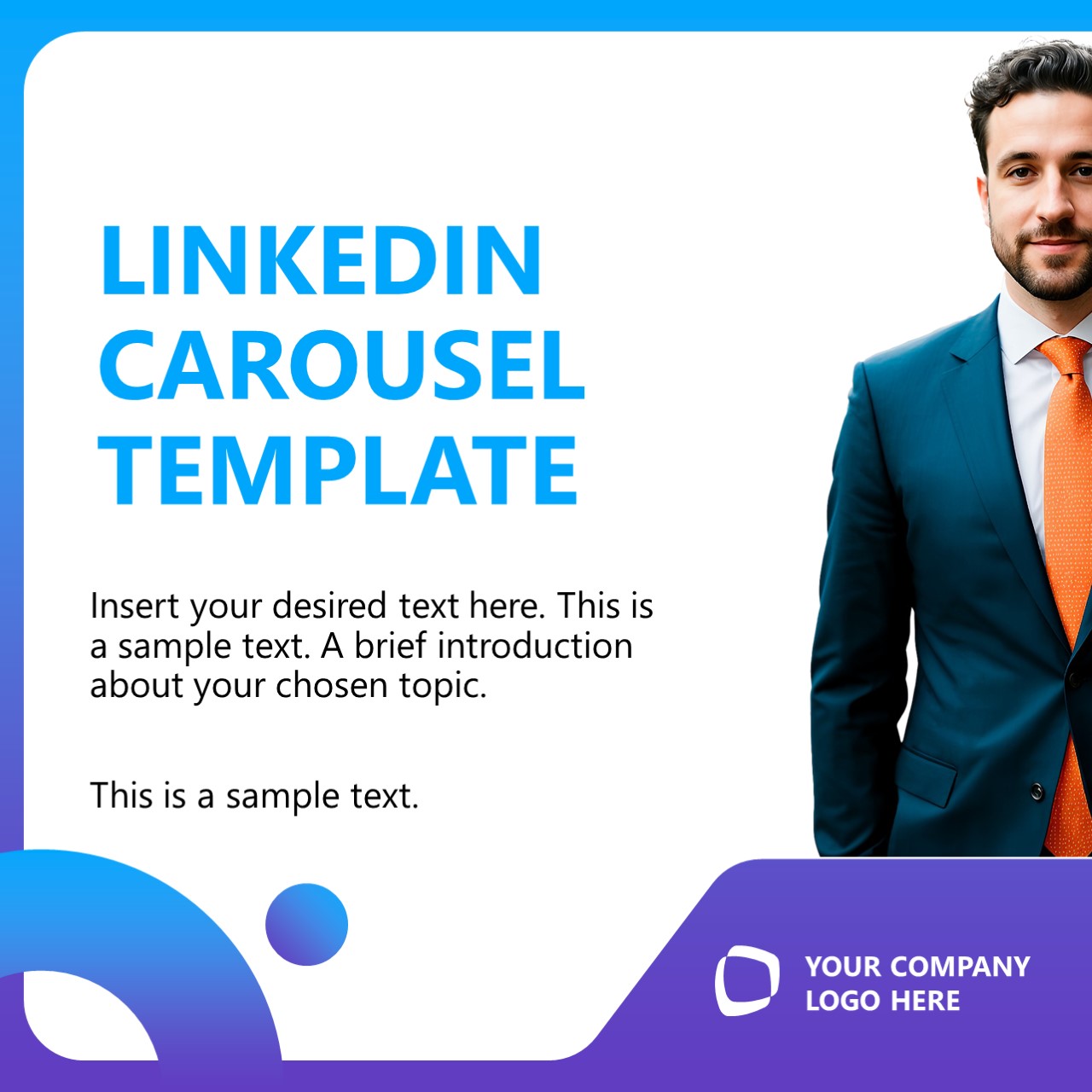
Professionals from multiple domains can use our Personal Branding LinkedIn Carousel PowerPoint Template. Startup founders, entrepreneurs, leaders, CEOs, CTOs, tech experts, data scientists, SEO specialists, and users from any industry can use this template. The template has a blue gradient design. In the first slide, you can display the image of the person and personal branding tips with infographics. Next, we have provided various graphical arrangements and visualizations, such as pie charts and bar charts, to share information and business content on the internet. Ultimately, professionals can utilize client reviews, call actions, and contact details to establish a connection and demonstrate authority.
Users can also adjust the color scheme of the template to fit their branding color palette. Download our personal branding LinkedIn carousel template and effectively reflect on your experiences and skills on business platforms!
What’s inside this template
Example presentation scenarios
- A founder can use the profile cover, professional brand page, and contact slide to introduce expertise and invite LinkedIn followers to start a business conversation.
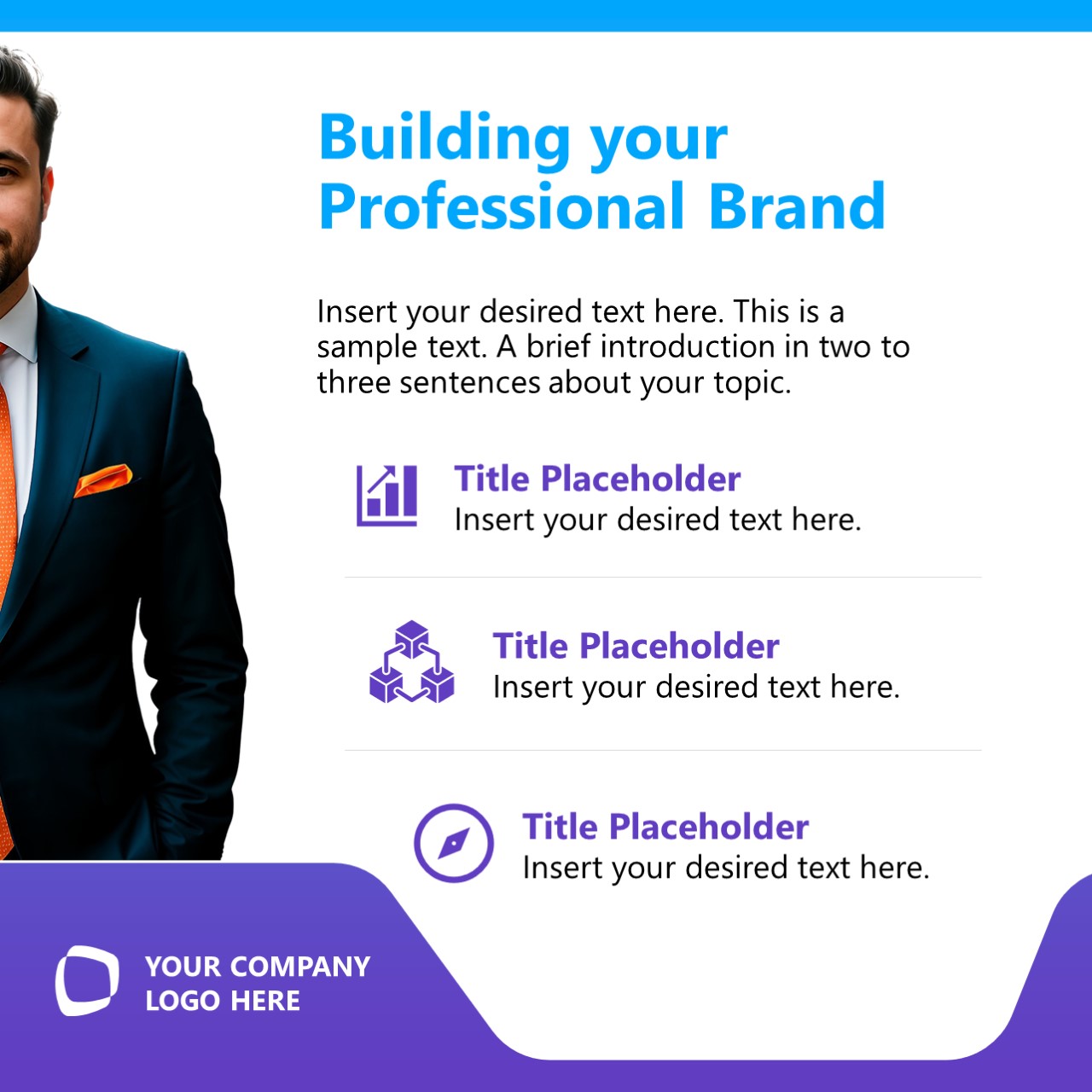
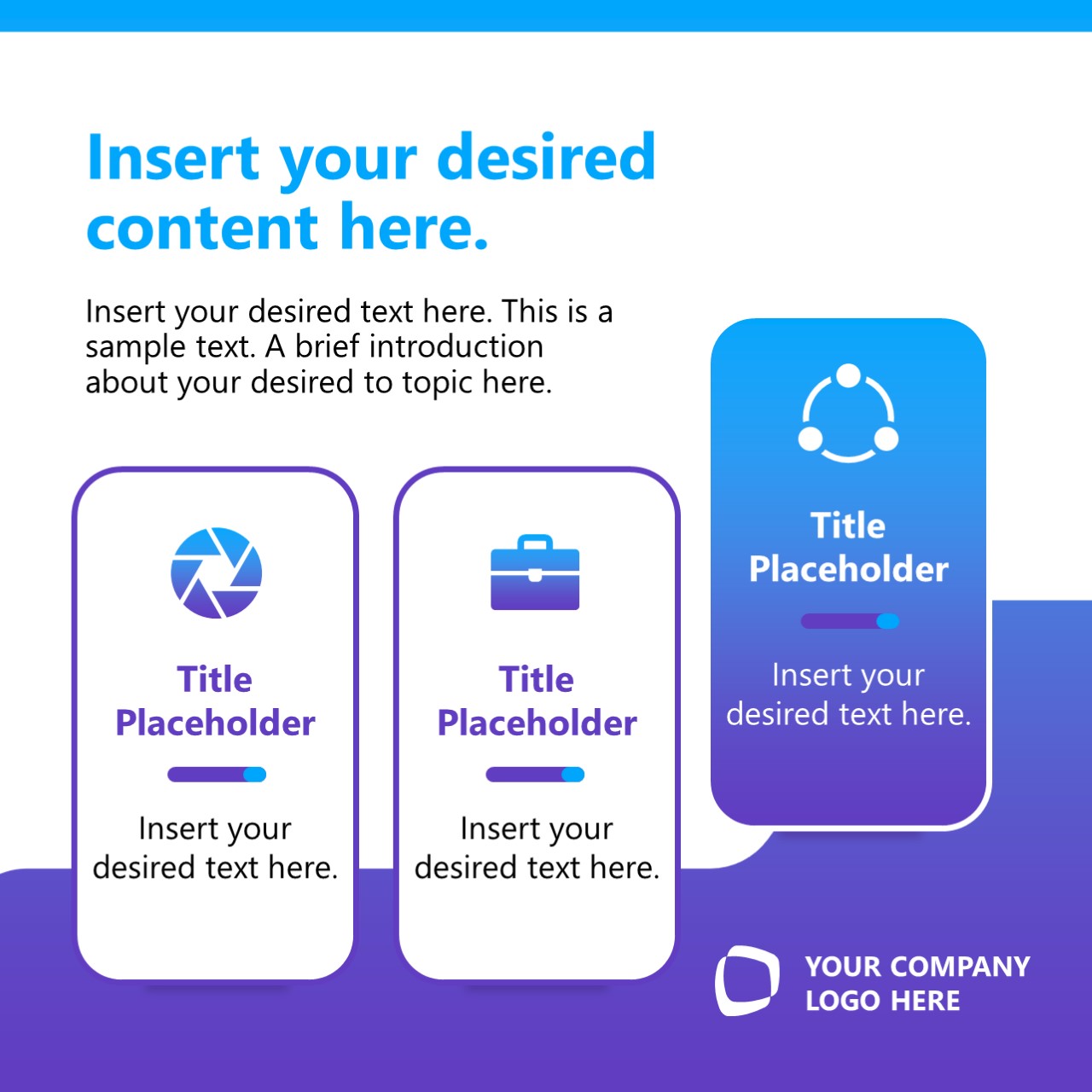
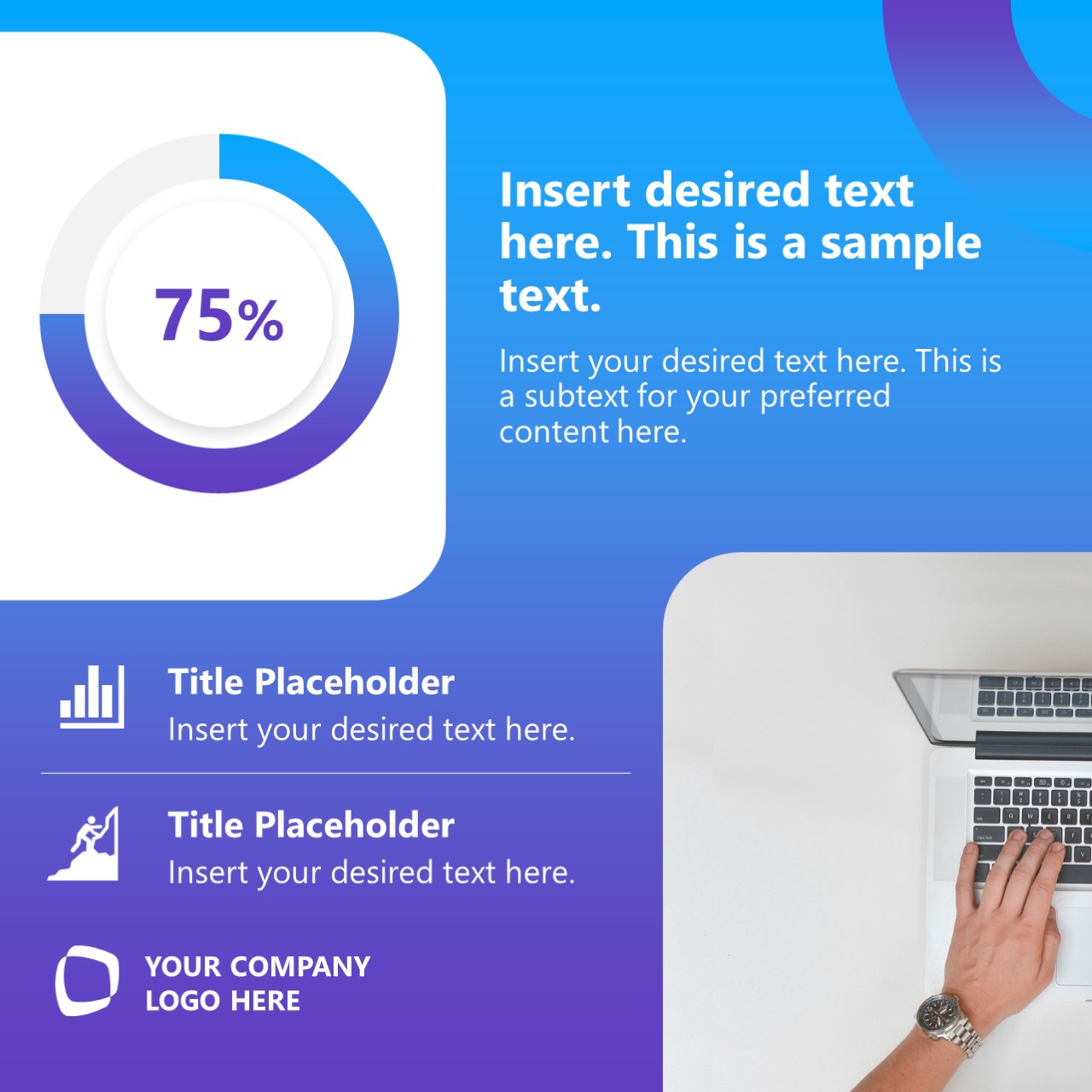
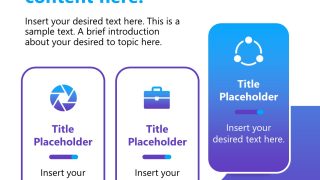
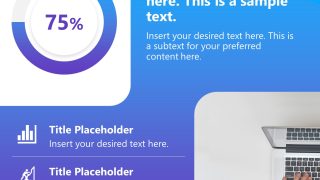
- A consultant can use the icon feature cards and donut metric page to explain a framework, summarize proof points, and keep each carousel page easy to scan.
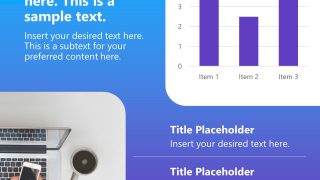
- A marketing manager can prepare a thought leadership carousel for an executive by replacing the portrait, headline copy, chart values, and quote slide with approved messaging.
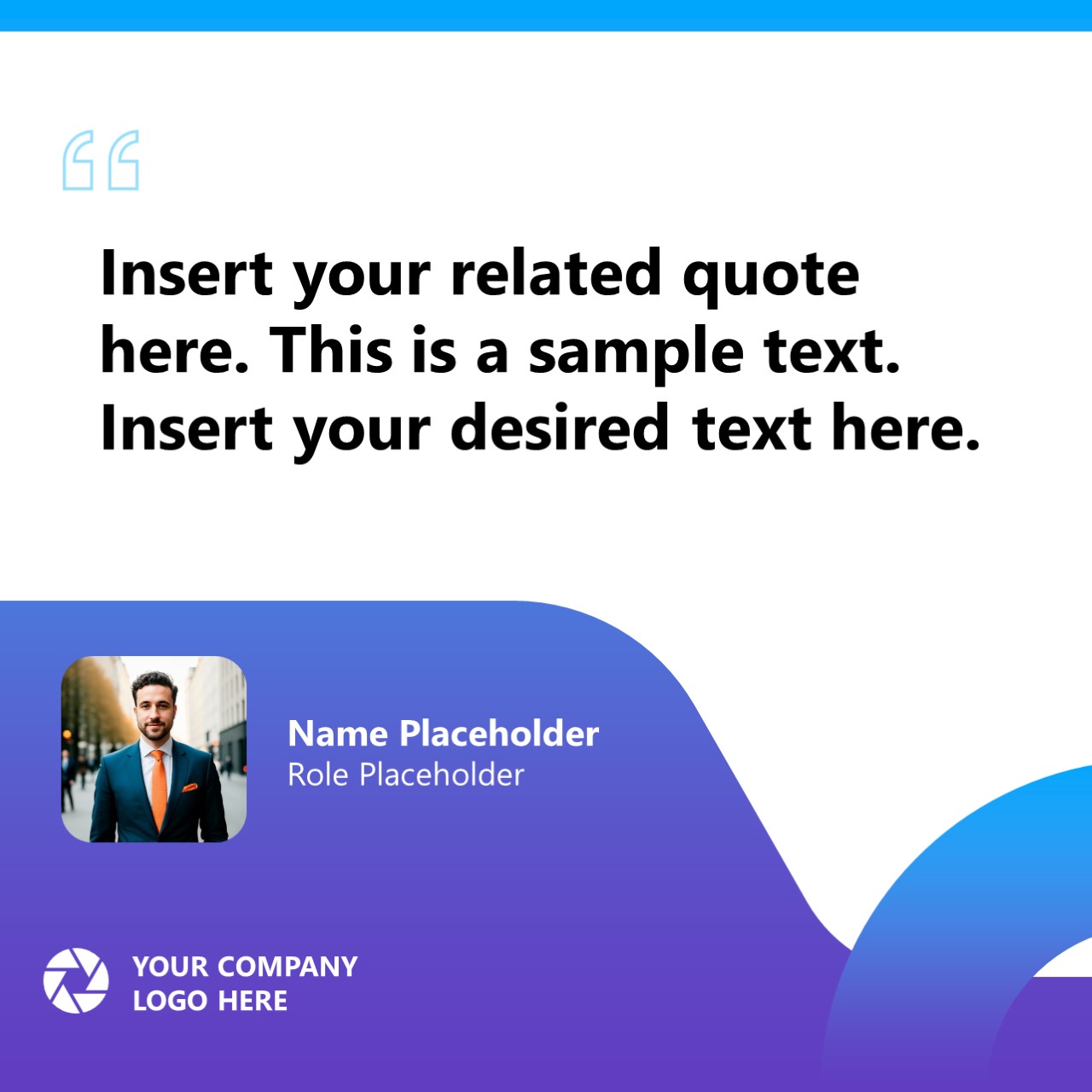
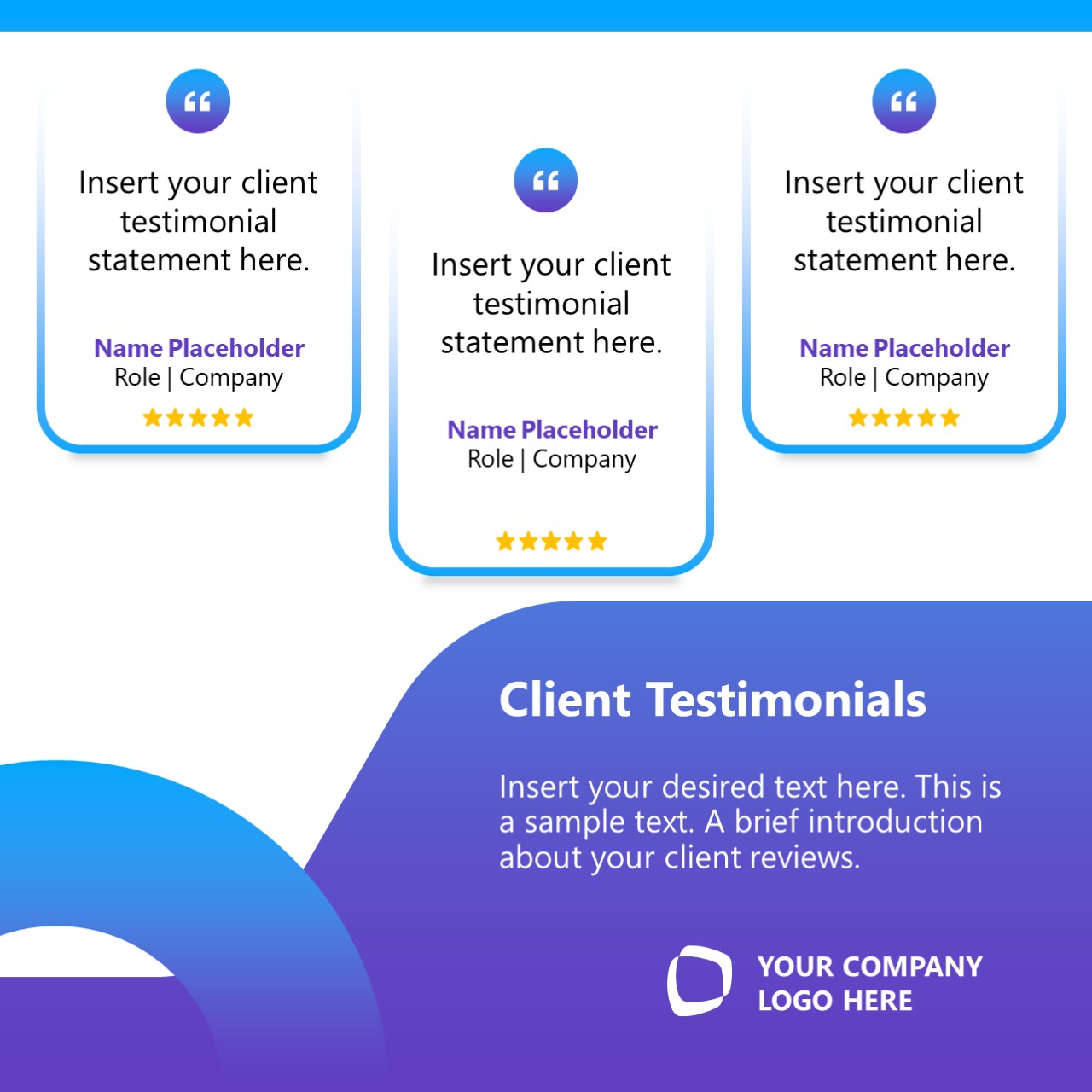
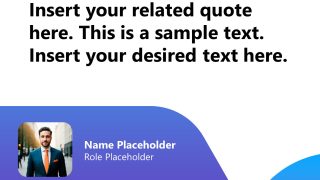
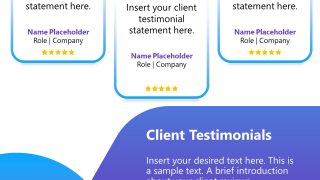
- A coach or trainer can use the quote page and testimonial cards to support a personal development message with client proof and a clear closing contact path.
Features
- 100% editable presentation template
- Compatible with Microsoft PowerPoint
- Scalable vector shapes, icons and illustrations
- AI-Ready for Microsoft Copilot and Claude
- Instant access and download
Frequently asked questions
Q: How should the message be organized across this carousel?
A: Start with a strong positioning statement on the profile cover, then use the brand explanation and icon cards to break the idea into small claims. Place charts only where a number proves the point, then close with a quote, testimonials, and contact details so the reader has both credibility and a next step.
Q: Who is this carousel format best suited for?
A: This template is best for professionals whose LinkedIn content needs to connect expertise with trust. Founders, consultants, coaches, and subject matter experts can use the portrait pages for identity, the metric layouts for evidence, and the testimonial slide for social proof without building a post design from scratch.
Q: Why does the design use repeated waves, cards, and bottom logo areas?
A: The repeated gradient waves create continuity as viewers swipe through the carousel, while white card areas keep text and icons readable. The bottom logo zones act as a recurring brand anchor, and the circular chart shapes echo the rounded footer graphics, making the sequence feel connected rather than a set of unrelated posts.

Personal Branding LinkedIn Carousel PowerPoint Template
8-slide LinkedIn carousel presentation template for personal branding, testimonials, and social media metrics
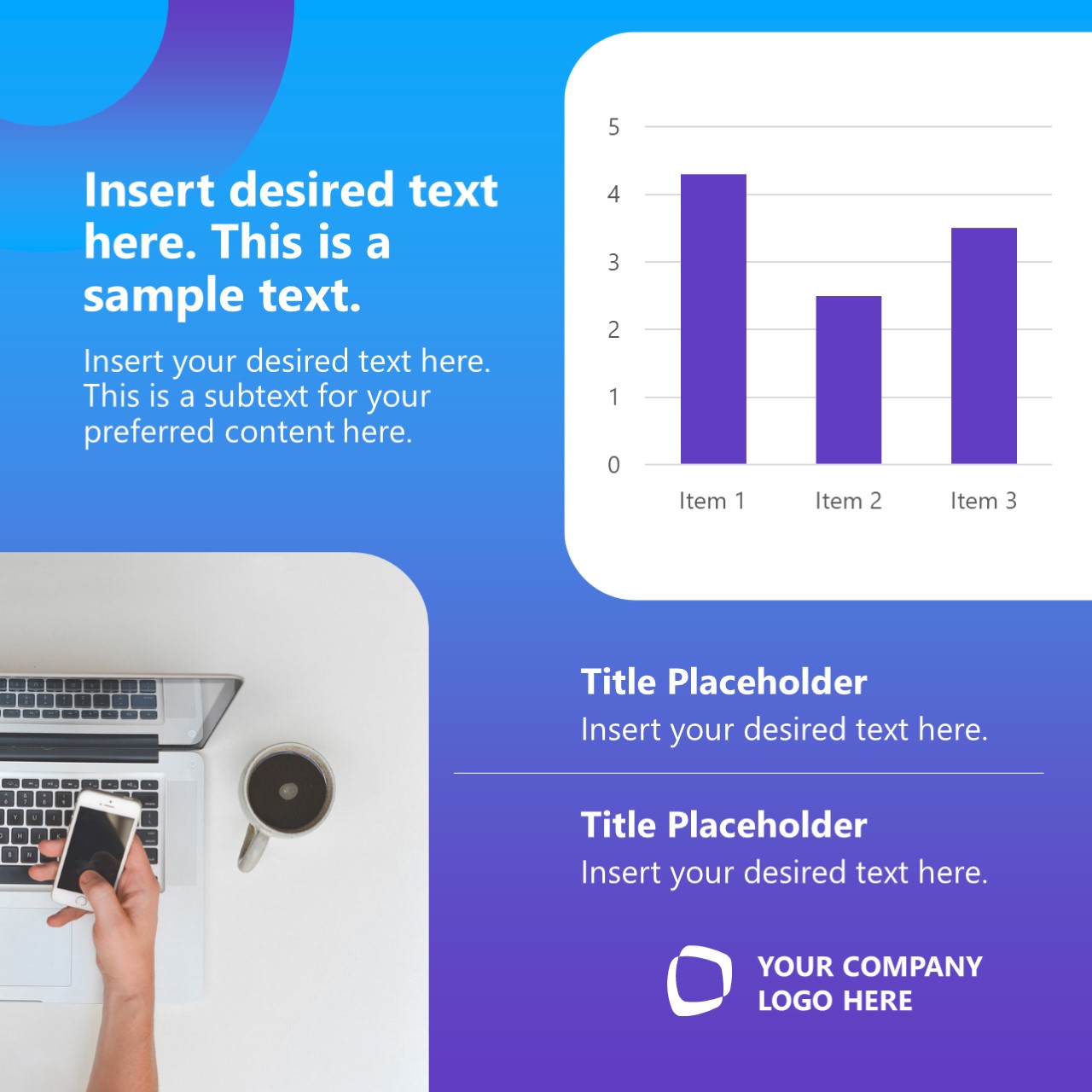
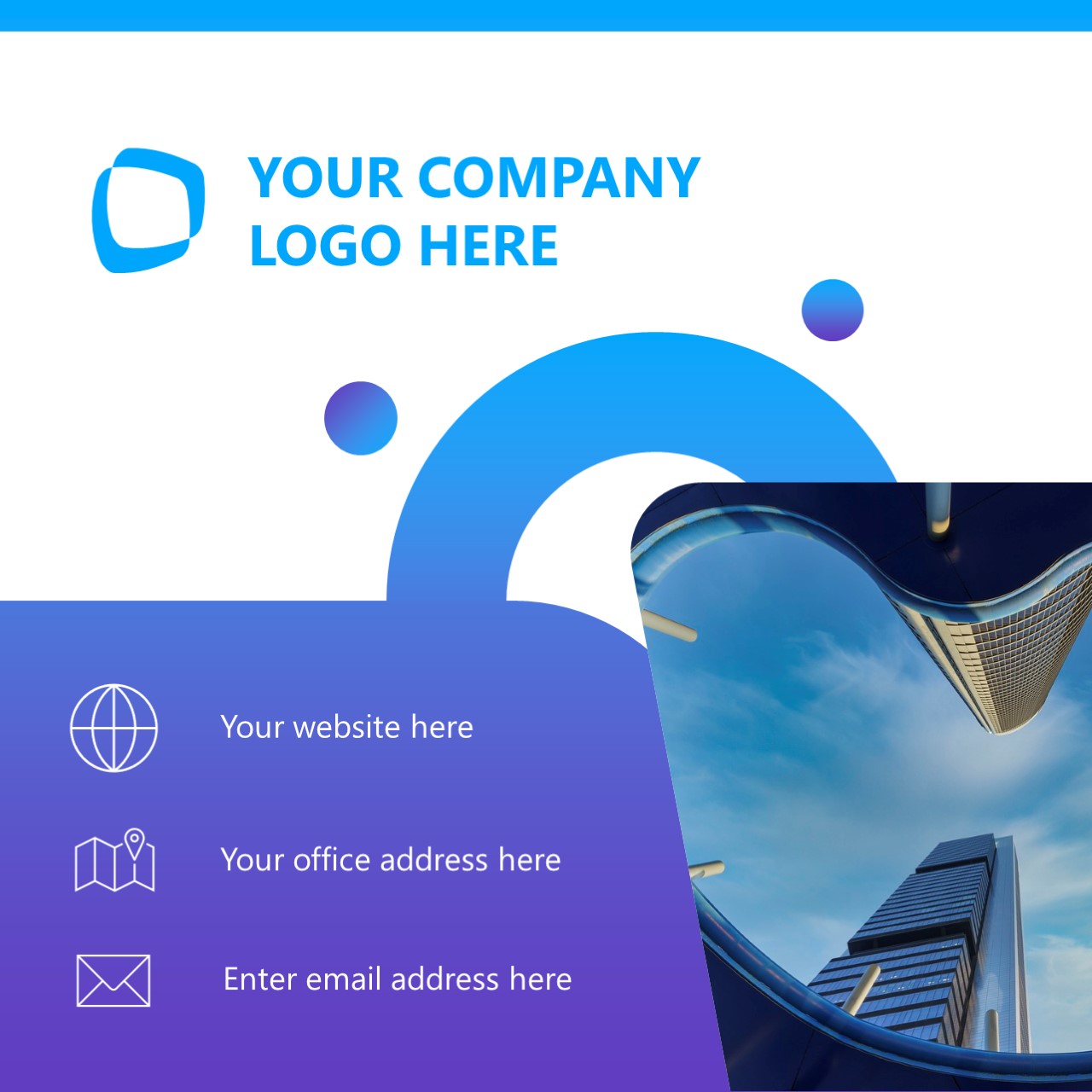
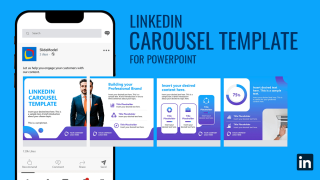
This 8-slide Microsoft PowerPoint template creates a 1:1 LinkedIn carousel for personal branding. Visible layouts include a profile cover, icon feature cards, a donut percentage chart, a bar chart, quote slide, testimonial cards, and contact closing page. It is built for professionals posting authority content online.

 Loading...
 Microsoft PowerPoint
 Microsoft Copilot
 Claude for PowerPoint
Other formats supported
Subscribe today and get immediate
access to download our PowerPoint templates.