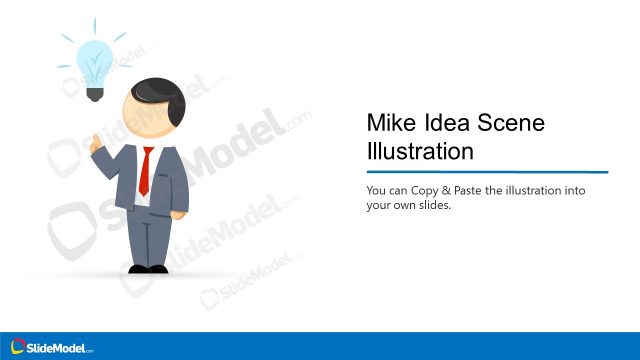
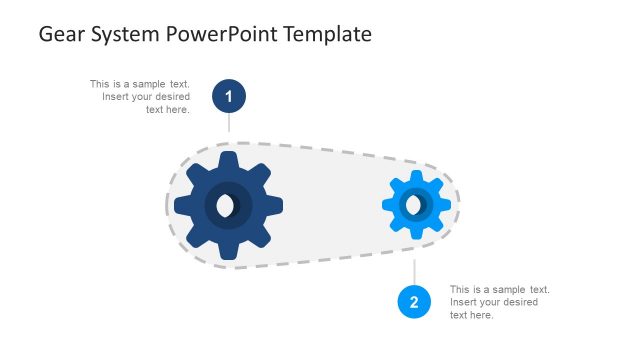
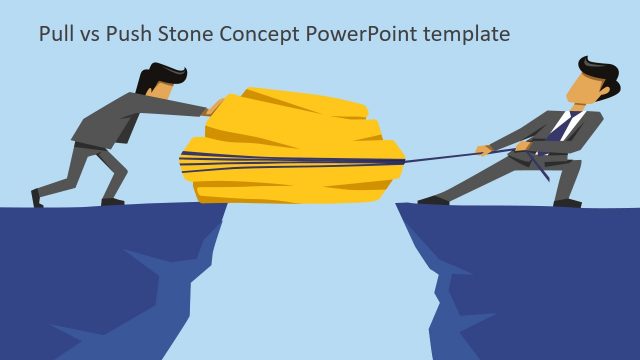
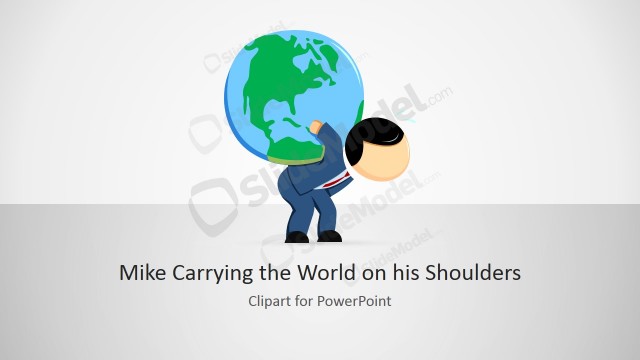
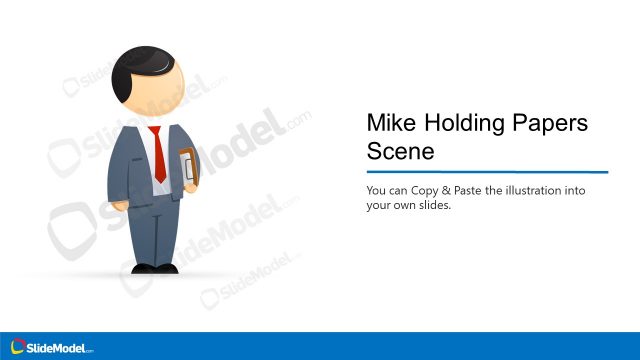
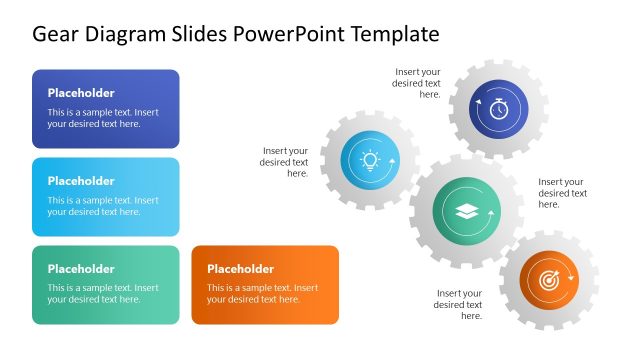
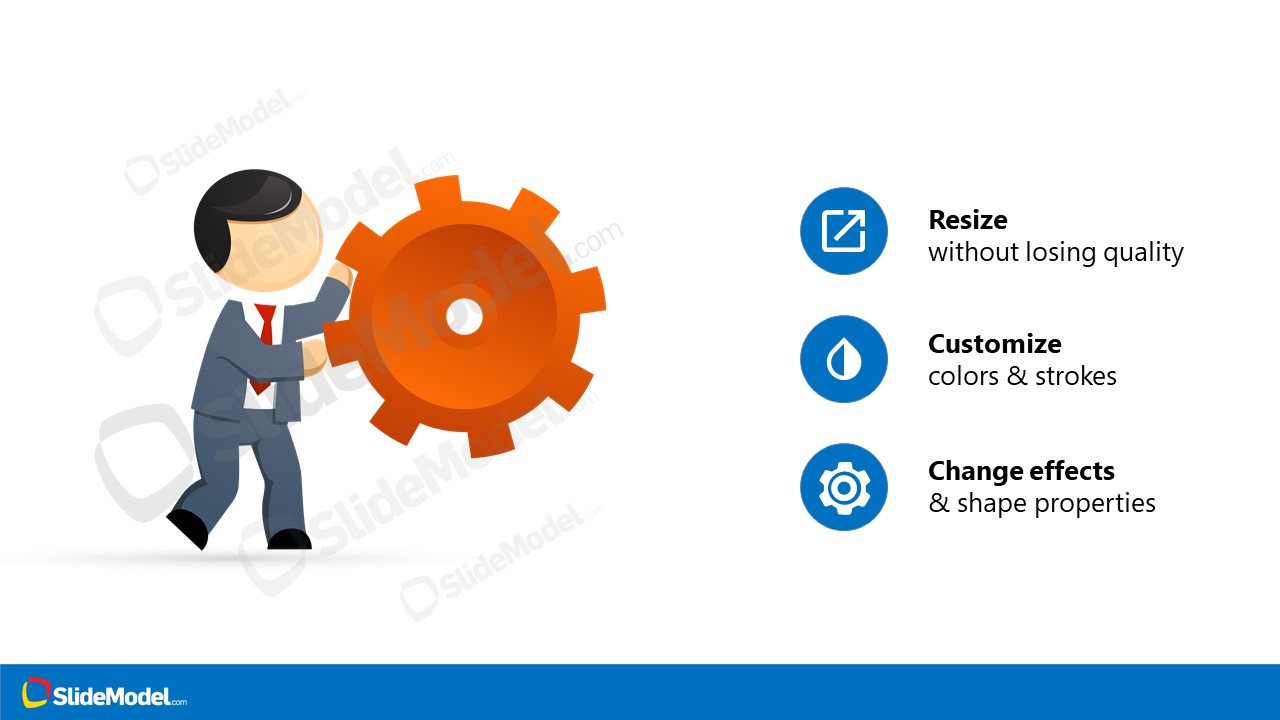
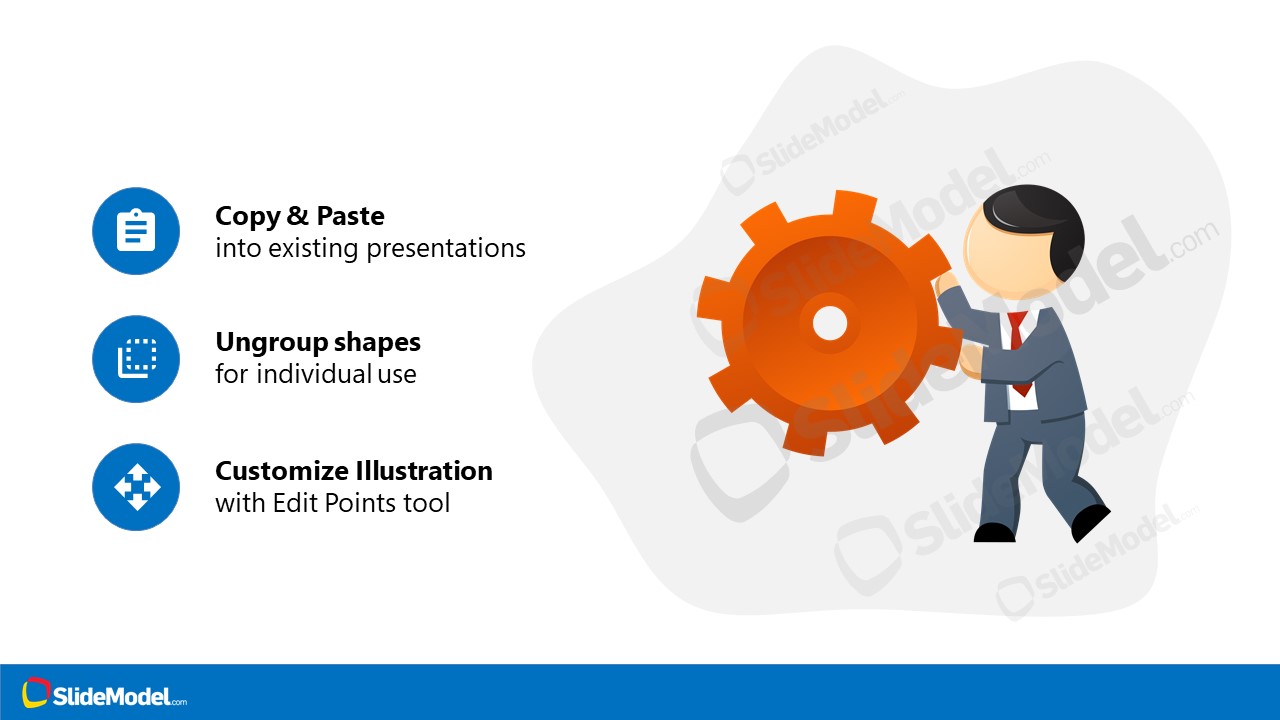
The cartoon illustration of Mike Pushing Gear Scene is a visual metaphor for system processing. The scene of a person pushing gears represents an activity such as a work in progress.
You can use the gear scene template for presenting internal processes of how the system works. A scene of the person pushing gear symbolizes progress. This diagram is useful for business presentations about various projects or operations.
What’s inside this template
Example presentation scenarios
- A project manager can use the gear-pushing scene to introduce work-in-progress status and explain why a process still requires coordinated effort.
- An operations leader can use the feature-callout slide to explain how the illustration represents system processing, workflow movement, or manual intervention in an internal operations briefing.
- A consultant can place the illustration into an existing proposal deck to show that a client initiative is moving forward but still needs execution support.
- A trainer can use the copy-and-edit instruction slide to teach a team how to adapt the gear metaphor for process improvement or change management content.
Features
- 100% editable presentation template
- Compatible with Microsoft PowerPoint and Google Slides
- 16:9 aspect ratio slides
- Scalable vector shapes, icons and illustrations
- AI-Ready for Microsoft Copilot and Claude
- Instant access and download
Frequently asked questions
Q: How should I use the gear-pushing metaphor without making the message too abstract?
A: Connect the illustration to one specific business idea before showing it. For example, label the gear as a process, system, or project stage, then use nearby text to explain the effort required to keep it moving. The image works best as a supporting metaphor, not as the full explanation.
Q: Who is this template best suited for in a business presentation?
A: It is best for presenters who need a simple visual for process effort, operational progress, or work in progress. Project managers, operations teams, consultants, and trainers can use the person-and-gear scene to frame a discussion before moving into details, next steps, or responsibilities.
Q: Why does the person pushing a gear communicate process progress effectively?
A: The gear suggests systems, operations, and mechanical movement, while the person adds effort and ownership. Together, they make an invisible process feel active and human. The clean white space and short callouts keep attention on the metaphor instead of competing with it.
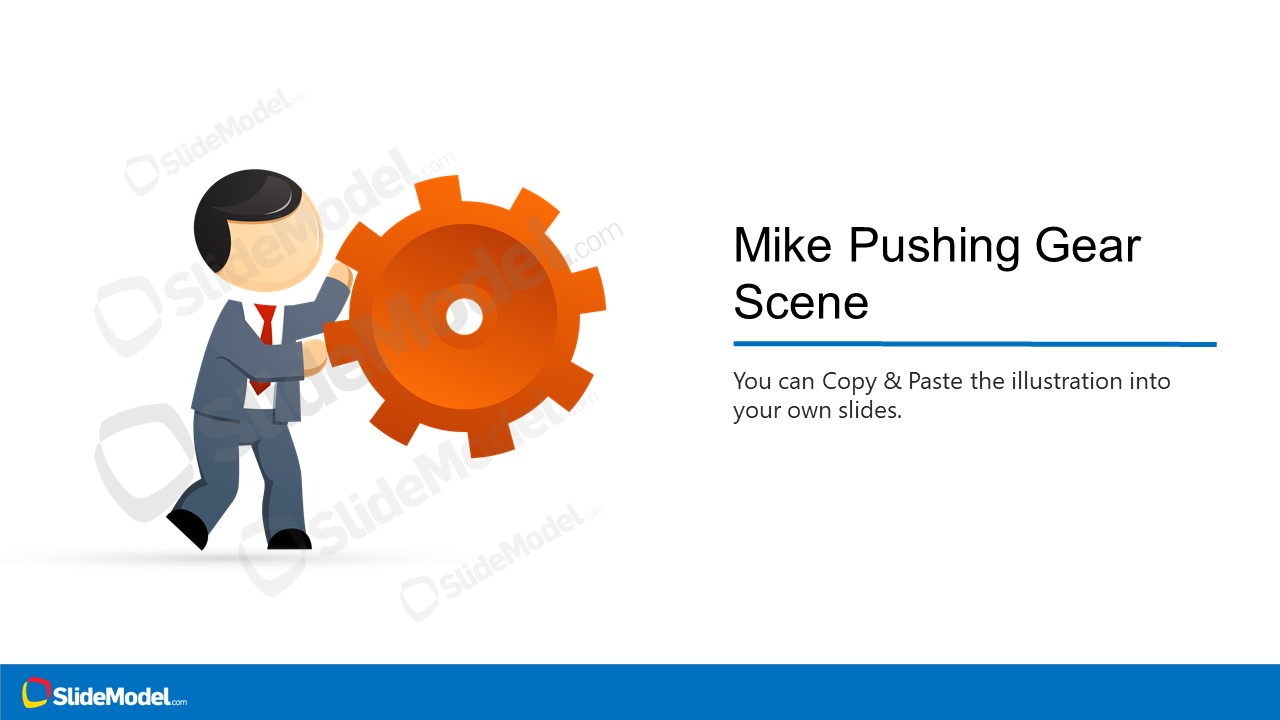

Person Pushing Gear Scene Illustrations
3-slide presentation template with gear illustration scenes for process progress and work-in-progress messaging
Person Pushing Gear Scene Illustrations is a 3-slide presentation template built around a cartoon person pushing an orange gear. It includes a title scene illustration, a feature-callout panel, and a copy-paste instruction slide for process or operations messaging in Microsoft PowerPoint and Google Slides.
- Category
- People & Silhouettes
- Rating

 Loading...
- Aspect ratio
- 16:9
- Item ID
- 970005-01
- Colors
 Microsoft PowerPoint
  Microsoft Copilot
  Claude for PowerPoint
 Other formats supported
Subscribe today and get immediate
access to download our PowerPoint templates.