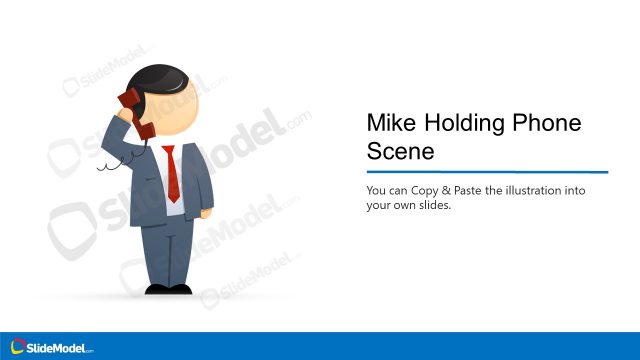
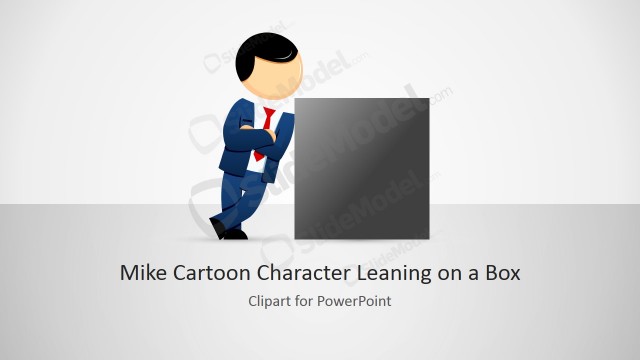
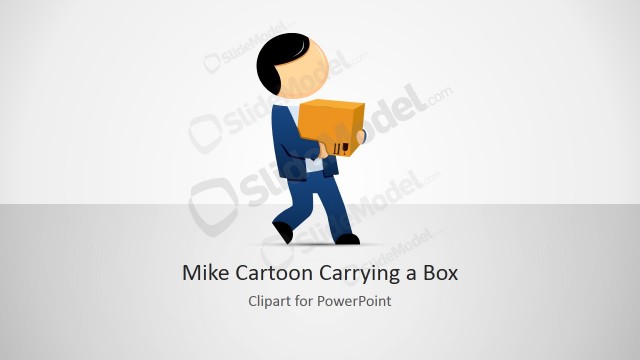
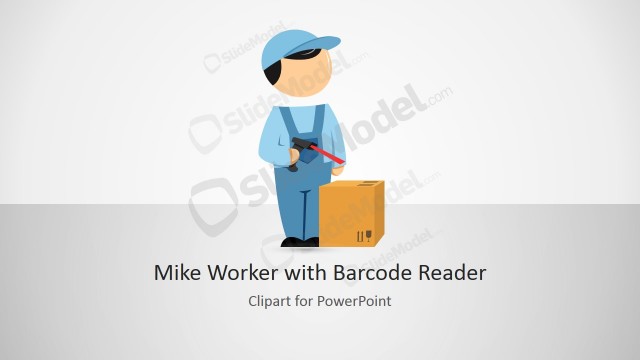
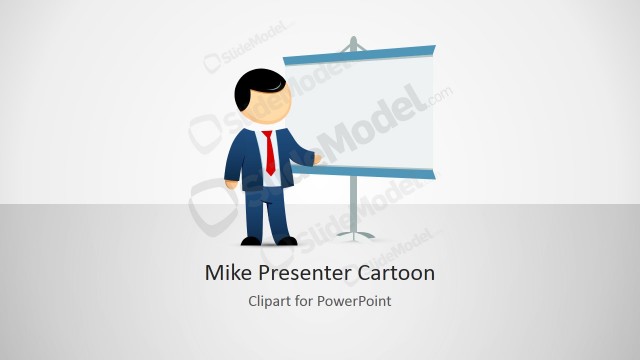
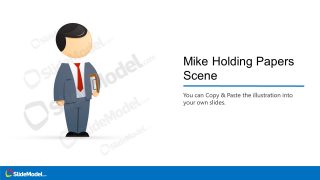
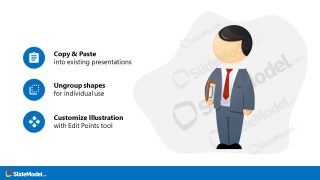
The Person Holding Clipboard Scene Illustration presents a Mike cartoon character holding documents on a clipboard. The checklist boards or clipboards are used to organize business-related documents. This template can be used to personify the person-in-charge of processes or procedures implementation.
The person holding a clipboard scene in PowerPoint is a collection of three layouts. You can illustrate Mike’s cartoon character as an authoritative figure in the business. The slides of clipart icons on the left and right side can help discuss checklists or topics in bullet points.
What’s inside this template
Example presentation scenarios
- An operations manager can introduce a new checklist owner by opening with the character title slide and using the icon callouts to frame responsibilities.
- An HR trainer can explain onboarding document steps with the two-column instruction scene and clipboard metaphor to make procedural content easier to follow.
- A project manager can present task-control guidance by using the Mike character as the accountable person and the circular icons as concise action prompts.
- A consultant can add the illustration to an existing process deck to personify compliance, review, or approval roles without using a photo-based style.
Features
- 100% editable presentation template
- Compatible with Microsoft PowerPoint and Google Slides
- 16:9 aspect ratio slides
- Scalable vector shapes, icons and illustrations
- AI-Ready for Microsoft Copilot and Claude
- Instant access and download
Frequently asked questions
Q: How should a presenter use this clipboard character without making the slide feel decorative?
A: Assign the character a clear communication role, such as checklist owner, process reviewer, or accountable manager. Use the title slide to name the role, then place no more than three short responsibilities next to the icon callouts. The clipboard metaphor should point the audience to ownership and completion, not simply fill empty space.
Q: Who benefits most from using this illustration in a business presentation?
A: This template works best for managers, trainers, consultants, and team leads who need to explain checklist-based work, procedure adoption, or document handling. It is especially useful when the topic could feel dry because the business character adds a human point of reference while the callout layouts keep the message concise.
Q: Why does the clipboard metaphor help communicate procedures and accountability?
A: A clipboard is a familiar cue for inspection, tracking, and completion. By pairing the character with short icon callouts, the slides make responsibility visible before the presenter explains details. The simple scene also reduces visual noise, so the audience connects the person, the checklist, and the required action quickly.
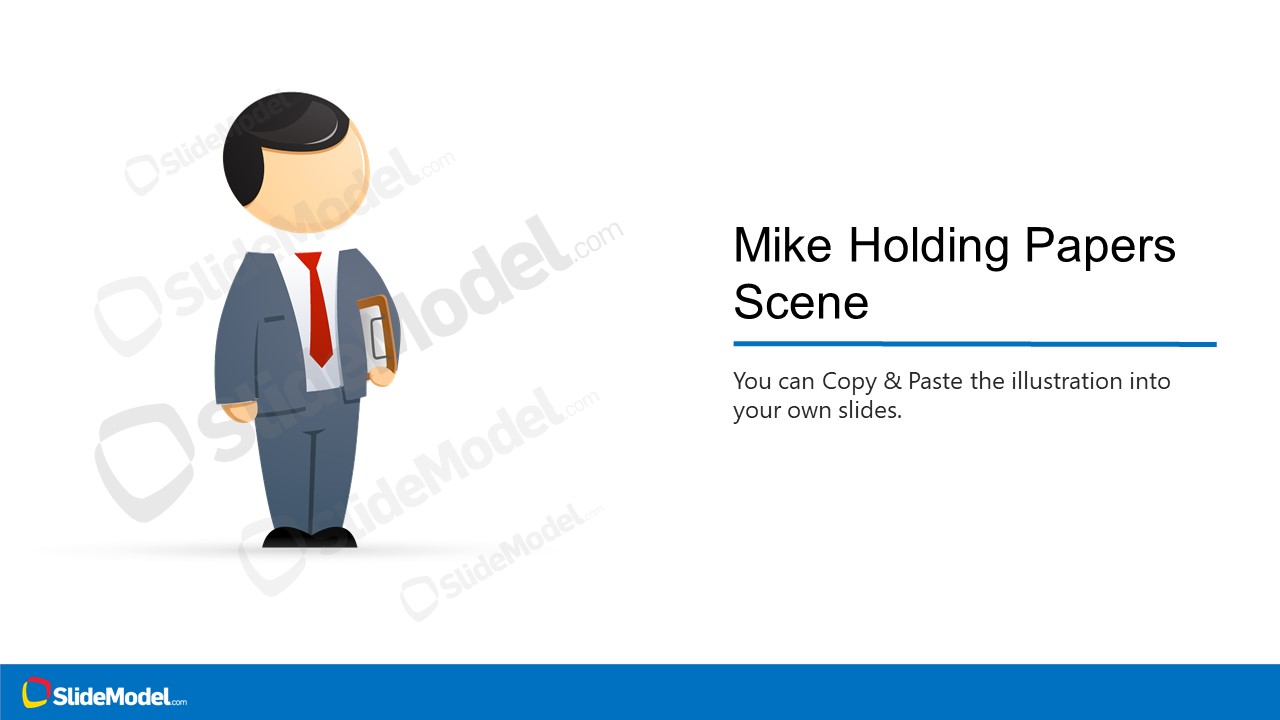



Person Holding Clipboard Scene Illustration
3-slide presentation template with Mike clipboard illustration, checklist callouts, and vector character scenes
Person Holding Clipboard Scene Illustration is a 3-slide presentation template built around a Mike cartoon character holding a clipboard. It includes a character title slide, an icon feature list, and a two-column instruction scene for checklist or process-owner topics. The vector character and icons are editable PowerPoint shapes for Microsoft PowerPoint and Google Slides.
- Category
- People & Silhouettes
- Rating

 Loading...
- Aspect ratio
- 16:9
- Item ID
- 970002-01
- Colors
 Microsoft PowerPoint
  Microsoft Copilot
  Claude for PowerPoint
 Other formats supported
Subscribe today and get immediate
access to download our PowerPoint templates.