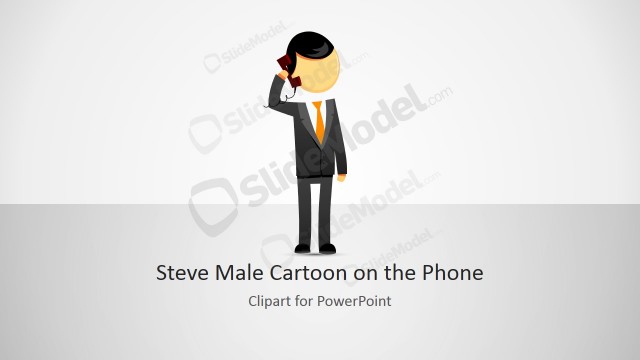
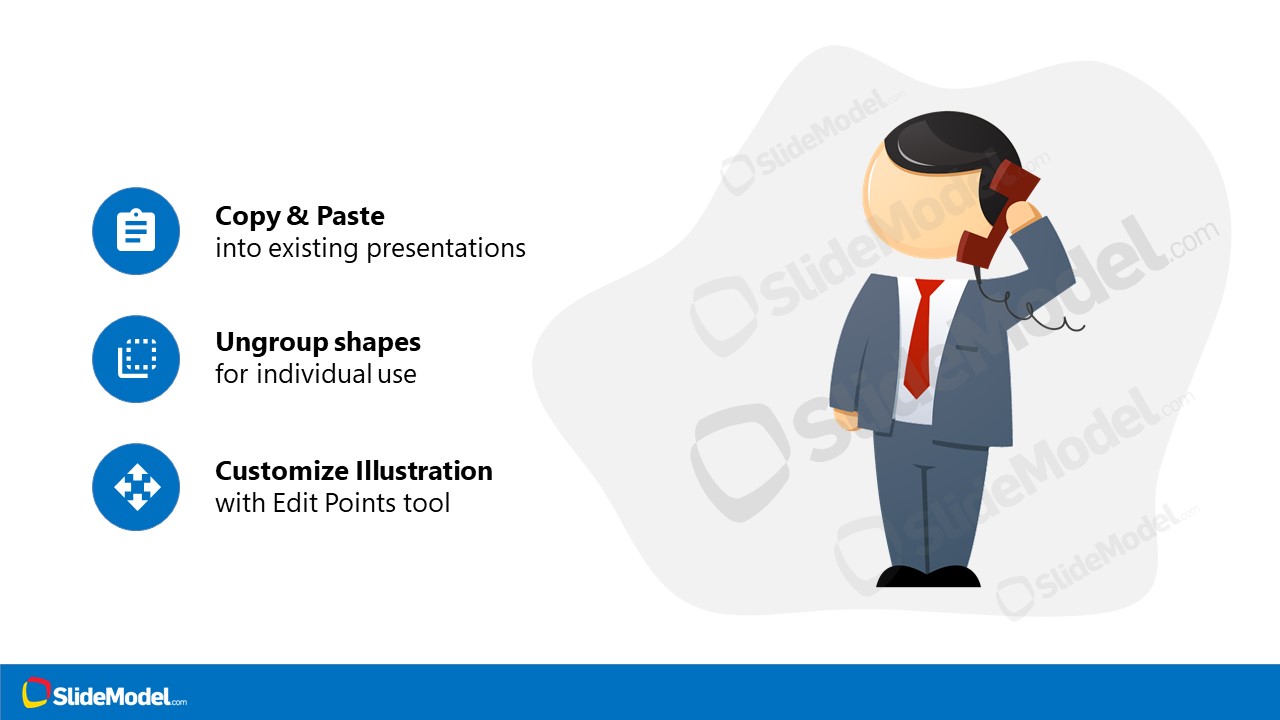
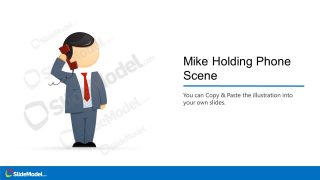
The Person Holding Phone Scene Illustration is a cartoon for displaying ideas of communication networks. This template displays a scene of Mike’s cartoon character on a phone call. The three slides of PowerPoint templates include cover layout and bullet points. You can copy these slides to present decision-making scenes such as “take a call” or “make a decision”.
The Person Holding Phone Scene is an editable presentation where you can change colors and resize shapes. The users can customize and apply slides for business topics.
What’s inside this template
Example presentation scenarios
- A sales manager can use the cover scene to introduce a client outreach process and frame the phone character as the person initiating the customer conversation.
- A customer support trainer can use the three-item icon bullet layout to explain call-handling principles, escalation choices, or communication rules with a simple visual anchor.
- A consultant can use the split illustration callout slide to show how a phone-based decision point connects to actions such as responding, customizing, or moving to the next step.
- A product or operations presenter can paste the character scene into another deck to represent a service call, support handoff, or remote communication moment.
Features
- 100% editable presentation template
- Compatible with Microsoft PowerPoint and Google Slides
- 16:9 aspect ratio slides
- Scalable vector shapes, icons and illustrations
- AI-Ready for Microsoft Copilot and Claude
- Instant access and download
Frequently asked questions
Q: How can a presenter make the phone-call illustration communicate a clear business message?
A: Treat the character as the person at the center of the decision or conversation. Use the cover slide to name the situation, then use the icon bullet slides to explain the next actions or rules. Keep each callout short so the audience connects the visual phone gesture with one clear message.
Q: Who is this template best suited for in a business presentation?
A: This template fits presenters who need a simple communication metaphor rather than a detailed process model. Sales, support, training, and consulting teams can use the phone-call character to introduce client outreach, service response, call escalation, or a moment where someone must take action after receiving information.
Q: Why does the cartoon phone-call metaphor work in these layouts?
A: The human character gives the audience an immediate role to follow: someone is listening, deciding, or responding. The icon bullet slides then separate supporting points from the illustration, which prevents the scene from becoming cluttered. This combination helps explain communication behavior without relying on dense text.




Person Holding Phone Scene Illustration
3-slide presentation template for phone-call communication scenes with editable illustration and icon bullet layouts
Person Holding Phone Scene Illustration is a 3-slide template for Microsoft PowerPoint and Google Slides. It centers on a cartoon person making a phone call, with a cover scene layout, split illustration callout layout, and three-item icon bullet layouts for presenting communication, decisions, or phone-based business interactions.
- Category
- People & Silhouettes
- Rating

 Loading...
- Aspect ratio
- 16:9
- Item ID
- 970003-01
- Colors
 Microsoft PowerPoint
  Microsoft Copilot
  Claude for PowerPoint
 Other formats supported
Subscribe today and get immediate
access to download our PowerPoint templates.