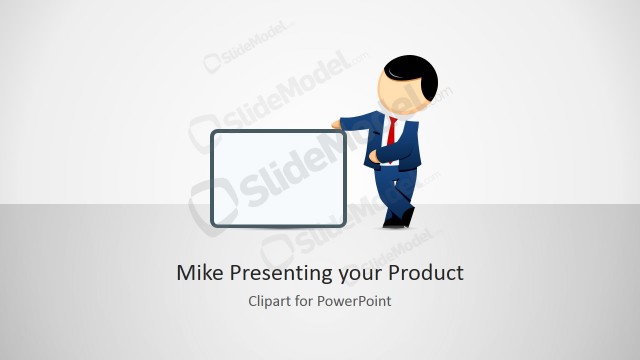
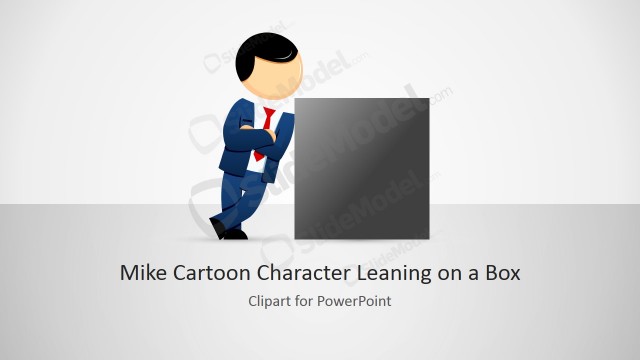
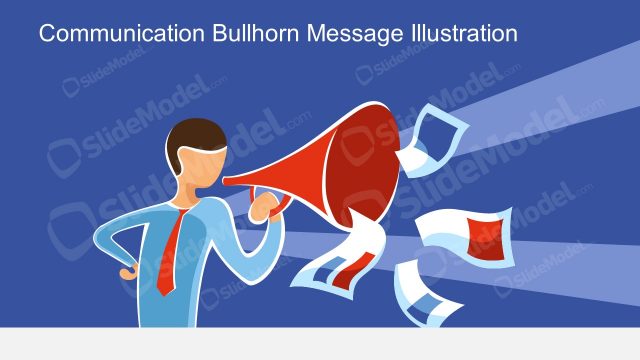
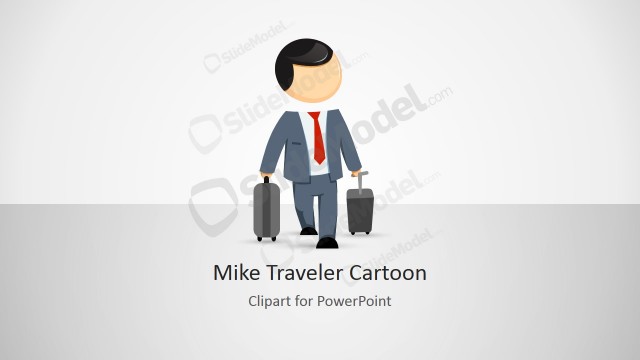
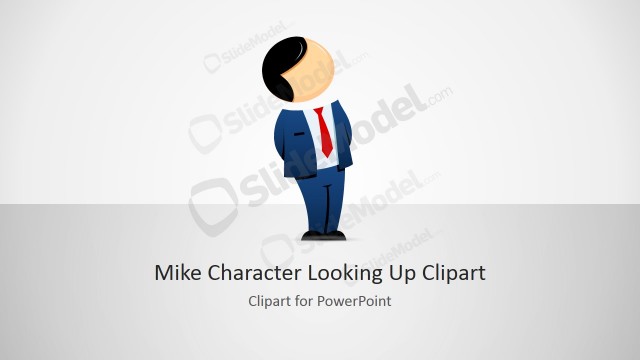
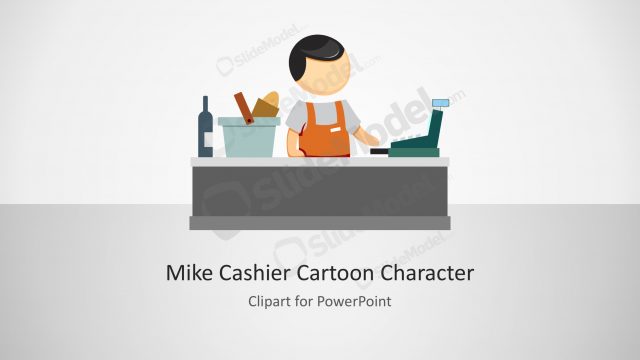
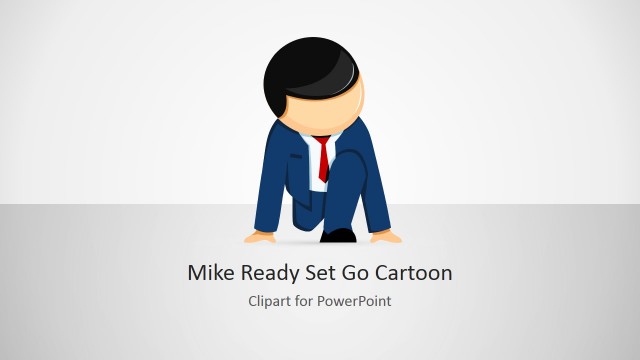
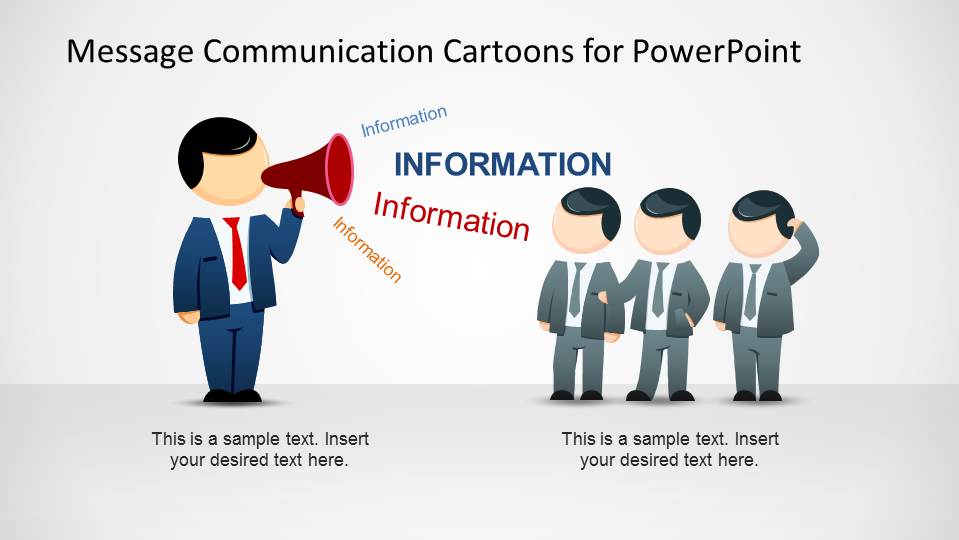
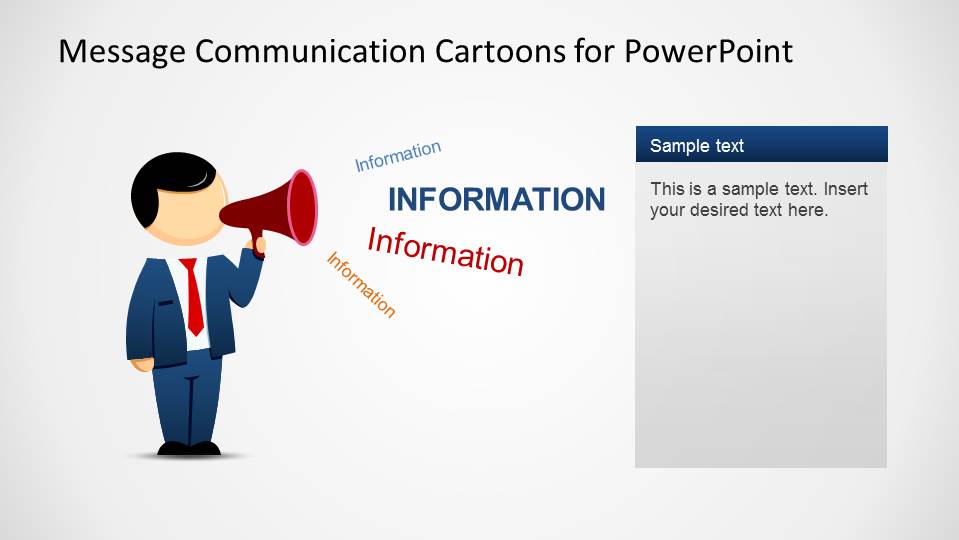
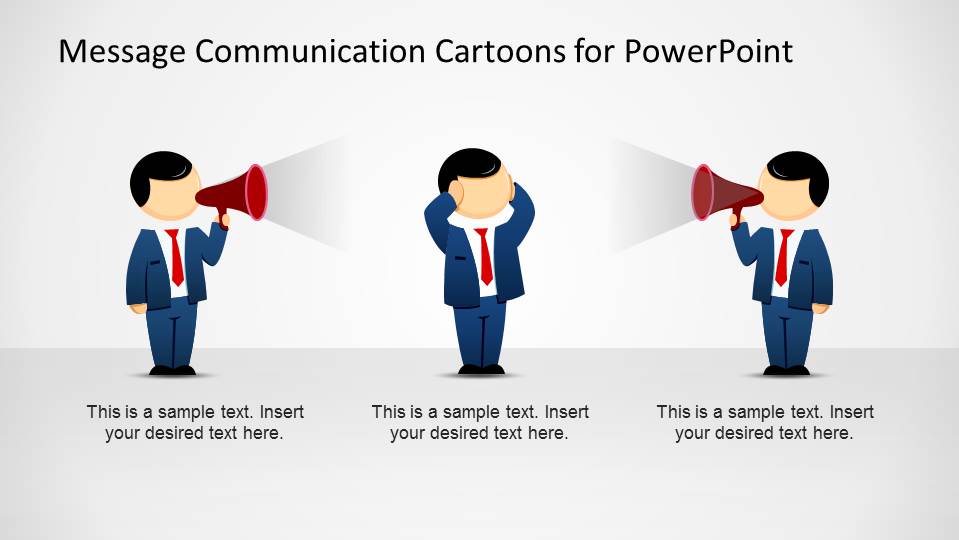
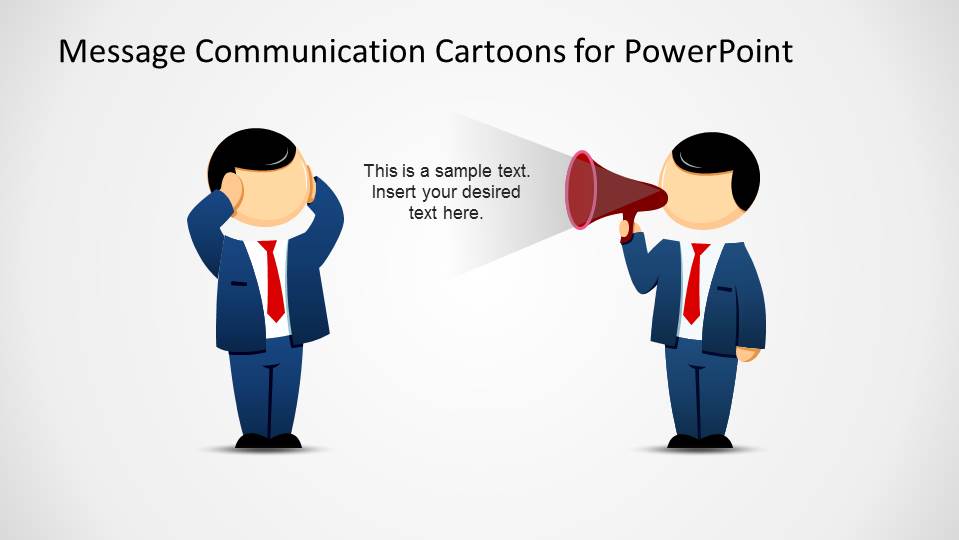
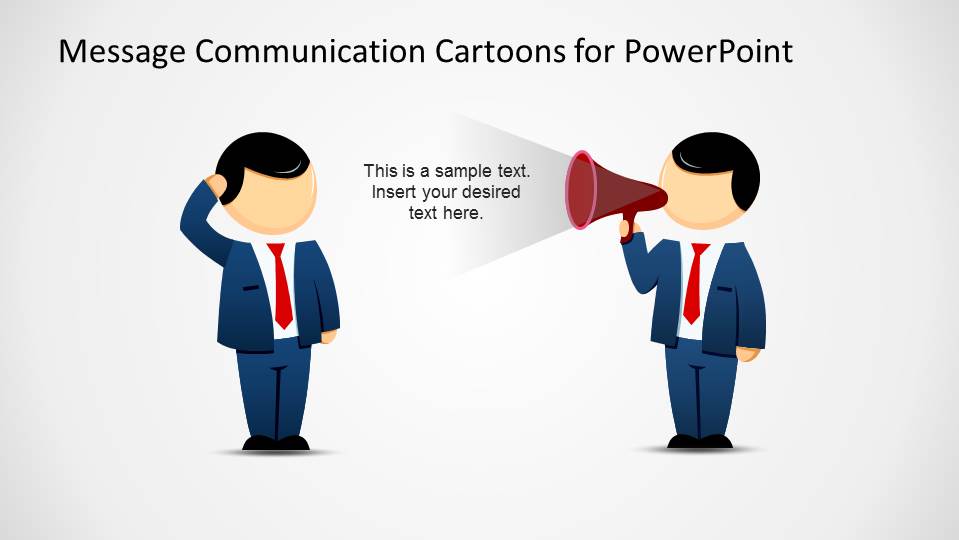
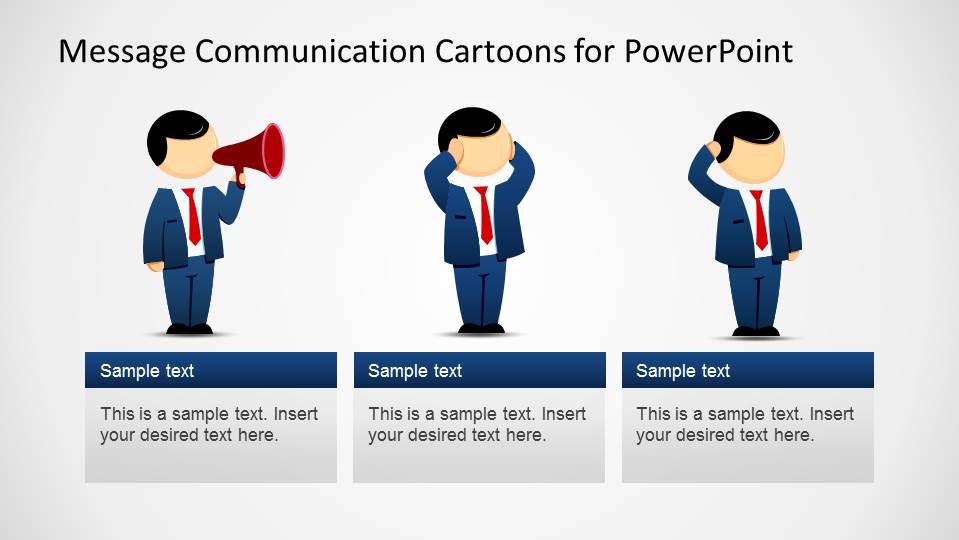
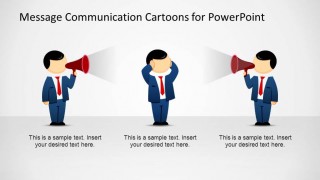
Message Communication Cartoons for PowerPoint is a creative template with several business communication situations between stakeholders represented by our cartoon character Mike. The senders and receivers are featured by Mike’s characters in different communication situations and emotional reactions. The template provides a Mike character in the “Sender” role, communicating a message (to individuals or crowd) through a megaphone (or bullhorn). This representations is used across the template to represent this role. In the other side of the, Mike appears in the “Receiver” Role in different attitudes towards the message:
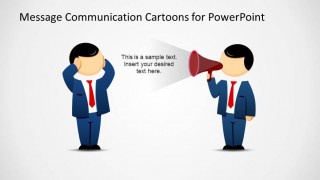
- Confused, when the receiver does not clearly understand the message
- Acknowledge, when the receiver clearly understands the message
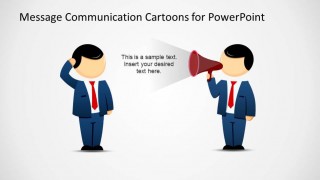
- Blocked, when the receiver is not willing to receive the message
The template provides different combinations of this situations to allow the present make best use of the scenes. Every character and object in this templates is 100% Editable and created using PowerPoint shapes. Impress your audience including cartoon scenes in your presentations from our Message Communication Cartoons for PowerPoint.
What’s inside this template
Example presentation scenarios
- A communication manager can use the sender and audience scene to explain how a company announcement should reach different employee groups and what captions should clarify for each group.
- A trainer can use the confused listener and megaphone layouts to teach why message clarity, channel choice, and receiver context affect understanding.
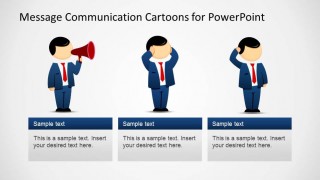
- A change manager can use the three-card reaction layout to compare supportive, confused, and resistant stakeholder behaviors during a transformation update.
- A consultant can use the two-megaphone scene to show communication noise between competing speakers and guide executives toward a clearer message owner.
Features
- 100% editable presentation template
- Compatible with Microsoft PowerPoint and Google Slides
- 16:9 aspect ratio slides
- Scalable vector shapes, icons and illustrations
- AI-Ready for Microsoft Copilot and Claude
- Instant access and download
Frequently asked questions
Q: How should a presenter use the cartoon scenes without making the message feel too light?
A: Use the cartoons as visual shorthand for communication behavior, then keep the text precise. Start with the sender and audience slide to define the message, move to the confused or blocked receiver scenes to explain barriers, and close with a clear action for improving wording, channel choice, or feedback loops.
Q: For which communication situations is this template the best fit?
A: This template fits training, change communication, internal announcements, and stakeholder alignment sessions where the main point is how people receive a message. It is especially useful for facilitators who need to discuss confusion, resistance, competing voices, or feedback without using dense process diagrams or policy text.
Q: Why does the megaphone metaphor work for this type of presentation?
A: The megaphone makes the sender role immediately visible, while the listener poses show whether the message is understood, unclear, or rejected. That contrast helps an audience separate message intent from receiver reaction. The light beams and repeated information labels reinforce direction, noise, and reach without needing a long explanation.
Message Communication Cartoons for PowerPoint
6-slide presentation template with cartoon sender receiver scenes, megaphone messages, and feedback reactions
Message Communication Cartoons for PowerPoint is a 6-slide communication illustration template for Microsoft PowerPoint and Google Slides. It shows editable cartoon sender and receiver scenes, megaphone message flows, confused or blocked reactions, two-party noise, and three-card response layouts for stakeholder communication, feedback, training, or change messaging.
- Category
- Shapes
- Rating


 Loading...
- Aspect ratio
- 16:9, 4:3
- Item ID
- 6520-01
- Colors
 Microsoft PowerPoint
  Microsoft Copilot
  Claude for PowerPoint
 Other formats supported
Subscribe today and get immediate
access to download our PowerPoint templates.