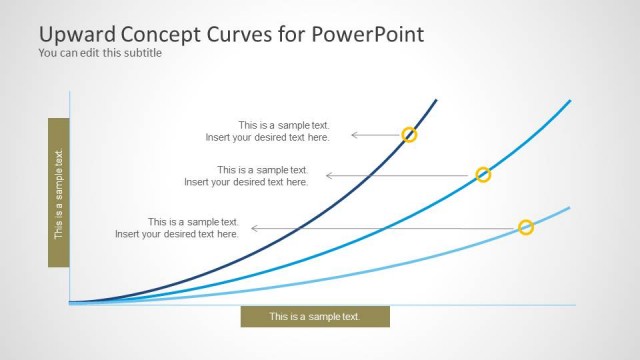
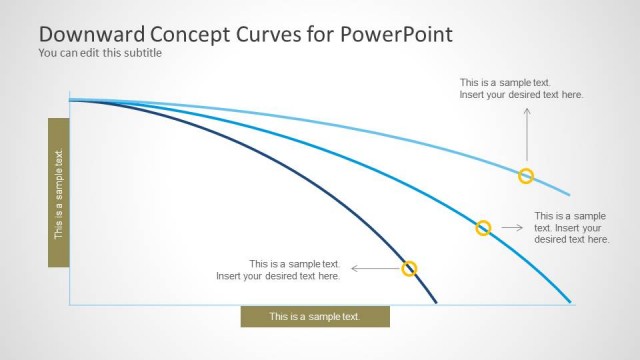
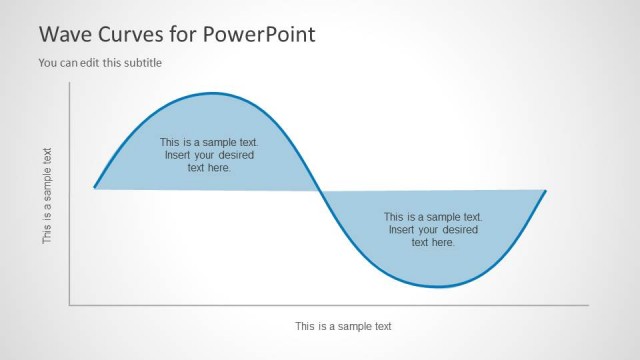
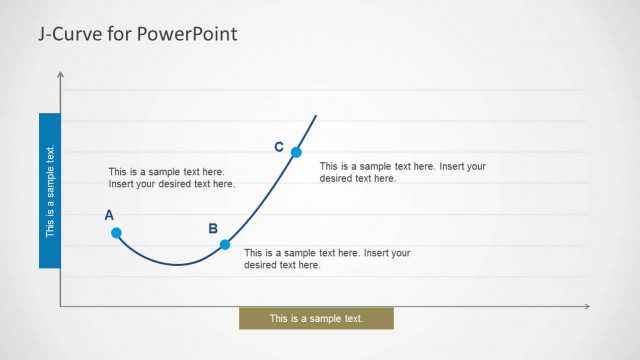
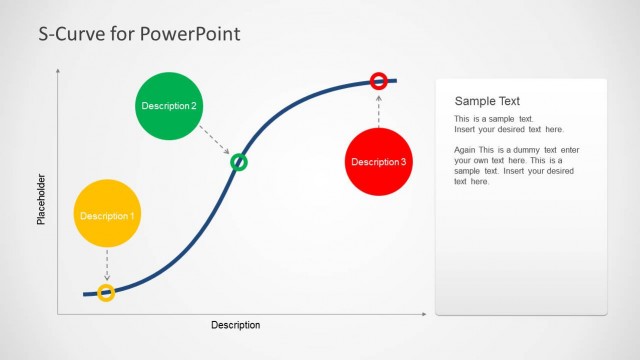
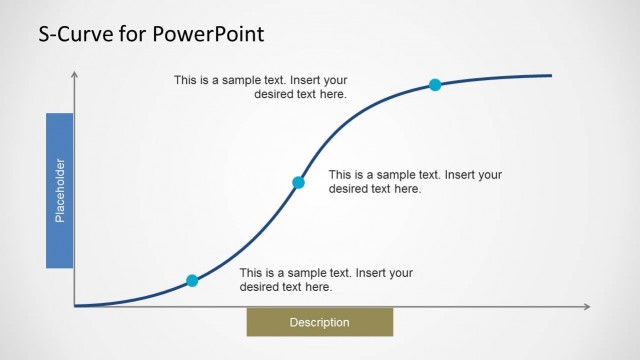
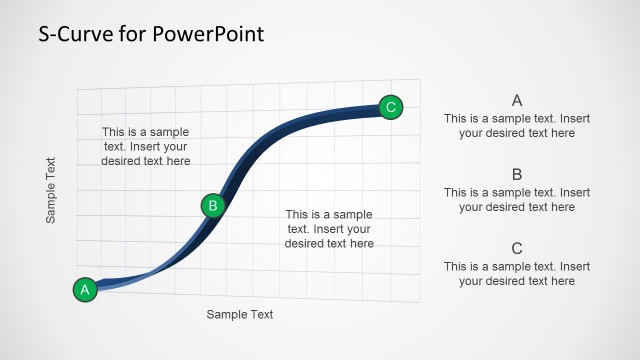
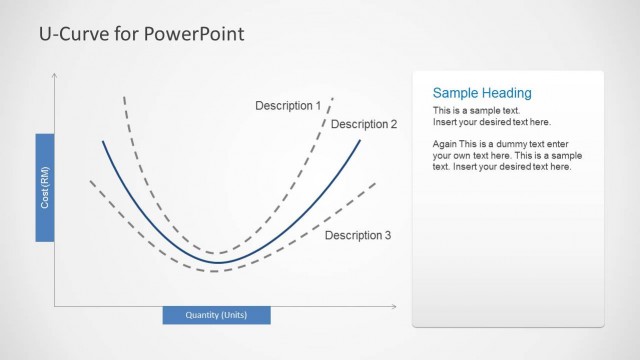
Peaks and Trough Curves for PowerPoint is a template for making curves to display up and down trends using customizable slide designs for constructing accurate curves.
With five diverse sample slides you can create and present a Peaks and Trough Curve with relevant information to create professional presentations. Using the template you no longer have to go through the hassle of making curves in PowerPoint, as the flexible sample diagrams can be adjusted via drag and drop to adjust the curve.
Additional customizations can be done using basic PowerPoint options for changing the size, shape, color and other aspects of slide objects.
What’s inside this template
Example presentation scenarios
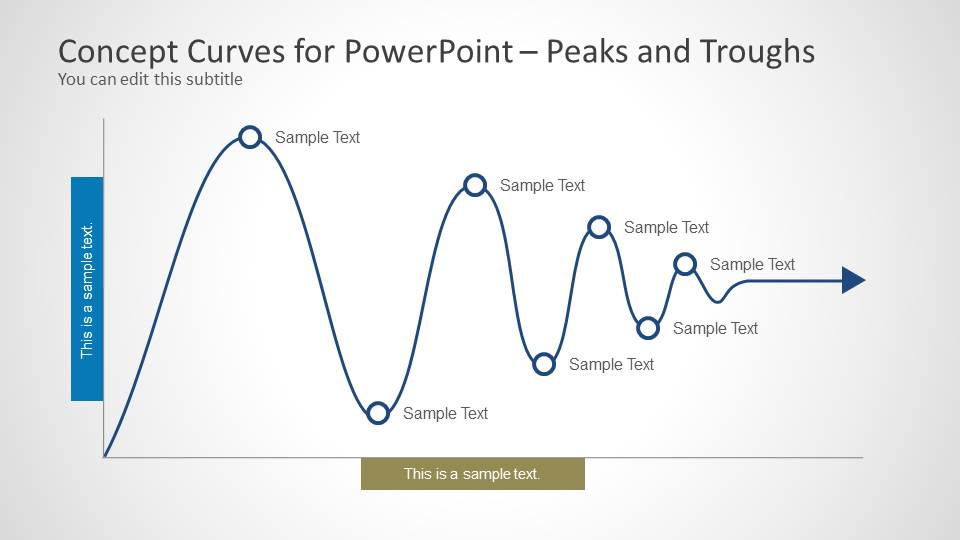
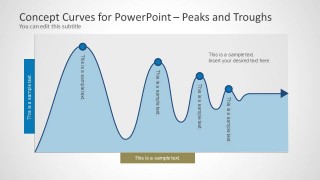
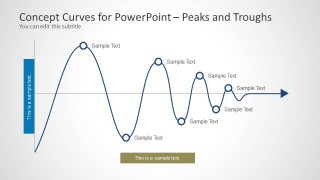
- A data analyst can use the labeled peak and trough marker slides to explain performance cycles and identify where a metric rises, falls, or stabilizes.
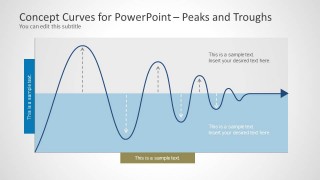
- An engineering presenter can use the banded oscillation slide with dashed guides and arrows to discuss signal amplitude, decay, or wave behavior.
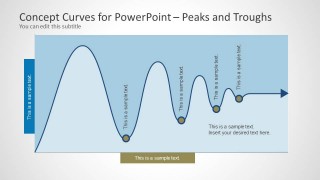
- A business consultant can use the shaded area curve slides to compare repeated market highs and lows without building a curve diagram from scratch.
- An instructor can use the simplified axis and marker layout to teach students how to read peaks, valleys, and recurring curve patterns.
Features
- 100% editable presentation template
- Compatible with Microsoft PowerPoint and Google Slides
- Scalable vector shapes, icons and illustrations
- AI-Ready for Microsoft Copilot and Claude
- Instant access and download
Frequently asked questions
Q: How should I present a peak and trough curve so the audience understands the pattern quickly?
A: Start by naming what the curve represents, then use only the most important markers. The slides with circular peak and trough callouts work best when each label explains a cause, decision point, or consequence. Avoid labeling every wave if the main message is a cycle, a threshold, or a change in direction.
Q: Who is this curve template best suited for?
A: This template fits presenters who need to explain movement over time without relying on a detailed chart. Analysts, engineers, instructors, and consultants can use the oscillating curve, shaded area curve, and trough marker layouts to discuss signals, demand cycles, process variation, or conceptual up-and-down behavior.
Q: Why do the shaded curves and marker styles help communication?
A: The wave metaphor makes fluctuation easier to read than a paragraph of explanation. Shaded areas establish the shape of the pattern, while markers direct attention to the exact peaks or troughs the presenter wants to discuss. The repeated axis and arrow treatment also suggests progression from left to right.


Peaks and Trough Curves for PowerPoint
5-slide PowerPoint presentation template with peak markers, trough labels, and wave curve diagrams
Peaks and Trough Curves for PowerPoint is a 5-slide diagram template for presenting rising and falling patterns. It includes editable line-curve layouts, shaded area curves, amplitude band diagrams, and peak/trough marker callouts. Analysts, engineers, educators, and business presenters can label oscillations, trends, signals, or cycle behavior in PowerPoint.

 Loading...
 Microsoft PowerPoint
  Microsoft Copilot
  Claude for PowerPoint
 Other formats supported
Subscribe today and get immediate
access to download our PowerPoint templates.