Do you want to share some exciting information in the business meetings? Try our engaging Did You Know Slide Template for PowerPoint and present your points interactively. This presentation template is helpful for professionals to discuss the unknown/secret information in the employee sessions. If there is a special announcement, this template also helps you mention the text creatively. Scholars and trainers can use our did you know PPT template to showcase historical points, some facts, or figures. They can also utilize this engaging slide template in their pitch decks and present the content to investors and stakeholders. This template lets project managers visualize significant data points during team meetings. We have designed this PPT slide template with editable PowerPoint shapes. Also, our template is editable with Google Slides and Keynote.
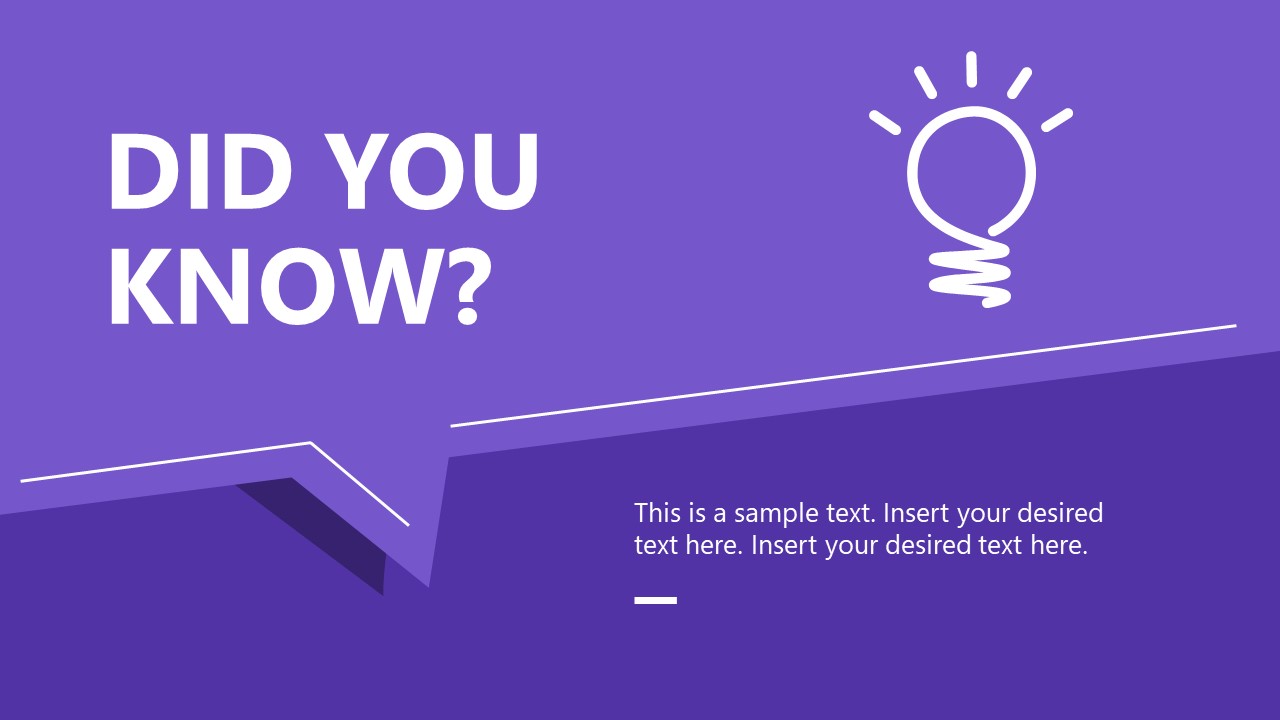
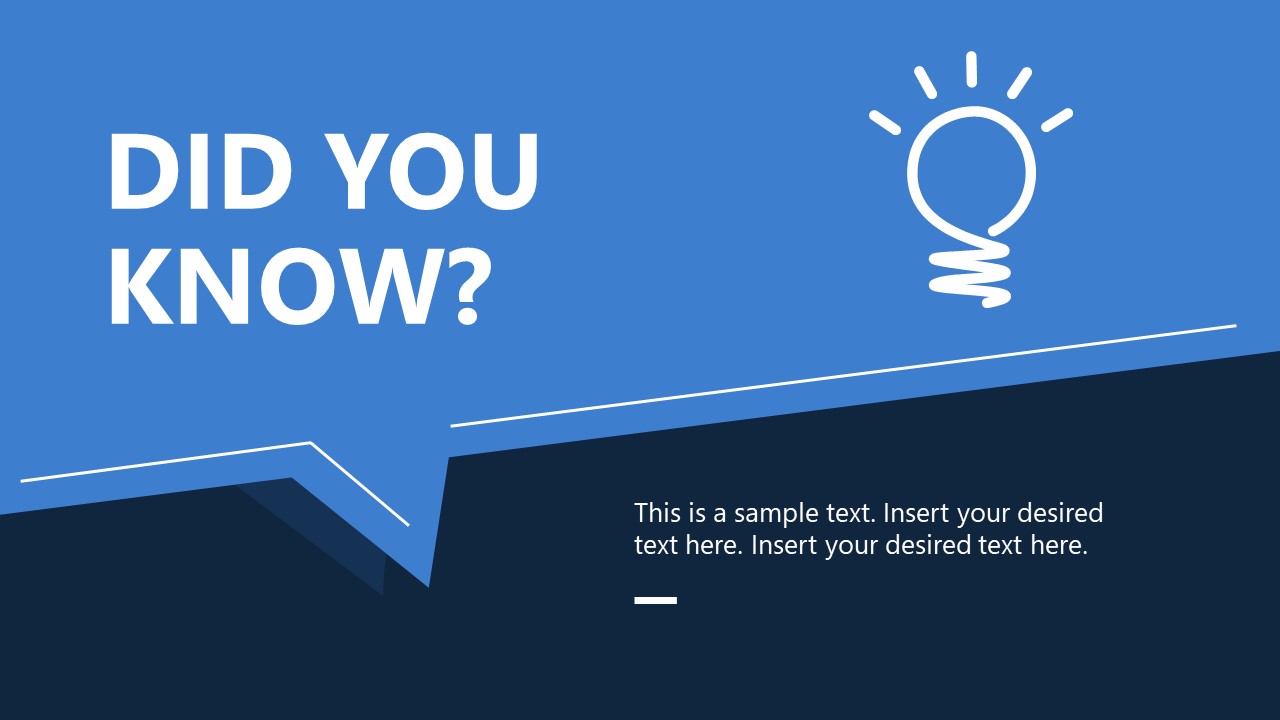
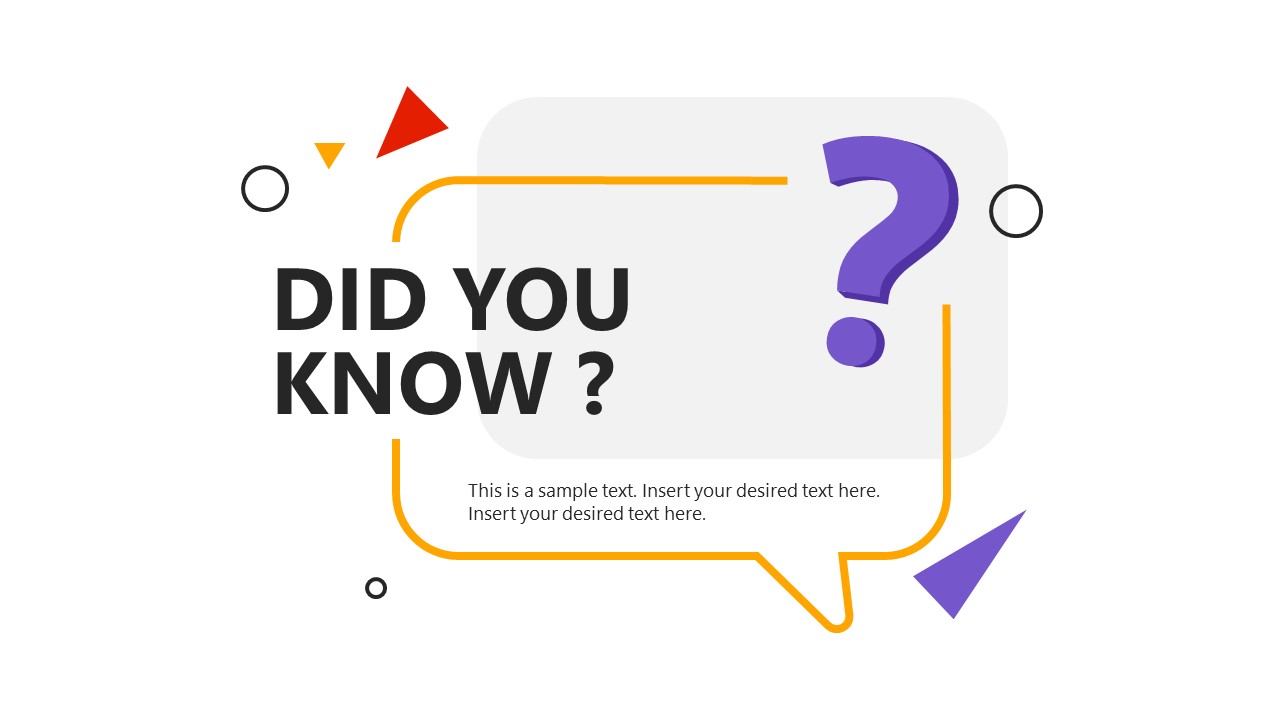
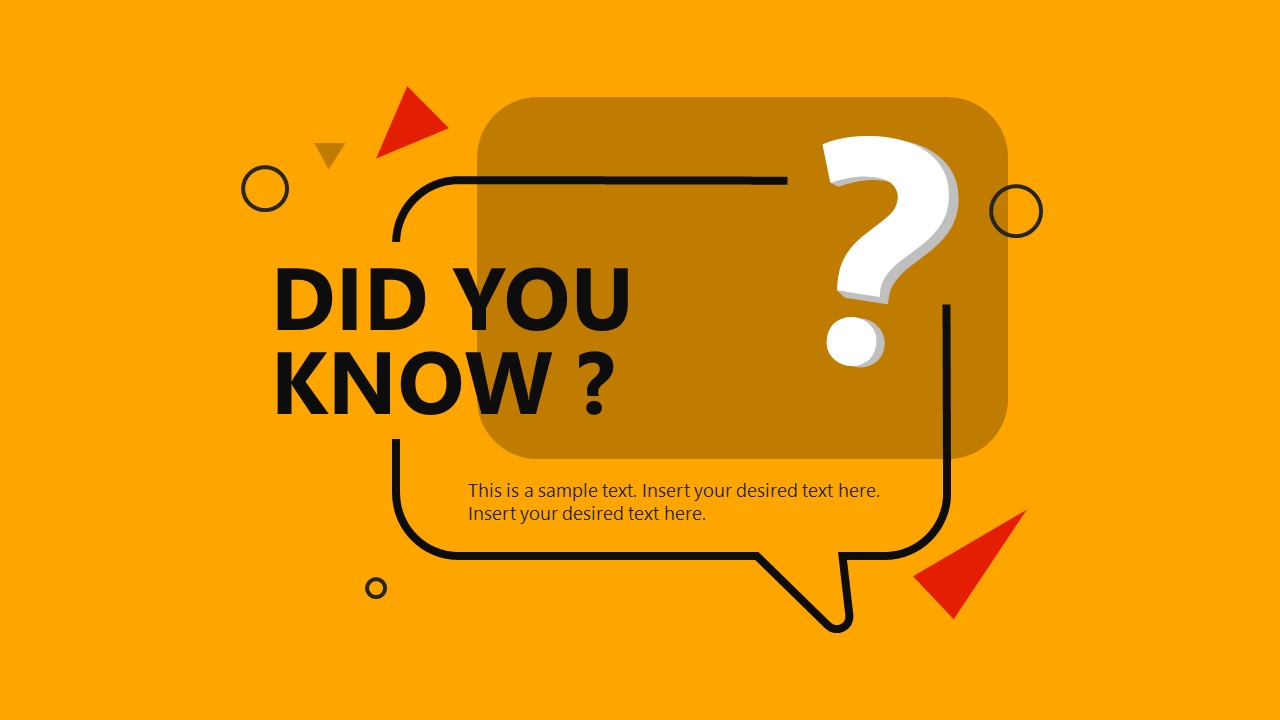
The Did You Know Slide Template for PowerPoint has four slides with two layout variants. The first slide has a purple background with white text, bulb infographic, and description placeholder. There is a diagonal-shaped line in the slide with a V cut. This enhances the visual impact of the slide. The second slide has the same layout, but it shows a blue color palette. Further, the third slide has a ‘Did you know?’ text with an engaging speech bubble. A significant question mark and many smaller shapes make the design more appealing. The last slide is similar to the third one but has a yellow background instead of white.
You can change the PPT components of the template to fit your needs. Download our did you know slide template with creative shapes and personalize it for business meetings. Alternatively, you can download other Did you know slides for presentations, fully compatible with PowerPoint & Google Slides.
What’s inside this template
Example presentation scenarios
- A corporate trainer can open an employee session with the lightbulb slide to introduce a surprising policy fact before explaining the lesson.
- A project manager can use the blue diagonal banner layout to highlight one key data point during a team status meeting.
- A teacher or scholar can use the speech bubble question layout to present a historical fact and invite discussion from the audience.
- A marketing presenter can place a customer insight in the orange question layout to create a pause before revealing the campaign implication.
Features
- 100% editable presentation template
- Compatible with Microsoft PowerPoint and Google Slides
- 16:9 aspect ratio slides
- Scalable vector shapes, icons and illustrations
- AI-Ready for Microsoft Copilot and Claude
- Instant access and download
Frequently asked questions
Q: How should a presenter use this template to make a fact more memorable?
A: Treat each slide as a reveal point, not a paragraph slide. Put the surprising fact or question in the main headline area, then use the small text placeholder for one short explanation or source note. The lightbulb and question mark visuals should create curiosity before the presenter adds context verbally.
Q: Who is this template best suited for in a business presentation?
A: This template fits trainers, managers, educators, and marketing presenters who need to stop the audience and focus attention on one insight. It works well for employee sessions, special announcements, stakeholder briefings, or lessons where a single fact should lead into discussion, decision-making, or explanation.
Q: Why do the lightbulb and speech bubble layouts help communicate did-you-know content?
A: The lightbulb works as a visual metaphor for discovery, while the speech bubble frames the content as a question or conversation starter. The large headline, sparse body copy, and bright contrast keep attention on one idea, helping the presenter avoid burying the insight in a dense informational slide.



Did You Know Slide Template for PowerPoint
4-slide presentation template for did-you-know facts, question callouts, and announcement slides.
This is a 4-slide Did You Know Slide Template for PowerPoint for presenting short facts, announcements, or knowledge prompts. It includes diagonal banner fact slides, lightbulb icon layouts, and speech bubble question callouts. The template is built for trainers, managers, educators, and presenters using Microsoft PowerPoint or Google Slides.
- Category
- PowerPoint Templates
- Rating

 Loading...
- Aspect ratio
- 16:9
- Item ID
- 22882-01
- Colors
 Microsoft PowerPoint
 Microsoft Copilot
 Claude for PowerPoint
Other formats supported
Subscribe today and get immediate
access to download our PowerPoint templates.