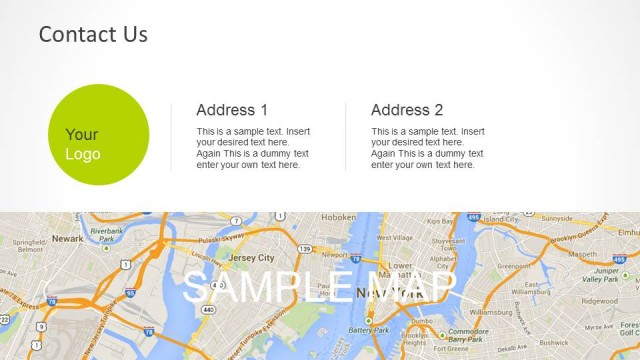
Orange Contact Us Template for PowerPoint is a concept design for PowerPoint that you can use to finish your presentations with awesome contact us slides showing your address and contact information.
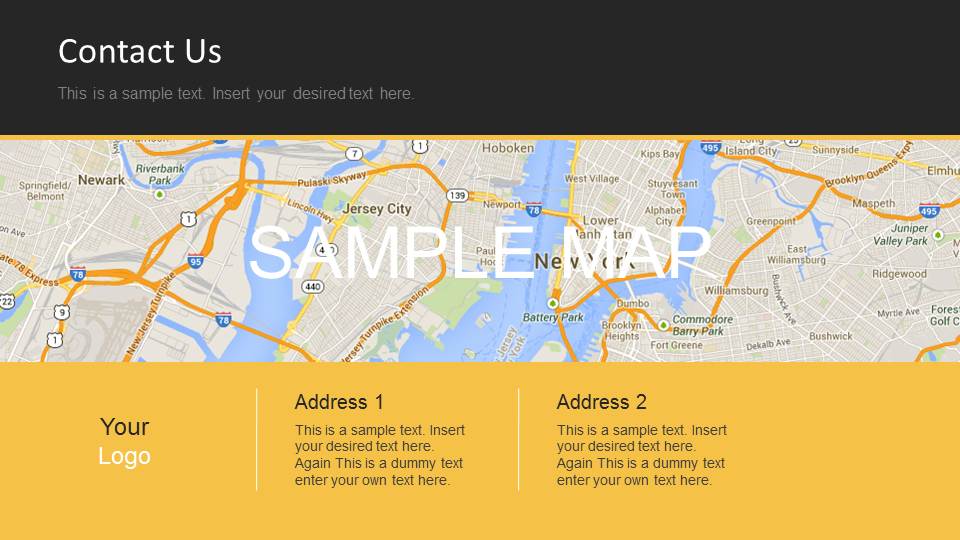
You can use this Contact Us PowerPoint template to show your office headquarters location in a map or show your contact information as a last slide when you finish your presentations.
Alternatively, you can download other contact us slide templates for PowerPoint & Google Slides presentations.
What’s inside this template
Example presentation scenarios
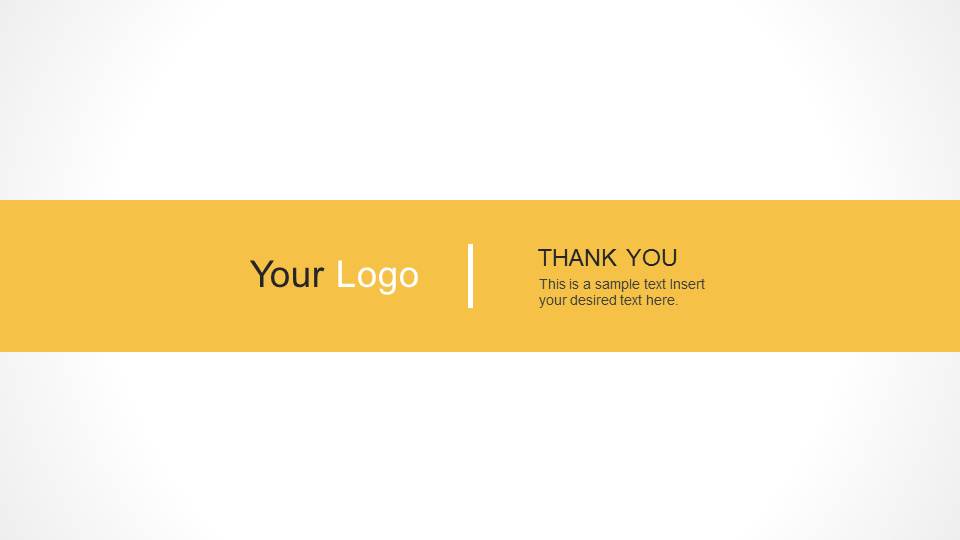
- A sales presenter can close a proposal by showing the thank-you band and directing prospects to the final contact details.
- A consultant can use the Contact Us map slide to show office location context and separate two address blocks for regional or departmental contacts.
- A startup founder can end an investor update with the logo placeholder and short thank-you message before sharing follow-up details verbally.
- A corporate communications team can use the dark Contact Us layout when the main deck uses a darker visual style and needs a consistent closing slide.
Features
- 100% editable presentation template
- Compatible with Microsoft PowerPoint
- 16:9 aspect ratio slides
- Scalable vector shapes, icons and illustrations
- AI-Ready for Microsoft Copilot and Claude
- Instant access and download
Frequently asked questions
Q: How should a presenter use these contact slides without making the close feel like an afterthought?
A: Use the thank-you layout as the verbal close, then keep the Contact Us map slide on screen during questions or follow-up discussion. Put only the most useful address, email, phone, or web details in the footer blocks so the audience can act quickly instead of scanning dense contact copy.
Q: Who is this template best suited for in a business presentation workflow?
A: This template fits presenters who already have a main deck and need a polished final slide. Sales teams, consultants, startup founders, and corporate representatives can use the map strip, logo placeholder, and address blocks to turn the last screen into a practical follow-up reference.
Q: Why does the design combine a map strip with an orange footer or band?
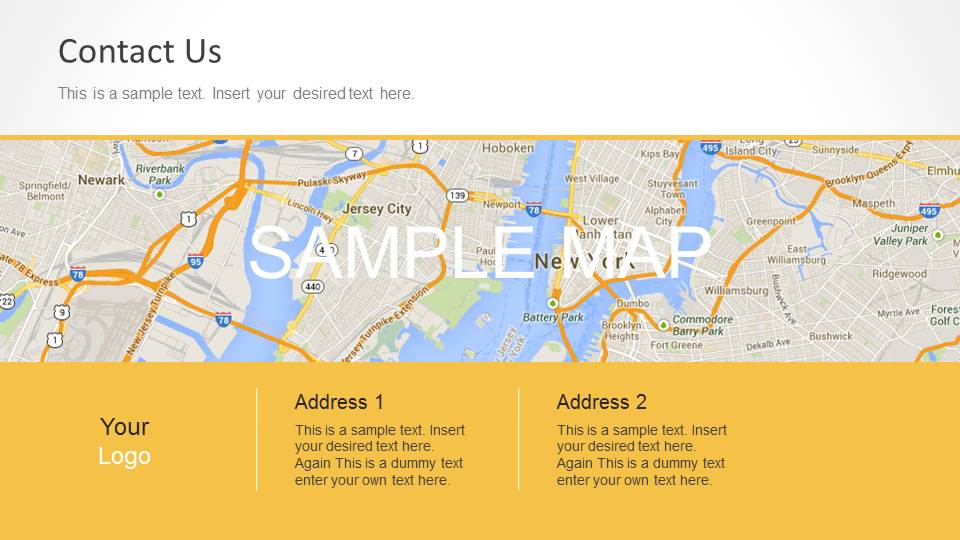
A: The map strip gives immediate location context, while the orange footer creates a stable area for contact details. On the thank-you slides, the single horizontal band focuses attention on the signoff message. This simple structure prevents the final slide from competing with the speaker's closing remarks.



Orange Contact Us Template for PowerPoint
4-slide PowerPoint presentation template for Contact Us, address blocks, map strip, and thank-you close
Orange Contact Us Template for PowerPoint is a 4-slide closing slide set for Microsoft PowerPoint. It includes a Contact Us map slide, logo and address footer blocks, and thank-you closing band layouts in light and dark versions. It is designed for business presenters who need a final contact information slide.
- Category
- PowerPoint Templates
- Rating

 Loading...
- Aspect ratio
- 16:9
- Item ID
- 6110-02
 Microsoft PowerPoint
  Microsoft Copilot
  Claude for PowerPoint
 Other formats supported
Subscribe today and get immediate
access to download our PowerPoint templates.