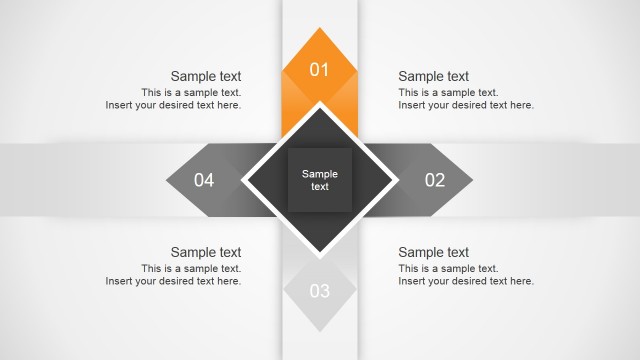
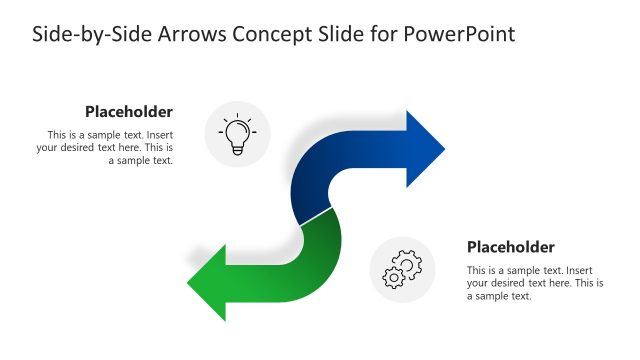
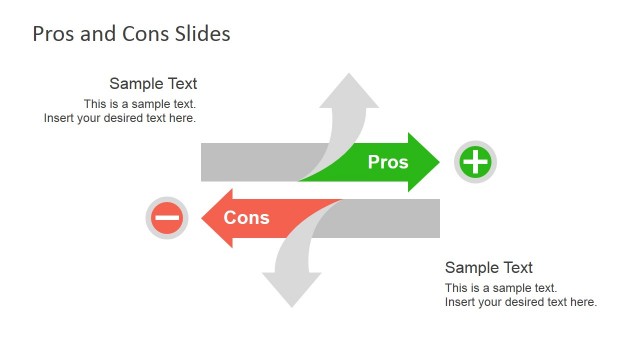
Opposing Ideas Slides Template for PowerPoint is a presentation template containing creative slide designs to make presentations on opposing views. You can use this presentation template as an alternative to other approaches like Five Forces.
Alternatively you can download other opposing PowerPoint slide templates including opposing point of views slide designs or opposing forces with creative illustrations of male cartoon characters pulling the rope.
What’s inside this template
Example presentation scenarios
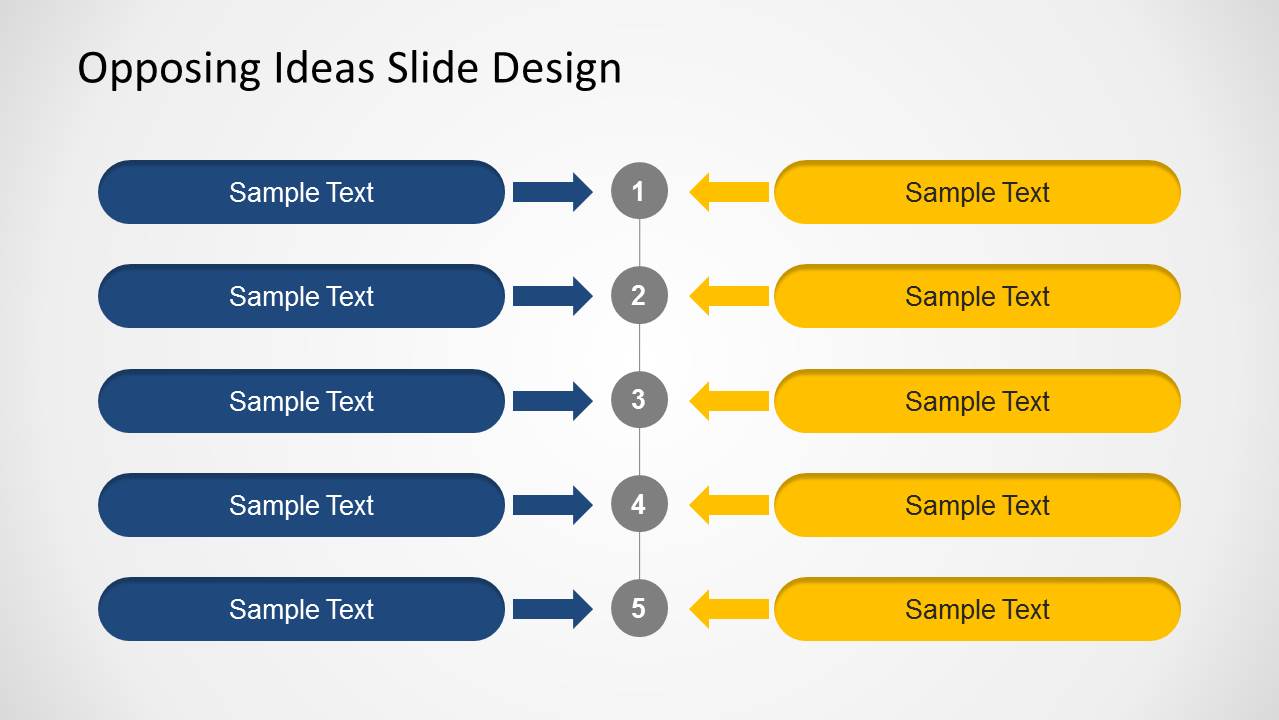
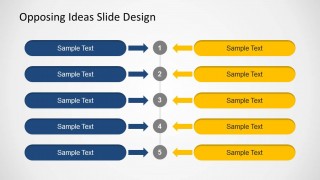
- A strategy consultant can use the numbered opposing arrow list to compare two market entry options and guide executives through five paired decision criteria.
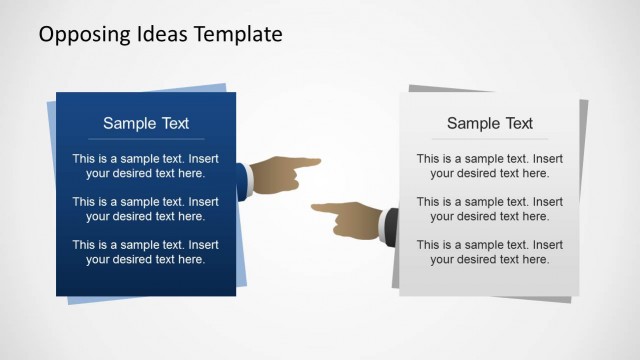
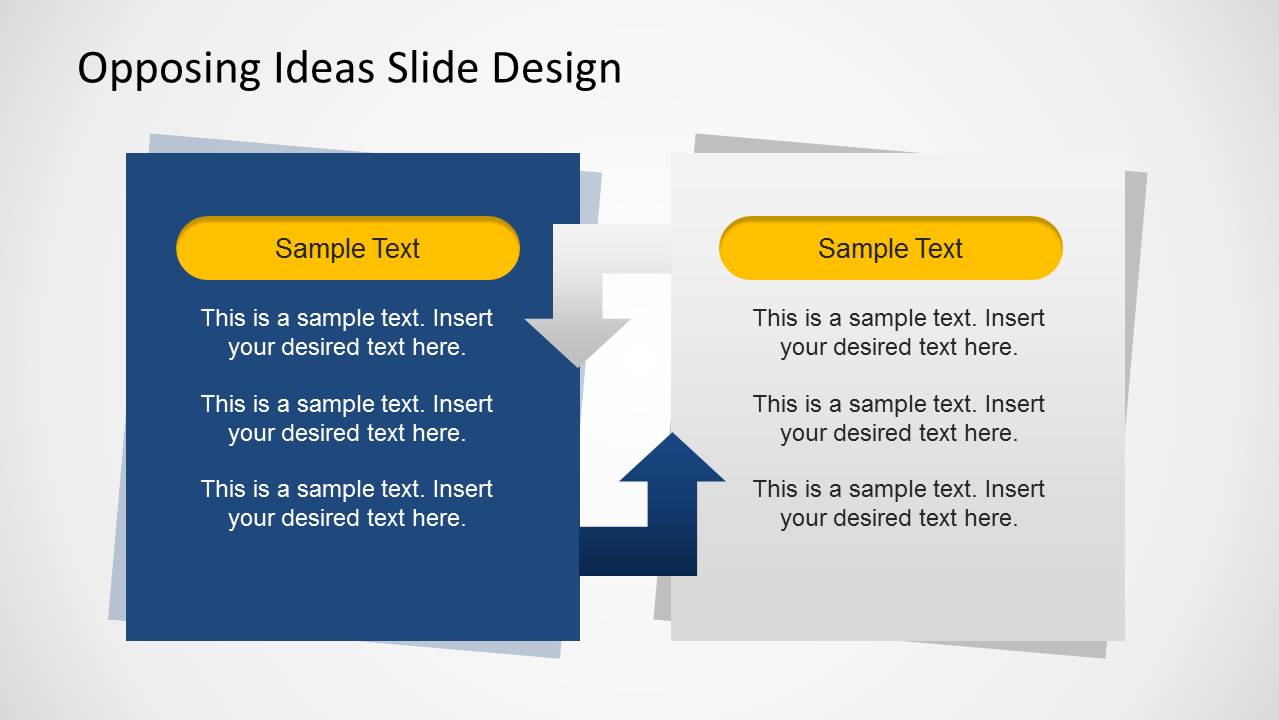
- A project manager can use the side-by-side idea card layout to explain tension between scope control and stakeholder requests during a steering committee meeting.
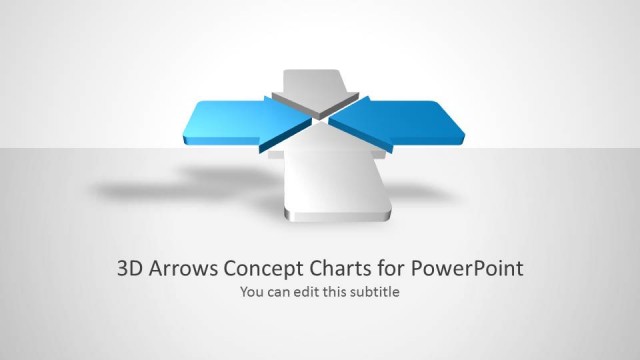
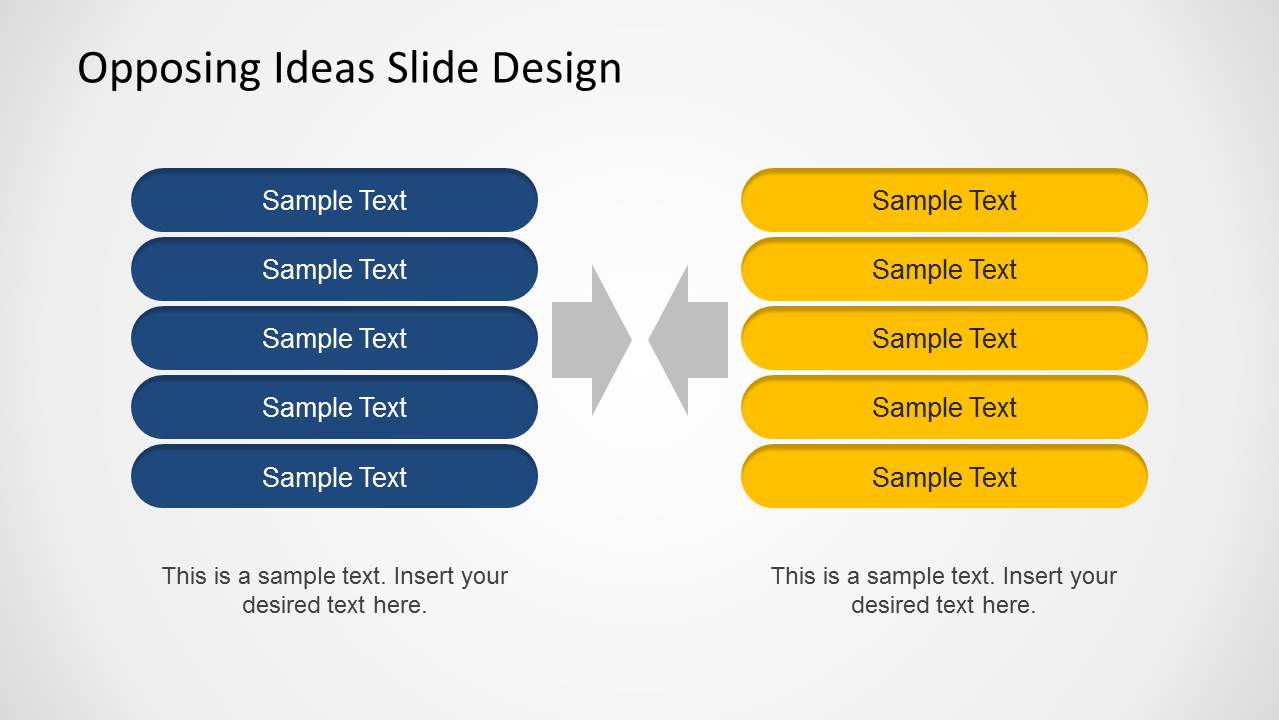
- An educator or trainer can use the central collision arrow diagram to frame a debate exercise and help learners separate two competing perspectives.
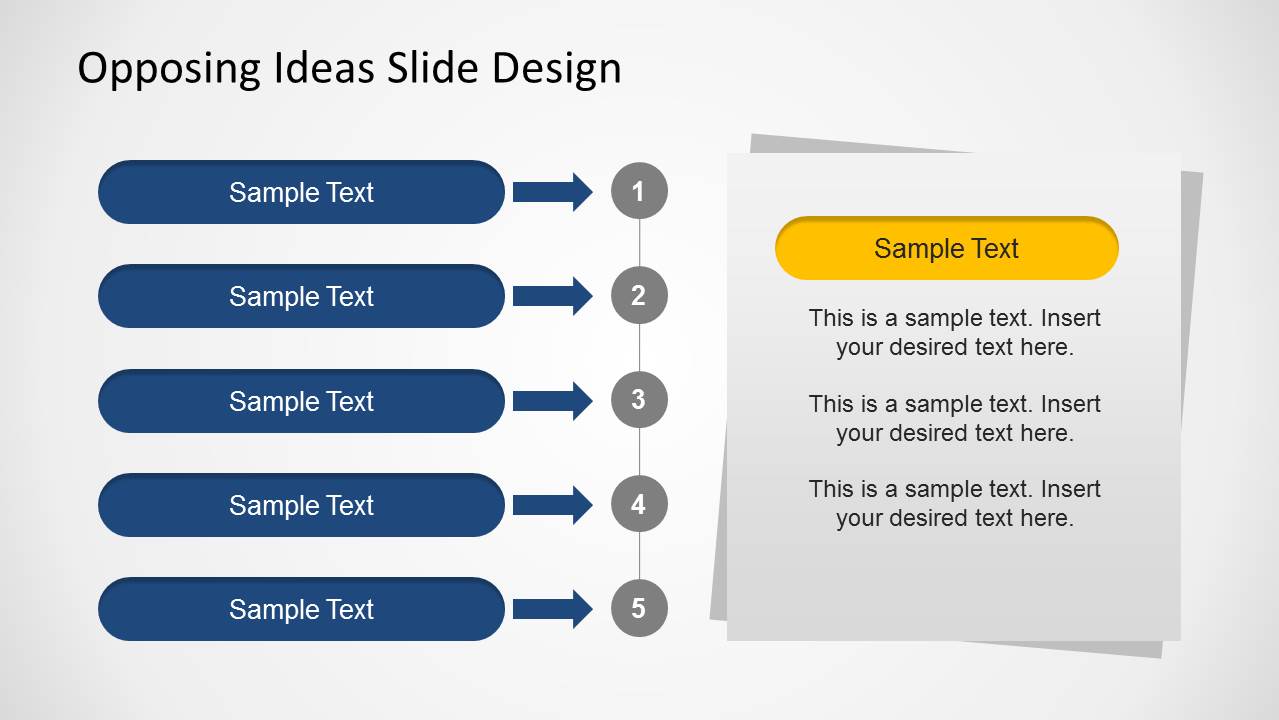
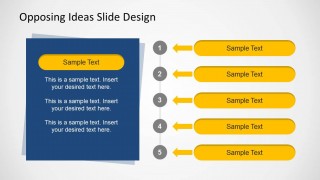
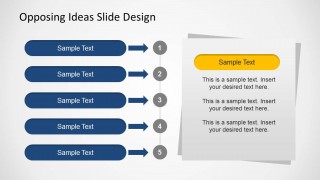
- A policy analyst can use the hybrid card and arrow layouts to summarize one position in detail while listing counterarguments from the opposing side.
Features
- 100% editable presentation template
- Compatible with Microsoft PowerPoint and Google Slides
- 16:9 aspect ratio slides
- Scalable vector shapes, icons and illustrations
- AI-Ready for Microsoft Copilot and Claude
- Instant access and download
Frequently asked questions
Q: How should I present two opposing ideas without making the comparison feel biased?
A: Start with the most balanced layout, such as the two-column list or the side-by-side cards, and keep the same number of points on each side. Use parallel wording for each pair, then move to the hybrid slides only when one idea needs more explanation or context before the group discusses a decision.
Q: Who benefits most from this opposing ideas diagram template?
A: This template fits presenters who must make disagreement understandable before asking for alignment. Consultants, managers, educators, and analysts can use it when the topic involves competing strategies, stakeholder views, policy choices, or pro and con arguments. The five-row structures work best when the comparison can be reduced to a few clear paired points.
Q: Why do the collision arrows and opposing colors help the message?
A: The navy and yellow sides create immediate visual separation, while the arrows show direction and tension without extra explanation. The central numbered circles on several slides act as a neutral meeting point, helping the audience compare pairs one at a time instead of reading two unrelated lists.


Opposing Ideas Slides Template for PowerPoint
5-slide presentation template for opposing ideas, arrow lists, and side-by-side comparison diagrams
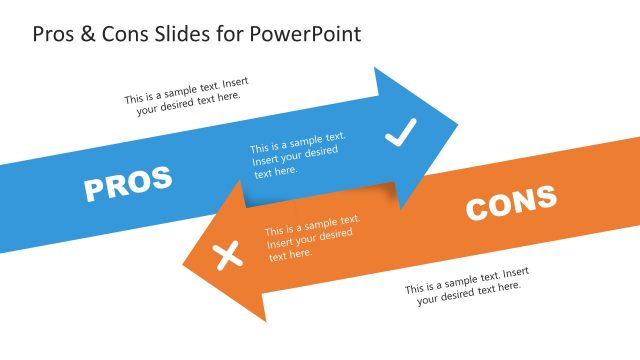
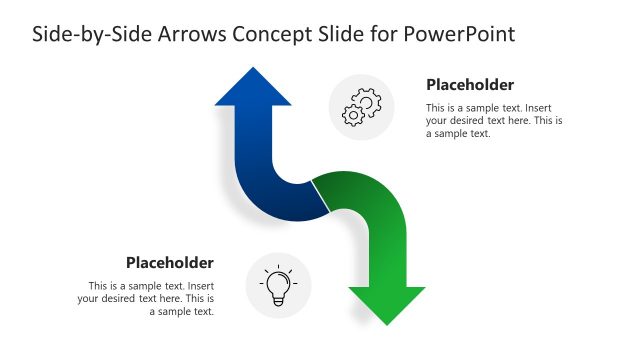
Opposing Ideas Slides Template for PowerPoint is a 5-slide diagram deck for comparing opposing views, alternatives, or forces. Visible layouts include side-by-side idea cards, five-item opposing arrow lists, numbered comparison steps, and a central collision arrow diagram. It is built for consultants, analysts, educators, and managers using Microsoft PowerPoint or Google Slides.
- Category
- Diagrams
- Rating


 Loading...
- Aspect ratio
- 16:9
- Item ID
- 6368-01
- Colors
 Microsoft PowerPoint
  Microsoft Copilot
  Claude for PowerPoint
 Other formats supported
Subscribe today and get immediate
access to download our PowerPoint templates.