Present your organization’s impact, progress, and outcomes with the Nonprofit Annual Report PowerPoint Template, designed to support clear and credible reporting in executive meetings, board reviews, and stakeholder briefings. Nonprofit organizations regularly assess performance, programs, and financial health to evaluate growth and guide future decisions. This nonprofit Annual Report template helps professionals, team leads, project managers, and nonprofit leaders deliver a structured overview of activities and results from the past twelve months, enabling stakeholders to better understand operations and priorities for the year ahead.
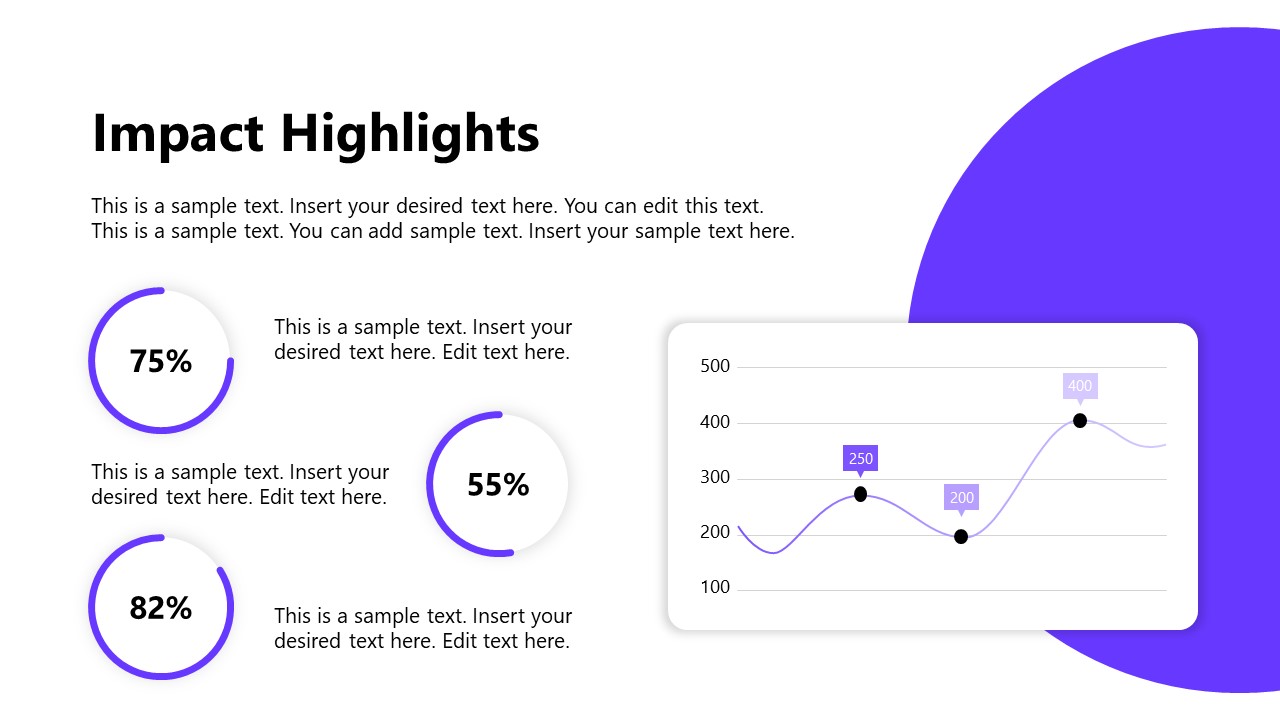
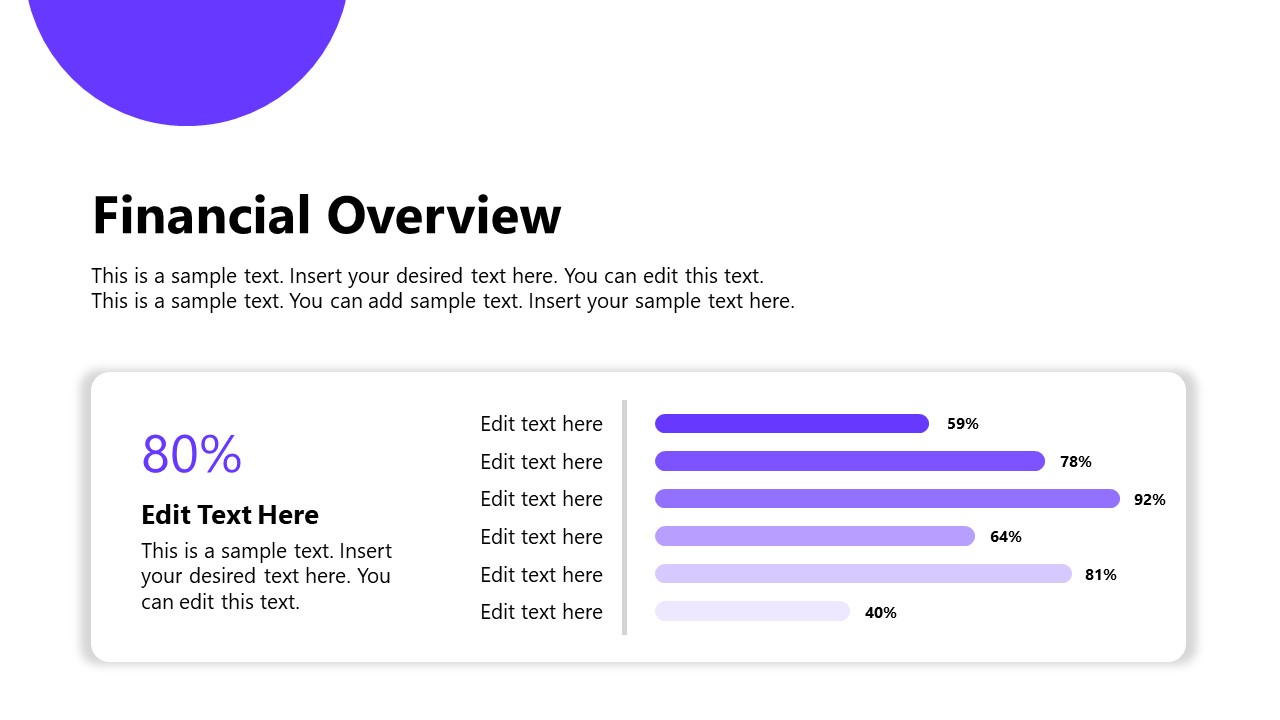
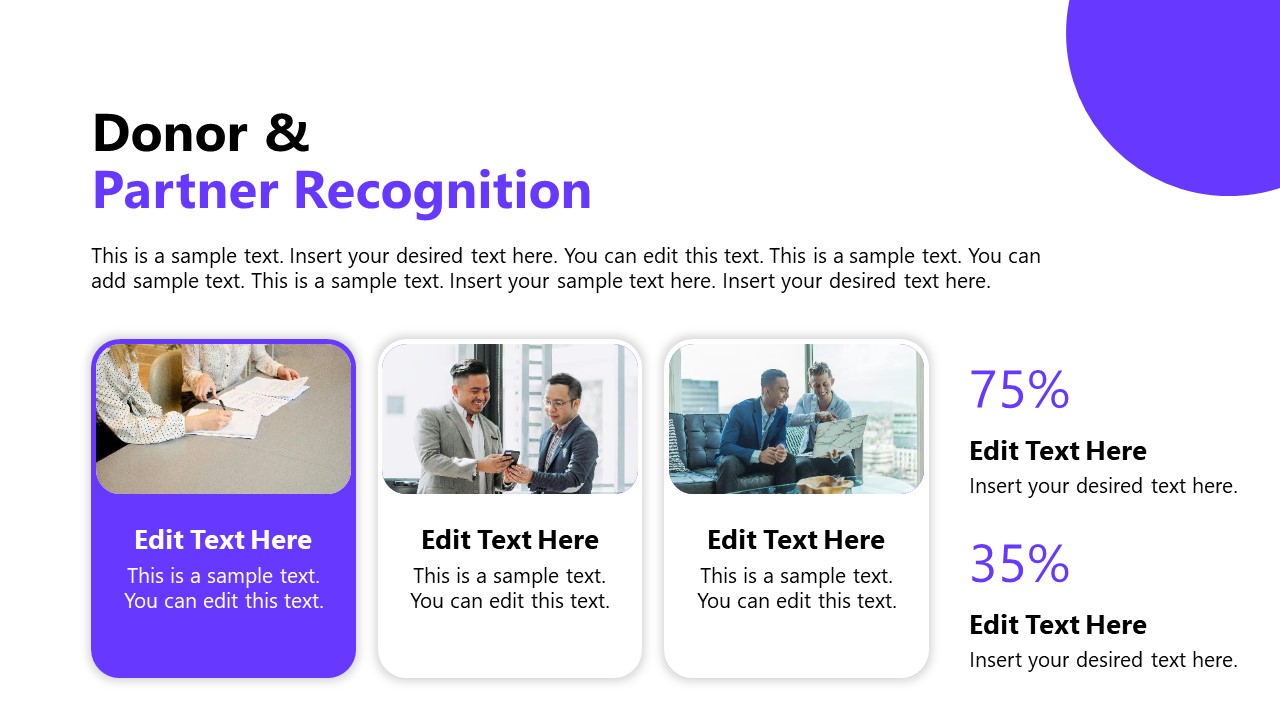
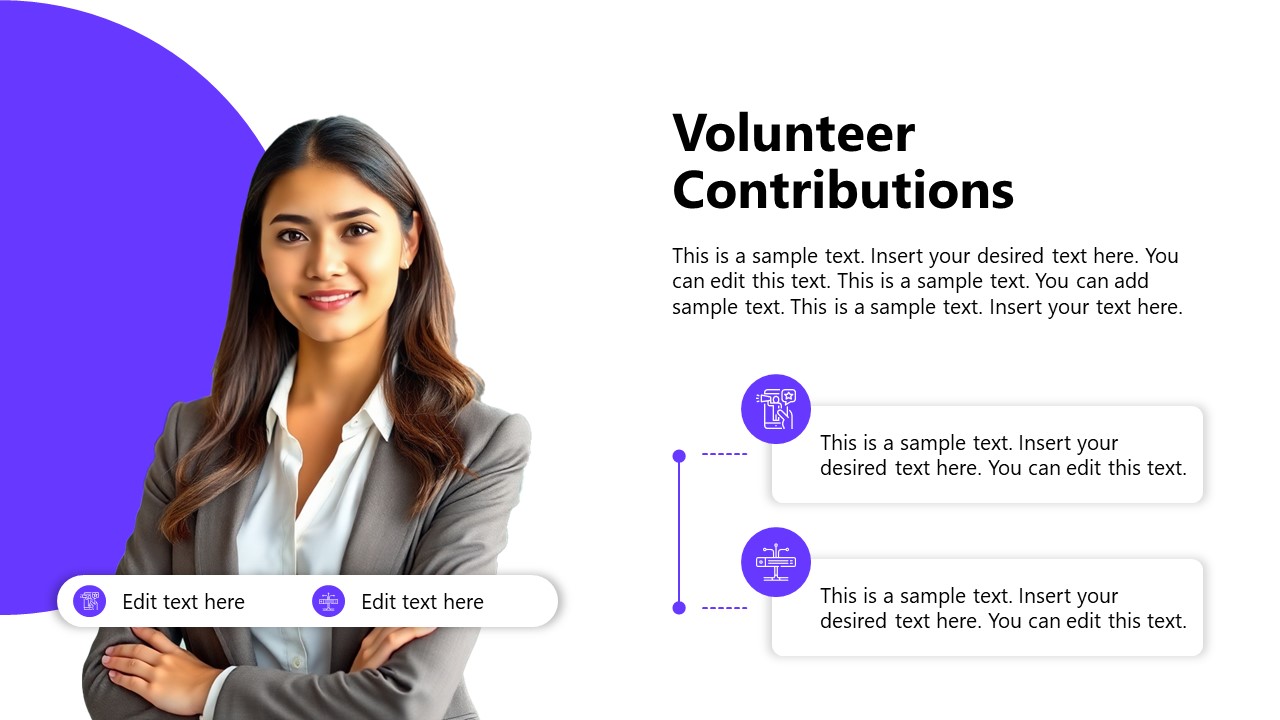
Professionals can craft pitch decks using our Nonprofit Annual Report PowerPoint Template for investor sessions. The comprehensive overview presentation let company founders raise more funds, donations, and partnerships for the company. The template starts with a creative cover slide, Table of Contents, and introduction slide, which can be used to present the executive summary. Users can outline company details, business models, operational strategies, and achievements. We have provided engaging data visualizations in the slides to discuss the impact, highlights, and benefits of multiple programs on initiatives. Further, there is a financial overview slide, donor & partner recognition slide, volunteer contribution, and community engagement slides. In the end, professionals can enlist future objectives, goals, lessons learned, and various case studies to cover the topic thoughtfully.
You can also change the template’s icons, shapes, or other elements based on your needs. Download this nonprofit report PPT template and edit it today to make customized annual report presentations for your executive sessions. Alternatively, you can download other annual report PPT templates for presentations, fully editable, and ready for Microsoft PowerPoint & Google Slides.
What’s inside this template
Example presentation scenarios
- An executive director can use the mission statement, leadership message, and impact highlights layouts to brief a board on annual performance and organizational direction.
- A development director can use the donor recognition, financial overview, and call to action slides to report stewardship results and support a fundraising conversation.
- A program manager can use the programs and initiatives, community engagement, and case study slides to explain how activities translated into measurable outcomes.
- A volunteer coordinator can use the volunteer contributions and community engagement slides to show participation, outreach, and local value to internal teams or partners.
- A grant manager can use the challenges and lessons learned and future goals slides to connect prior-year evidence with next-year priorities for funders.
Features
- 100% editable presentation template
- Compatible with Microsoft PowerPoint
- 16:9 aspect ratio slides
- Scalable vector shapes, icons and illustrations
- Ready with Animations & Transitions in PowerPoint
- AI-Ready for Microsoft Copilot and Claude
- Instant access and download
Frequently asked questions
Q: How should a presenter turn this annual report deck into a clear stakeholder story?
A: Start with the mission and leadership message to anchor the audience in purpose, then move into impact highlights before showing programs, finances, and community engagement. The case study and lessons learned slides should translate results into evidence and accountability. Close with future goals and the call to action so the report ends with direction, not just documentation.
Q: Which nonprofit reporting situations fit this template best?
A: This template is best for nonprofit leaders presenting an annual or year-end performance review to boards, donors, grant partners, or community stakeholders. It works especially well when the message must combine narrative sections, such as mission and leadership, with proof points like percentage metrics, a financial overview, donor recognition, volunteer contributions, and a case study map.
Q: Why does the design use cards, circles, and progress-style visuals?
A: The rounded cards separate report topics into digestible units, while circles and percentage rings make impact metrics easy to scan during a live briefing. The target graphic on the future goals slide acts as a clear metaphor for planned outcomes. This mix helps the audience move from purpose to proof to next steps without reading dense report pages.





Nonprofit Annual Report PowerPoint Template
16-slide annual report presentation template for nonprofit impact highlights, financial overview, and stakeholder reporting
The Nonprofit Annual Report PowerPoint Template is a 16-slide report deck for nonprofit leaders, boards, and project teams. It includes a mission statement, table of contents, impact highlights with percentage rings and a line chart, financial overview, donor recognition, case study map, lessons learned, goals, and call to action layouts for Microsoft PowerPoint.
- Category
- Business PowerPoint Templates
- Rating

 Loading...
- Aspect ratio
- 16:9
- Item ID
- 77164-01
- Colors
 Microsoft PowerPoint
 Microsoft Copilot
 Claude for PowerPoint
Other formats supported
Subscribe today and get immediate
access to download our PowerPoint templates.