Are you running an organization and want to prepare a presentation for a charity dinner participation or an investment session? Don’t worry; we have the solution. Customize our Non-Profit Organization PowerPoint Template to showcase the company overview engagingly. The color scheme we have used for this template is professional and builds trust in the audience. Our template has many slides that can help NPO directors and key members present the complete NPO profile to the audience. They can use this Nonprofit PPT template in donation events, charity sessions, and investment meetings.
With this Non-Profit PowerPoint template, NPO members can compellingly demonstrate their company efforts, achievements, and impact on society. A not-for-profit organization is established to help society and positively impact the environment. It promotes art and culture with donations, charitable funds, investment returns, etc. An NPO operates for the benefit of society and does not distribute its profits among its staff members.
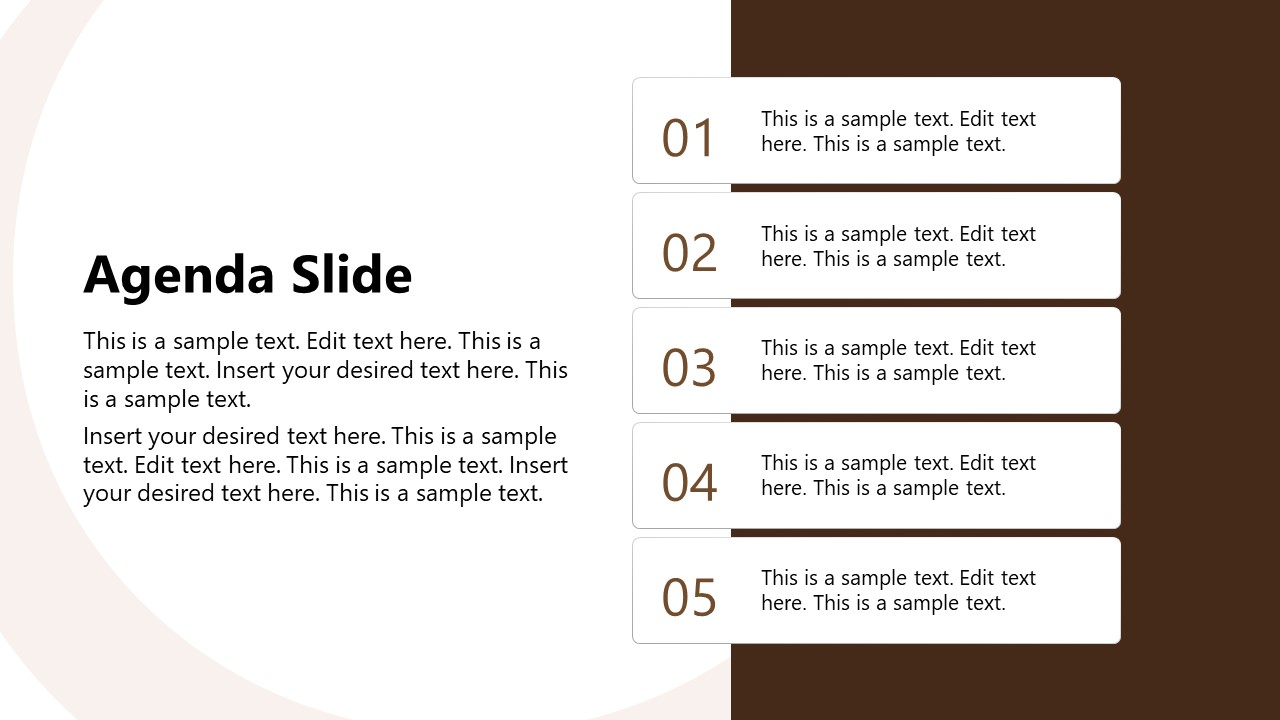
The Non-Profit Organization PowerPoint Template is crafted with editable PowerPoint features, and professionals can use it in all PowerPoint versions and Google Slides. Users can modify the color palette, alter the shapes, and replace the icons with their relevant ones. The template starts with a title slide followed by the introduction and agenda slide. Next, we have a horizontal timeline slide to present the organizational history comprehensively. Further, we have a slide with three sections to demonstrate the environmental problems and the effective solution the organization is providing. Also, in the following slides, users can display the information about:
- Impact and Achievements
- Financial Overview
- Volunteer and Staff
- Donor and Partner Recognition
- Future Goals and Actions
Moreover, we have provided relevant infographics in the slide layout to increase the visual impact of the presentation. Download our Nonprofit organization presentation template and personalize it for your meetings. Try it today! Alternatively, check our collection of animated PowerPoint templates and slide deck templates.
What’s inside this template
Example presentation scenarios
- A nonprofit executive director can use the cover, introduction, and agenda slides to open a charity dinner presentation and frame the organization's mission before asking for support.
- A development officer can present the organizational history timeline, impact checklist, and financial overview metrics to show credibility during a donor update meeting.
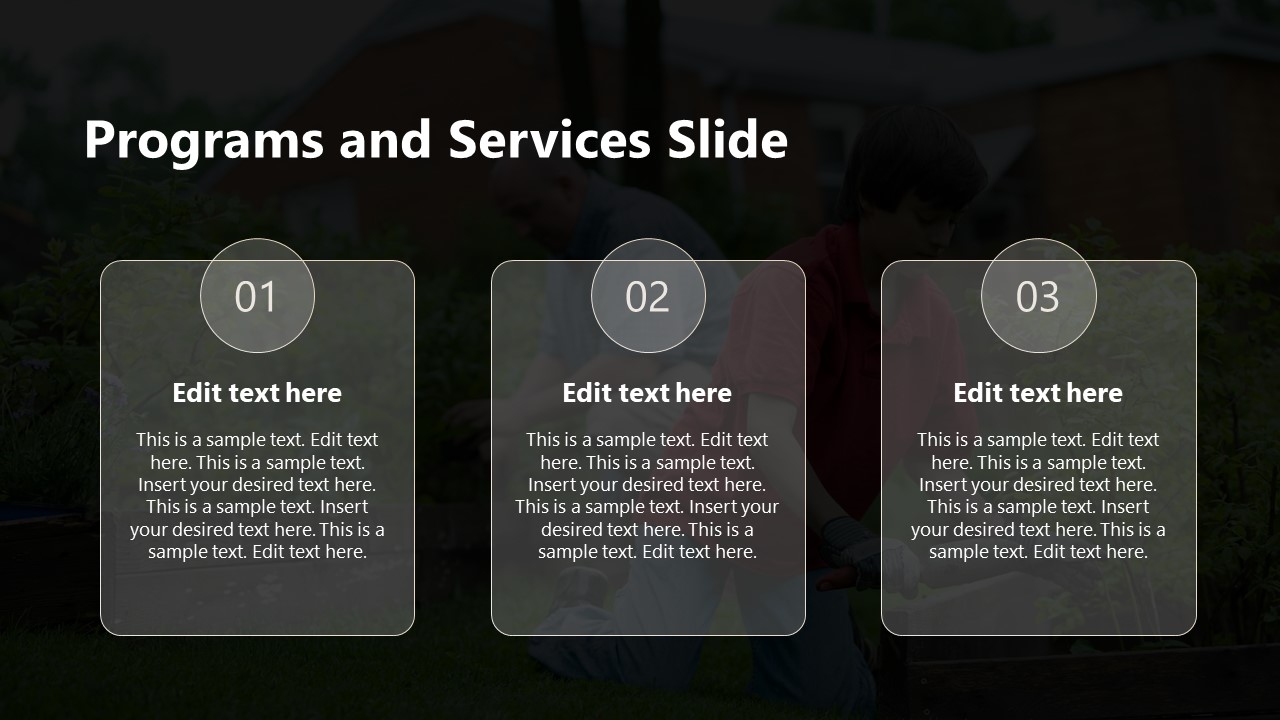
- A program manager can use the programs and services cards plus future goals and initiatives slide to explain how funds will support current work and next steps.
- A board member can use the donor and partner recognition slide with the call to action slide to thank sponsors and guide the audience toward a contribution or partnership.
Features
- 100% editable presentation template
- Compatible with Microsoft PowerPoint and Google Slides
- 16:9 aspect ratio slides
- Scalable vector shapes, icons and illustrations
- Ready with Animations & Transitions in PowerPoint
- AI-Ready for Microsoft Copilot and Claude
- Instant access and download
Frequently asked questions
Q: How should a nonprofit presenter organize the message with this deck?
A: Start by using the introduction and agenda to set the mission and meeting purpose. Then move through the history timeline and programs cards to build context. Use the impact checklist, financial overview, and donor recognition slides as proof points before showing future initiatives and ending with the call to action.
Q: Who is this template best suited for in a fundraising or charity setting?
A: This template fits nonprofit leaders, development officers, and board presenters who need to explain the organization rather than only ask for money. It works well when the audience needs to see mission, history, programs, results, staff, supporters, future plans, and contact details in one concise deck.
Q: Why do the layouts mix photo backgrounds, brown panels, icons, and card-based sections?
A: The design uses warm brown panels to create a consistent nonprofit identity while leaving white space for readable mission content. Photo backgrounds add human context, and the card layouts divide programs, recognition, and actions into digestible blocks. The timeline and metric circles help the audience remember progress and scale.





Non-Profit Organization PowerPoint Template
12-slide nonprofit presentation template with agenda, history timeline, impact, and donor recognition layouts
The Non-Profit Organization PowerPoint Template is a 12-slide deck for nonprofit profiles, fundraising meetings, and donor updates. It includes a cover, introduction, agenda, organizational history timeline, programs and services cards, impact and achievements checklist, financial overview metrics, volunteer and staff profiles, partner recognition, goals, CTA, and contact slide for Microsoft PowerPoint and Google Slides.
- Category
- Template Backgrounds
- Rating

 Loading...
- Aspect ratio
- 16:9
- Item ID
- 77053-01
- Colors
 Microsoft PowerPoint
 Microsoft Copilot
 Claude for PowerPoint
Other formats supported
Subscribe today and get immediate
access to download our PowerPoint templates.