Slide 7 of 20 from Network Diagram Template for PowerPoint
6177-02-network-diagram-template-powerpoint-7
Network Diagram with Wireless Elements for PowerPoint
- Diagram
- Other
- Context Slide
- 16:9
- 100% Editable
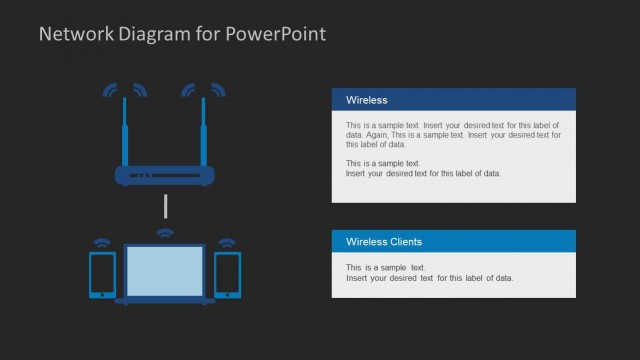
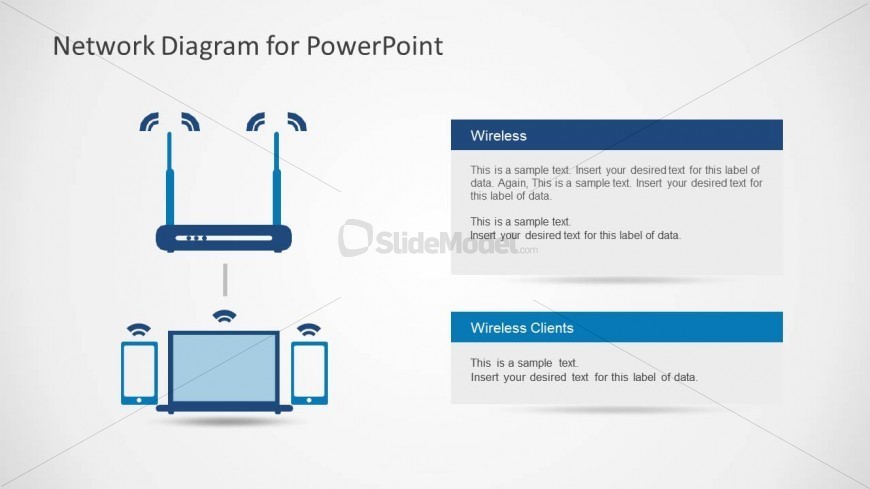
The Network Diagram with Wireless Elements slide from the Network Diagram Template for PowerPoint provides a clear visual for illustrating wireless connectivity and IT infrastructure setups. Designed with editable shapes and vector icons, this slide supports business presentations and technical discussions by effectively demonstrating the relationship between routers and client devices in a corporate environment.
What’s on This Slide
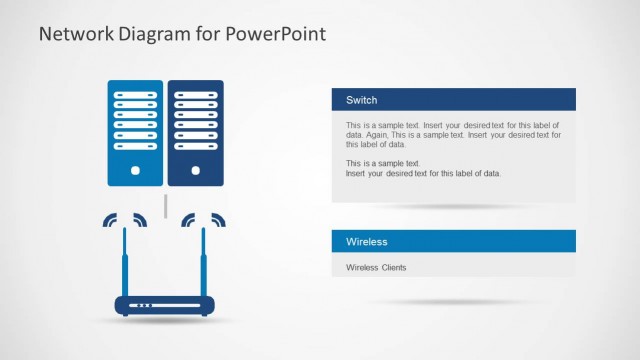
The slide features a central wireless router icon positioned at the top center, with wireless signal icons emanating upward. Below, there are two groups of wireless client icons, including a laptop and mobile devices, arranged symmetrically on the left and right sides. Each group has a rectangular text placeholder aligned to the right, containing sample text for labeling. The overall color scheme includes blue and light gray, with a light background. The visual hierarchy emphasizes the router at the top, followed by the client devices.
How to Use It
This layout serves as a network diagram illustrating wireless connectivity between a router and client devices. It fits well in a presentation discussing IT infrastructure or connectivity solutions. Use this slide to explain network setups in business scenarios, such as wireless office environments or cloud-based systems. It can also be employed to demonstrate the relationship between network components in technical discussions or training sessions.
Text Placeholders & Capacity
Keep your copy within these limits so it fits without resizing. Node body slots can hold around 25-30 words each.
| Placeholder | Count | Max characters (approx.) |
|---|---|---|
| Item heading | 2 | 50 |
| Item body | 2 | 150 |
Slide Keywords
Download unlimited PowerPoint templates, charts and graphics for your presentations with our annual plan.
DOWNLOADReturn to Network Diagram Template for PowerPoint.