Slide 16 of 20 from Network Diagram Template for PowerPoint
6177-02-network-diagram-template-powerpoint-16
Network Diagram for PowerPoint Slide
- Diagram
- Other
- Context Slide
- 16:9
- 100% Editable
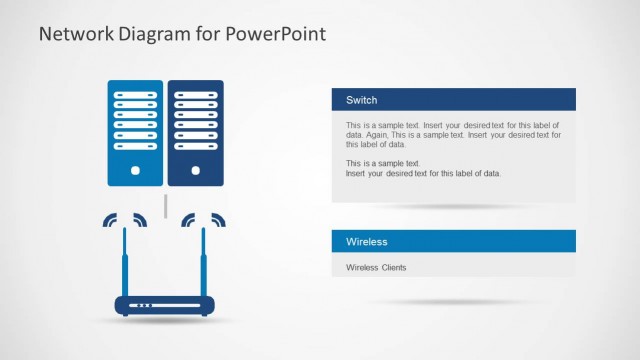
The Network Diagram with Server and Router slide from the Network Diagram Template for PowerPoint offers a clear visualization of IT infrastructure components. This slide layout is ideal for illustrating network setups in business presentations or cloud computing discussions, featuring editable shapes and vector icons to enhance technical clarity in slide decks.
What’s on This Slide
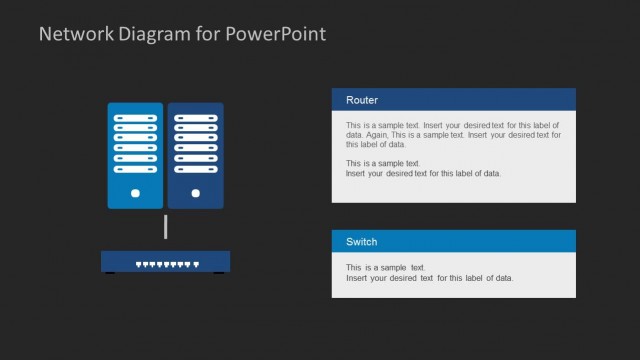
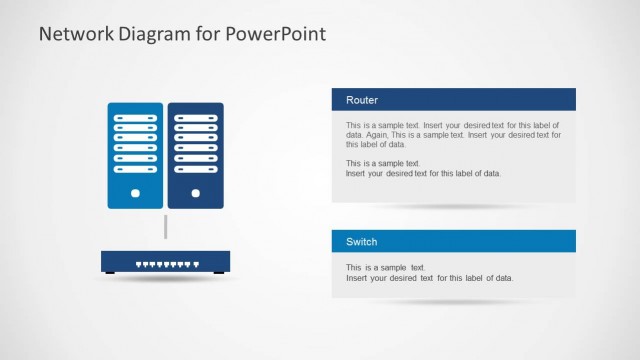
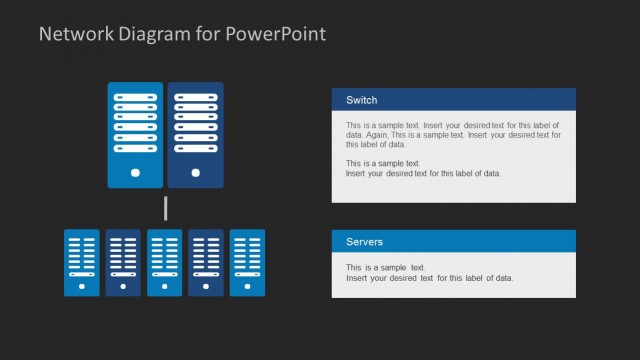
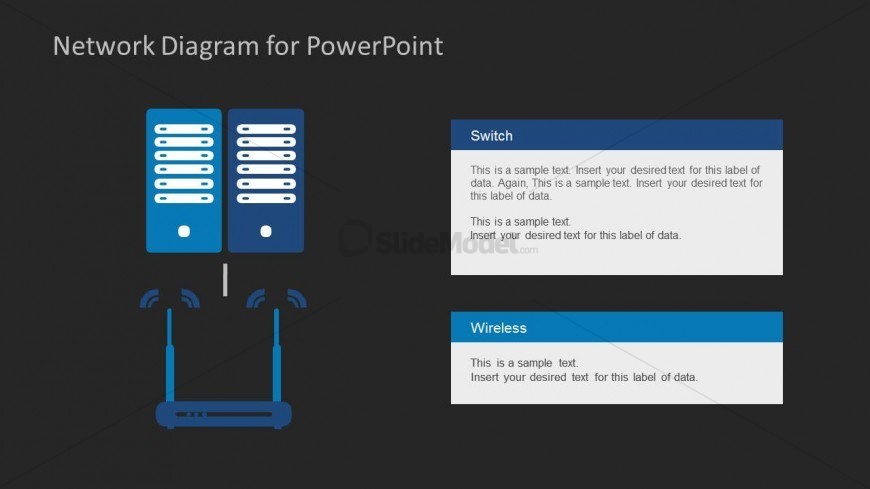
The slide features a dark background with a central graphic depicting two server units at the top center, each with vertical lines representing server racks. Below, a router is illustrated with two wireless signal icons on either side. Text placeholders are positioned to the right of the servers and below the router. The upper right box is labeled 'Switch' and contains multiple lines for text. The lower right box is labeled 'Wireless' and also contains text placeholders. The overall layout emphasizes the connection between the servers and the router.
How to Use It
This layout serves as a network diagram, illustrating the relationship between servers and a router. It is suitable for presentations on IT infrastructure, cloud computing, or network architecture. This slide can be used in a sequence following problem identification and before detailed technical explanations. It effectively communicates the components of a network setup, making it useful for technical discussions or educational contexts.
Text Placeholders & Capacity
Keep your copy within these limits so it fits without resizing. Text slots are moderate, roughly 10-15 words each.
| Placeholder | Count | Max characters (approx.) |
|---|---|---|
| Slide title | 1 | 30 |
| Item heading | 2 | 20 |
| Item body | 4 | 50 |
Slide Keywords
Download unlimited PowerPoint templates, charts and graphics for your presentations with our annual plan.
DOWNLOADReturn to Network Diagram Template for PowerPoint.