Slide 6 of 20 from Network Diagram Template for PowerPoint
6177-02-network-diagram-template-powerpoint-6
Network Diagram for PowerPoint Slide 6
- Diagram
- Other
- Context Slide
- 16:9
- 100% Editable
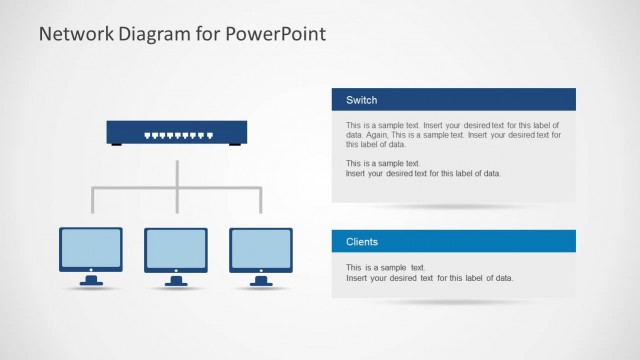
The Network Diagram with Switch and Wireless Clients slide from the Network Diagram Template for PowerPoint provides a clear visualization of IT infrastructure components. This slide layout is ideal for illustrating network architecture and connectivity, featuring editable shapes and vector icons that support detailed explanations in business presentations or software development overviews.
What’s on This Slide
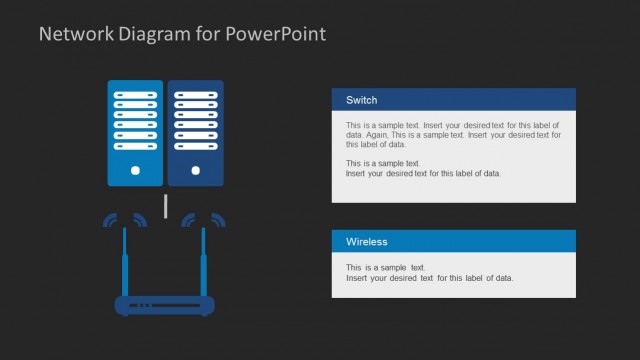
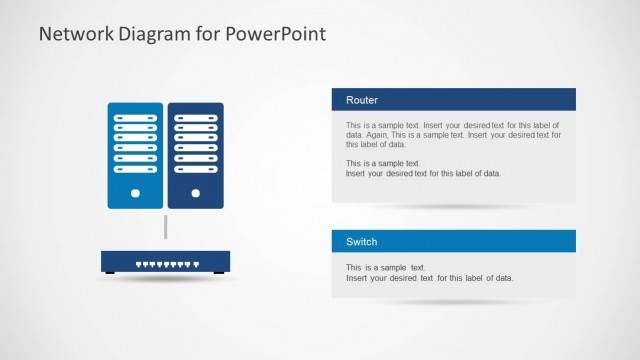
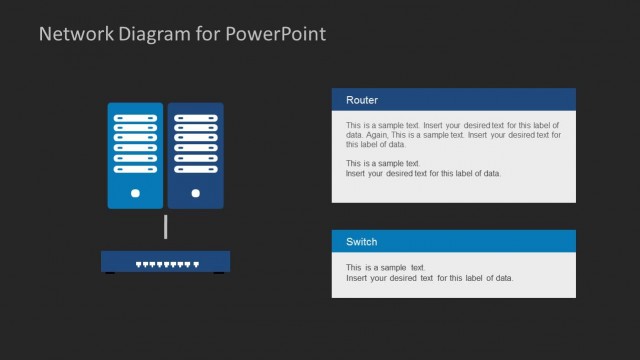
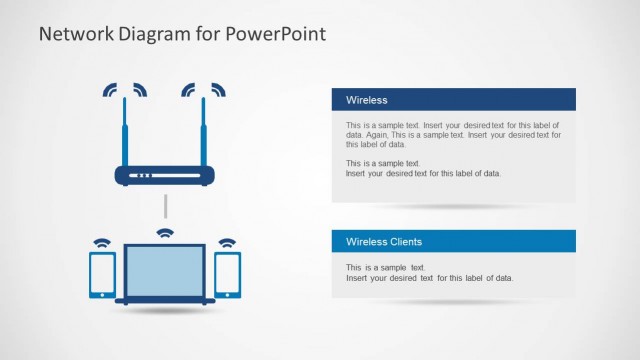
The slide features a network diagram with two server icons positioned at the top center. Below them, a router icon is centered, connected by lines indicating wireless signals. To the right, there are two text placeholders: one labeled 'Switch' and another labeled 'Wireless.' The 'Switch' placeholder contains multiple lines of sample text, while the 'Wireless' placeholder has a single line for 'Wireless Clients.' The overall layout is balanced, with a light background enhancing visibility and clarity.
How to Use It
This layout serves to illustrate network components, specifically focusing on switches and wireless clients. It fits well in a presentation discussing IT infrastructure or network architecture. Use it to explain connectivity in a technical context or to visualize network setups. The clear labeling allows for easy adaptation to various business scenarios, such as software development or IT management discussions.
Text Placeholders & Capacity
Keep your copy within these limits so it fits without resizing. Text slots can accommodate multiple lines of content.
| Placeholder | Count | Max characters (approx.) |
|---|---|---|
| Slide title | 1 | 30 |
| Item heading | 2 | 50 |
| Item body | 2 | 100 |
Slide Keywords
Download unlimited PowerPoint templates, charts and graphics for your presentations with our annual plan.
DOWNLOADReturn to Network Diagram Template for PowerPoint.