Slide 2 of 20 from Network Diagram Template for PowerPoint
Network Diagram with Cloud and Arrows for PowerPoint
Network Diagram for PowerPoint Slide 2
- Diagram
- Other
- Concept Explanation Slide
- 16:9
- 100% Editable
The Network Diagram with Internet and Router slide from the Network Diagram Template for PowerPoint provides a clear visual layout ideal for explaining IT infrastructure and network architecture. This slide uses editable shapes and vector icons to illustrate system connectivity, making it suitable for business presentations and corporate slide decks focused on network concepts.
About This Slide
Network Diagram with Cloud and Arrows for PowerPoint that you can use to prepare presentations on cloud computing or network PowerPoint presentations.
What’s on This Slide
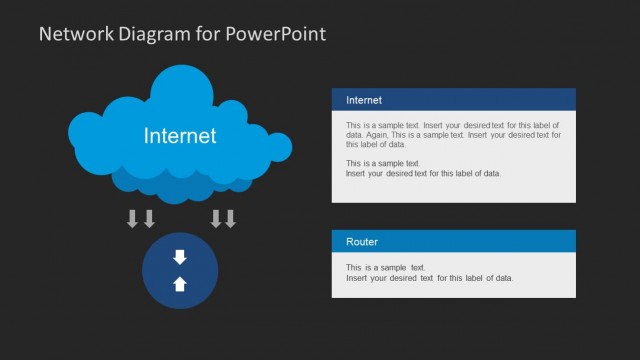
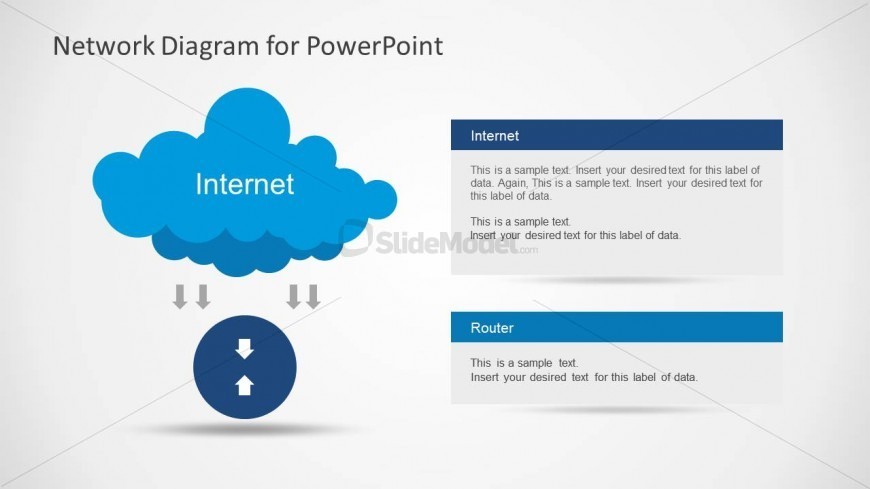
The layout features a cloud shape at the top center labeled 'Internet,' with a downward flow indicated by arrows leading to a circular node below. This node represents data flow and is centrally positioned. To the right, two rectangular text boxes are aligned vertically, labeled 'Internet' and 'Router,' each containing sample text placeholders. The text boxes are colored blue with white text, creating a clear visual hierarchy. The background is light gray, enhancing the overall contrast and readability of the elements present.
How to Use It
This layout serves as a network diagram illustrating connections between components, specifically the Internet and a router. It is suitable for presentations discussing IT infrastructure, network architecture, or system connectivity. Positioned early in a presentation, it can introduce key concepts before diving into more detailed discussions. This structure is effective for explaining network interactions or showcasing system components in a clear, organized manner.
Text Placeholders & Capacity
Keep your copy within these limits so it fits without resizing. Node body slots can hold roughly 30-40 words each.
| Placeholder | Count | Max characters (approx.) |
|---|---|---|
| Slide title | 1 | 30 |
| Item heading | 2 | 20 |
| Item body | 2 | 150 |
Slide Keywords
Download unlimited PowerPoint templates, charts and graphics for your presentations with our annual plan.
DOWNLOADReturn to Network Diagram Template for PowerPoint.