Slide 11 of 20 from Network Diagram Template for PowerPoint
6177-02-network-diagram-template-powerpoint-11
Network Diagram for PowerPoint
- Diagram
- Network Graph
- Context Slide
- 16:9
- 100% Editable
The Network Diagram for PowerPoint slide from the Network Diagram Template for PowerPoint provides a clear visualization of IT infrastructure and system architecture. This slide layout uses editable shapes and vector icons to illustrate network connectivity, making it ideal for technical business presentations or corporate slide decks focused on network design and technology strategies.
What’s on This Slide
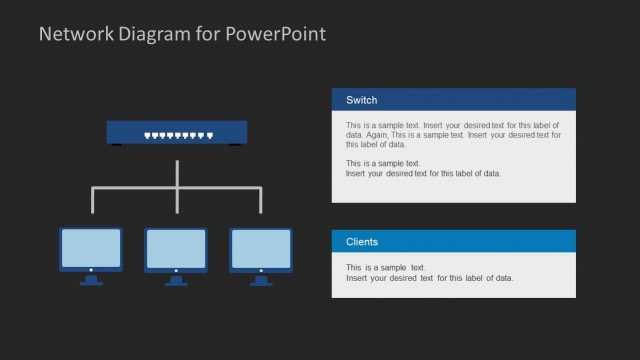
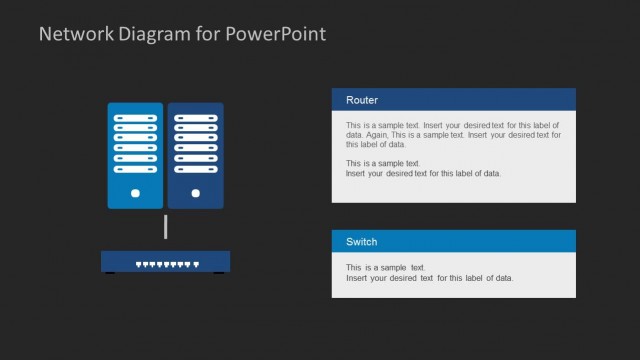
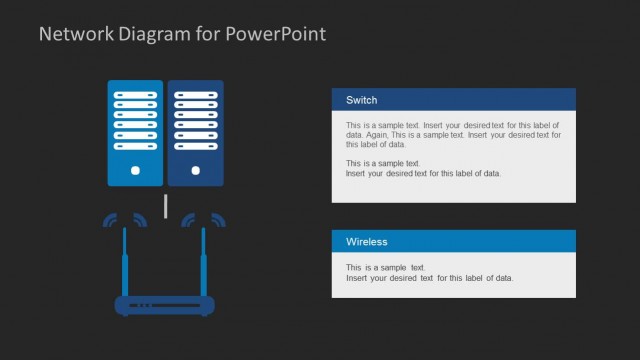
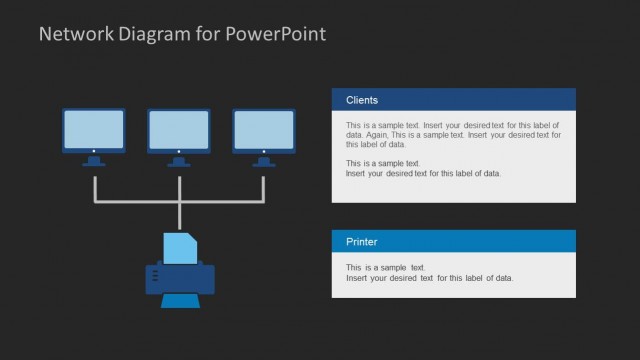
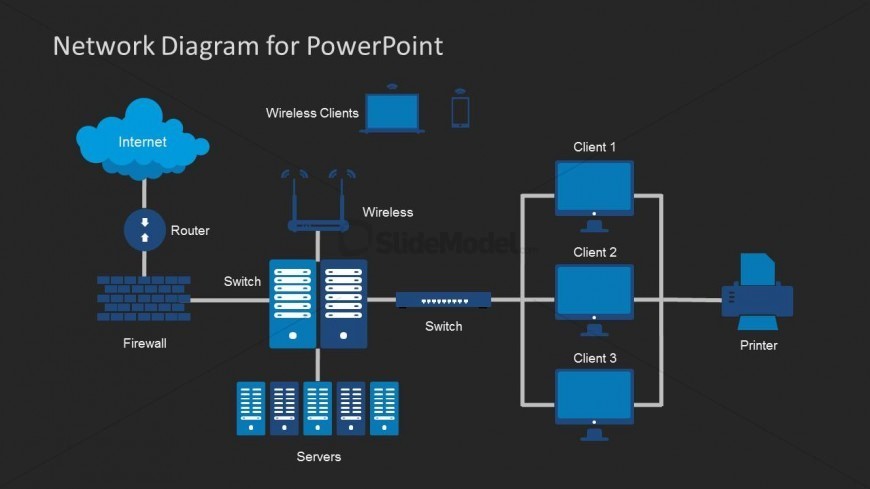
The slide features a network diagram on a dark background. At the top, a cloud shape labeled 'Internet' connects to a router icon. Below, a firewall icon is positioned left, leading to a switch icon. Multiple server icons are arranged in a row at the bottom. To the right, three client computer icons are connected through a switch to a printer icon. Wireless clients are represented above the switch. The visual hierarchy emphasizes the flow from the Internet to the clients, with clear connections indicated by lines.
How to Use It
This layout serves as a network diagram, illustrating the components and connections within a network. It is suitable for presentations discussing IT infrastructure, system architecture, or connectivity solutions. The diagram can effectively communicate complex networking concepts in a simplified manner. It fits within a sequence that addresses network design or technology strategies, making it useful for technical discussions or educational purposes.
Text Placeholders & Capacity
Keep your copy within these limits so it fits without resizing. Node labels can accommodate a few words each.
| Placeholder | Count | Max characters (approx.) |
|---|---|---|
| Slide title | 1 | 30 |
| Item heading | 6 | 15 |
Slide Keywords
Download unlimited PowerPoint templates, charts and graphics for your presentations with our annual plan.
DOWNLOADReturn to Network Diagram Template for PowerPoint.