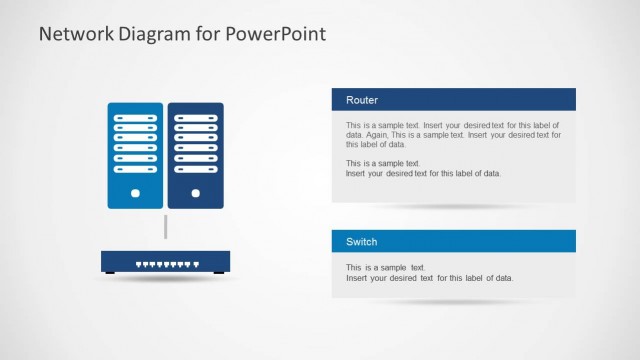
![Network Diagram template for PowerPoint presentations is an awesome presentation design and template that you can use for presentations on network engineers and network PowerPoint presentations. The network diagram contains useful PowerPoint icons for network presentations including servers, computers, wireless routers, switches, client computers, firewalls, printer and network connections. There are also other illustrations like […]](https://slidemodel.com/wp-content/uploads/6177-02-network-diagram-template-powerpoint-1-870x489.jpg)
Slide 1 of 20 from Network Diagram Template for PowerPoint
Network Diagram Template for PowerPoint with Icons
Network Diagram for PowerPoint - Visual Overview
- Diagram
- Network Graph
- Context Slide
- 16:9
- 100% Editable
The Network Diagram for PowerPoint slide from the Network Diagram Template for PowerPoint offers a clear visual overview of IT infrastructure and system connectivity. This slide layout, ideal for business presentations and corporate slide decks, includes editable shapes and vector icons to illustrate network components such as routers, firewalls, servers, and clients. It supports effective communication in technical and software development contexts, making it a practical choice among presentation templates for explaining network architecture.
About This Slide
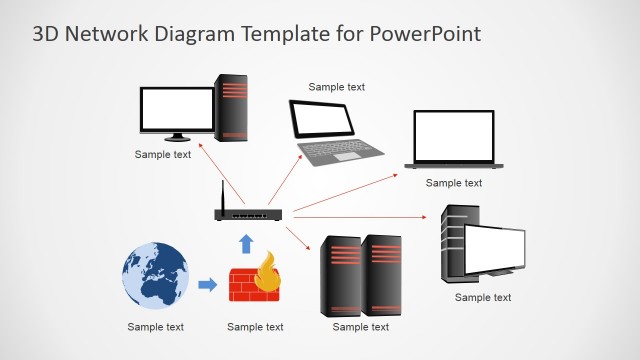
Network Diagram template for PowerPoint presentations is an awesome presentation design and template that you can use for presentations on network engineers and network PowerPoint presentations. The network diagram contains useful PowerPoint icons for network presentations including servers, computers, wireless routers, switches, client computers, firewalls, printer and network connections. There are also other illustrations like clouds for Internet or Extranet representation as well as smartphones and devices.
What’s on This Slide
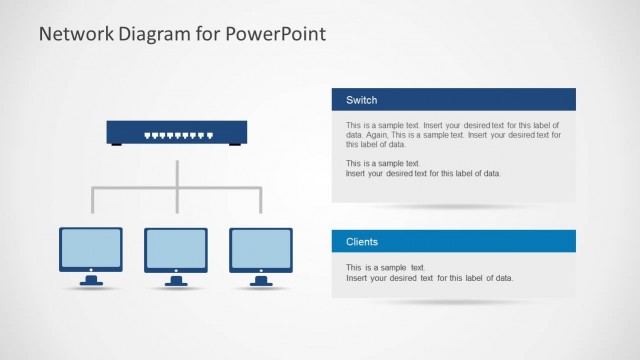
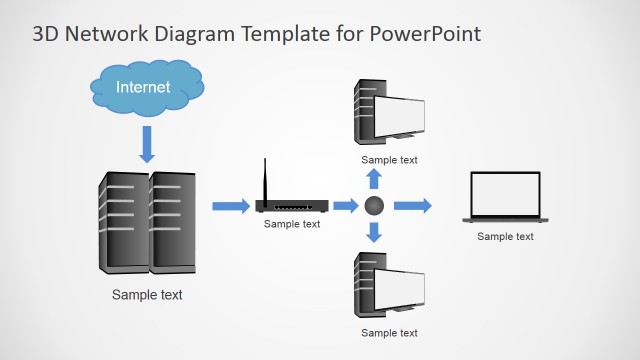
The layout features a central cloud icon labeled 'Internet' at the top, connected to a router icon below it. A firewall icon is positioned to the left of the router. Below the router, a switch icon connects to multiple server icons arranged in a row. To the right, there are three client computer icons, each labeled 'Client 1', 'Client 2', and 'Client 3'. A printer icon is positioned next to the last client. Wireless clients are represented above the router, with a wireless icon indicating connectivity. Text placeholders exist for titles and labels, aligned appropriately with the visual elements.
How to Use It
This layout serves as a network diagram, illustrating the relationships between various network components. It fits well at the beginning of a presentation, providing a visual overview of network architecture. This structure is useful in IT and networking contexts, such as explaining infrastructure setups, demonstrating connectivity, or discussing network security. It can also be applied in software development discussions to visualize system interactions or data flow among components.
Text Placeholders & Capacity
Keep your copy within these limits so it fits without resizing. Title slot can hold a short phrase; node labels are concise.
| Placeholder | Count | Max characters (approx.) |
|---|---|---|
| Slide title | 1 | 30 |
| Item heading | 6 | 10 |
Slide Keywords
Download unlimited PowerPoint templates, charts and graphics for your presentations with our annual plan.
DOWNLOADReturn to Network Diagram Template for PowerPoint.