Slide 19 of 20 from Network Diagram Template for PowerPoint
6177-02-network-diagram-template-powerpoint-19
Network Diagram for PowerPoint Slide 19
- Diagram
- Network Graph
- Process Slide
- 16:9
- 100% Editable
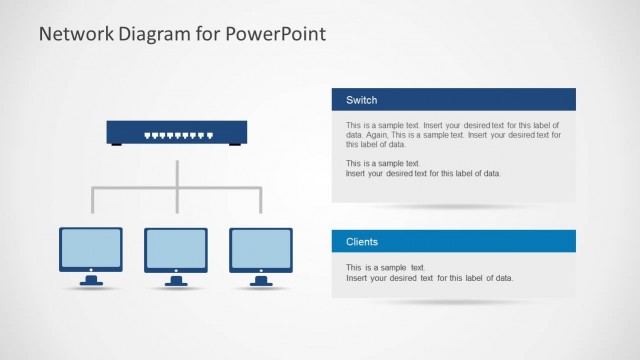
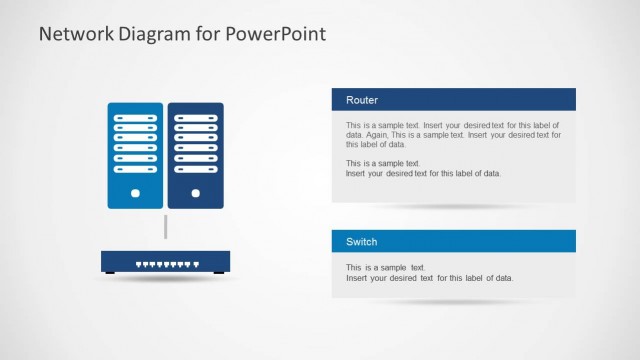
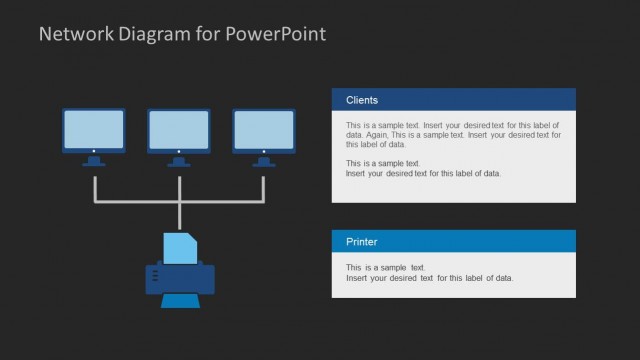
The Network Diagram with Switch and Clients slide from the Network Diagram Template for PowerPoint offers a clear visualization of network infrastructure using editable shapes and vector icons. Ideal for IT solution discussions and system architecture explanations, this slide supports business presentations by illustrating connections between switches and client devices within a corporate presentation or pitch deck template.
What’s on This Slide
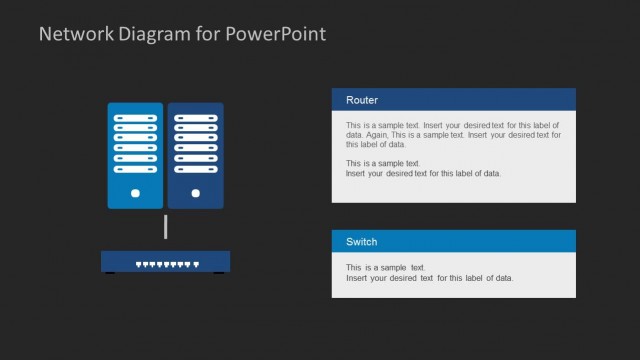
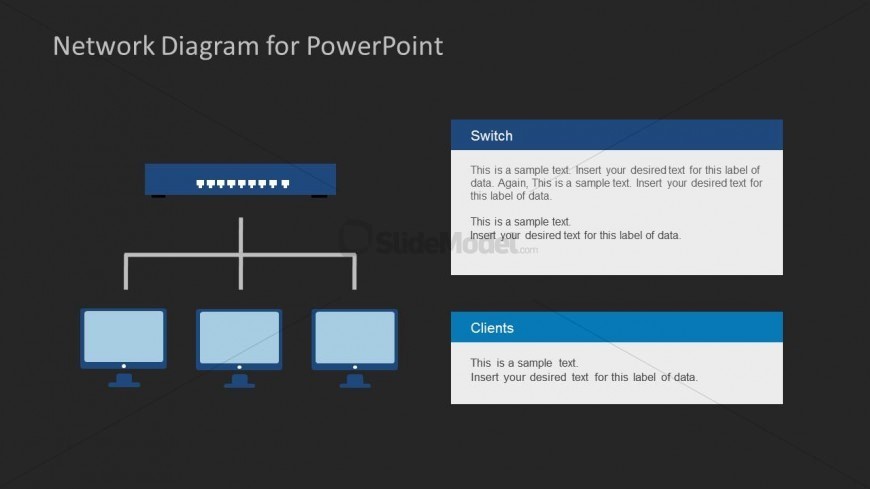
The layout features a central switch icon at the top, connected by lines to three client computer icons arranged horizontally below. The switch is a rectangular shape with ports depicted. Each client icon is a rectangular monitor shape. To the right of the switch, there are two text placeholders vertically stacked, labeled 'Switch' and 'Clients.' Each placeholder contains sample text, aligned to the top and bottom respectively. The background is dark, enhancing the visibility of the blue and white elements, creating a clear visual hierarchy.
How to Use It
This layout serves as a network diagram, illustrating connections between a switch and multiple clients. It is suitable for presentations discussing network infrastructure, IT solutions, or connectivity strategies. Positioned towards the middle of a presentation, it can effectively transition from a problem statement to a solution overview. This structure is useful in business scenarios where visualizing network setups or explaining system architecture is required.
Text Placeholders & Capacity
Keep your copy within these limits so it fits without resizing. Node body slots can hold approximately 15-20 words each.
| Placeholder | Count | Max characters (approx.) |
|---|---|---|
| Slide title | 1 | 30 |
| Item heading | 2 | 30 |
| Item body | 2 | 100 |
Slide Keywords
Download unlimited PowerPoint templates, charts and graphics for your presentations with our annual plan.
DOWNLOADReturn to Network Diagram Template for PowerPoint.