Slide 20 of 20 from Network Diagram Template for PowerPoint
6177-02-network-diagram-template-powerpoint-20
Network Diagram for PowerPoint - Slide 20
- Diagram
- Network Graph
- Process Slide
- 16:9
- 100% Editable
The Network Diagram with Clients and Printer slide from the Network Diagram Template for PowerPoint provides a clear visualization of device connectivity, ideal for IT infrastructure presentations. This slide layout uses editable shapes and vector icons to illustrate network configurations and system interoperability, making it suitable for both technical and business presentation templates focused on network setups.
What’s on This Slide
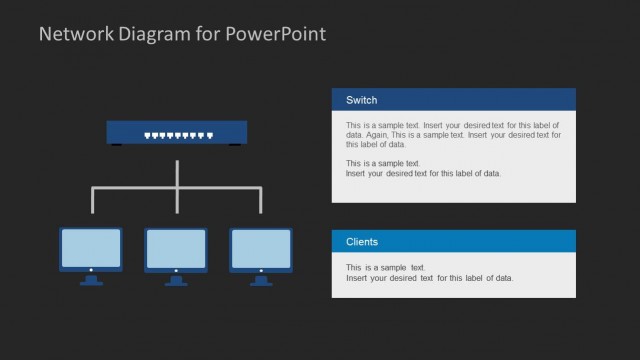
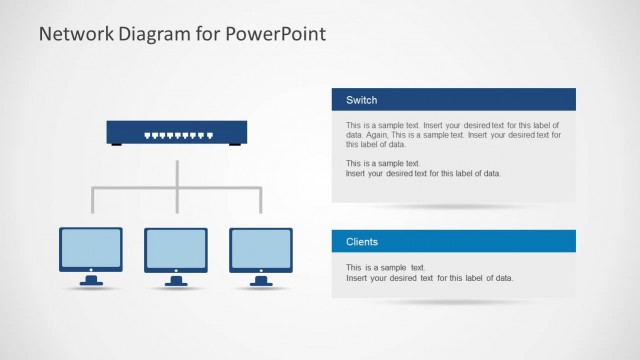
The slide features a central printer icon at the bottom, connected by lines to three computer icons positioned above. The computers are aligned horizontally, while the printer is centered below them. Two text placeholders are located to the right of the printer and computers, each with a blue background. The first placeholder is labeled 'Clients' and contains sample text, while the second is labeled 'Printer' with its own sample text. The overall layout emphasizes the network connection between the devices.
How to Use It
This layout serves as a network diagram illustrating connections between clients and a printer. It fits well in a presentation discussing IT infrastructure or network setups. Ideal scenarios include explaining network configurations, demonstrating system interoperability, or showcasing connectivity in software development. It can be used in both technical and business contexts to visualize relationships between devices.
Text Placeholders & Capacity
Keep your copy within these limits so it fits without resizing. Body slots can hold about 20-30 words each.
| Placeholder | Count | Max characters (approx.) |
|---|---|---|
| Item heading | 2 | 80 |
| Item body | 2 | 150 |
Slide Keywords
Download unlimited PowerPoint templates, charts and graphics for your presentations with our annual plan.
DOWNLOADReturn to Network Diagram Template for PowerPoint.