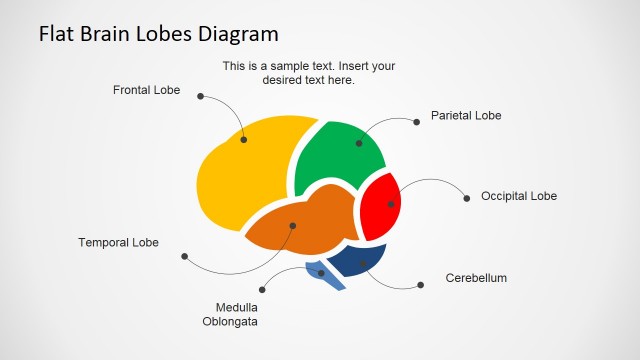
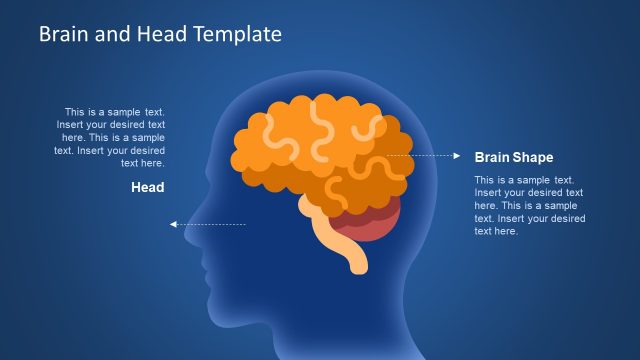
The Nervous System PowerPoint Template presents illustrative diagrams for neuroscience theme concepts. It provides engaging graphics and descriptive labels for medical analysis and academic presentations. You can create a highly informative presentation using the nervous system clean PowerPoint templates. For educational and medical purposes, the medical PowerPoint template diagrams demonstrate the structure of a nervous system. Use pre-design professional PowerPoint templates to boost your presentation session about neurology.
Pharmaceuticals or medical equipment manufacturers can use slide presentation templates to assess research projects with scientific studies. PPT presentation templates are ideal PowerPoint to discuss the anatomy of the human nervous system. The use of labels helps describe the physical location of the body or cell parts. Academic professionals can benefit from these templates to teach biology and medical education. The professional presentation PowerPoint templates of neurons are animated diagrams to explain the functions and components of nerve cells.
The nervous system is the most important biological system in the human body to transmit sensory information. The nervous system has two parts: the central nervous system and the peripheral nervous system. The healthcare PowerPoint templates provide diagrams for both CNS and PNS along with brain and neuron diagrams. A neuron is a nerve cell that transmits information to other nerve cells.
The Nervous System PowerPoint Template contains drawings of the brain, neuron, and nervous system. Editable PowerPoint templates let users customize the contents of each nervous system diagram with relevant descriptions. PowerPoint shapes can be copied to other slide designs or Google Slides Template for ease of presentation. Simple PowerPoint backgrounds make it easier to copy slides into any animated PowerPoint themes. Users can also change professional PowerPoint backgrounds color or change the arrangement of nervous system graphics.
What’s inside this template
Example presentation scenarios
- A biology instructor can introduce neuron structure by using the labeled neuron anatomy slide to connect dendrite, axon, myelin sheath, and synapse terminology to a single visual.
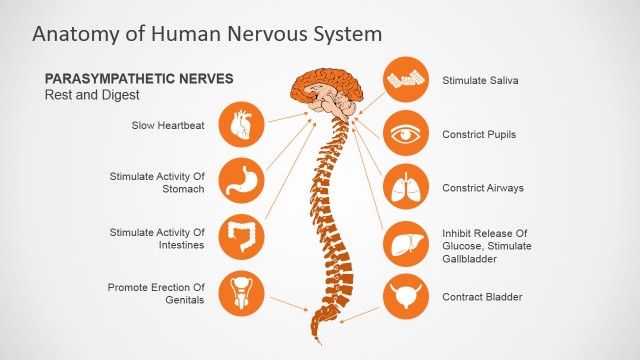
- A medical educator can explain the difference between the central and peripheral nervous systems by using the full-body diagram and classification labels on the nervous system overview slide.
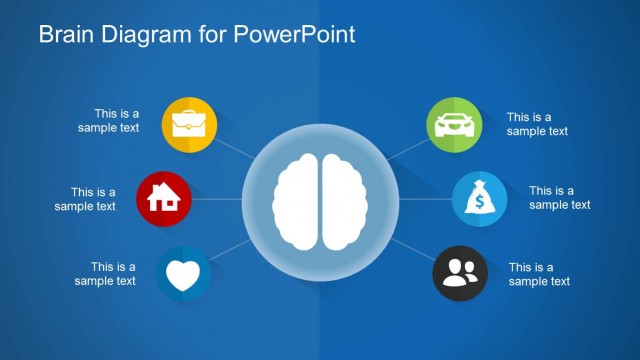
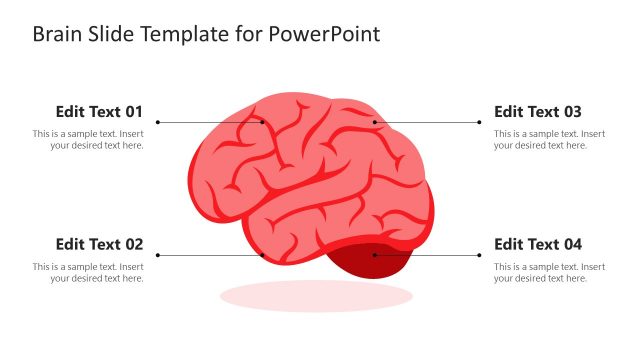
- A healthcare researcher can present a neurology topic briefing by using the brain-centered relationship layout to organize four related findings, symptoms, or study areas.
- A student presenter can build a short anatomy assignment by combining the cover, neuron callout slides, full-body nervous system diagram, and thank-you slide into a concise classroom talk.
Features
- 100% editable presentation template
- Compatible with Microsoft PowerPoint and Google Slides
- 16:9 aspect ratio slides
- Scalable vector shapes, icons and illustrations
- Ready with Animations & Transitions in PowerPoint
- AI-Ready for Microsoft Copilot and Claude
- Instant access and download
Frequently asked questions
Q: How should a presenter structure a lesson with this nervous system template?
A: Start with the cover to frame the topic, then use the neuron slides to explain basic cell structure before moving to the labeled neuron anatomy slide. After the audience understands the neuron, shift to the brain-centered layout and full-body nervous system slides to show how individual nerve cells relate to larger body systems.
Q: Who is this template best suited for in a professional or academic setting?
A: This template fits instructors, medical trainers, healthcare communicators, and students who need to explain nervous system structure without building diagrams from scratch. It works best for introductory neurology, human anatomy, or biology sessions where the presenter must define parts, show relationships, and keep the discussion visual.
Q: Why does the deck use both neuron close-ups and full-body anatomy diagrams?
A: The design moves from micro to macro understanding. Neuron close-ups help the audience learn cell parts and signal pathways, while the full-body anatomy diagrams show where the nervous system sits in the human body. That contrast makes abstract neuroscience terms easier to place in a physical context.
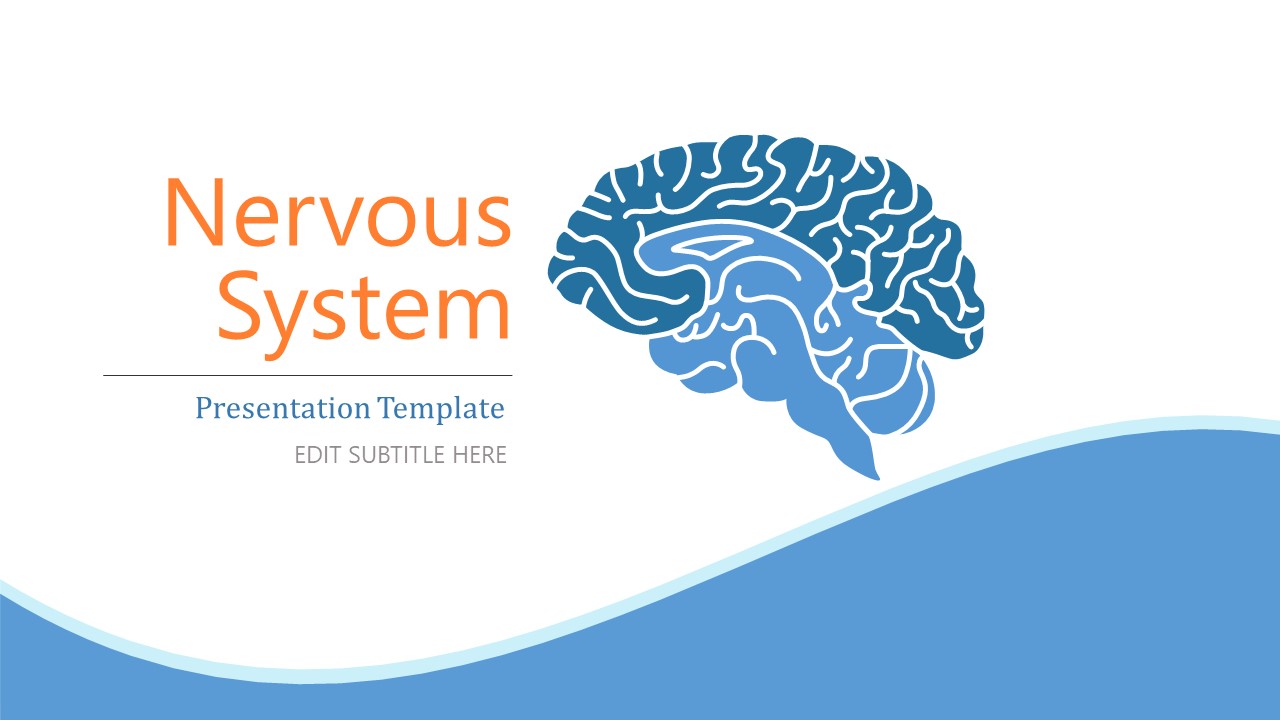


Nervous System PowerPoint Template
9-slide medical presentation template for nervous system education, with neuron diagrams and anatomy labels
The Nervous System PowerPoint Template is a 9-slide medical education deck for neurology, biology, and healthcare presenters. It includes a cover, editable neuron diagrams, a labeled neuron anatomy slide, a brain-centered process layout, full-body nervous system anatomy, and a thank-you slide for Microsoft PowerPoint and Google Slides.
- Category
- Template Backgrounds
- Rating


 Loading...
- Aspect ratio
- 16:9
- Item ID
- 80018-01
- Colors
 Microsoft PowerPoint
 Microsoft Copilot
 Claude for PowerPoint
Other formats supported
Subscribe today and get immediate
access to download our PowerPoint templates.