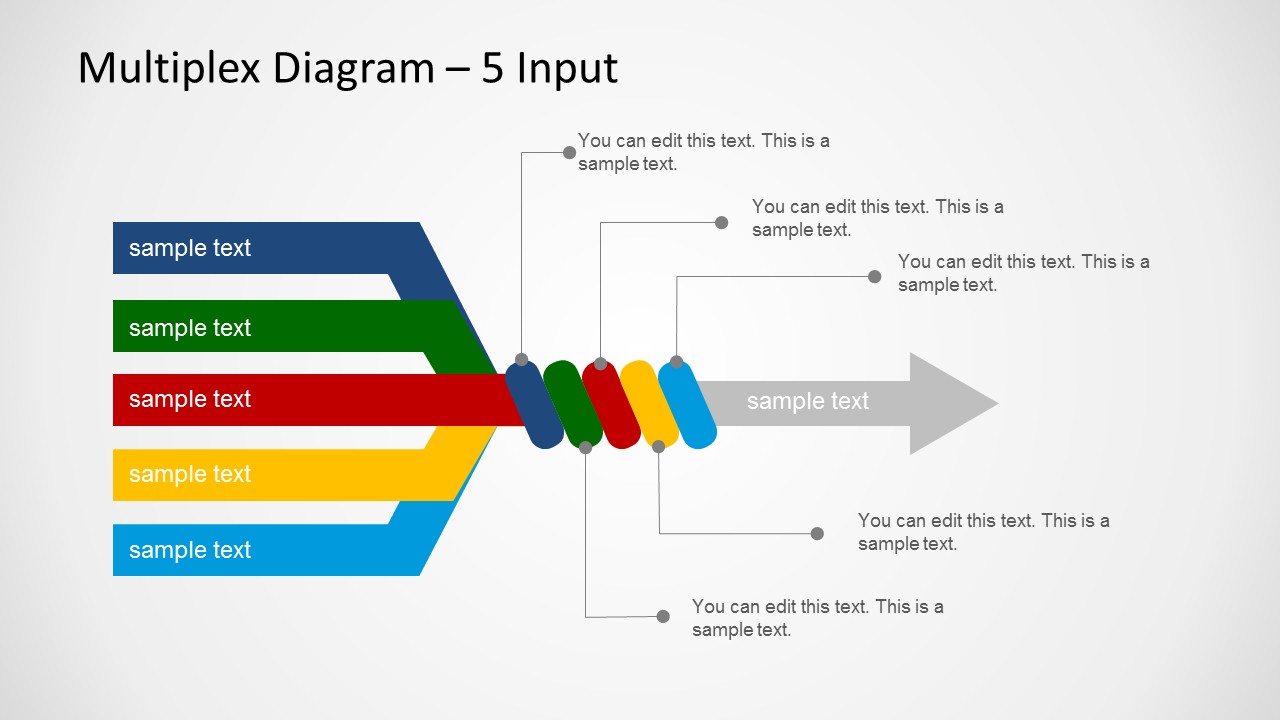
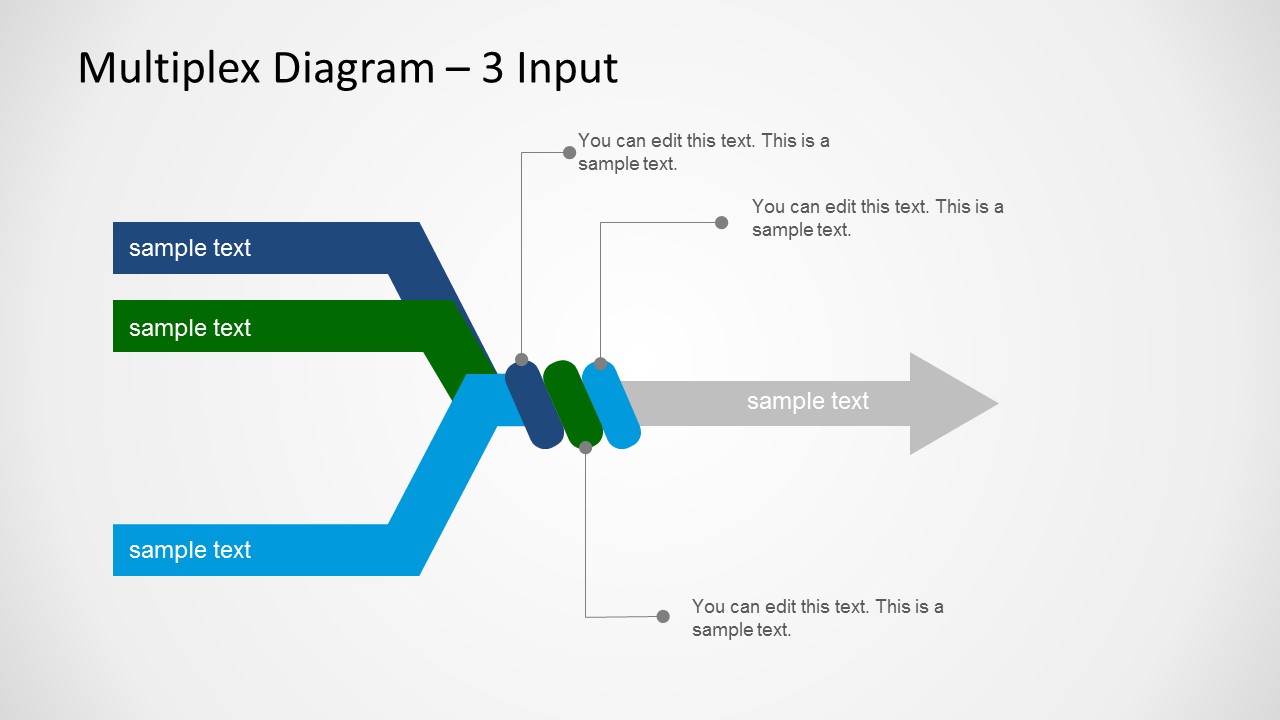
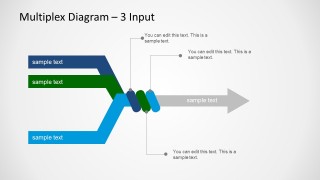
Multiplexing in telecommunications and computer networks is a method by which multiple analog message signals or data streams are combined into one single signal. Multiplex Diagram PowerPoint Template is a PowerPoint diagram with multiple inputs and a single output that you can use to represent a multiplexing scenario or use as a metaphor to design creative slides in Microsoft PowerPoint.
You can download multiplex PowerPoint template with multiple inputs and single output to prepare presentations in PowerPoint. You can also download split arrow diagrams for PowerPoint.
What’s inside this template
Example presentation scenarios
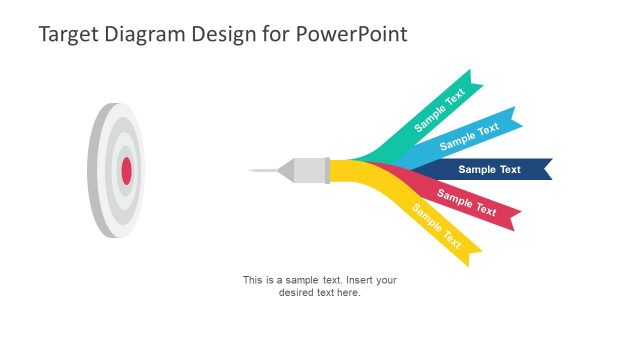
- A telecom engineer can use the 5-input multiplex diagram to explain how several signal channels are combined into one output path during a network architecture review.
- An IT manager can use the 4-input diagram to show stakeholders how separate data sources feed a shared service, with callouts describing each source and the output.
- A systems analyst can use the 3-input layout to compare three upstream processes before they merge into a single workflow, queue, or routing decision.
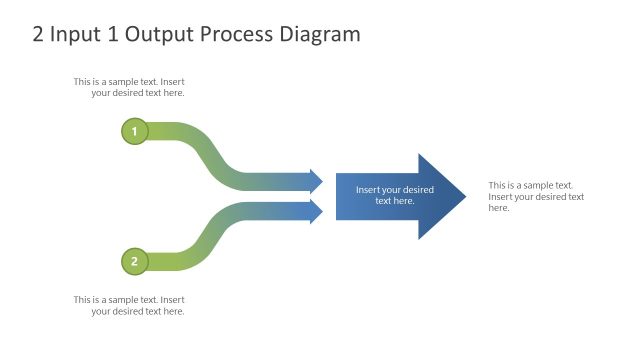
- A technical trainer can use the 2-input diagram to introduce the multiplexing concept with a simple example before moving to the higher-input diagrams.
Features
- 100% editable presentation template
- Compatible with Microsoft PowerPoint
- 16:9 aspect ratio slides
- Scalable vector shapes, icons and illustrations
- AI-Ready for Microsoft Copilot and Claude
- Instant access and download
Frequently asked questions
Q: How should a presenter explain the multiplexing concept with this template?
A: Start with the slide that matches the real number of sources, then label each colored input ribbon with a specific signal, data stream, team, or process. Use the callouts to define what changes at the central connector. End by naming the single output so the audience understands the result, not just the convergence.
Q: Who is this template best suited for?
A: This template fits presenters who need to simplify technical convergence, such as network engineers, systems analysts, IT managers, and operations teams. It works best when the topic is a multiple-input single-output structure, including multiplexing, data consolidation, routing logic, process merging, or service aggregation.
Q: Why do the converging ribbons improve the explanation?
A: The ribbons act as a visual metaphor for separate streams entering one shared channel. Their different colors help the audience track each input before it reaches the connector, while the large gray arrow makes the final output dominant. This reduces ambiguity in technical explanations that could otherwise feel abstract.



Multiplex Diagram Template for PowerPoint
4-slide PowerPoint diagram template for multiplexing, input streams, and single-output signal flow
The Multiplex Diagram Template for PowerPoint is a 4-slide 16:9 diagram template for explaining how multiple inputs merge into one output. It includes 5-input, 4-input, 3-input, and 2-input multiplex flow diagrams with callout labels and a gray output arrow. It is intended for telecom, networking, systems, and process presenters in Microsoft PowerPoint.
- Category
- Diagrams
- Rating


 Loading...
- Aspect ratio
- 16:9
- Item ID
- 6183-01
- Colors
 Microsoft PowerPoint
  Microsoft Copilot
  Claude for PowerPoint
 Other formats supported
Subscribe today and get immediate
access to download our PowerPoint templates.