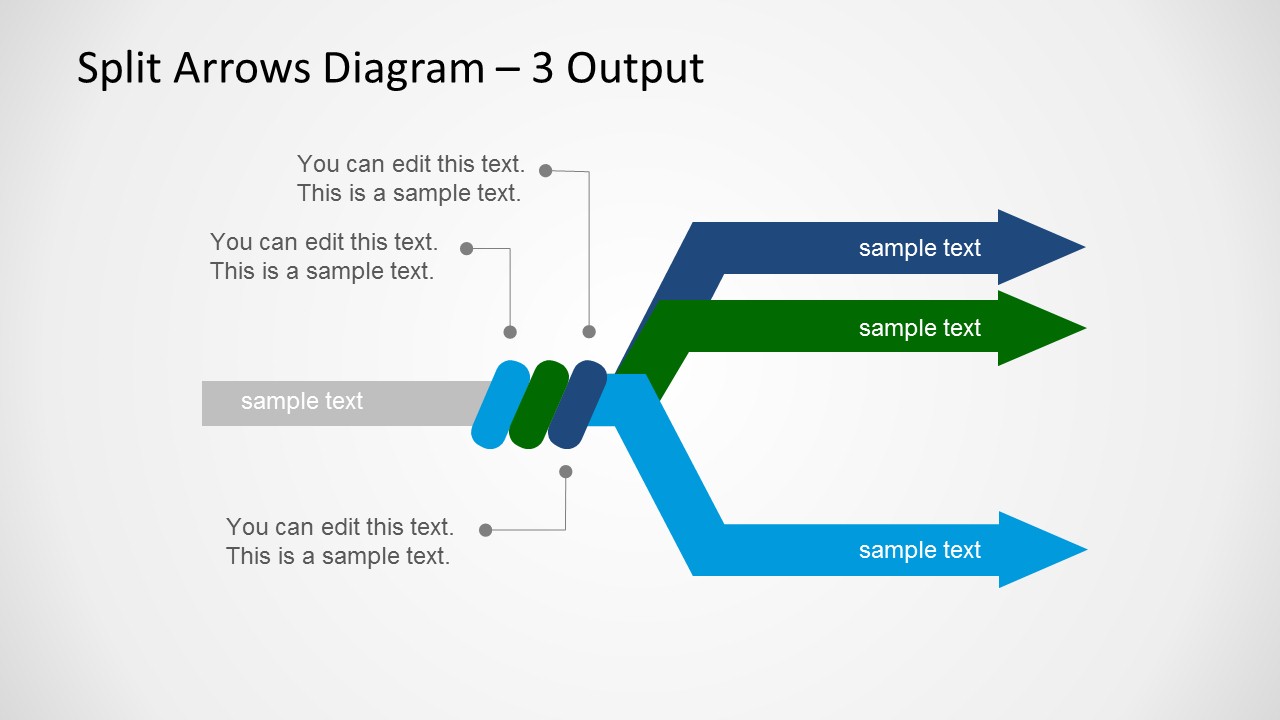
Split Arrows Diagram Template for PowerPoint is a presentation design containing a simple but useful split diagram with a single input and multiple outputs. You can use this PowerPoint diagram with arrows to describe a process where a single input is converted into multiple outputs or use the slide design as a metaphor of multiple ways or directions.
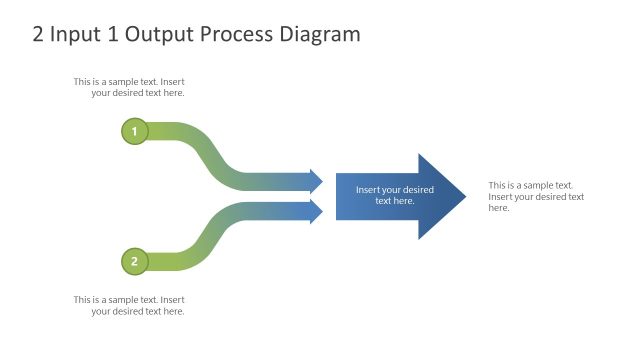
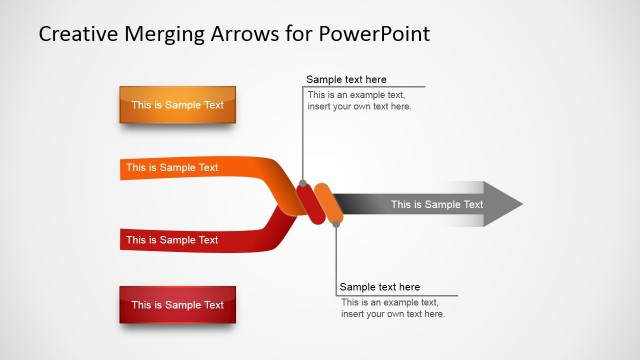
Alternatively you can download the multiplexor diagram design with a symmetric design containing multiple inputs and a single output.
What’s inside this template
Example presentation scenarios
- An operations manager can use the 5-output split arrow slide to show how one intake process distributes work across several departments or delivery channels.
- An engineer can use the 3-output split arrow diagram to explain how a single signal, data feed, or control input routes to separate outputs.
- A consultant can use the 4-output layout to compare decision alternatives, showing the shared starting point on the left and distinct recommendations on the right.
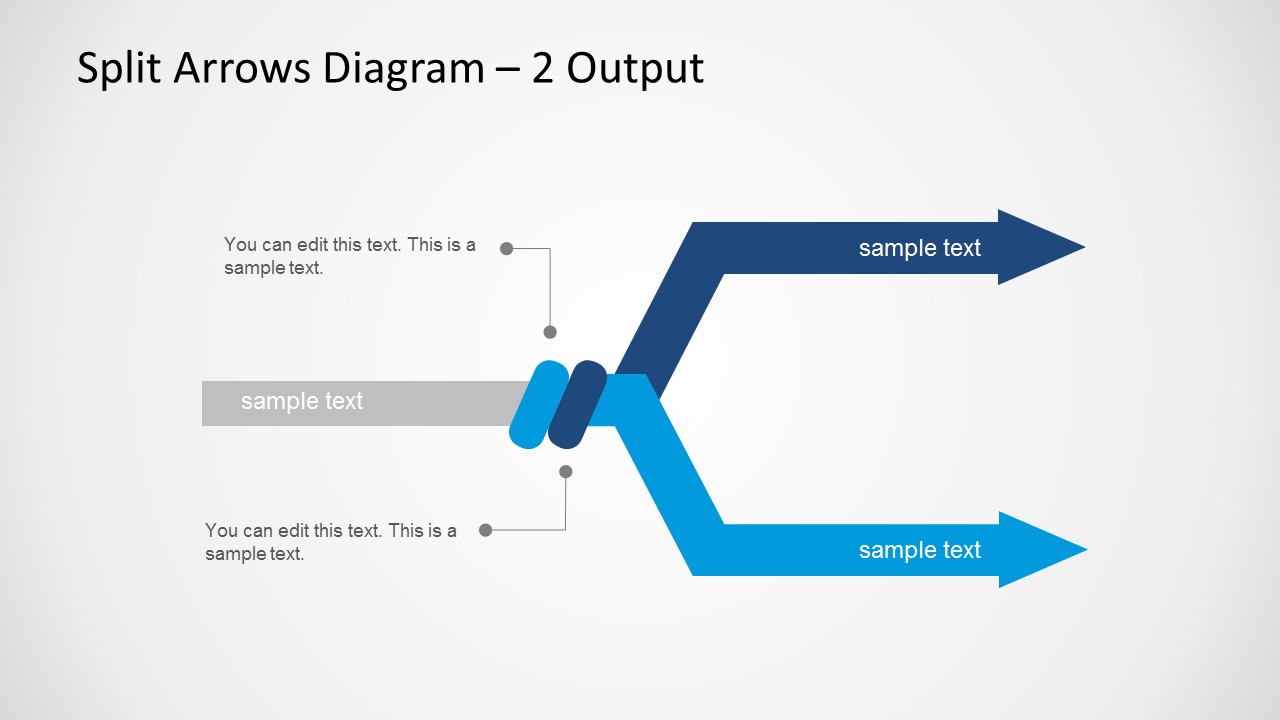
- A project manager can use the 2-output slide to explain a simple branching choice, such as two implementation tracks or two downstream workstreams.
Features
- 100% editable presentation template
- Compatible with Microsoft PowerPoint
- 16:9 aspect ratio slides
- Scalable vector shapes, icons and illustrations
- AI-Ready for Microsoft Copilot and Claude
- Instant access and download
Frequently asked questions
Q: How should a presenter choose between the 2-output, 3-output, 4-output, and 5-output slides?
A: Match the slide to the exact number of branches in the message rather than filling every available lane. Use the 2-output slide for binary alternatives, the 3-output slide for manageable categories, and the 4- or 5-output slides only when each branch has a clear, distinct meaning. Keep the input label short so the audience understands the common source first.
Q: Which presentation situations are best suited to this split arrows diagram?
A: This template fits process, engineering, operations, and consulting presentations where one source produces several outcomes. It is especially useful for explaining signal processing, distribution paths, channel routing, decision alternatives, or resource allocation. The left-to-right structure helps technical and business audiences see what stays common and what changes across outputs.
Q: Why does the split arrow metaphor help communicate branching information?
A: The diagram makes the relationship visible in one glance: a single input enters from the left, then separates into colored output lanes. That metaphor reduces ambiguity because the audience can see both unity and divergence. The callout markers add context without interrupting the arrow paths, which keeps attention on direction and outcome.






Split Arrows Diagram Template for PowerPoint
4-slide PowerPoint diagram template for split arrows, input-output paths, and multi-direction process flows
Split Arrows Diagram Template for PowerPoint is a 4-slide 16:9 diagram set showing one input splitting into 2, 3, 4, or 5 output arrows. It includes branch arrows, input bars, colored output lanes, and callout annotations for process owners, engineers, analysts, and presenters explaining signal routing or decision paths in Microsoft PowerPoint.
- Category
- Diagrams
- Rating


 Loading...
- Aspect ratio
- 16:9
- Item ID
- 6183-02
- Colors
 Microsoft PowerPoint
  Microsoft Copilot
  Claude for PowerPoint
 Other formats supported
Subscribe today and get immediate
access to download our PowerPoint templates.