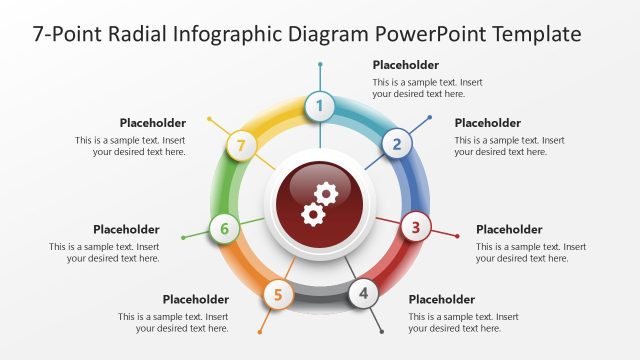
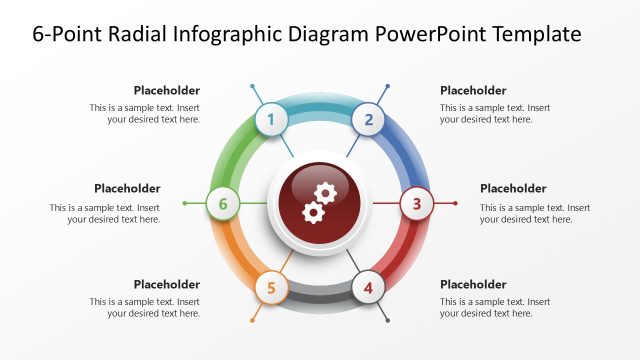
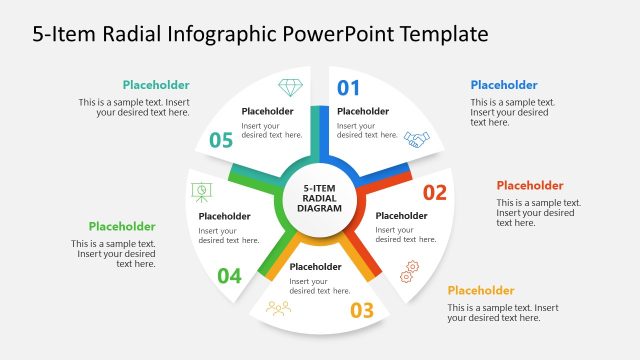
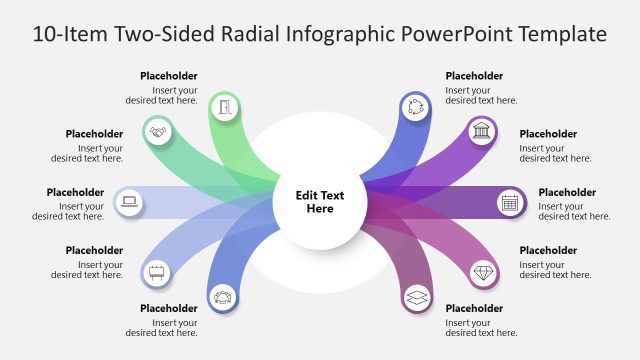
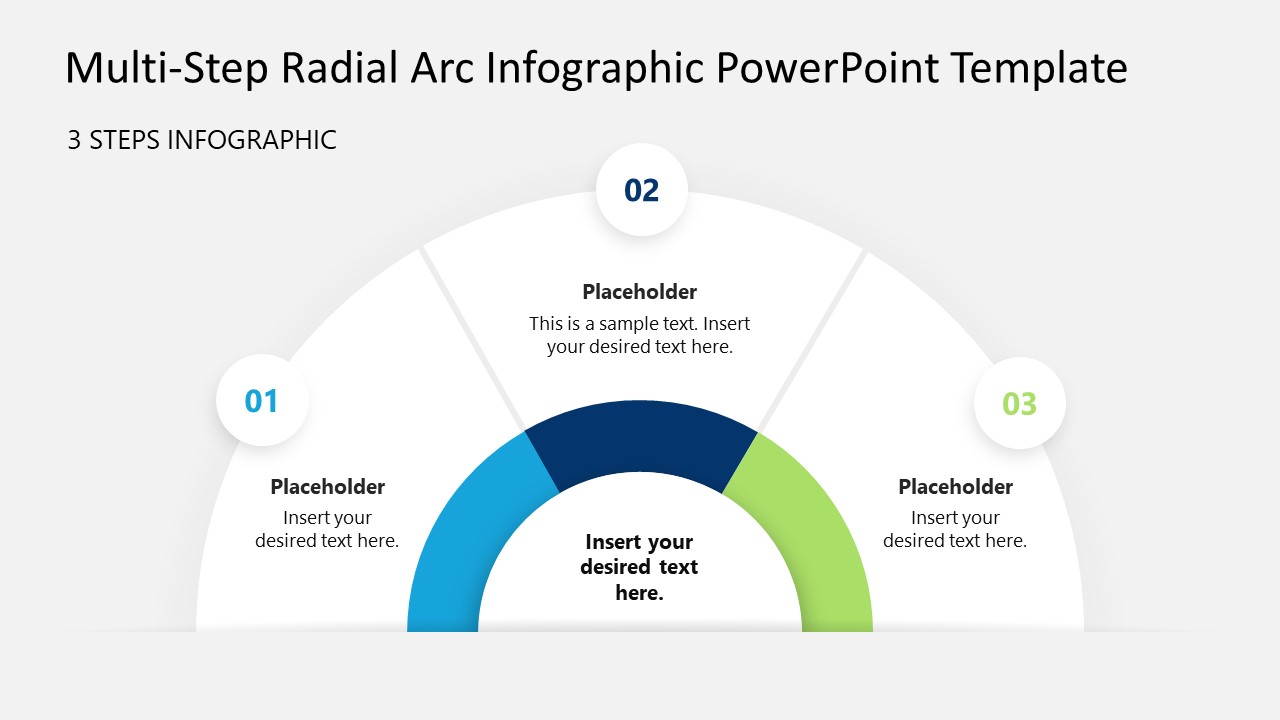
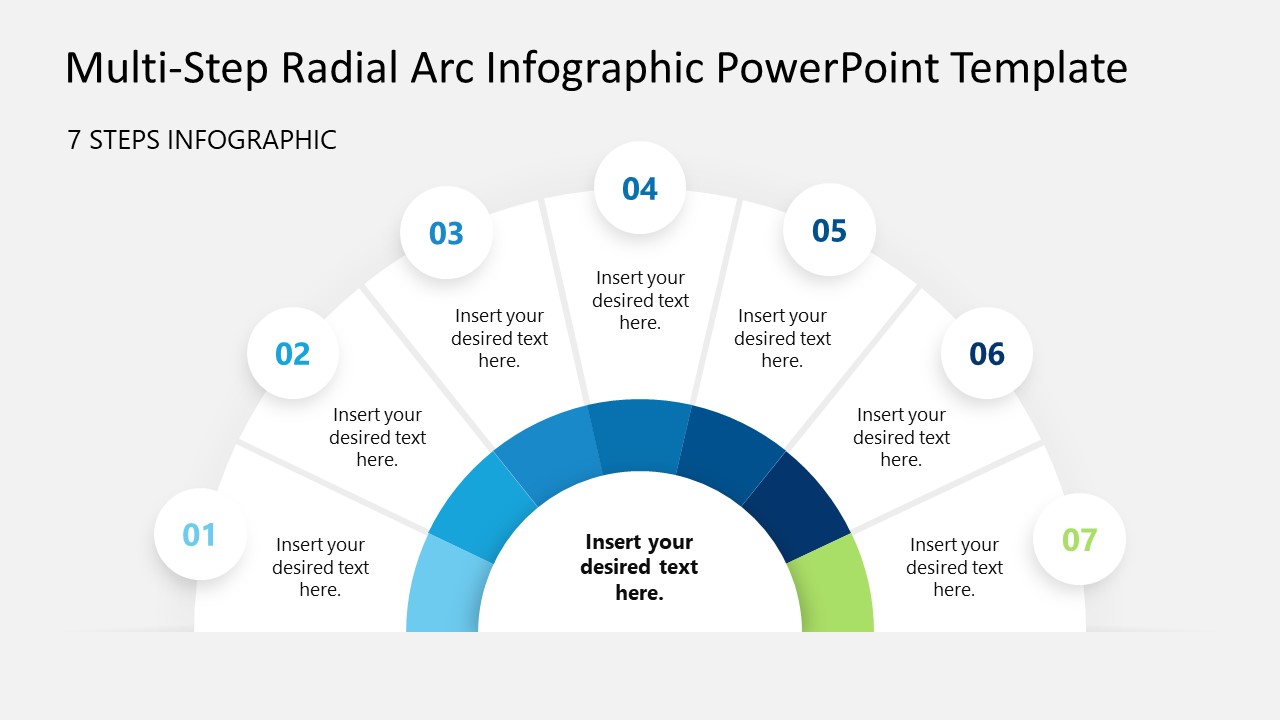
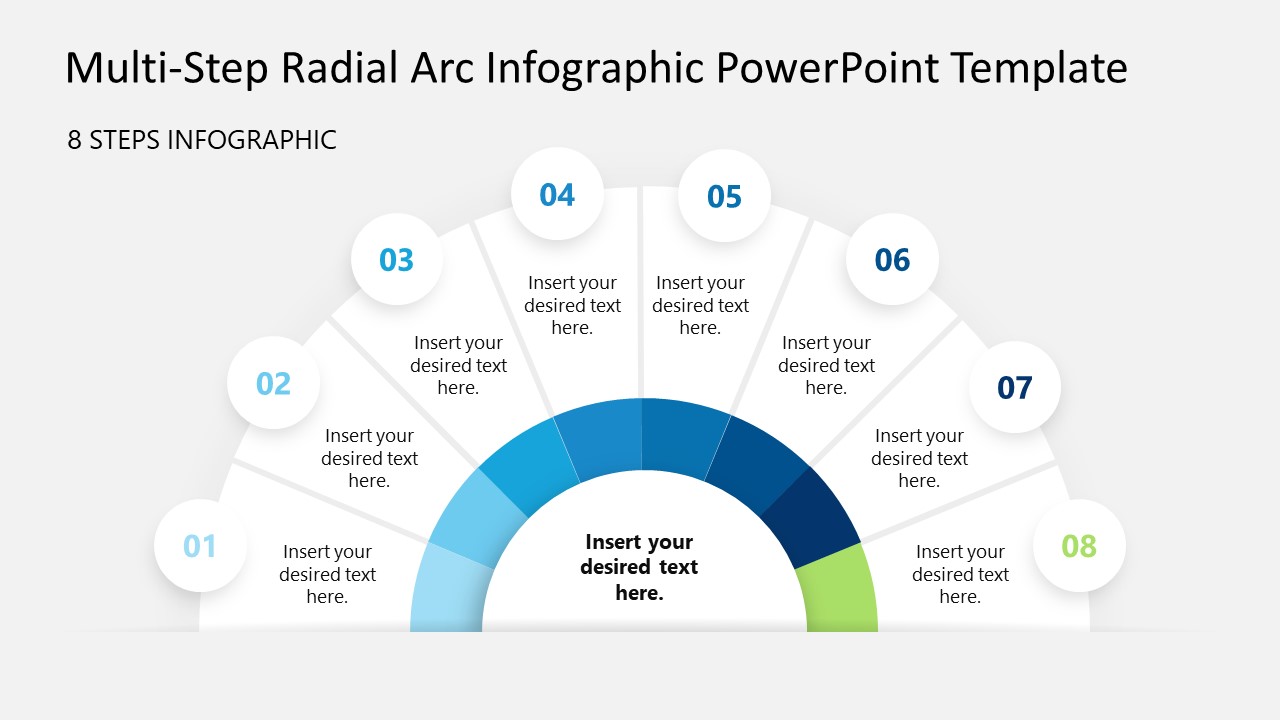
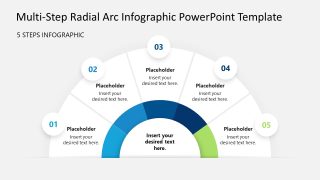
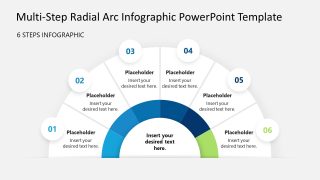
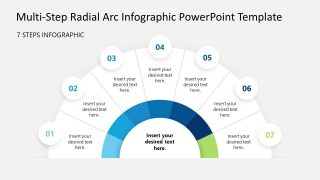
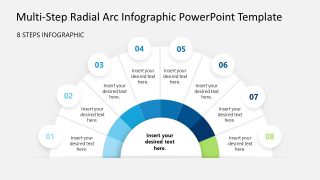
Are you planning to implement a new system or a digital change in the company? Download our Multi-step Radial Arc Infographic Diagram PowerPoint Template and outline the sequential execution plan in your strategy presentations. The PPT template features a semicircular diagram with multiple distinct, numbered segments. Consultants can edit the central hub to showcase titles in their client presentation. Professionals from management, marketing, operations, or academia can edit the multi-purpose layout and visualize processes, cycles, or components in a structured format. The first slide shows a three-segment diagram, and each subsequent slide adds more segments, up to eight in slide six. Change managers can use this layout to showcase the steps of the monthly process improvement plan to company employees.
Our Multi-step Radial Arc Infographic Diagram PowerPoint Template is compatible with all PowerPoint versions. The first slide lets project managers showcase the three-month execution framework in their team presentations. This helps other team members align with the project objectives and goals. They can edit the placeholders to help stakeholders understand how one stage affects the next. HR directors can use the multistep radial arc template during key decision-making and planning meetings to showcase the complete 90-day talent onboarding process. Brand strategists can use the slide with five segments to highlight their five effective marketing channels to boost organic reach within the next quarter.
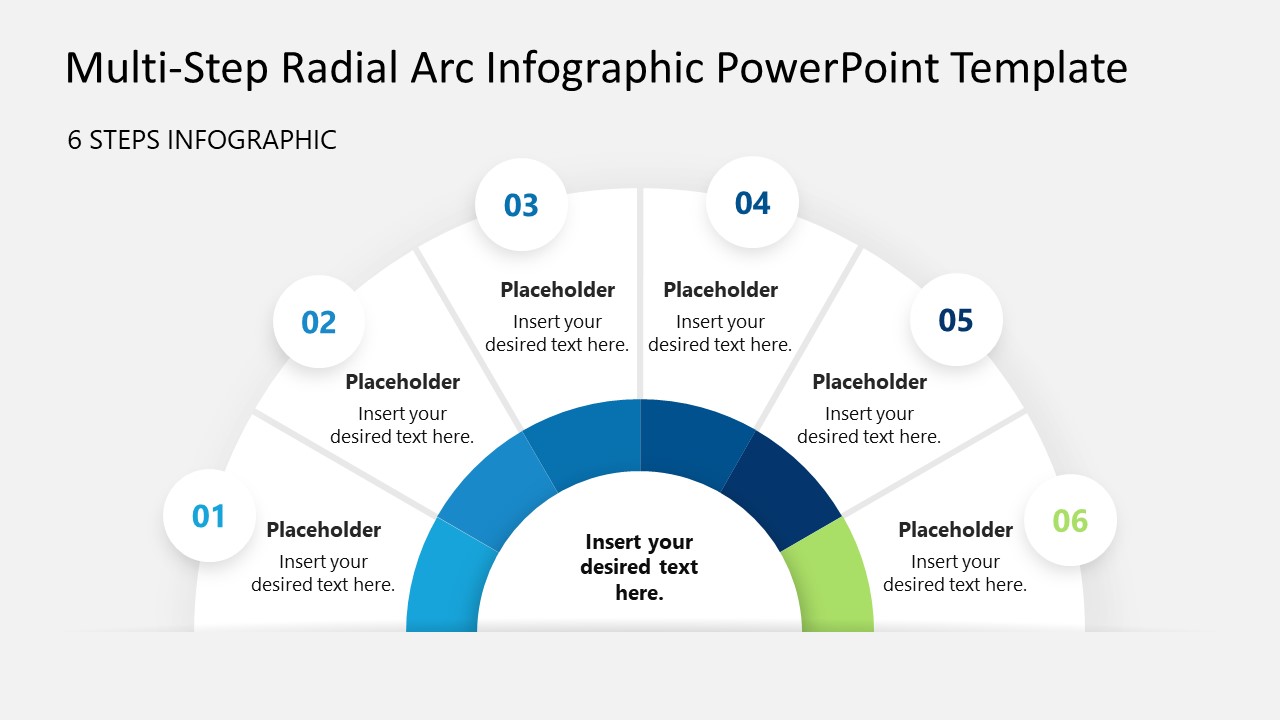
The product owner can use the six-step radial diagram in team presentations to showcase the development process for SaaS apps or retail products. This lets decision-makers refine their strategy or revise their budgets accordingly. The use of infographics visually enhances the presentation and keeps the audience connected with the presenter. Download the multistep radial arc infographic PPT layout and customize it to present your next multi-phase process or strategy.
What’s inside this template
Example presentation scenarios
- A project manager can present a three-month execution framework with the 3-step radial arc, using the center hub for the project objective and each segment for a monthly milestone.
- A change manager can explain a process improvement plan to employees with the 6-step radial diagram, using the numbered badges to keep each stage easy to follow.
- An HR director can map a talent onboarding path with the 7-step or 8-step layout, assigning one outer marker to each activity in the employee journey.
- A marketing strategist can present channel priorities with the 5-step radial arc, placing the campaign goal in the center and one channel explanation in each wedge.
Features
- 100% editable presentation template
- Compatible with Microsoft PowerPoint
- 16:9 aspect ratio slides
- Scalable vector shapes, icons and illustrations
- AI-Ready for Microsoft Copilot and Claude
- Instant access and download
Frequently asked questions
Q: How should a presenter organize content in the radial arc so the audience follows the sequence?
A: Start with the central hub as the main process, goal, or system name, then move around the numbered badges in order. Keep each wedge to one short action or idea. The 3-step to 8-step options help the presenter avoid forcing too much text into a smaller diagram.
Q: Who benefits most from this diagram style in a business presentation?
A: This template works best for presenters who need to explain a structured plan without turning it into a dense checklist. Project managers, consultants, HR leaders, operations teams, and educators can use the radial arc to show phases, onboarding activities, decision steps, or process components around one central concept.
Q: Why use a radial arc instead of a standard horizontal process flow?
A: The semicircular arc creates a visual metaphor of progress around a central idea, which is useful when every step supports the same objective. The outer number badges guide reading order, while the center hub keeps the audience focused on the overall process rather than treating each step as isolated.


Multi-step Radial Arc Infographic Diagram PowerPoint Template
6-slide PowerPoint presentation template for radial process diagrams, multi-step planning, and workflow arcs
The Multi-step Radial Arc Infographic Diagram PowerPoint Template is a 6-slide PowerPoint deck for explaining staged processes with semicircular diagrams. It includes 3-step, 4-step, 5-step, 6-step, 7-step, and 8-step radial arc layouts with a central hub, numbered badges, and short text placeholders for project managers, consultants, educators, and operations teams.
- Category
- Process Diagrams
- Rating

 Loading...
- Aspect ratio
- 16:9
- Item ID
- 23621-01
- Colors
 Microsoft PowerPoint
  Microsoft Copilot
  Claude for PowerPoint
 Other formats supported
Subscribe today and get immediate
access to download our PowerPoint templates.