Slide 5 of 6 from Multi-step Radial Arc Infographic Diagram PowerPoint Template
Seven Stage – Multi-step Radial Arc Diagram Template
7 Steps Infographic Diagram for Presentations
- Diagram
- Radial Hub
- Process Slide
- 16:9
- 100% Editable
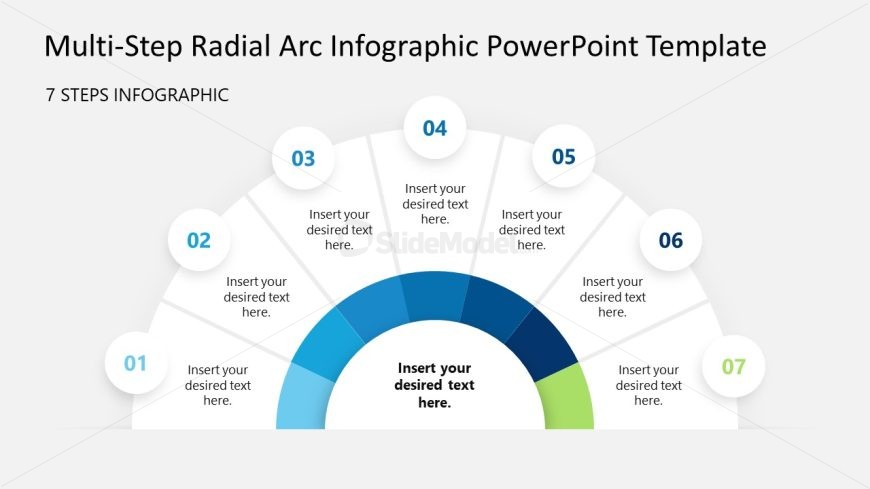
The 7 Steps Infographic slide from the Multi-step Radial Arc Infographic Diagram PowerPoint Template offers a clear radial process layout ideal for project management and workflow presentations. This slide template features editable shapes arranged in a semicircular diagram with numbered nodes, facilitating step-by-step explanations in business presentations or training sessions. Its design supports effective communication of sequential stages, making it a practical addition to any corporate slide deck or pitch deck template.
What’s on This Slide
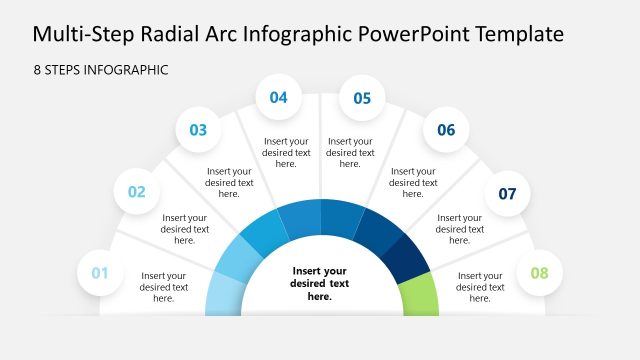
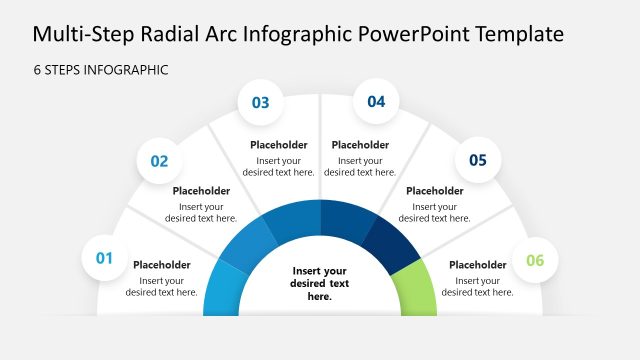
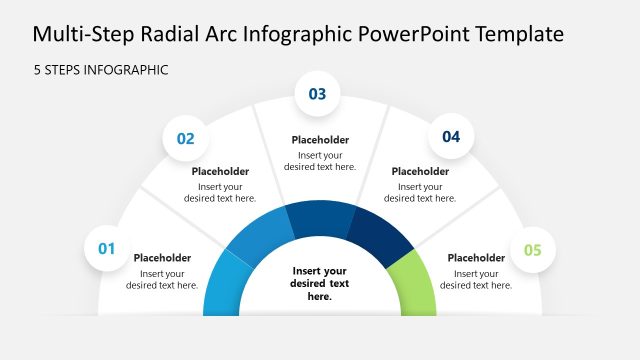
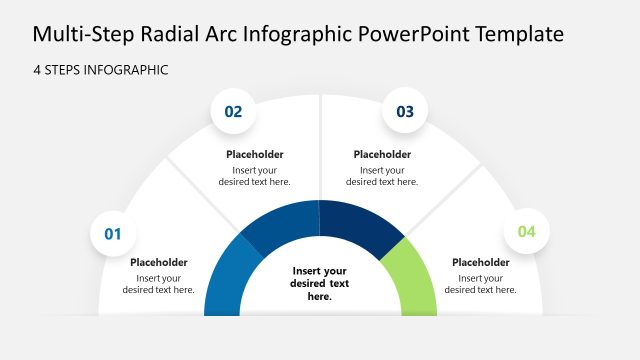
The layout features a semicircular diagram divided into seven segments, each containing a circular node at the outer edge. The nodes are numbered from one to seven, with the central area designated for additional text. Each segment is visually distinct, utilizing a gradient color scheme transitioning from dark blue to light green. Text placeholders are centrally aligned within each node and the central area, allowing for clear visibility. The overall composition emphasizes the radial flow, guiding the viewer's eye from the center outward.
How to Use It
This layout serves as a multi-step process diagram, ideal for illustrating sequential stages in a project or workflow. It fits well in a presentation sequence after introducing a problem or concept, providing clarity on the steps involved. This structure is useful in business contexts such as project management, training sessions, or educational presentations, where a clear breakdown of processes is required.
Text Placeholders & Capacity
Keep your copy within these limits so it fits without resizing. Node labels can hold about 30 characters each, while body text holds around 50 characters.
| Placeholder | Count | Max characters (approx.) |
|---|---|---|
| Item heading | 7 | 30 |
| Item body | 7 | 50 |
| Item body | 1 | 50 |
Slide Keywords
Download unlimited PowerPoint templates, charts and graphics for your presentations with our annual plan.
DOWNLOADReturn to Multi-step Radial Arc Infographic Diagram PowerPoint Template.