Are you looking for a modern diagram to clearly and concisely outline the project execution process? Look no further; try our professional 3-Step Horizontal Ring Arrow PowerPoint Template to present progressive steps in the business or development process effectively. HR managers use the rings diagram to share the team development protocol in the stakeholder presentations. They also edit the layout to discuss the talent recruitment process with their teams. The arrow diagram with circular rings depicts the progress business flow and is ideal for personal development concepts where each previous stage feeds the next one. Users edit the layout for a Google Slides presentation.
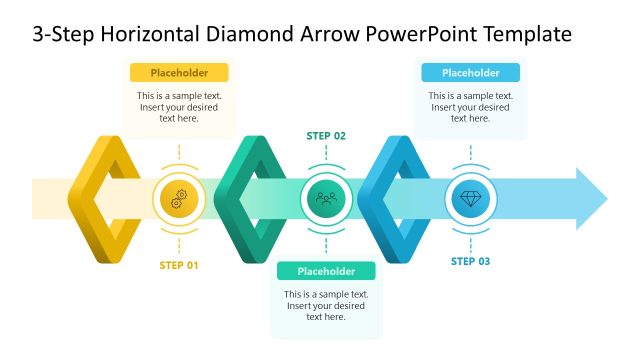
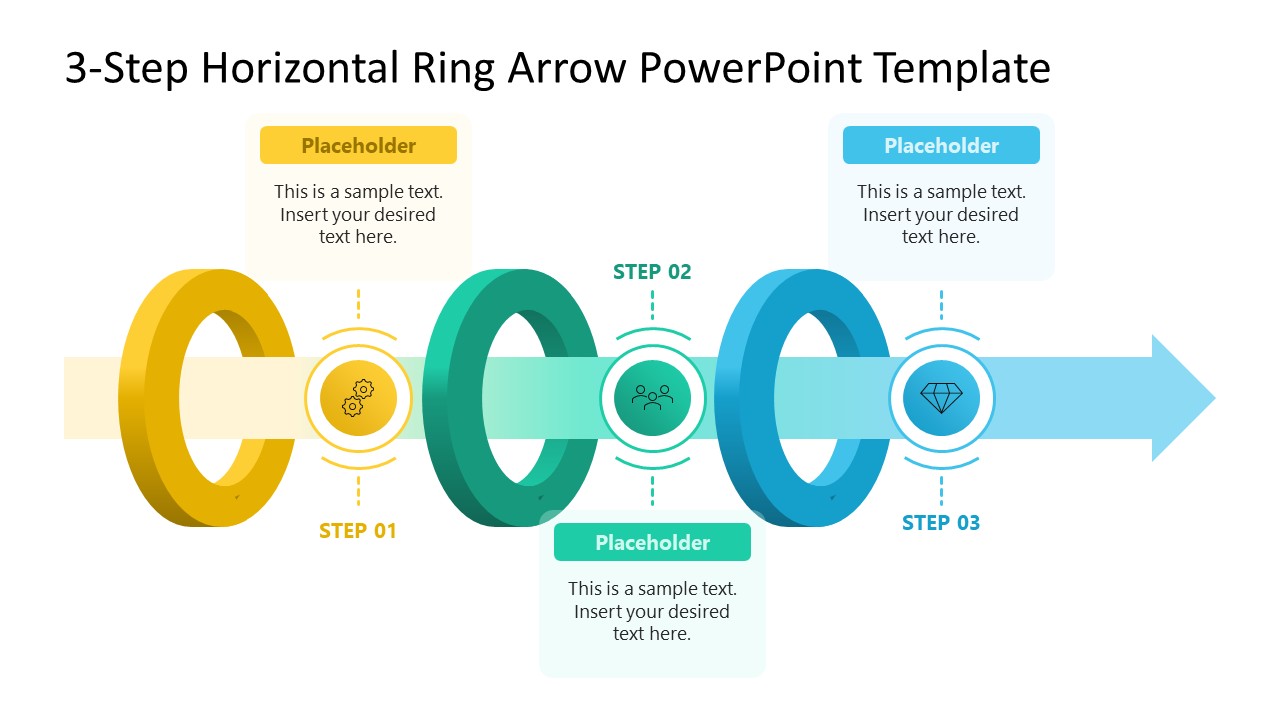
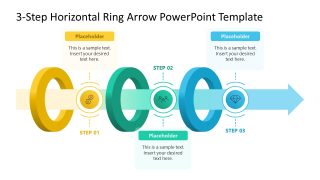
The 3-Step Horizontal Ring Arrow PowerPoint Template features a sleek arrow diagram that runs from left to right. Program managers use the three concentric rings in the diagram to illustrate the linked stages of company workflows. Furthermore, they can use infographics between the rings to illustrate the concept visually. For each shape, a text segment for the title and description allows product developers to briefly explain product features during feature prioritization presentations. In pitch decks, this slide enables startup leaders to showcase their go-to-market strategy in three simple steps.
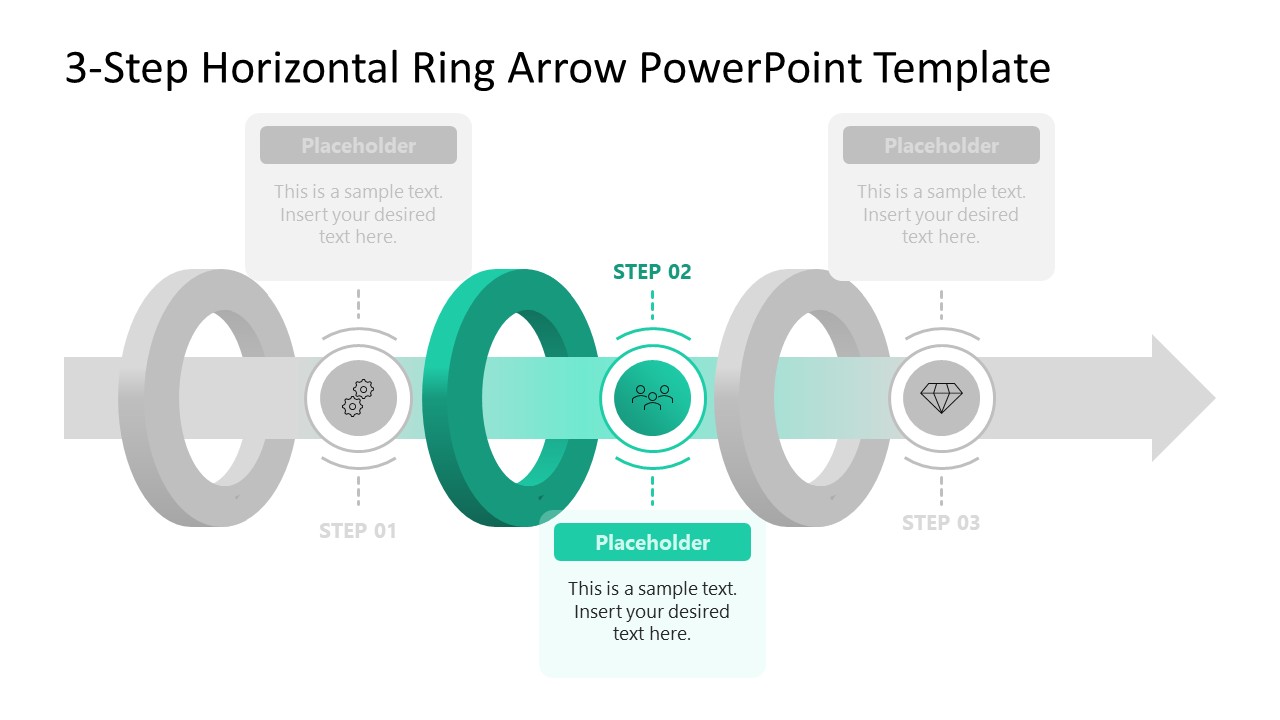
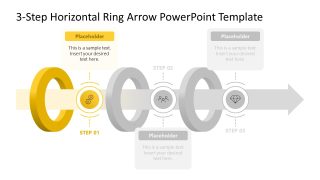
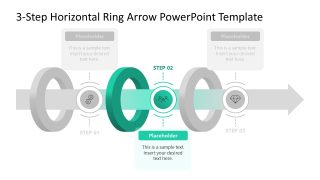
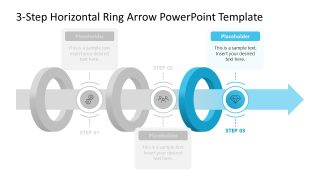
This PPT template includes three slides with the same circular rings and horizontal arrow diagram, but each slide only has a color highlight for one stage. This focus effect allows strategy leaders to discuss the components of the business growth framework one by one with clarity. Furthermore, users adjust the color scheme and text fonts to align the presentation design with their branding. Download the 3-step horizontal rings arrow diagram PPT template to communicate three stages in a process improvement plan.
What’s inside this template
Example presentation scenarios
- A project manager can present a project execution process to stakeholders by using the full horizontal arrow diagram first, then discussing each highlighted step in sequence.
- An HR manager can explain a recruitment or team development protocol by assigning each ring milestone to a stage such as intake, evaluation, and selection.
- A product manager can brief a team on feature prioritization by using the step icons and callout text to describe criteria, review, and decision phases.
- A startup founder can outline a simple go-to-market sequence by using the three focus slides to separate preparation, launch, and follow-up activities.
Features
- 100% editable presentation template
- Compatible with Microsoft PowerPoint and Google Slides
- 16:9 aspect ratio slides
- Scalable vector shapes, icons and illustrations
- AI-Ready for Microsoft Copilot and Claude
- Instant access and download
Frequently asked questions
Q: How should a presenter explain a 3-step process with this ring arrow diagram?
A: Start with the full-color overview slide so the audience sees the entire left-to-right flow. Then move through the three focus slides, using the highlighted ring as the current discussion point and the grayed stages as context. Keep each callout short so the visual sequence stays easier to follow than a text-heavy process list.
Q: Who is this template best suited for?
A: This template fits presenters who need to explain a linear process with exactly three major stages. Project managers, HR leaders, product teams, and consultants can use it when the goal is to show how one phase feeds the next, such as execution steps, hiring stages, workflow handoffs, or go-to-market activities.
Q: Why use ring milestones inside a horizontal arrow instead of a standard numbered list?
A: The arrow gives the audience an immediate sense of direction, while the ring milestones make each stage feel connected rather than isolated. The focus slides add a useful spotlight effect: one step receives color and attention while the rest remain visible in gray, supporting explanation without losing the overall process map.


3-Step Horizontal Ring Arrow PowerPoint Template
4-slide presentation template with horizontal ring arrow diagrams for 3-step business process storytelling
The 3-Step Horizontal Ring Arrow PowerPoint Template is a 4-slide diagram template for showing a left-to-right process with three ring milestones. It includes a full-color horizontal arrow diagram plus three focus-state slides that highlight step 01, step 02, and step 03. Built for business process, project execution, and workflow presentations in PowerPoint and Google Slides.
- Category
- Diagrams
- Rating

 Loading...
- Aspect ratio
- 16:9
- Item ID
- 23714-01
- Colors
 Microsoft PowerPoint
  Microsoft Copilot
  Claude for PowerPoint
 Other formats supported
Subscribe today and get immediate
access to download our PowerPoint templates.