Slide 4 of 6 from Multi-step Radial Arc Infographic Diagram PowerPoint Template
Six Step Radial Arc Infographic Template Slide
6 Steps Infographic for Process Presentation
- Diagram
- Radial Hub
- Process Slide
- 16:9
- 100% Editable
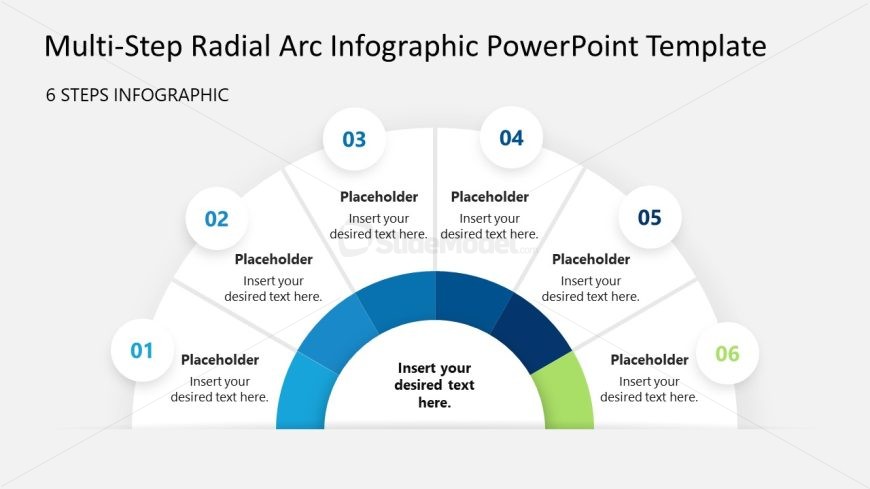
The 6 Steps Infographic slide from the Multi-step Radial Arc Infographic Diagram PowerPoint Template offers a clear visual method for presenting sequential stages in project management or educational workflows. This slide layout, featuring editable shapes arranged in a semicircular diagram, supports effective communication in business presentations and pitch decks by simplifying complex processes with numbered nodes and a central focus area.
What’s on This Slide
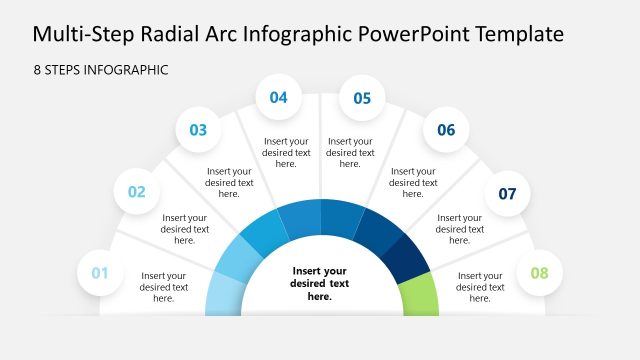
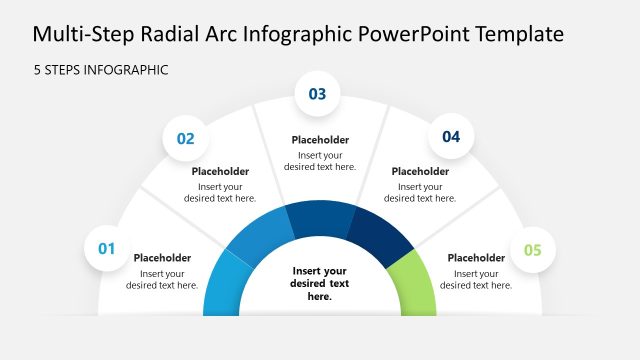
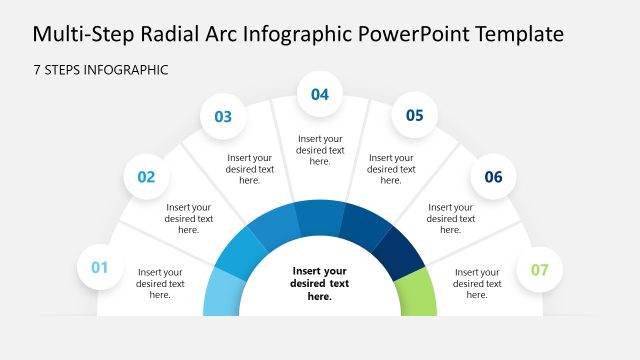
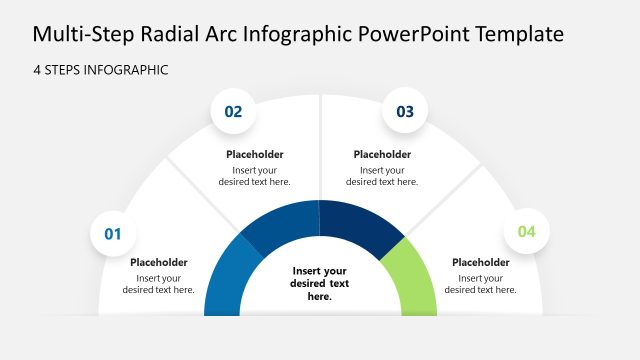
The layout features a semicircular diagram divided into six sections, each containing a circular node. The nodes are numbered from one to six, positioned evenly around the arc. Each node has a placeholder for text, aligned centrally within the circles. A larger central placeholder is located at the bottom of the arc, also centrally aligned. The background is light gray, providing contrast to the blue and green nodes. The visual hierarchy emphasizes the central placeholder, while the numbered nodes are smaller and evenly spaced, creating a balanced composition.
How to Use It
This layout serves as a multi-step process diagram, ideal for illustrating sequential stages in a project or workflow. It fits well in presentations that require a clear visual representation of steps, such as project management, educational content, or operational processes. This structure can be used to guide audiences through complex information in a straightforward manner, making it suitable for both formal and informal settings.
Text Placeholders & Capacity
Keep your copy within these limits so it fits without resizing. Node body slots are tight, roughly 10 words each.
| Placeholder | Count | Max characters (approx.) |
|---|---|---|
| Item heading | 6 | 30 |
| Item body | 6 | 50 |
| Item body | 1 | 100 |
Slide Keywords
Download unlimited PowerPoint templates, charts and graphics for your presentations with our annual plan.
DOWNLOADReturn to Multi-step Radial Arc Infographic Diagram PowerPoint Template.