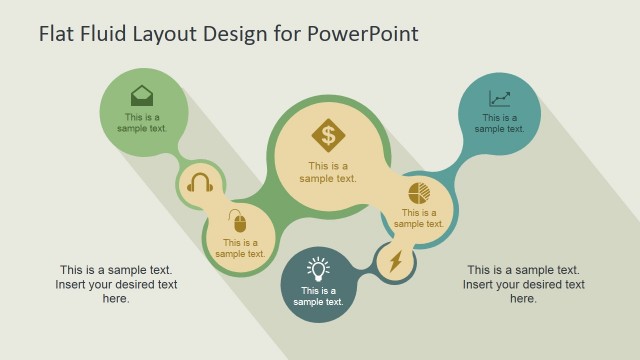
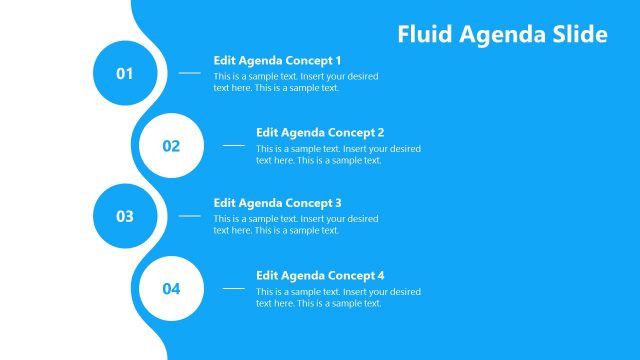
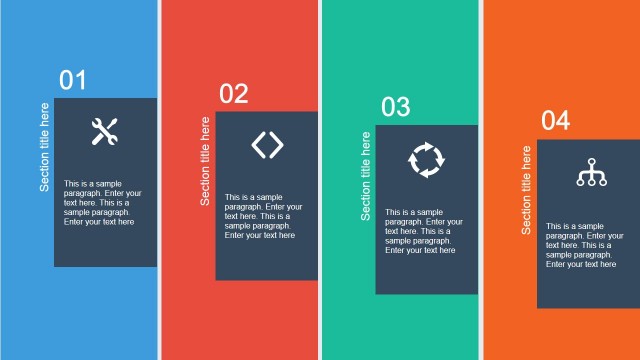
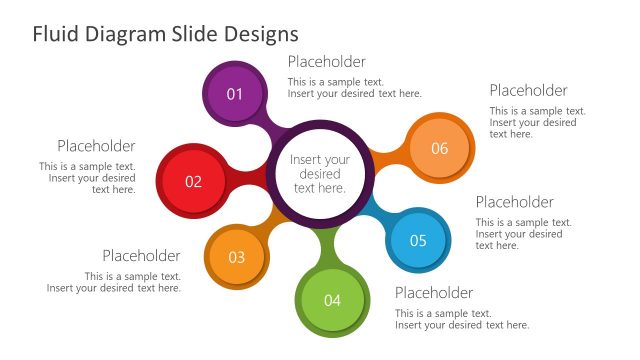
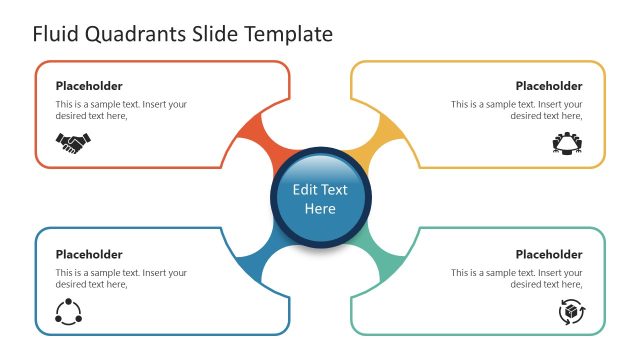
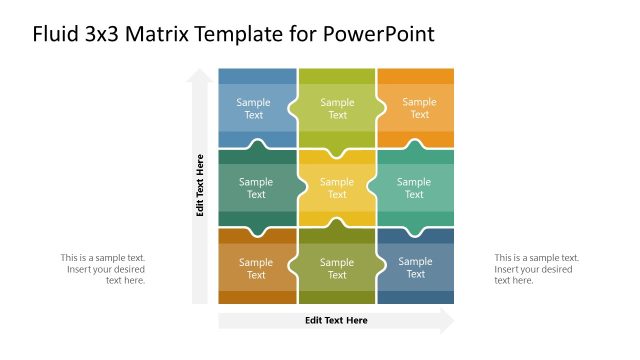
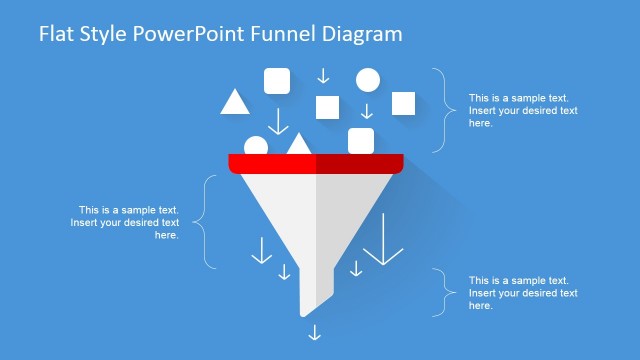
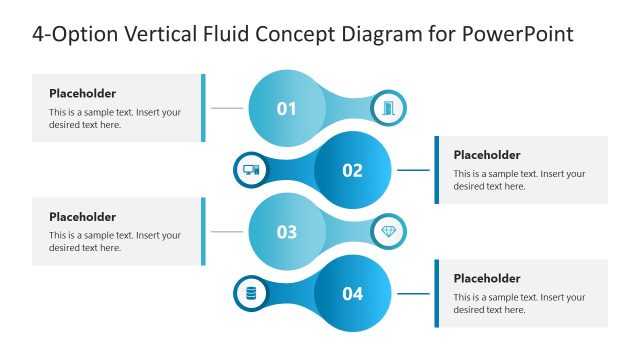
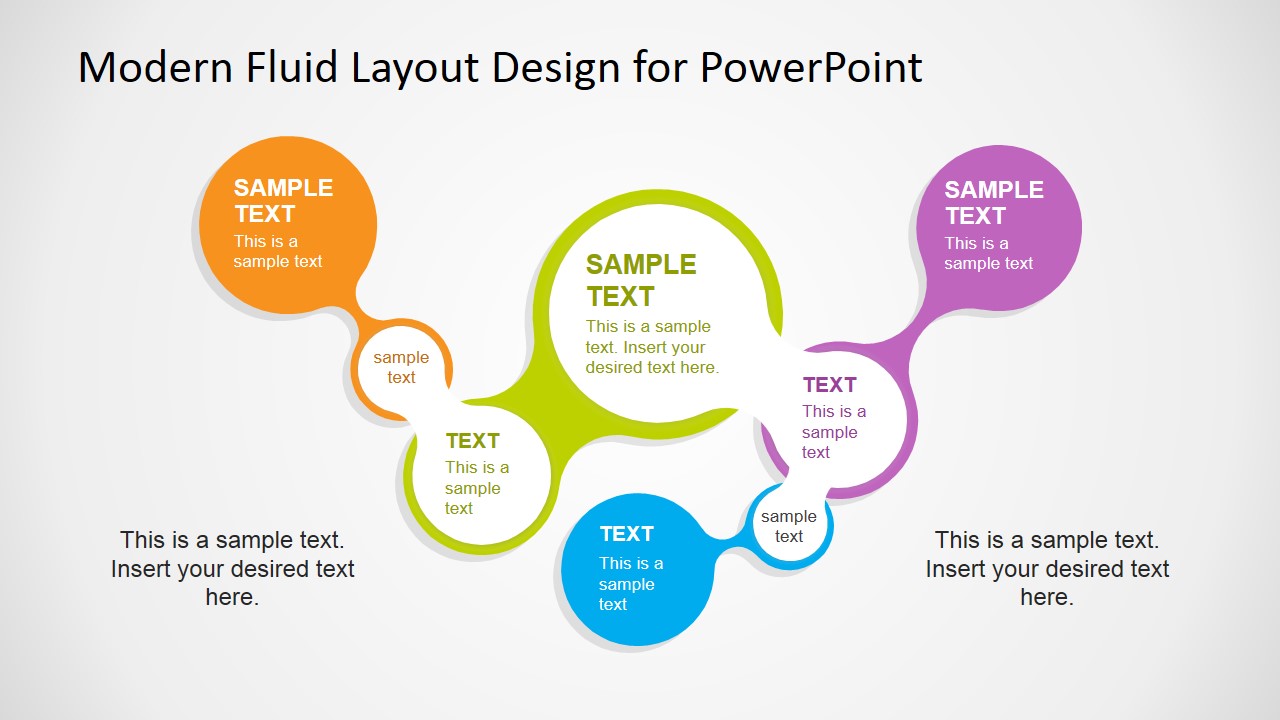
Using Modern Fluid Layout Design for PowerPoint you can make PowerPoint presentations with original slide designs that help to engage the audience and make compelling PowerPoint presentations. You can use this presentation template containing useful fluid layouts to present an agenda or important sections of a PowerPoint presentation. It contains editable placeholders and shapes that you can modify in PowerPoint.
Alternatively you can use the flat fluid layout design containing the same layouts but using a different color palette and flat style.
What’s inside this template
Example presentation scenarios
- A consultant can use the fluid bubble agenda diagram to introduce related workstreams before moving into a client strategy discussion.
- A trainer can use the connected icon callouts to preview modules in a workshop and show how each topic fits the learning path.
- A project manager can use the horizontal fluid diagram to organize initiatives, risks, or responsibilities without turning the slide into a bullet list.
- A marketing presenter can use the dark navy variation to summarize campaign themes or brand pillars in a more presentation-ready visual style.
Features
- 100% editable presentation template
- Compatible with Microsoft PowerPoint and Google Slides
- 16:9 aspect ratio slides
- Scalable vector shapes, icons and illustrations
- AI-Ready for Microsoft Copilot and Claude
- Instant access and download
Frequently asked questions
Q: How should a presenter structure the message on these fluid layout slides?
A: Start with the largest or most central bubble as the anchor idea, then place supporting topics in the connected circles. Keep each bubble to a short label or one concise phrase. Use the side or bottom text area for the one sentence that explains the relationship across the diagram.
Q: Who is this template best suited for in a business presentation?
A: This template works best for presenters who need to introduce grouped topics, not detailed analysis. Consultants, trainers, project managers, and marketing teams can use the bubble diagrams to frame agendas, workshop modules, workstreams, or theme clusters before presenting deeper content in later slides.
Q: Why does the connected fluid shape design help communication?
A: The fluid bubble metaphor shows that the topics are related parts of one larger idea rather than isolated bullets. The curved connections guide the eye across the slide, while different bubble sizes create priority. Icons add quick recognition without forcing the audience to read every label first.


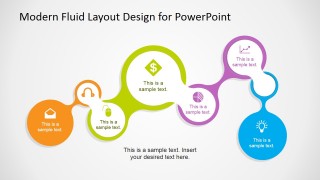
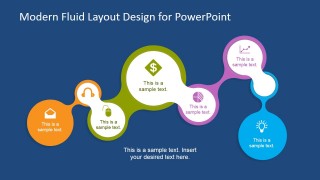
Modern Fluid Layout Design for PowerPoint
4-slide presentation template with fluid bubble diagrams and icon callouts for agendas and section overviews
Modern Fluid Layout Design for PowerPoint is a 4-slide diagram template for agenda, section, and idea-grouping slides. It includes connected fluid bubble diagrams, circular icon callouts, text placeholders, and a dark-background variation. The template is built for business presenters using Microsoft PowerPoint or Google Slides.
- Category
- Diagrams
- Rating

 Loading...
- Aspect ratio
- 16:9
- Item ID
- 6739-01
- Colors
 Microsoft PowerPoint
  Microsoft Copilot
  Claude for PowerPoint
 Other formats supported
Subscribe today and get immediate
access to download our PowerPoint templates.