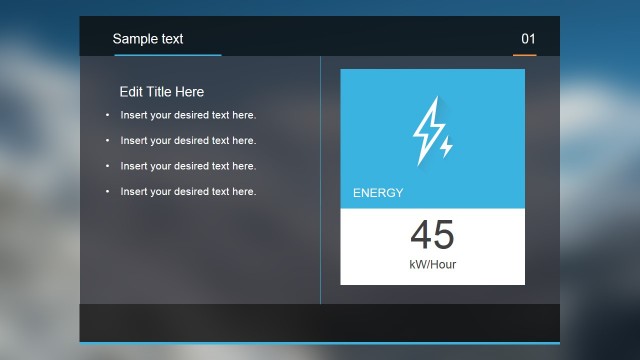
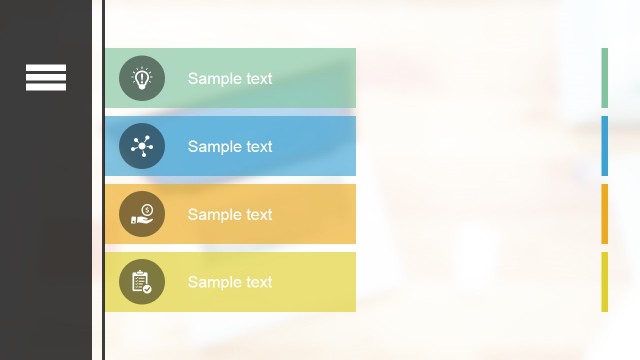
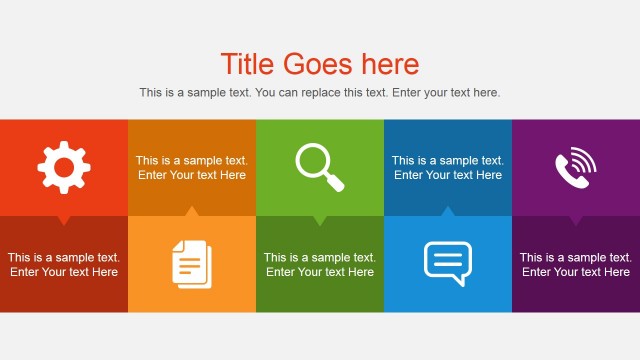
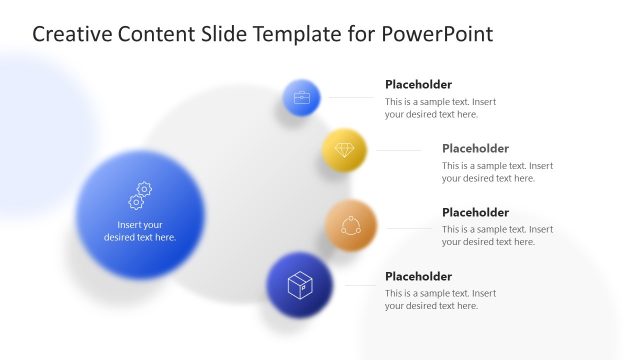
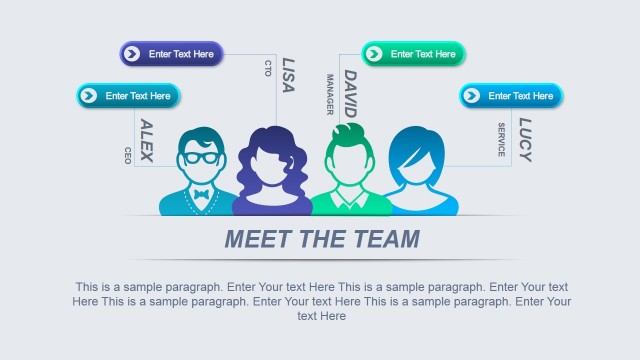
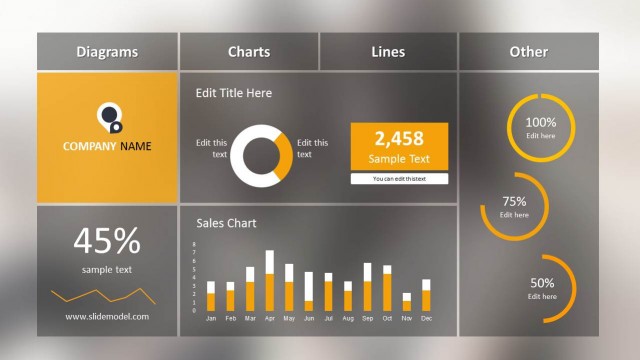
This modern presentation design includes ten slides that are ready for business presentations featuring a blur background theme. The modern blur PowerPoint template can be used to make business presentations in PowerPoint including popular business diagrams and slides such as:
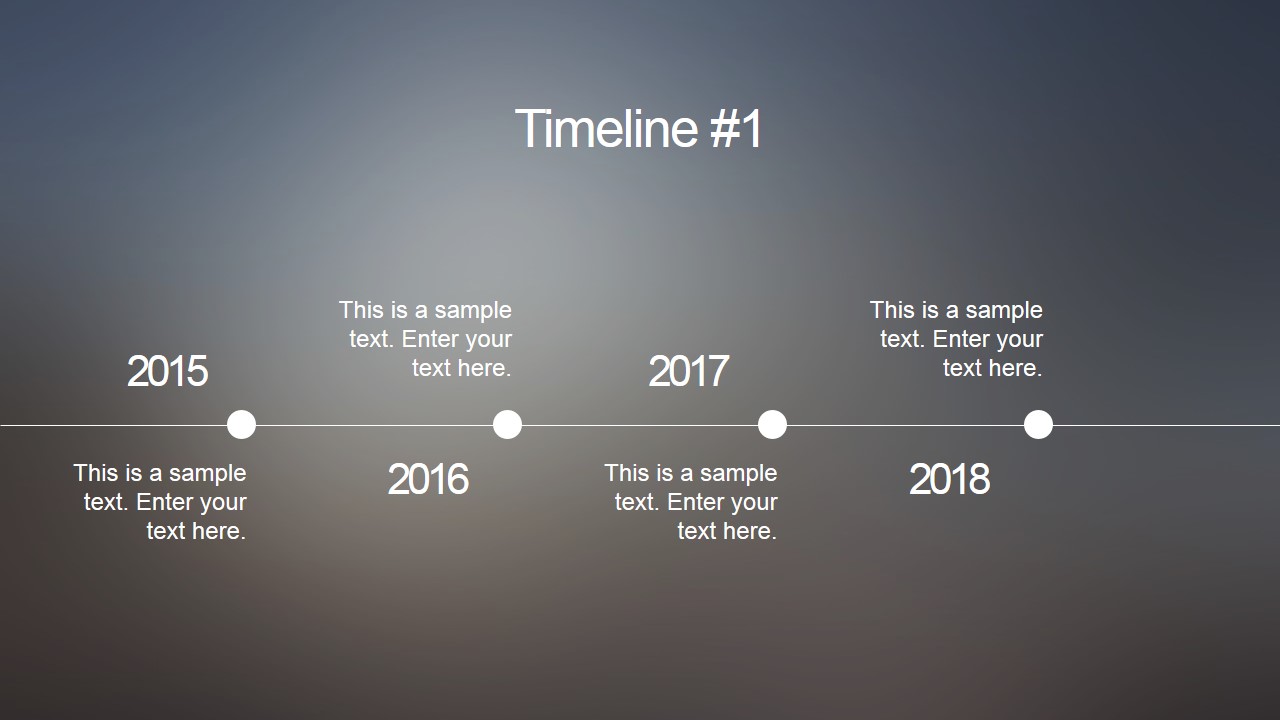
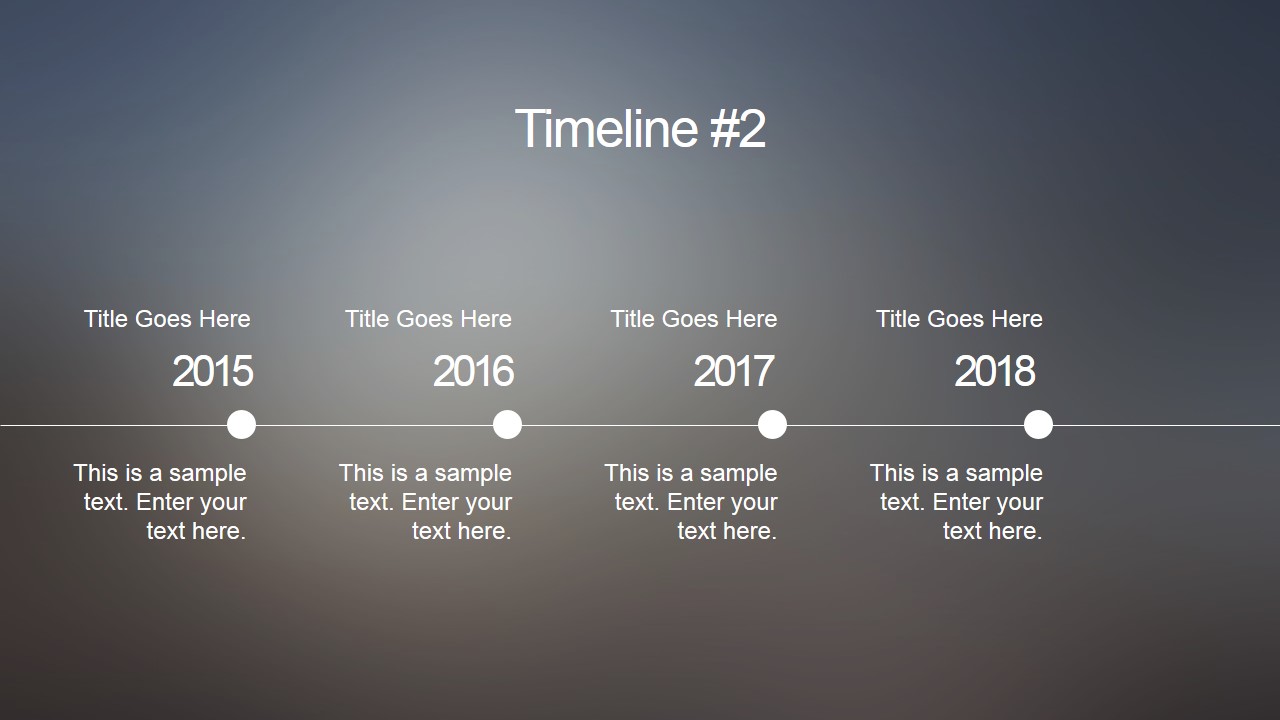
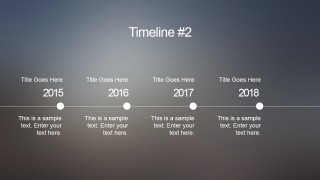
- Presentation timelines by year
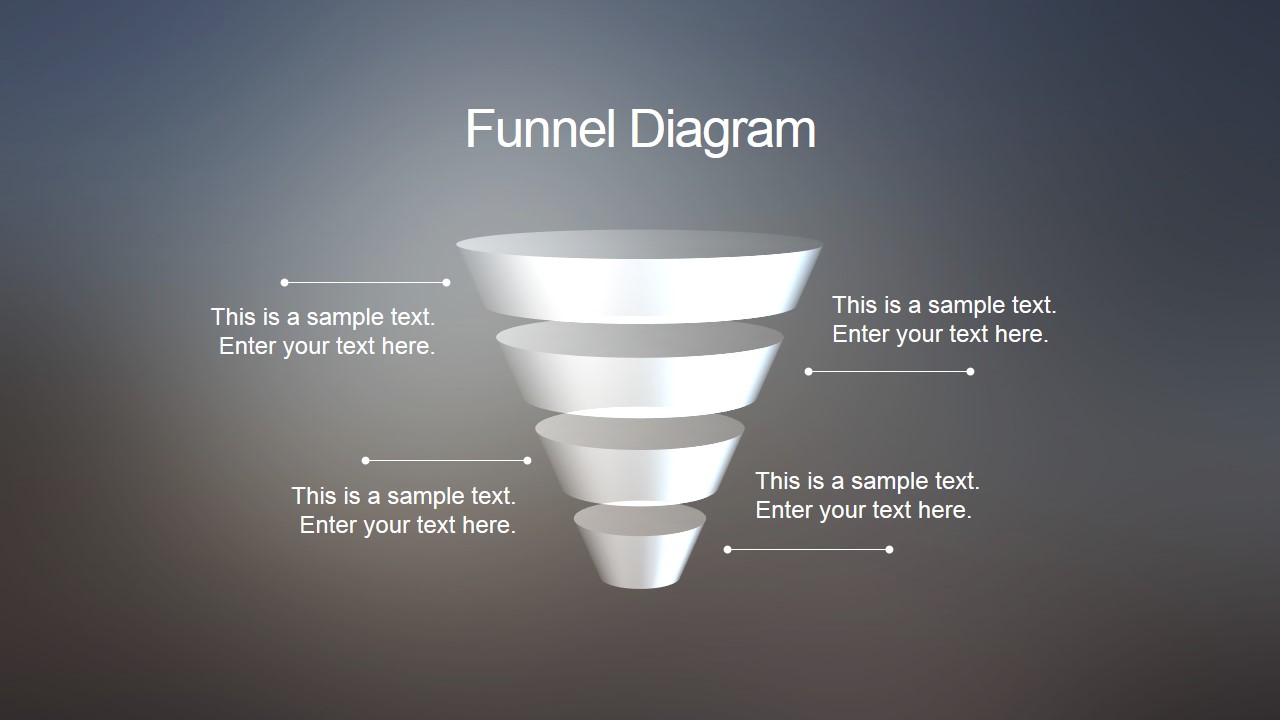
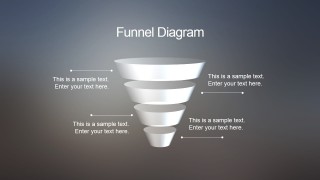
- Funnel analysis diagrams
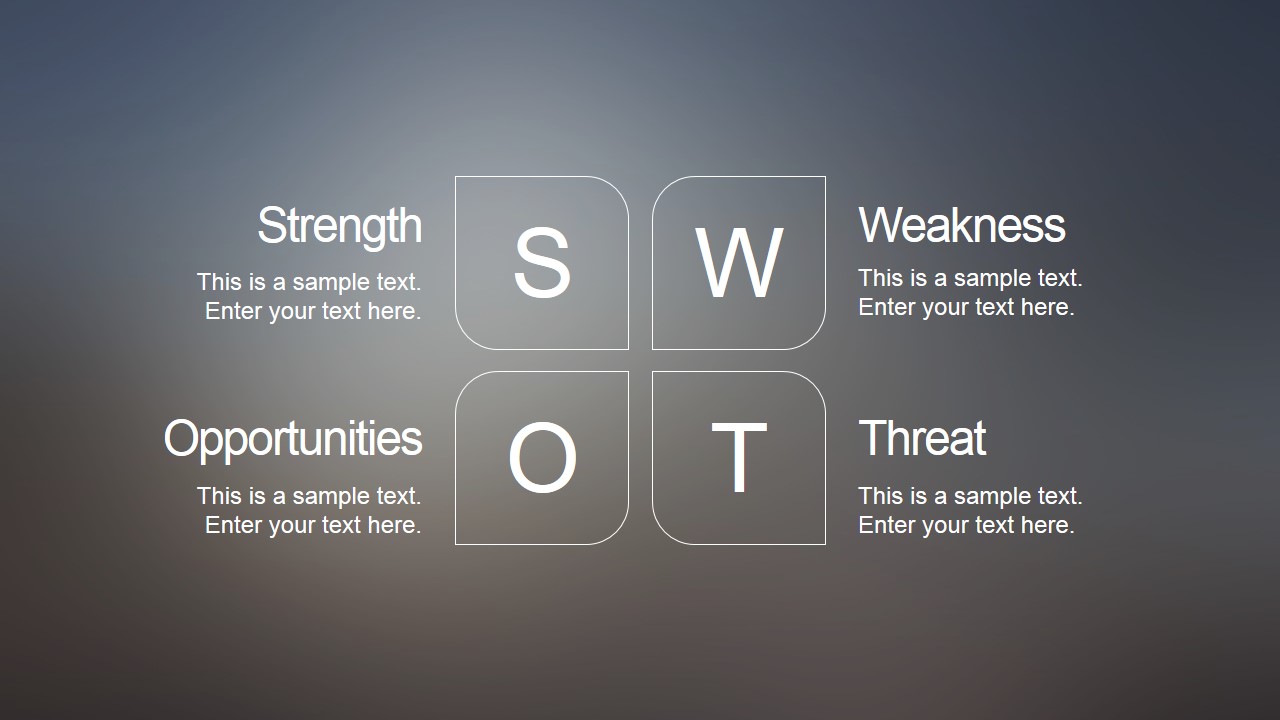
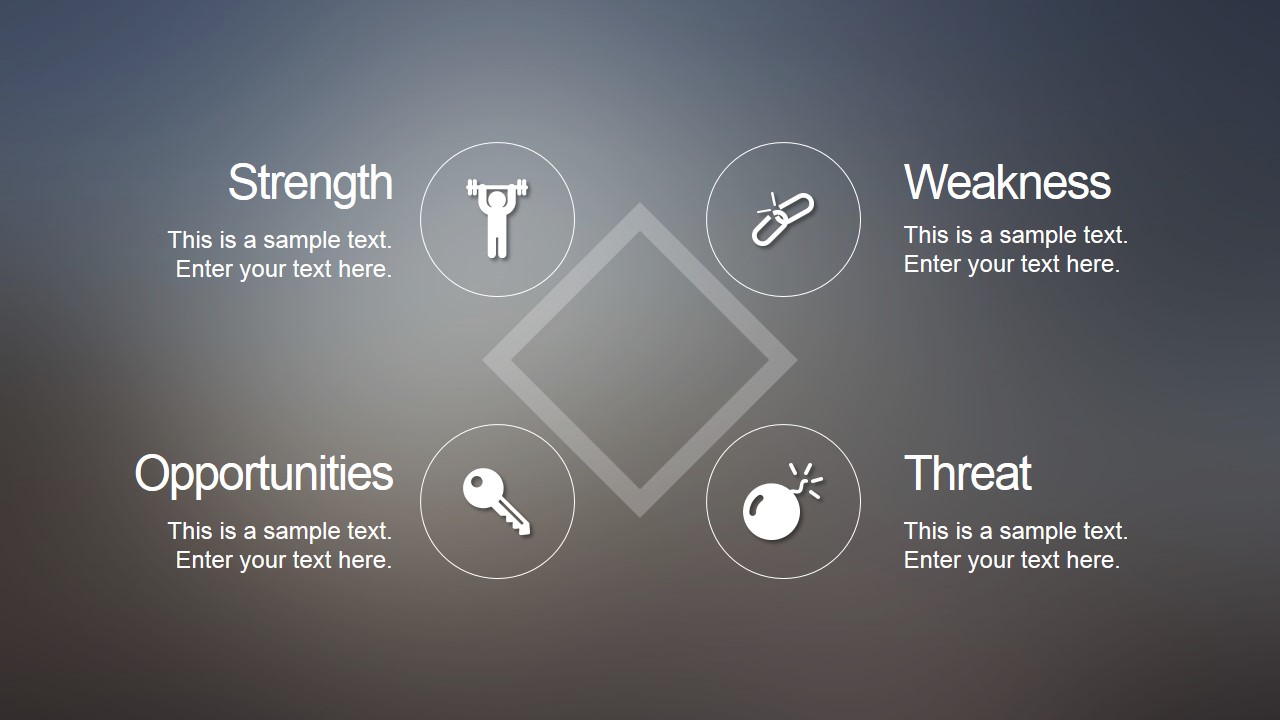
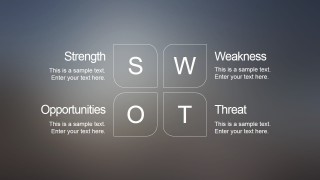
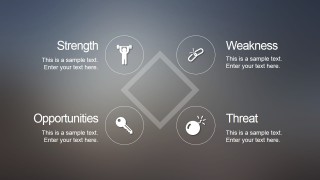
- SWOT Matrix
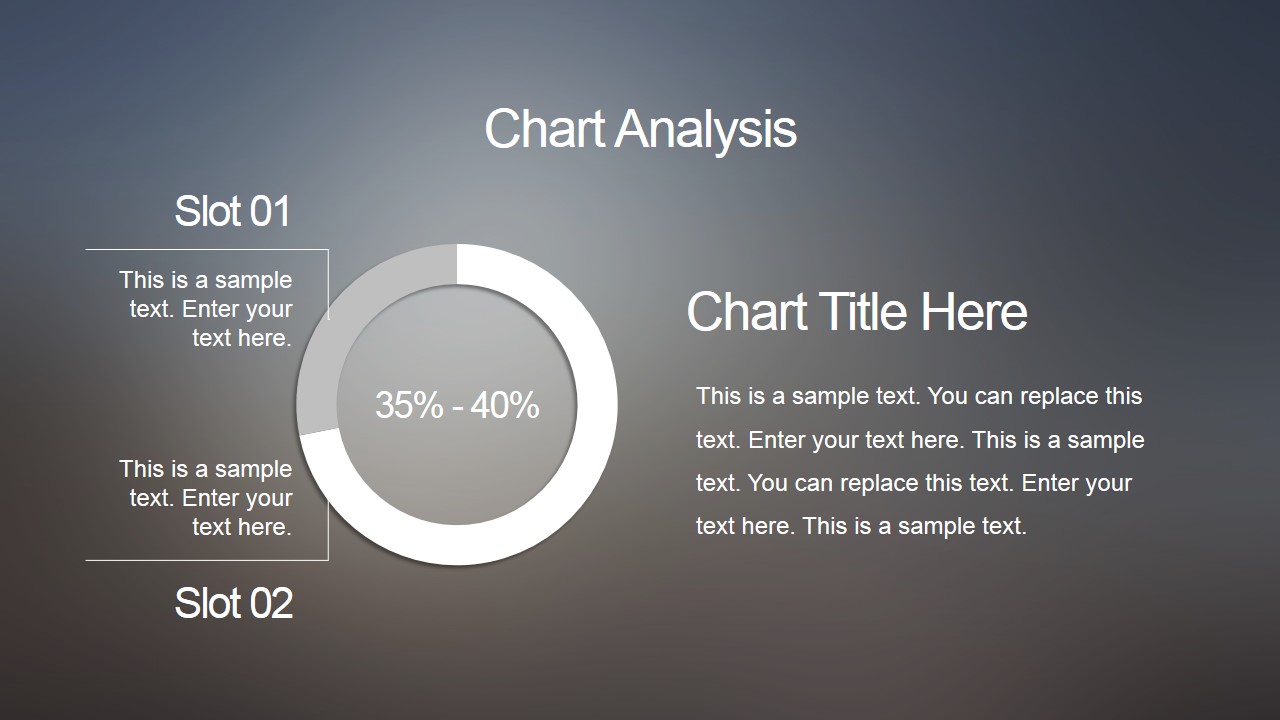
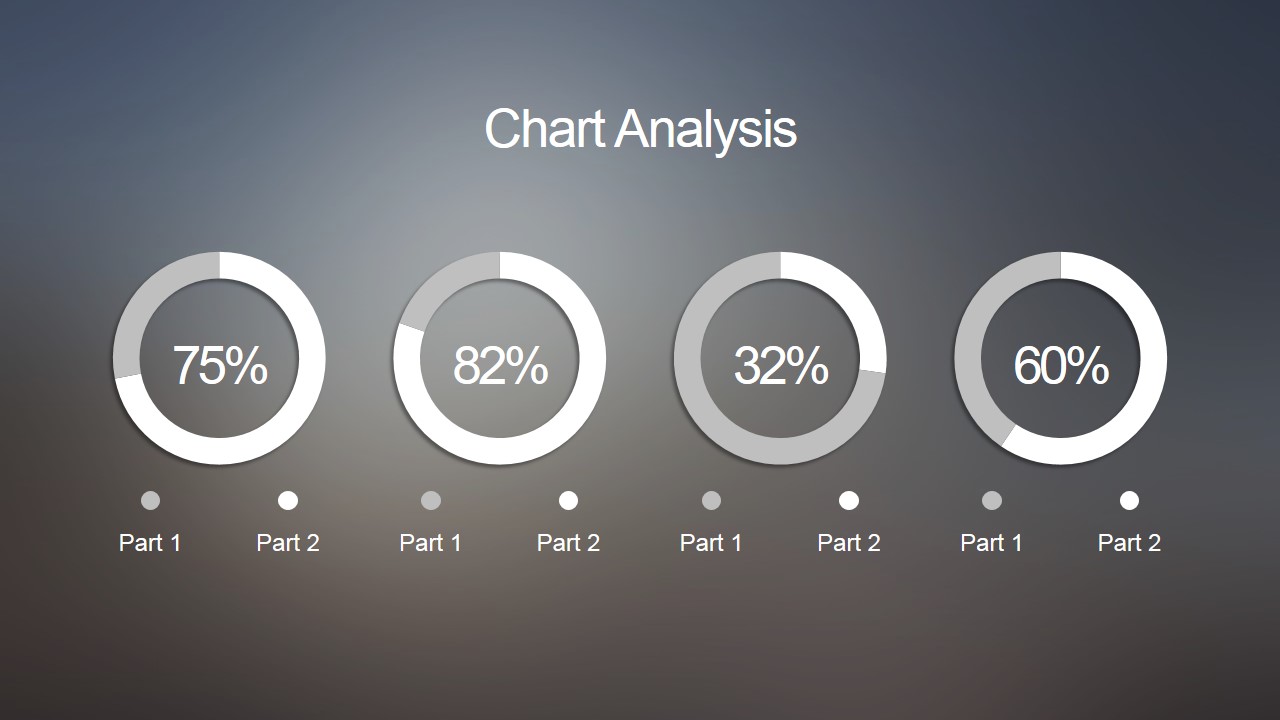
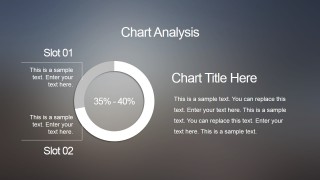
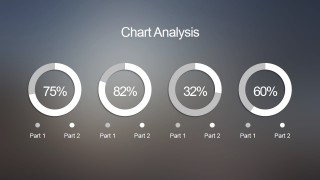
- Donut charts for data analysis
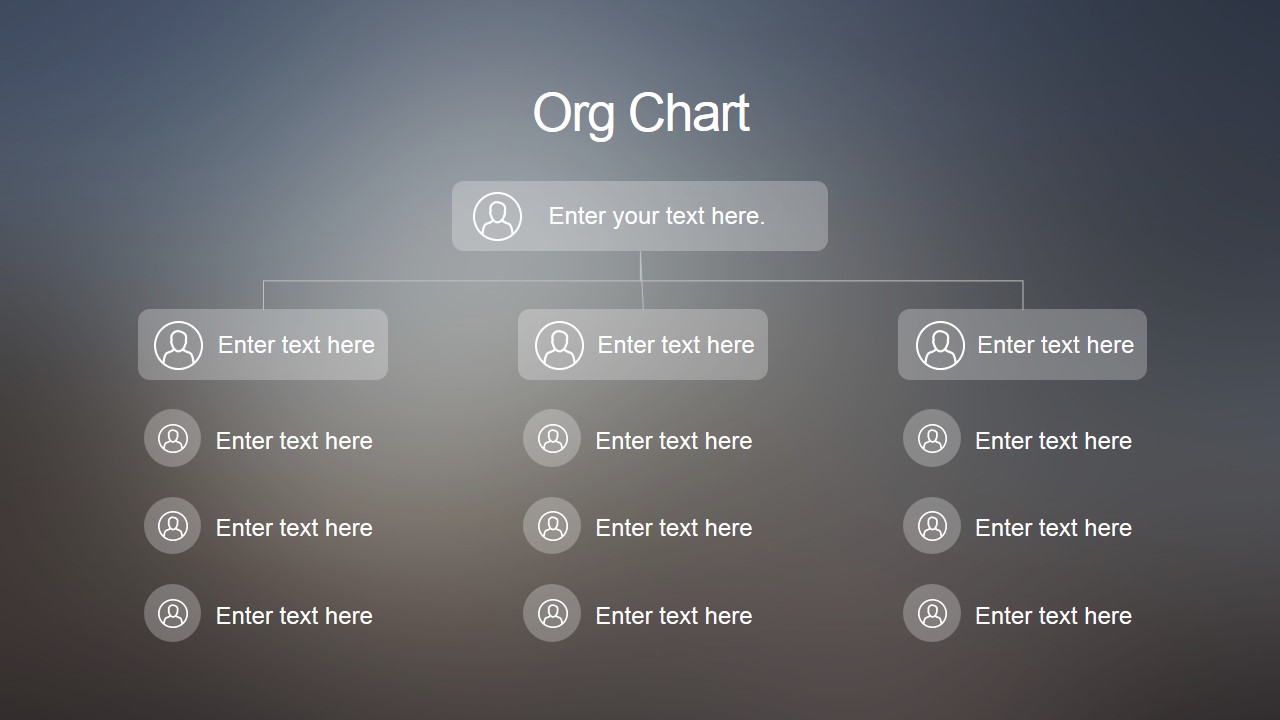
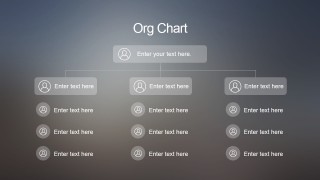
- Simple organizational charts
Modern blur presentation template has an effect similar to the Apple’s iOS 7 blur view in PowerPoint.
What’s inside this template
Example presentation scenarios
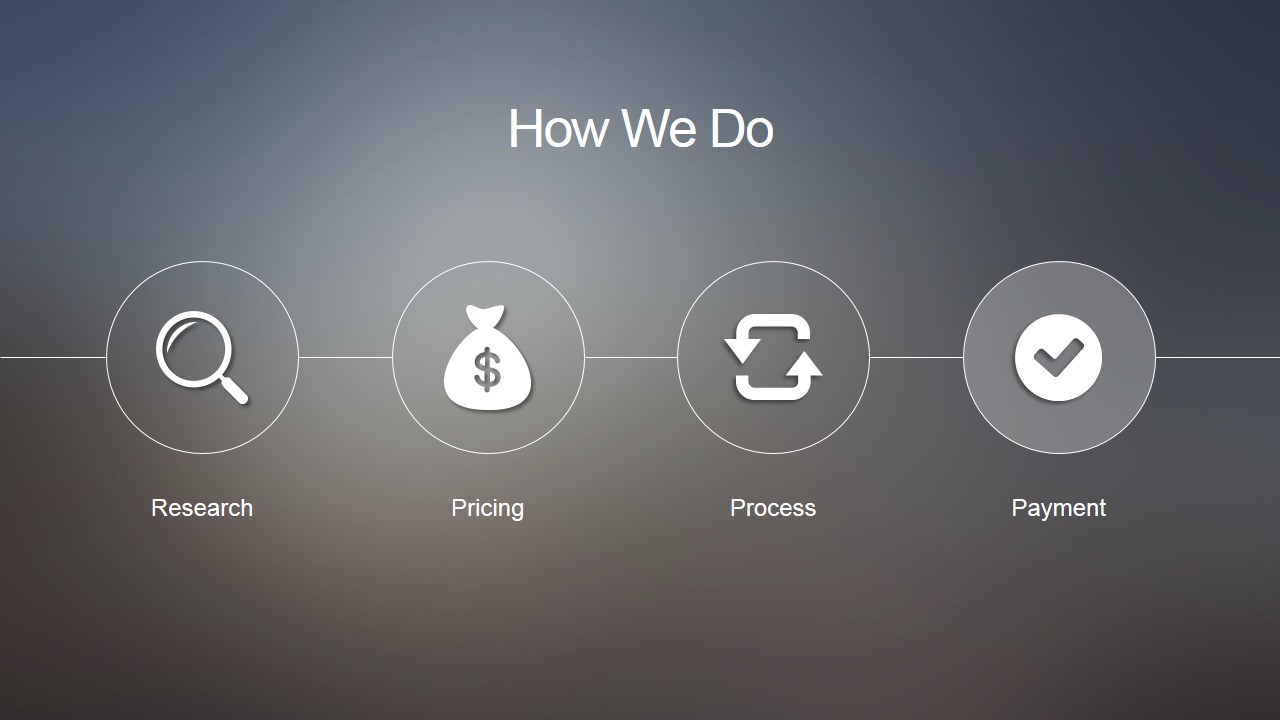
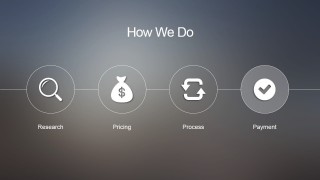
- A product manager can present a release update by using the timeline slides to map years or phases, then adding the process icon row to explain how the team will move from research to delivery.
- A consultant can summarize a client assessment by using the SWOT matrix and SWOT icon slide to separate internal strengths and weaknesses from external opportunities and threats.
- A startup founder can explain a business model or conversion path by using the funnel diagram for customer stages and the donut chart analysis slides for key percentages.
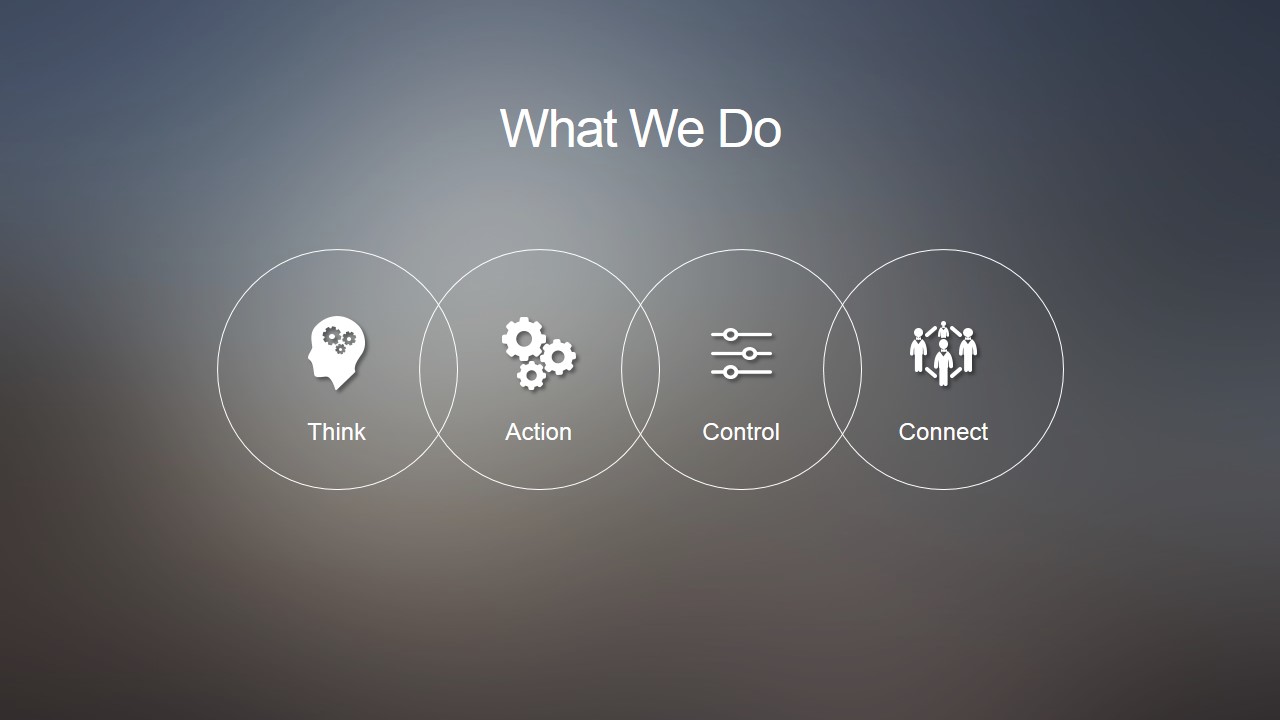
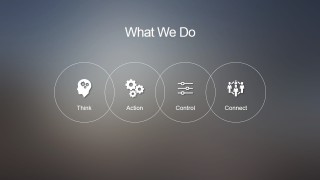
- An operations leader can introduce a department plan by combining the What We Do icon row with the org chart to show capabilities, responsibilities, and reporting structure.
Features
- 100% editable presentation template
- Compatible with Microsoft PowerPoint and Google Slides
- 16:9 aspect ratio slides
- Scalable vector shapes, icons and illustrations
- AI-Ready for Microsoft Copilot and Claude
- Instant access and download
Frequently asked questions
Q: How should a presenter organize the message with this blur-background template?
A: Start with the timeline when the audience needs context, then move into the process or What We Do icon rows to explain actions. Use the donut chart slide only for the few metrics that support the point, not for every number. Close with SWOT or the org chart if the next decision depends on strategy or ownership.
Q: Who is this template best suited for?
A: This template fits managers, consultants, product teams, and technology presenters who need a polished business overview without a heavy visual theme. The timelines, funnel, SWOT layouts, and org chart work well for internal updates, early sales conversations, operating plans, and concise strategy discussions where structure matters more than detailed documentation.
Q: Why does the blurred background work with these business diagrams?
A: The soft blur creates depth while keeping attention on the white icons, thin lines, and central diagram shapes. It acts like a muted interface backdrop, similar to a modern app overlay, so timelines, SWOT quadrants, and funnel stages feel connected without adding visual clutter. The result is calm hierarchy for short executive explanations.
Modern Blur PowerPoint Presentation Template
10-slide presentation template with blur backgrounds, timelines, SWOT matrices, and donut chart analysis
The Modern Blur PowerPoint Presentation Template is a 10-slide business deck with a soft blur background style. It includes year timelines, process icon rows, donut chart analysis, a funnel diagram, SWOT matrices, and an org chart for business or technology presenters using Microsoft PowerPoint or Google Slides. Donut chart data can be edited in Excel within PowerPoint.
- Category
- Template Backgrounds
- Rating


 Loading...
- Aspect ratio
- 16:9
- Item ID
- 4185-01
- Colors
 Microsoft PowerPoint
  Microsoft Copilot
  Claude for PowerPoint
 Other formats supported
Subscribe today and get immediate
access to download our PowerPoint templates.