Modern Blur Concept PowerPoint Template is a presentation design with a nice blur background graphic that you can use to make visual appealing & attractive slides.
What’s inside this template
Example presentation scenarios
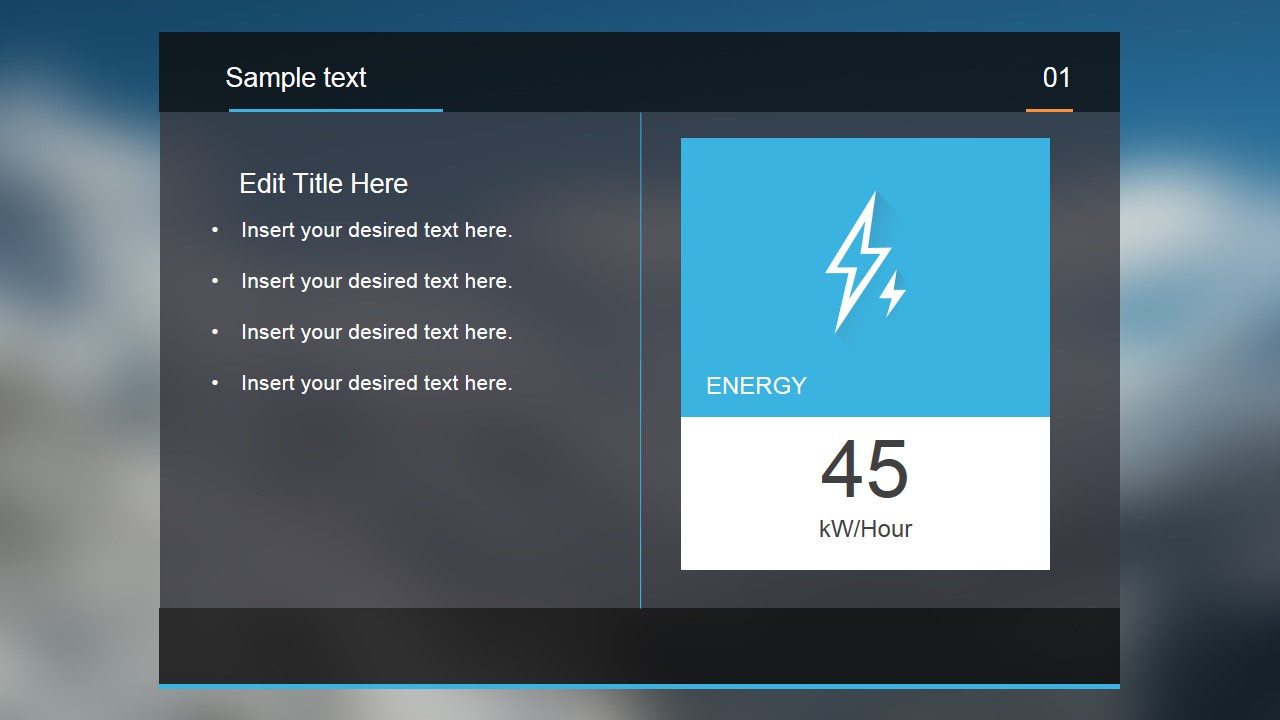
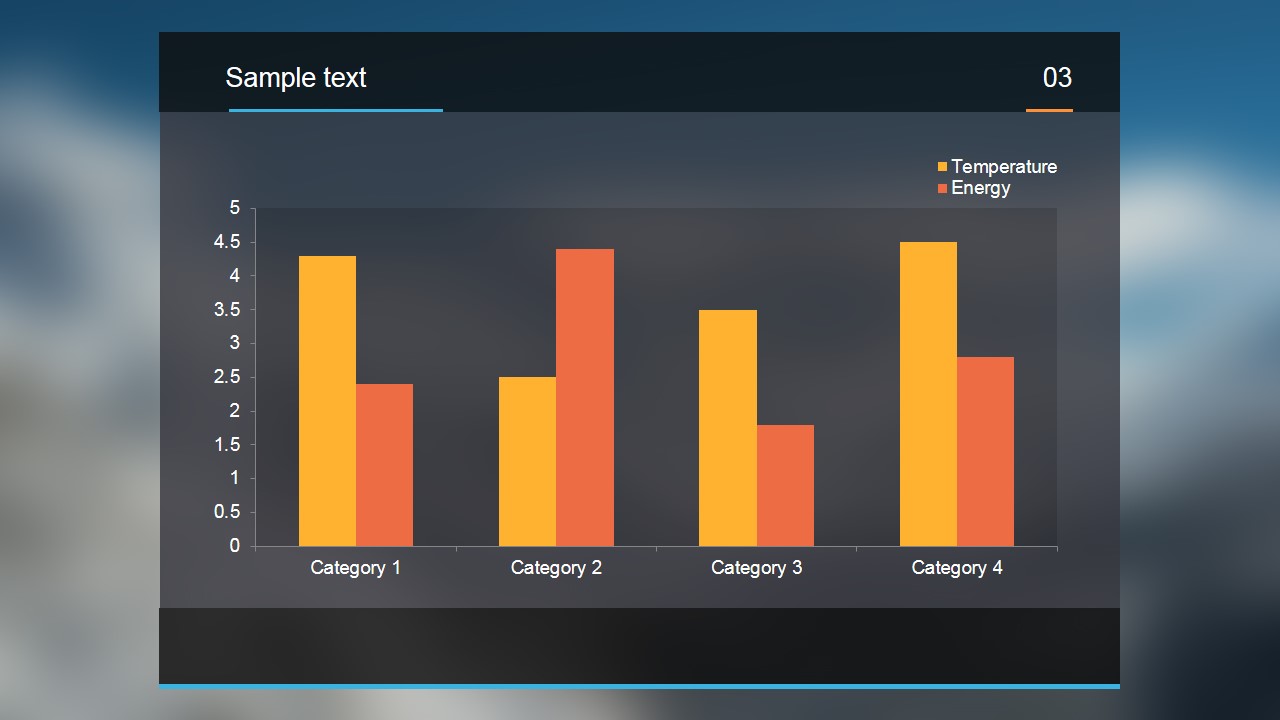
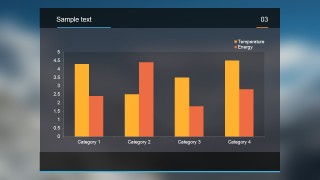
- An operations manager can present an energy or resource update by opening with the metric card, then supporting the result with the two-series bar chart.
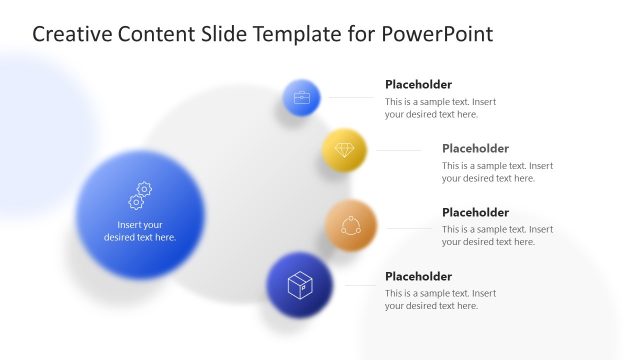
- A consultant can explain a business concept or service model using the four-part hub diagram to show related components around one central idea.
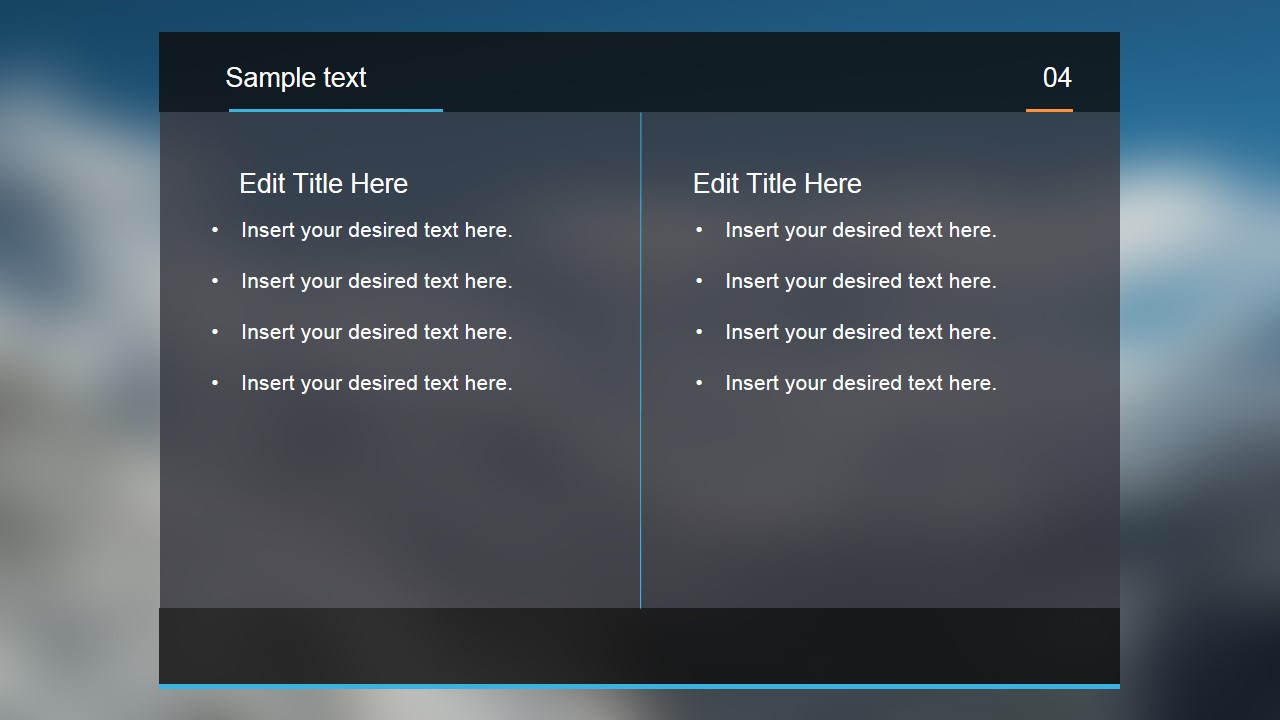
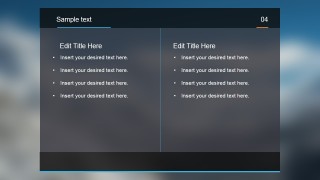
- A product team lead can compare two priorities, approaches, or feature sets with the two-column bullet slide and use the chart slide for supporting evidence.
- An analyst can brief executives on a compact trend or category comparison by replacing the sample chart data and keeping the surrounding text brief.
Features
- 100% editable presentation template
- Compatible with Microsoft PowerPoint and Google Slides
- 16:9 aspect ratio slides
- Scalable vector shapes, icons and illustrations
- AI-Ready for Microsoft Copilot and Claude
- Instant access and download
Frequently asked questions
Q: How should a presenter structure a message with only four slides?
A: Treat the deck as a concise executive update. Start with the metric card to anchor the topic, use the hub diagram to explain the main drivers, show the bar chart as evidence, and close with the two-column slide to compare actions, options, or implications. Keep each bullet line short so the dark panels remain readable.
Q: Who is this template best suited for?
A: This template fits managers, consultants, analysts, and product leads who need to communicate one idea quickly rather than run a long workshop. The mix of a KPI-style card, concept diagram, chart, and comparison slide works well for status briefings, client snapshots, and internal updates where visual focus matters.
Q: Why does the blurred background improve the communication?
A: The blurred background creates atmosphere without competing with the foreground content. Dark translucent panels act like containers, making the metric card, hub diagram, and bar chart feel connected across the deck. This visual metaphor suggests focus: the audience sees the key message clearly while the background stays intentionally soft.

Modern Blur Concept PowerPoint Template
4-slide presentation template with blur backgrounds, energy metric card, hub diagram, and bar chart
The Modern Blur Concept PowerPoint Template is a 4-slide presentation template with dark translucent panels over a blurred background. It includes an energy metric card, a four-step hub diagram, a two-series bar chart, and a two-column comparison layout for concise business, product, or performance updates in Microsoft PowerPoint and Google Slides.
- Category
- Shapes
- Rating

 Loading...
- Aspect ratio
- 16:9
- Item ID
- 7035-01
- Colors
 Microsoft PowerPoint
  Microsoft Copilot
  Claude for PowerPoint
 Other formats supported
Subscribe today and get immediate
access to download our PowerPoint templates.