Slide 4 of 6 from Creative Mind Map Template for PowerPoint
6218-02-mind-map-4
Radial Mind Map Diagram for Presentations
- Diagram
- Mind Map
- Concept Explanation Slide
- 16:9
- 100% Editable
What’s on This Slide
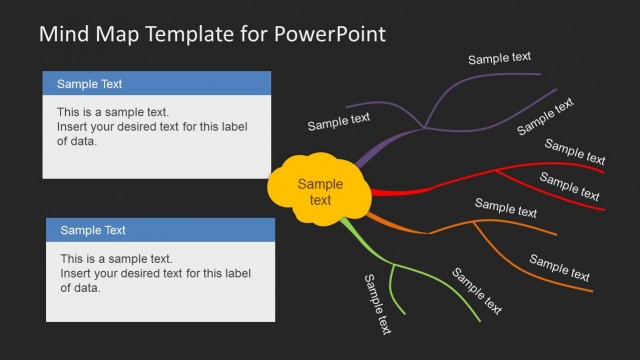
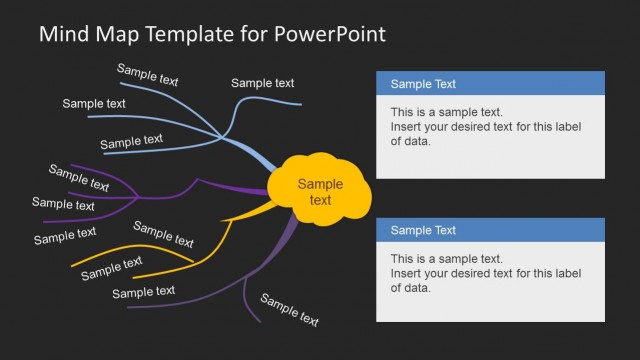
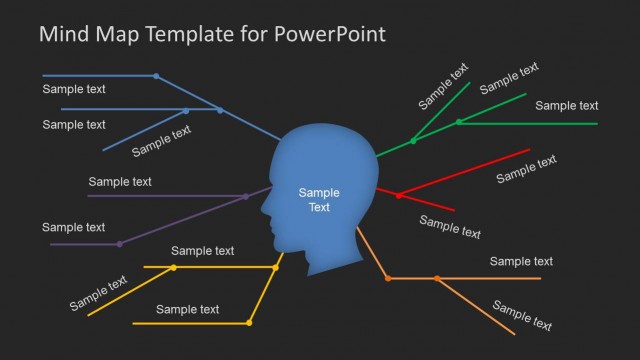
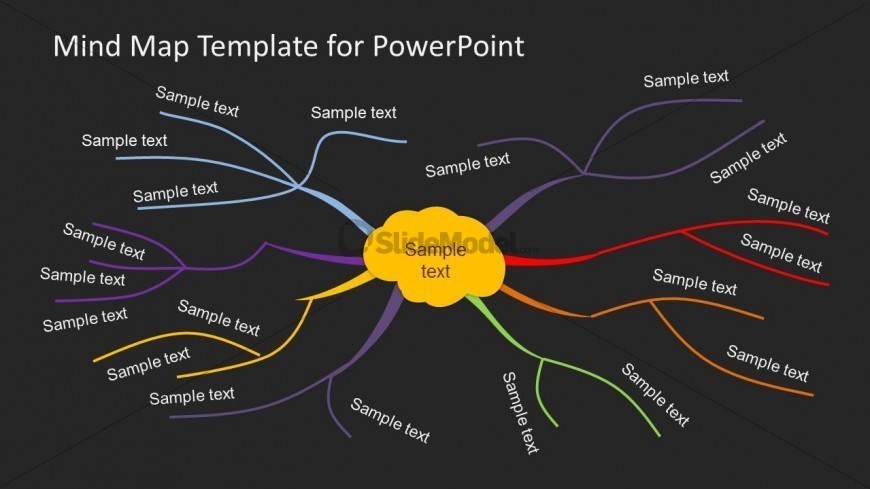
The layout features a central yellow circular node labeled 'Sample text,' surrounded by multiple curved branches extending outward. Each branch is a different color, including purple, blue, orange, and red, and contains text placeholders labeled 'Sample text.' The branches radiate from the center, creating a visual hierarchy that emphasizes the central idea. The background is dark, enhancing the contrast of the bright colors. The text placeholders are evenly distributed along the branches, allowing for clear labeling of ideas. The overall composition is balanced, with a focus on the central node.
How to Use It
This layout serves as a radial mind map, ideal for brainstorming sessions or idea generation. It fits well in a presentation sequence after introducing a topic or problem, allowing for exploration of related ideas. This structure is useful in business contexts such as strategic planning, project management, or educational settings where visualizing connections between concepts is essential. It encourages audience engagement by visually representing relationships and hierarchies among ideas.
Text Placeholders & Capacity
Keep your copy within these limits so it fits without resizing. Node slots can hold concise phrases, roughly 2-3 words each.
| Placeholder | Count | Max characters (approx.) |
|---|---|---|
| Item body | 8 | 12 |
| Item heading | 1 | 12 |
Slide Keywords
Download unlimited PowerPoint templates, charts and graphics for your presentations with our annual plan.
DOWNLOADReturn to Creative Mind Map Template for PowerPoint.