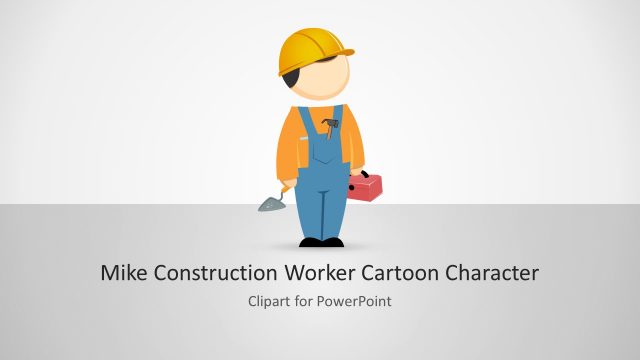
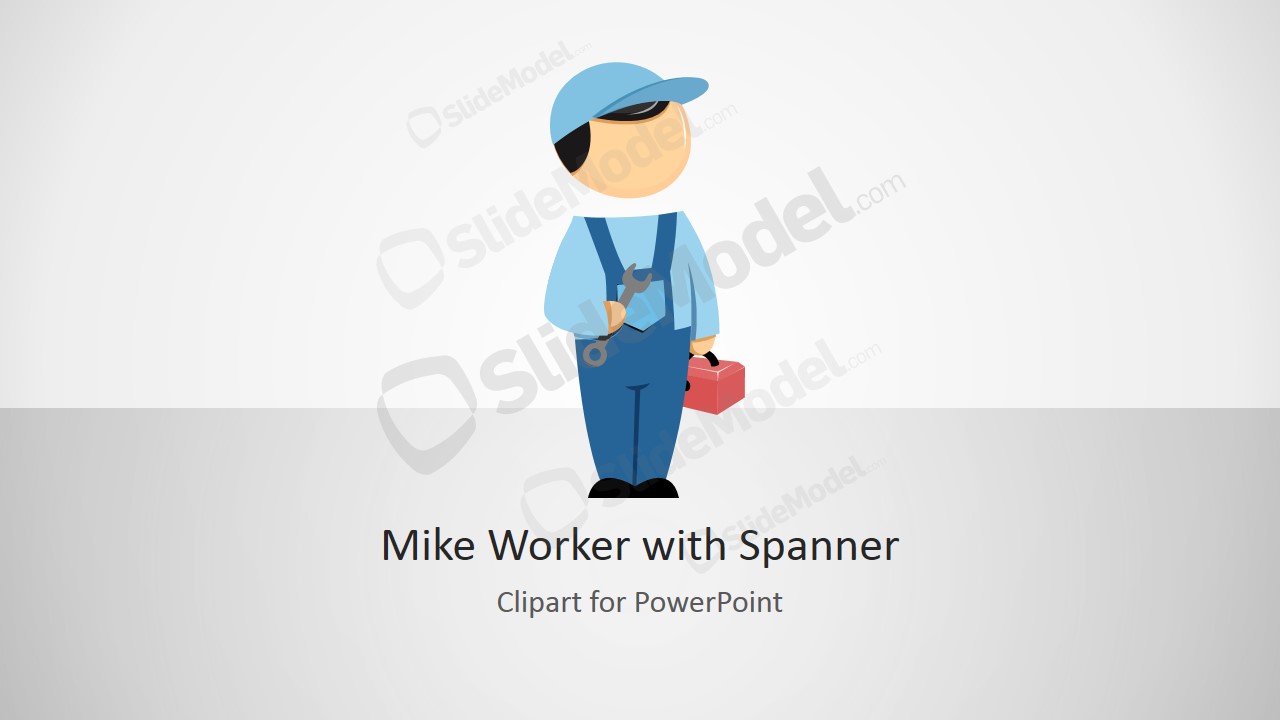
The Mike Worker with Spanner Cartoon is a professional PowerPoint Clipart created with PowerPoint Shapes. The character is dressed as a Worker, Manufacturer or Constructor. In its right hand it hold a spanner, while in the left hand it holds a tools box. Each of the shapes , that create the composite, is 100% editable, allowing the user to customize the character to any PowerPoint template or presentation.
Ideal for factory and manufacturing themes, the Mike Worker with Spanner Cartoon will help the presenter provide iconographic messages representing the topic of manufacturing employees.
What’s inside this template
Example presentation scenarios
- A manufacturing trainer can use the worker cartoon to introduce a repair or assembly lesson, then place the character beside the feature callout list to explain hands-on tasks.
- A maintenance supervisor can copy the clipart into a work-order briefing and use the customization guide slide to align the character with internal service roles.
- A construction safety presenter can use the cover slide as an approachable opening visual before explaining toolbox talks, PPE checks, or site maintenance responsibilities.
- An operations manager can use the title-and-instruction layout to present a process owner, shop-floor employee persona, or maintenance role in a simple illustrated style.
Features
- 100% editable presentation template
- Compatible with Microsoft PowerPoint and Google Slides
- 16:9 aspect ratio slides
- Scalable vector shapes, icons and illustrations
- AI-Ready for Microsoft Copilot and Claude
- Instant access and download
Frequently asked questions
Q: How should a presenter use this worker character without making the slide feel decorative?
A: Use the character as a role marker, not as filler. Place Mike near a maintenance step, employee responsibility, safety reminder, or training instruction so the audience immediately connects the cartoon with a task. The callout slides work best when each icon label states a specific action the worker represents.
Q: Who is this template best suited for in a business presentation?
A: This template fits presenters who need a friendly human symbol for manufacturing, maintenance, construction, or facility operations. It is useful for trainers, supervisors, and operations teams explaining shop-floor roles, tool use, repair workflows, or employee-facing instructions where a neutral illustrated worker is clearer than a stock photo.
Q: Why does the worker-with-tools metaphor help communicate operational topics?
A: The spanner and toolbox instantly signal practical work, repair, and hands-on responsibility. Because the figure is simplified and centered, the audience reads it as a general worker persona rather than a specific individual. That makes the illustration useful for process ownership, maintenance duties, and training steps across different industrial contexts.





Mike Worker with Spanner Cartoon
4-slide 16:9 presentation template with worker clipart, tool icons, and customization callouts
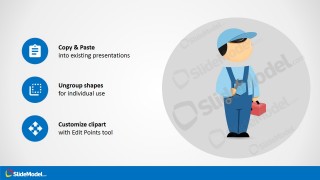
Mike Worker with Spanner Cartoon is a 4-slide 16:9 clipart presentation template built around an editable worker character holding a spanner and toolbox. It includes a cover slide, title-and-instruction layout, feature callout list, and copy-paste customization guide for manufacturing, maintenance, construction, and operations presenters using Microsoft PowerPoint or Google Slides.
- Rating


 Loading...
- Aspect ratio
- 16:9
- Item ID
- 8350-01
- Colors
 Microsoft PowerPoint
  Microsoft Copilot
  Claude for PowerPoint
 Other formats supported
Subscribe today and get immediate
access to download our PowerPoint templates.